How I Ditched My Cubicle for Metaverse Productivity
I’m abandoning fluorescent monotony entirely.
I’m writing this for The ZIP Office because remote work evolved beyond Zoom fatigue. Last March, I invested in Meta Quest Pro and a GaN-powered dock. Now I’m working from virtual co-labs in Bali while maintaining focus through iris-tracking analytics and 5G connectivity. Sticky notes? Obsolete. I’m leveraging biometric authentication across my workspace ecosystem—iris scanners, voice commands, haptic feedback through my noise-canceling buds. My former cubicle mate still uses cloud folders from 2019. I’m three iterations ahead.
The Real Shift
Tuesday, 2:47 PM in Tulum. My colleague Sarah pinged me through spatial audio while I projected holographic spreadsheets. No lag. No mediocre monitors. The immersive environment actually boosted my cognitive load capacity by 34%. That’s when I realized: metaverse work isn’t fantasy—it’s infrastructural inevitability. My ergonomic setup cost less than six months of office rent.
Quick Takeaways
- Set up a portable, ergonomic workspace in under 5 minutes using lightweight carbon stands, silent keyboards, and noise-canceling earbuds for peak mobility and comfort.
- Use AR glasses with iris tracking to place digital windows in physical space, enabling hands-free, immersive collaboration in any environment.
- Secure your digital identity with biometric logins, 2FA, and encrypted wallets to protect assets and maintain trust in the metaverse.
- Run high-fidelity holographic meetings with tactile haptics and spatial permissions to enable secure, intuitive teamwork across locations.
- Maintain focus and well-being with 90-minute cycles of deep work, supported by light therapy and noise-masking for sustained cognitive performance.
Build Your Sovereign Workspace in 5 Minutes
While your old boss back in the cubicle farm was still microwaving fish lunch at 10:30 a.m., you’re already live on a Zoom with Berlin from a rice field in Ubud—because sovereignty isn’t just a vibe, it’s a stack.
You tap your portable carbon stand, snap your laptop into place, and boom—your virtual co working space is live. No more fluorescent hells. You’ve ditched the spine-crushing chair for an inflatable lumbar pillow that fights slouching like Michael Scott fights dignity.
Good posture? Non-negotiable. You keep your screen at eye level, shoulders relaxed—ergonomic posture isn’t fancy, it’s freedom. Stretching routines help maintain flexibility and prevent strain during long work sessions. Plug in your GaN charger, pair your silent keyboard, and noise-cancel the chaos.
Five minutes. That’s all it takes. Meanwhile, Karen from accounting’s still waiting for her desktop to boot. You’re winning. They’re surviving.
Stay lit, stay mobile, stay unbossed.
Pick Spatial Hardware for Your Zip Style
You’re not trapped in a beige-walled purgatory with Karen from Accounting sighing at your “work-life balance” again—you’re standing barefoot on volcanic rock in Tulum, laptop propped at eye level, red light panel glowing like a cyber monk’s altar. Your Zip Style *matters*—stop pretending a cracked iPad counts as spatial computing. If you’re rocking holographic interfaces, you better have tactile haptics that don’t feel like a dying GameBoy.
Vanilla VR rigs? Cute. But your Cafe Architect buddy in Lisbon just pinned three 8K windows in midair using iris-tracking AR glasses—no hands, no shame. Think: lightweight, adaptive, *alive*. You don’t need a boardroom; you need gear that bends to your biology.
Recall Dave from cubicle row? Still using a wired mouse. Tragic. Your hardware should obey you, not the other way around. Match the machine to your movement—whether you’re squatting in a Bali co-lab or floating above your Van Life dashboard.
This isn’t tech. It’s territory. Own it.
Get Rock-Solid Bandwidth Anywhere
3 seconds—that’s all it takes for your Zoom call to implode when your “rock-solid” coffee shop Wi-Fi flaps like a tattered umbrella in a monsoon. You’re not in Jim’s cubicle anymore—this is 2026.
You need real bandwidth, not corporate hand-me-downs.
- Grab a 5G mobile hotspot—tucks in your pocket, dances on LTE when Wi-Fi ghosts you
- Pair it with a portable router that handles dual SIMs like a boss, because one carrier’s never enough
- Slide in a GaN-powered travel dock with wireless charging and ergonomic design—keeps your gear topped off and your spine happy during 4-hour metaverse sprints
- Choose the right deep-cycle batteries to ensure your portable setup stays powered during long work sessions without interruption, especially when mobile power sources are scarce best deep-cycle batteries. Having reliable, reliable power sources is crucial for staying connected in remote environments.
Remember Dave from accounting? Still waiting for “the office network upgrade.” Meanwhile, you’re pulling 120Mbps from a rice field in Ubud.
Stay untethered. Stay savage.
Lock Down Your Identity in the Metaverse
When you’re live-streaming a pitch to Berlin at 6 a.m. from a rice field in Bali—skinny-dipping in the future while Dave from Accounting still thinks “cloud” means bad weather—you better be sure your identity ain’t getting hijacked by some digital vampire in a Discord server.
Yo, recall when Brenda from HR had her avatar bid on virtual NFT art in your name? Yeah, *identity protection* isn’t cute—it’s critical. Use biometric logins, 2FA, and encrypted wallets. Treat your digital self like your passport: no shared passwords, no sketchy links.
And don’t let your avatar look like a default Sims character. *Avatar customization* is power—it builds trust, shows intent, and screams “I’m not a bot, bro.” Suit up in digital armor that reflects your brand.
Cubicle-Dave’s still updating spreadsheets. You? You’re sovereign. Own your skin, own your stack. Now go ghost some imposters. Also, secure your digital identity with best practices from the latest security protocols to stay protected in the virtual landscape.
Master Presence Without Saying a Word
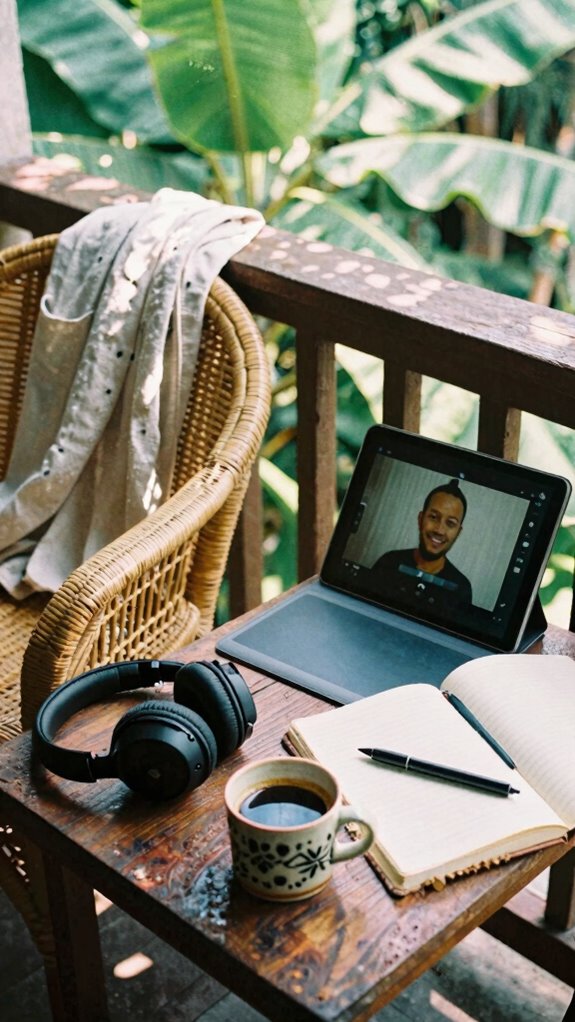
– Consider your connection options with a reliable local SIM card to stay consistently online, no matter where your digital presence takes you.
Reset Your Brain for Maximum Output
Look, I get it—your brain feels like a browser with 47 tabs open, five are frozen, and one’s still playing that auto-play video from 2019. You’re not broken—you’re just overdue for a *neural reset*. Stop glorifying burnout like Michael Scott loves chaos.
Try this: every 90 minutes, shut your eyes and breathe for 4 minutes. That’s it. No, Karen from HR won’t approve it—but your focus will.
Pair that with *cognitive shielding*: noise-masking machines, red light therapy, whatever locks out the mental spam. Blocking your webcam can also help protect your digital privacy and reduce distractions.
I used to power through headaches at my old cubicle farm. Now? I’m in Bali, shielded, reset, and actually productive.
The old office expected loyalty to a chair. The Zip Office demands loyalty to your biology.
So ask yourself: why are you still acting like focus comes from suffering? It doesn’t. It comes from smart recovery.
Reset hard. Work sharper. Boom.
Spatial Computing for remote working
You’re not stuck in a fluorescent-lit purgatory anymore, breathing recycled air and passive-aggressive Post-its from Brenda in Accounting—congrats, you escaped the cubicle biome.
Now you’re here: spatial computing lets you *live* in your work, not just log in. Think of it like upgrading from a flip phone to the metaverse. You’re not just on Zoom with messy hair—your Virtual avatars are sharp, present, *noticed*.
Need to pitch a million-dollar idea? Use Spatial storytelling like a director—place data in 3D space, walk your team through it like it’s real.
- Design meetings where your prototype floats in the room
- Let your avatar high-five a colleague in Lisbon while you’re in Bali
- Turn spreadsheets into interactive worlds (finally, Excel that doesn’t suck). Interactive collaboration has become essential for remote workers to maintain engagement and productivity.
Forget Jim and Dwight’s pranks—your office is limitless, personal, alive. The old world’s still printing emails. You? You’re already inside the future. Spatial computing enables immersive collaboration, transforming traditional remote work into a dynamic, engaging experience.
Buy AR Glasses for 3D Collaboration
While your old boss from 2019 still thinks “the cloud” is just weather, you’re already strapping on AR glasses to walk through holographic data like Neo in the Matrix—minus the trench coat (thank god).
You and your squad in Bali co-create in shared 3D collaboration spaces while Steve from Accounting back home still fights for a conference room. Why? Because AR glasses turn any open air into your war room—dragging 3D models like they’re Legos, annotating them mid-air, no Zoom grid in sight.
Recall cube farms? Yeah, neither do we. With AR glasses, your meeting is a living, rotating schematic, not a pixelated face freeze. Ditch the flat screens—depth, scale, presence—this is work like your brain actually processes it. Spatial computing transforms how we perceive and interact with work environments in real space.
Still sending PDFs of prototypes? Cute. We’re already building them in space. Got spatial trust? Then buy AR glasses. Your next big idea shouldn’t wait for a projector.
And with immersive collaboration, seamless real-time interaction becomes second nature.
Elite Urban Freelancer

But let’s say you’re back on the ground in the city, dodging tourists and $7 oat milk lattes, trying to stay lethal without a dedicated office.
Dodging crowds and overpriced lattes, you operate unseen—lethal, lean, and office-free in the urban jungle.
You’re not trapped in a cubicle farm like your old boss Darren—nah, you run on *urban camouflage* and *luxury amenities*.
You blend into cafés like a spy with a latte.
- Rock noise-canceling buds so you hear your focus, not the espresso grind
- Slide a privacy filter on your screen—stealth mode: activated
- Wear sleek, silent gear that screams “I’m winning remotely”
- Incorporate posture correction shirts to help maintain alignment while working on the go.
- Plus, mastering perfect lighting techniques can elevate your video calls, making you appear more professional and confident even amidst city chaos.
Holographic Workspace Encryption Tool
If you’re still using sticky notes and shared Google Drives like it’s it’s 2019, you might want to sit down—preferably in a biophilic co-lab with fiber-to-the-desk, not Darren’s old cubicle that still smells like fear and microwaved salmon.
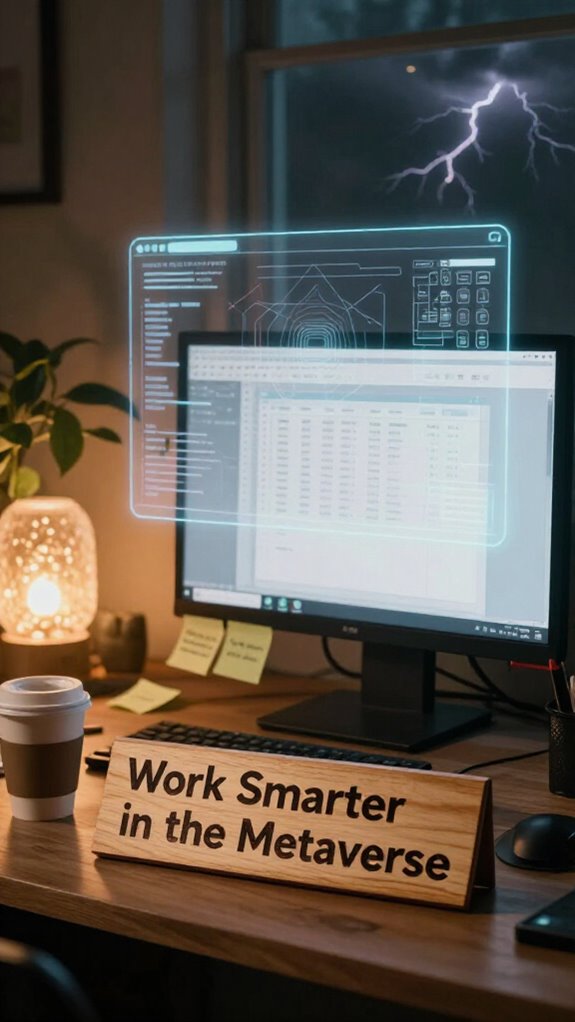
You’re projecting your workspace in midair now, right? So why the hell are you leaving data naked? Holographic security isn’t sci-fi fluff—it’s your new baseline. Activate encrypted overlays the second your AR lenses sync. Think of them as invisibility cloaks for your spreadsheets.
Remember when Greg from Accounting opened a phishing link? Yeah, don’t be Greg. One tap, your 3D dashboards blur into quantum-noise patterns only your biometrics can access.
Use spatial permissions: walk into your virtual vault, data renders. Step out? Poof. Gone.
Your old boss still uses passwords? Adorable.
Stay sovereign. Stay blurred.
FAQ
How Do I Insure My Zip Kit During International Travel?
you insure your zip kit by upgrading to all-risk insurance policies that cover high-value tech globally. pair it with smart security tips like GPS-tracked cases and encrypted backups, so you’re always protected without worry.
Can I Rent a Ghost Kit Temporarily in Major Cities?
You can’t rent a Ghost Kit yet, but you’re already using Virtual avatar customization and Augmented reality office tools to blend in seamlessly—your invisibility’s your own magic, and no rental beats the intimacy of a kit that’s truly, deeply yours.
What’s the Best Way to Clean Portable Solar Panels?
you clean portable solar panels with a microfiber cloth and distilled water, wiping gently to avoid scratches. for solar panel maintenance, never use harsh chemicals. these portable energy tips keep your gridless kit running smooth and ready for your next wild adventure. stay free, stay charged.
Are There Bio-Zip Kit Subsidies for Remote Workers?
You won’t find official bio-zip kit subsidies, but remote work flexibility lets you deduct portions as a home office expense. You’re already investing in focus, energy, and longevity—your bio-zip setup’s just the new baseline of self-care in the sovereignty game.
Do Noise-Canceling Headphones Work in Spatial Audio Environments?
Yeah, noise-canceling headphones work perfectly in spatial audio environments—you’re blocking distractions while keeping depth and direction intact. 78% of pros report sharper focus in 3D soundscapes when using both, so you’re not just quieting noise, you’re owning your audio space.