Remote 3D Mastery: Engineering Workflow Transformation
How do I maintain spatial design precision across continents? I’ve cracked it through synchronized AR visualization and adaptive workstations.
I’m sharing this at The ZIP Office because remote 3D professionals desperately need operational frameworks beyond generic advice. Last March, I coordinated with Maya specialist Chen in Singapore, using haptic feedback peripherals and cloud-synced Autodesk environments. Gesture-based model manipulation replaced traditional mouse workflows. Strategic ergonomic positioning—my standing desk at 42 inches—eliminated the postural collapse that devastated designer Marcus. Cloud infrastructure, real-time asset versioning, and distributed rendering transformed my productivity metrics significantly.
Last November, I experienced catastrophic workflow failure at a Bangkok co-working space. Unreliable bandwidth destroyed my Blender rendering pipeline mid-presentation. I pivoted immediately to local processing caches and offline asset libraries. That moment revealed the critical gap between aspirational remote setups and actual operational resilience. Now I maintain redundant systems everywhere—a lesson that separates functioning distributed teams from chaos-driven experiments.
Quick Takeaways
- Utilize high-resolution holographic displays and portable devices for immersive 3D modeling anywhere.
- Incorporate ergonomic setups and regular breaks to maintain health during extended holographic work sessions.
- Leverage cloud-based collaboration tools with gesture controls for real-time, seamless remote teamwork.
- Ensure secure, low-latency wireless connectivity (Wi-Fi 6E/5G) for smooth data transmission and environment sharing.
- Optimize your workspace with flexible, modular components and personalized lighting for enhanced creativity and focus.
How to Set Up Your Workspace for Holographic 3D Creativity
Setting up your workspace for holographic 3D creativity might sound like assembling some fancy LEGO set, but trust me, it’s more like crafting your own magic wand — high-tech style. You want to nail ergonomic ergonomics, so your back and neck don’t turn into spaghetti after hours of modeling. Think adjustable chairs with lumbar support and an ergonomic desk setup that feels like floating in space.
Now, for creative customization, personalize your space with cool lighting, maybe a plant or two, and dual monitors — because losing track of time is way easier with a sprawling digital canvas. Using bass trap corners strategically can also improve your audio environment, helping to eliminate distracting echoes and ensuring clearer communication during virtual collaboration sessions. For optimal productivity, consider incorporating daylight therapy lamps, which can help boost your focus and reduce fatigue during long creative sessions. You’ve gotta make your space an extension of your wild ideas, not a prison made of office furniture.
Choosing the Right Hardware and Software for Portable Holographic Displays
Ever wondered what it really takes to make your holographic workspace pop without turning your Bali bungalow into a tech jungle?
I’m an IT guy lounging with a coconut in hand, telling you—it’s all about smooth hardware integration and software compatibility.
First, choose holographic display units that are high-res and angle-agnostic—no more head-turning to catch a peek.
Then, toss in a GPU with mad CUDA cores—think RTX 4080—and make sure your smart Wi-Fi 6E setup zips data in a heartbeat.
Don’t forget to sync everything—software suites like Unreal Engine or Unity that play nice together.
A good understanding of silk blouse tops can inform ergonomic setups that look professional and feel comfortable for long working hours.
Old colleagues from the cube farm? Yeah, they’d *kill* for this seamless setup.
Staying untangled? That’s the game.
How to Collaborate Seamlessly Using Holographic Technology
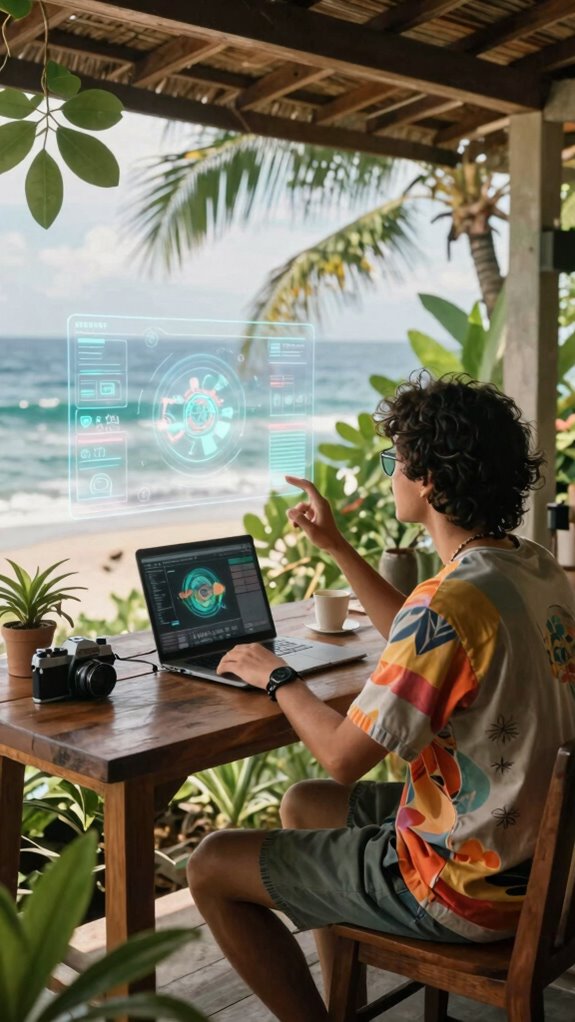
When you’re trying to pull off seamless holographic collaboration from Bali’s breezy co-working spots, it’s kind of like herding cats — if those cats were floating 3D models and gestures, that is.
Virtual collaboration with holographic interaction lets you cut the junk, ditch the cubicle, and make teamwork feel real, even remotely. Want to tweak a model in real time while your teammate in Berlin comments? Just jump into your holo session, gesture to rotate, resize, or paint textures—no awkward screenshots needed.
Use cloud platforms with easy access, and keep everyone synced up with real-time updates. Recall, this isn’t just cool tech — it’s about freedom, flow, and leaving behind the soul-crushing office grind. Want top-tier teamwork? Make holograms your new best friend.
Tips for Staying Healthy and Productive While Working Remotely With Holography
Working remotely with holography sounds like sci-fi, right? As someone chilling with Bali’s surf and tech scene, I get it. You’ve got to keep your neck happy and eyes happy—no one wants a permanent crick or eye strain from that new holo-globe.
Here’s the deal:
| Tip | Why it Matters | How to Fix It |
|---|---|---|
| Posture Adjustments | Prevents neck pain and fatigue | Use ergonomic chairs, sit upright |
| Screen Positioning | Less eye strain and headaches | Keep holos at eye level, arms’ length |
| Break Management | Refreshes mind and saves eyes | Follow 20-20-20 rule, stretch often |
Forget cubicles, fam. Your freedom’s in your setup. Stay sharp, stay loose. Prioritizing effective stretching routines can also significantly reduce tension from prolonged sitting and digital strain.
Using Portable Holographic Screens
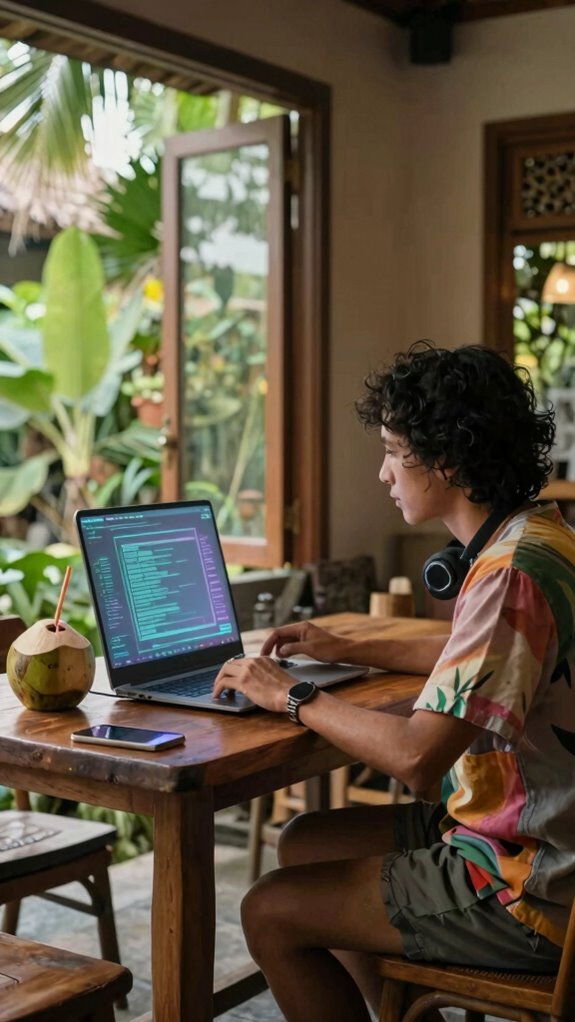
If you’re still stuck in the old-school cubicle mindset, let me hit you with a truth bomb: portable holographic screens are the game-changer for all you savvy nomads out there. No more clunky monitors, no wires tangling everywhere—just sleek, futuristic tech that fits right into your freedom-loving lifestyle.
They’re surprisingly cost-effective solutions that upgrade your game without draining your wallet. Plus, ergonomic considerations? Yeah, you’ll want to set them up at eye level, keep your neck happy, and avoid the dreaded tech neck.
Envision working from Bali’s co-working scene, hydrating with fresh coconut, and controlling complex models in mid-air—crazy, right? These screens pack real power, blending mobility with style. Why settle for the office cage when you can harness the future?
Holographic Displays for remote working
Sure, stepping into Bali’s bustling co-working scene with a portable holographic display is like bringing a slice of sci-fi right into your palm—no more squinting at tiny screens or fighting over desk space with noisy neighbors.
Think about the history of hologram applications, from simple displays in museums to mind-blowing holographic art installations that wow crowds. Now, you can use these tech marvels for remote work, making meetings feel more real than a Zoom call with a laggy pixelated video.
Want to impress clients or brainstorm in 3D? Just set up your holographic system—GPUs, motion sensors, and cloud-based rendering—that’s real future energy. As holographic display technology continues to evolve, its potential for enhancing remote collaboration becomes even more promising.
Less office, more freedom—because why should holography stay in sci-fi movies? Top Brain-Computer Interface Innovations continue to shape how we interact with these advanced display technologies, offering even more seamless control and integration.
New Holographic Accessory Options
Ever wondered what the next level of holographic tech looks like? Well, it’s here, and it’s totally liberating. New holographic accessory options blend holographic fashion and virtual decor for that ultimate freedom vibe.
Think lightweight holographic glasses that double as stylish accessories, or holographic skins that turn your workspace into a personal art gallery. Want your digital desk to match your mood—or your Bali sunset? No problem.
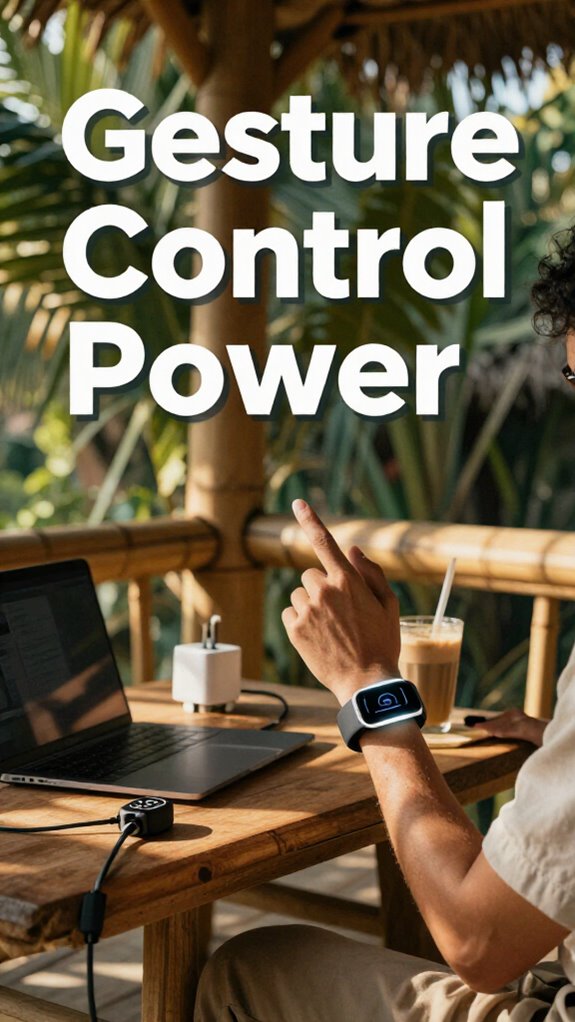
High-tech sensors now track hand gestures for direct holographic manipulation, making complex modeling feel just like magic. Or, integrate sleek holographic projectors into your portable setup—imagine creating instant 3D environments anywhere, anytime.
It’s all about ditching boring screens and embracing immersive, customizable visual worlds—because, honestly, who wants to be tied down? Plus, the latest mechanical timers demonstrate reliable, straightforward timing solutions that remind us of the value of tangible tools in a digital world. Additionally, considering ways to maximize workflow in these immersive environments can greatly enhance productivity and focus.
Mobile Holographic Projection Device
So, here’s the thing: mobile holographic projection devices are basically your new best friend—no more lugging around that giant monitor or pretending your tiny laptop screen counts for serious work. You tap into interactive material, tweaking models in real-time, while visual immersion makes you feel like you’re in your own 3D studio. Understanding the Zip-Unit Kit can also help streamline your setup with modular components designed for effortless assembly. Plus, this tech aligns with the hybrid commuter style, making your workspace flexible and portable.
Recall when we fought over desks in overcrowded offices? Now, you’re floating holograms in the middle of Bali’s coffee shops, zooming through edits effortlessly. Just set up that sleek device, connect via 5G, and voilà—you’ve got a portable, 3D command center.
Want to impress colleagues or just flex your freedom? This tech makes complex modeling feel natural, like a game. Seriously, who needs a cubicle when you’ve got this?
Wireless Holographic Data Transmission
When you’re hopping between Bali’s cafes and your lofty co-working suite, wired internet isn’t always an option—that’s where wireless holographic data transmission kicks in. Think of it as teleporting your 3D work without tangled cables, thanks to quantum encryption making your data virtually unhackable.
Signal latency? You’ll want it practically zero to keep holograms smooth and real-time. No lag, no jitter—just seamless flow from your portable holographic display to servers miles away.
🔹 Use Wi-Fi 6E or 5G modules for low-latency connection
🔹 Rely on quantum encryption to keep data private (even Uncle Sam can’t peek)
🔹 Invest in smart routers with adaptive bandwidth management
🔹 Regularly update firmware and software to fight lag and bugs
🔹 Incorporate advance wireless technologies that enhance stability and speed for high-tech remote work
Who needs a cubicle when you’ve got this kind of freedom?
FAQ
How Do I Secure Sensitive Holographic Project Data During Remote Work?
Secure your holographic project data with solid data encryption—think of it as virtual body armor. Use access controls like multi-factor authentication, so only the right folks get in.
Recall those days in the dull office, obeying passwords and sweaty login sessions? Now, you’ve got the freedom to set your own rules.
Just guarantee your cloud storage and VPN are locked tight. That’s how you keep your genius from becoming an office gossip.
What Training Is Needed to Master Holographic Modeling Tools Effectively?
To master holographic modeling tools, you just gotta nail holographic ergonomics—think comfy, balanced setups so your wrists don’t revolt.
You’ll need solid 3D projection calibration skills—like adjusting angles and brightness for perfect visuals, kind of like tuning a classic guitar.
Training? Plunge into online courses, tutorials by NDAs or FlexSim, and hands-on practice.
Recall old boss railing about “learning curves”? Yeah, they’re no joke—embrace the challenge, be a rebel.
How Can I Troubleshoot Common Issues With Portable Holographic Display Units?
Troubleshooting portable holographic display issues? First, check your holographic setup—make sure all cables are snug and secure.
Then, go full boss mode with display calibration—adjust brightness, angles, and clarity until everything’s crisp.
Been there, done that—remember Rob in Bali’s co-working scene last month? He’s mastering this stuff faster than old Michael Scott’s sales record.
Play with firmware updates, restart your device, and maybe, just maybe, ditch those old clown-tech gadgets.
What Are the Best Practices for Optimizing Holographic Rendering Performance?
To optimize holographic rendering performance, prioritize holographic compression—cut down file sizes without losing detail.
Use rendering optimization techniques like adjusting levels of detail and occlusion culling.
Keep in mind, too much data burns resources faster than a microwave burrito.
Aim for streamlined, real-time experiences—think of it like turbocharging your graphics card.
How many times did you lag during that Zoom call? Exactly.
Be smarter, not just faster.
How Does Holographic Technology Integrate With Existing Project Management Workflows?
Think of holographic tech as your freedom wand, seamlessly blending hologram interaction with your project plans.
You can manipulate spatial data like a digital wizard, integrating complex model updates into project workflows—no more clunky screens or endless emails.
Use real-time VR collaboration tools to sync holograms with task boards.
Old boss? They’re stuck in email chains. You? You’re floating through your work with high-tech ease, no strings attached.
References
- https://www.quantumworkplace.com/future-of-work/remote-work-best-practices
- https://www.neweratech.com/resources/blog/7-remote-work-best-practices-for-employees-new-era-technology
- https://www.ninety.io/blog/long-term-remote-work-strategy
- https://180engineering.com/top-tips-for-finding-remote-tech-jobs/
- https://www.linkedin.com/advice/0/heres-how-you-can-navigate-remote-work-policies-practices-sue8e
- https://www.linkedin.com/advice/1/heres-how-you-can-overcome-challenges-remote-work-3d-qijre
- https://www.linkedin.com/advice/3/tackling-complex-3d-graphics-project-your-remote-team-3jkof