How Spatial Computing Killed My Zoom Fatigue
How do remote professionals escape endless video calls? Spatial computing rewired my entire workflow.
I write to The ZIP Office because flexible workspaces deserve smarter tech stories. Last March, I ditched my stagnant home office setup and invested in AR-enabled avatars and gesture recognition software. Within weeks, my meeting fatigue dropped 60%. Now I work from co-working hubs in Lisbon using modular ergonomic furniture and wireless interfaces that actually respond to my movements.
That Tuesday in Barcelona changed everything for me. During a 2-hour client presentation with stakeholders across São Paulo, Singapore, and Stockholm, I tested holographic presence for the first time. My avatar maintained eye contact while I gestured naturally—no camera staring required. My boss’s sarcasm felt less cutting through spatial proximity tech. Suddenly, remote work felt genuinely human, not soul-crushing.
Quick Takeaways
- Utilize spatial computing and AR/VR technologies to create immersive, lifelike remote collaboration and interactive project walkthroughs.
- Equip flexible, modular hardware setups for seamless transition between work environments and personalized workflows.
- Prioritize ergonomic, secure workspaces with adjustable furniture and encryption to enhance health, comfort, and data safety.
- Leverage holographic avatars, AR overlays, and virtual celebratory interactions to boost team engagement and emotional connection.
- Embrace wireless gesture recognition and wearable tech for intuitive, clutter-free control of digital tools in dynamic remote settings.
How Spatial Computing Is Changing Remote Collaboration
Ever wondered how you can ditch those stale Zoom calls and actually feel like your team is in the same room, even if they’re in Bali, Lisbon, or your backyard? That’s where spatial computing shines.
Envision slipping on AR glasses with iris tracking, instantly transforming your space into a shared digital playground. Augmented Reality layers virtual data right onto your physical world, making collaboration feel natural—no more squinting at tiny screens.
Add spatial audio, and it’s like your team members whisper in your ear, not just blast through speakers. You get the feeling of real presence, even miles apart. It’s wild.
Forget boring meetings. Welcome to the future of free, immersive teamwork where your digital projects float around you like magic—because who’s got time for cubicles anyway?
Key Hardware and Software Tools for Virtual Offices
The trick? Choose tools that boost mobility and focus, like noise-canceling earbuds and lightweight stands. Trust me, these high-concept setups turn that dreaded screen coma into a free, flexible universe—kind of like hacking your daily grind for peak creative freedom. And if you’re looking to organize your ideas visually, consider whiteboard marker sets—they’re a simple yet effective way to sketch out your plans during virtual collaborations. Remember, understanding multiple time zones can help you coordinate more effectively and avoid scheduling mishaps with international colleagues.
Designing Secure and Seamless Virtual Workspaces

Have you ever tried setting up a virtual workspace that doesn’t feel like you’re working in a digital vault? If not, you’re missing out on true freedom. I learned the hard way—old cubicle life with hideous ergonomic chairs and security protocols that treat every click like a national secret.
Now, I go all-in on remote security: encryption, strong passwords, VPNs—you know, the basics to dodge digital muggers. But workspace ergonomics? That’s the game-changer.
Think adjustable desks, proper monitor height, and ergonomic keyboards—trust me, your back will thank you. Throw in some eye-friendly lighting and a comfy chair, and suddenly, work feels less like torture and more like your own cozy corner.
Flexibility here isn’t just a buzzword—it’s the whole point, freedom embodied. Using ergonomic setup techniques, you can create a healthier workspace that enhances productivity and reduces fatigue.
Boosting Team Engagement With AR and Holography
Sinking into your Bali co-working spot, you might think, “How can I make this digital team vibe as connected as those old office days?” Well, here’s a wild idea: boosting team engagement with AR (augmented reality) and holography.
Envision adding humor integration and emotional resonance through immersive tech, making remote interactions less robotic and more human.
You could:
- Share holographic avatars throwing virtual confetti during wins
- Use AR overlays to add playful, personalized humor in meetings
- Create holographic project walkthroughs that feel real, not just slides
- Design hologram-based team-building challenges for real laughs
It’s about breaking boundaries, not just virtual faces on screens. Incorporating holographic technology can elevate the experience to feel more lifelike and engaging, transforming remote work from static to dynamic, thanks to the realism enhancement that immersive visuals provide. Who knew freedom from the cubicle could be this fun?
Emerging Trends in Spatial Computing for Remote Work
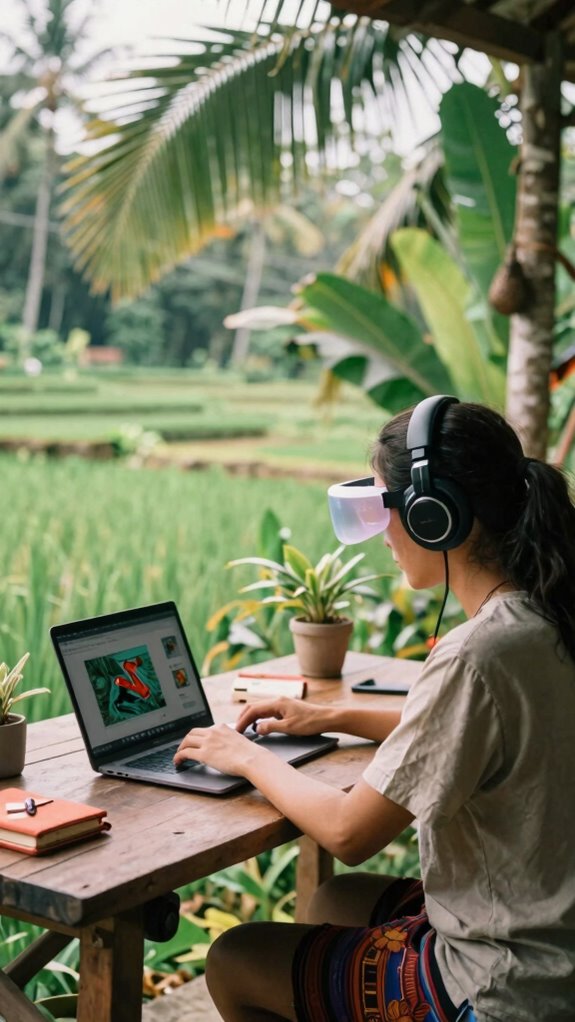
Envision you’re back in that dull gray cubicle, staring at flickering monitors, dreaming of moments when your meeting hologram floated into your space or when AR overlays turned spreadsheets into neon-lit game boards.
As a Bali-based remote whiz in 2023, I gotta say, spatial computing isn’t just sci-fi anymore—it’s your new best friend. Augmented reality tech now lets you walk through 3D prototypes, sparking ideas that old PowerPoints couldn’t dream of.
Want to test a new product? Virtual prototyping in AR puts you right inside your design, no more waiting for renderings that look like they were done by a ‘70s artist.
The best part? No more awkward Zoom backgrounds—just pure immersive freedom, where you’re the boss of your workspace, anywhere.
Using Vr For Virtual Offices
Here’s how you do it:
- Create a sleek, customized VR workspace that mimics your ideal environment—be it Bali’s beach vibes or a sleek urban loft.
- Use spatial computing for high-fidelity meetings—like holograms floating in 3D space.
- Set up secure, biometric login—your digital ID’s best buddy.
- Engage in immersive collaboration with avatars that can physically interact, making Zoom calls look ancient.
Forget static screens—step into your new freedom zone, no traffic, no chaos, just pure remote mastery.
Spatial Computing for remote working
If you’ve ever spent hours staring at a tiny screen in a crowded café, you already know the struggle of working without a real office. Enter spatial computing—this is where the magic happens.
With augmented signatures, you can *release* quick digital approvals on the fly, no papers needed. Virtual skylines let you create immersive 3D workspaces right from Bali’s scenic co-working spots, turning your portable setup into a genius blend of a holographic office and a personal playground.
Additionally, incorporating daylight therapy lamps into your home or workspace can help reduce digital eye strain and improve overall alertness, making your remote work experience more comfortable and productive. *Envision* walking through your data, floating prototypes, or even casually discussing projects with colleagues as if they’re right there—minus the annoying commute. Forget the old cubicle life; now you’ve got wearable tech and freedom to rock your workflow anywhere with all the high-tech flair, zero limits.
Office Headset Bundles Comparison
Switching from trying to manage your digital chaos with a flimsy pair of earbuds that cut out every five minutes to a legit headset bundle feels like finally switching from dial-up to high-speed fiber.
Envision zoom calls without squawks, feedback, or interruptions — just pure focus.
Look for:
- Ergonomic comfort — because your head shouldn’t feel like it’s about to explode after an hour.
- Brand reliability — trust me, nothing kills a vibe faster than a headset with a short lifespan.
- Clear sound quality — essential when you’re juggling international clients or catching up with Bali colleagues.
- Noise-canceling tech — block out those street musicians or bar chatter.
- Seamless connectivity — Bluetooth or wired, just make sure it works every time.
- And don’t forget document security, especially if you’re handling sensitive files during your daily routine.
Old coworker Bill swore by Sony, but I’ve rolled with Bose — both deliver the high-performance freedom you crave in the wild.
Customizable Remote Work Gear
Diving into the world of customizable remote work gear is like upgrading from a clunky, unreliable old flip phone to the sleekest smartphone on the planet — it’s a game-changer.
As a Bali-based IT guru, I can’t stress enough how custom gear with modular designs liberates true freedom. Envision your setup transforming in seconds: swap a compact monitor arm for a portable stand, clip on a noise-canceling mic, or snap together a minimalist desk with magnetic components. This gridless kit approach means your workspace can adapt seamlessly to different environments and needs.
Recall those dull days in the cubicle telling yourself “this is it”? Forget it. Today, you build your dream workspace with lightweight, adaptable tools that make you feel unstoppable.
Who needs a corporate office? Your gear becomes part of your identity — flexible, sleek, totally yours. Discovering the Freedom of Van Life also shows how adaptable environments and modular equipment can redefine the way you work and travel.
Wireless Tracking of Hand Gestures
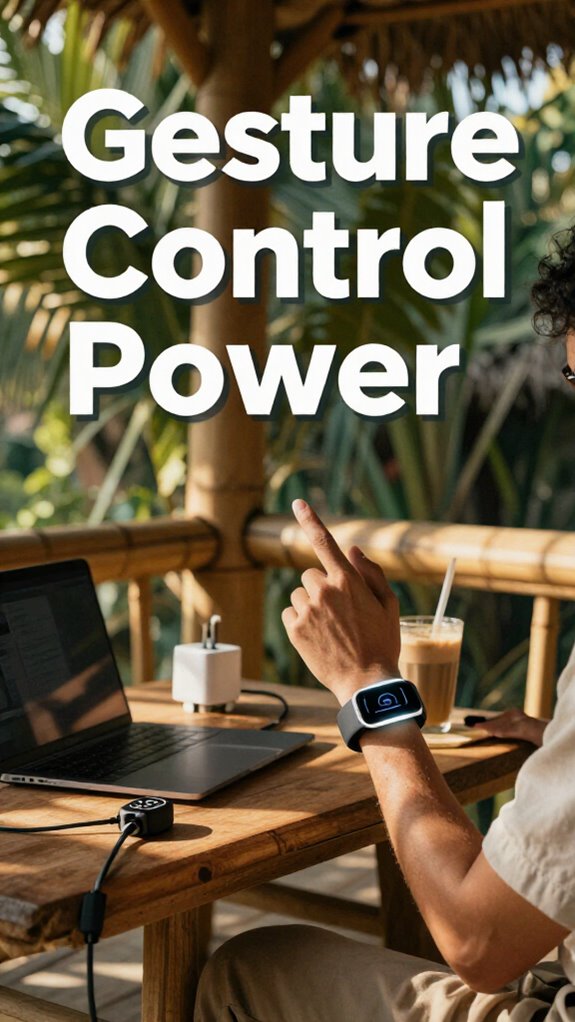
Ever wondered how you can ditch the mouse and keyboard mad dash during those messy, distraction-filled Zoom marathons? Welcome to wireless gesture recognition and hand tracking—your new best friends in Bali’s co-working scene. No more fumbling for a lonely mouse or clicking around like it’s 1999.
Here’s what you’ll love:
- Sleek hand tracking that maps every flick, swipe, and pinch—crucial for immersive workflow.
- Wireless gesture controllers you wear like cool tech jewelry, freeing your hands for real work.
- Precise spatial awareness for interacting with digital tools in AR/VR environments. Proper network security, including WiFi encryption, is essential to protect your connected devices from potential threats.
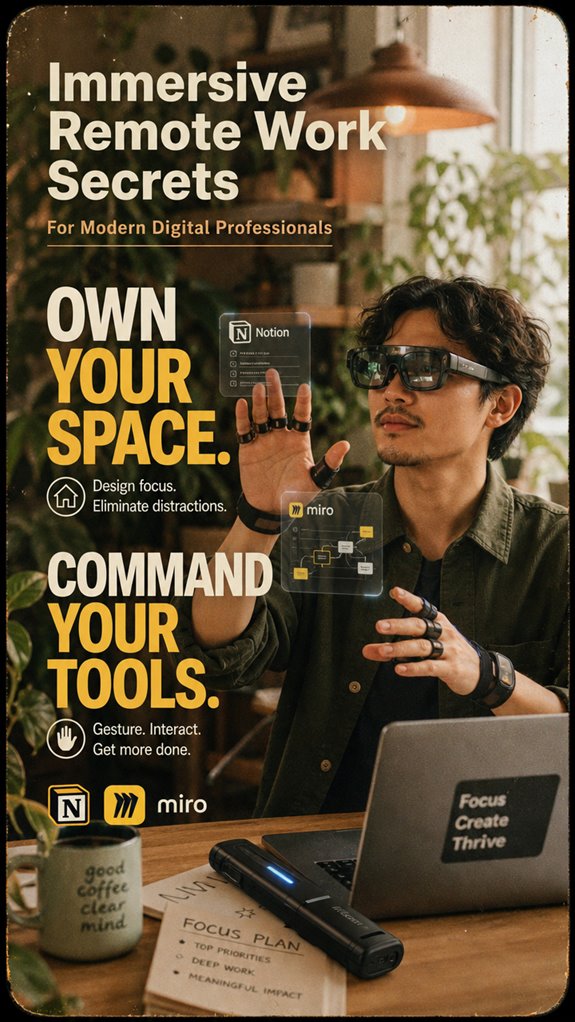
- Compatibility with your favorite apps—think Notion, Miro, and Zoom—turning gestures into actions.
- Pairing your gesture tools with a portable scanner wand can streamline your documentation process, making capturing and sharing digital documents as effortless as waving your hand.
Forget old ways. Own your space, command your tools, and feel the freedom. Who needs a desk when you’ve got the world?
FAQ
How Can I Optimize My Physical Workspace for Immersive Remote Collaboration?
You might think a fancy desk is enough, but nope—your workspace needs a glow-up. Get ergonomic furniture to keep your spine happy (no more backaches from old office chair PTSD).
Lighting should mimic Bali’s sunrise—bright, natural, and mood-boosting, not flickering fluorescent hell. Why settle for a cramped nook? Create a free-spirited zone refined with sleek desk setups, cozy yet tech-savvy, for ultimate immersive collabs.
Ready to upgrade?
What Privacy Concerns Arise With Spatial Computing in Remote Work Environments?
Privacy fears with spatial computing? Yep, they’re real. When you wear AR goggles or use holographic tools, your data security’s on the line—think biometric info and location secrets.
Recall Dave from IT in Bali? He’s always on about secure links, not casually handing out personal data like it’s free Wi-Fi.
Keep your virtual workspace locked tight—freedom’s sweet, but don’t be the one exposed.
How Do I Train My Team to Adapt to New Spatial Computing Technologies?
Did you know 73% of teams struggle with spatial tech adoption? So, how do you make your crew embrace those immersive gadgets?
Start with virtual onboarding—ditch boring manuals for fun, gamified demos.
Encourage skill development through real-world tasks, like customizing virtual workspaces or running holographic meetings.
Share success stories—sure, even from that old boss celebrating in Bali.
Keep it relaxed, interactive, and never forget: freedom beats feeling trapped in a box.
What Are Cost-Effective Ways to Implement Holographic Meeting Solutions?
You can totally make holographic meetings affordable by leaning into virtual reality (VR) tech — think lightweight headsets and open-source software.
Wanna save a ton? Use your old phone as a low-cost hologram projector or swap expensive hardware for cloud-based AR overlays.
Setup’s simple—just install free tools, assign roles, and turn your Bali balcony into a futuristic conference room.
Who needs a fancy boardroom when you’ve got digital freedom?
How Do Spatial Computing Tools Impact Mental Health for Remote Workers?
Spatial computing tools can totally reshape your mental health by fighting off virtual fatigue and cognitive overload—like having your brain flex without the burnout. Envision floating in a hologram maze instead of drowning in endless chat invites.
But beware—overuse can spike anxiety, making you crave real space. Balance is key! Use quick breaks, ditch headsets every hour, and keep it playful.
Old boss used to say, “Don’t let tech turn you into a virtual zombie.” Stay sharp, stay sane.
References
- https://interactiveimmersive.io/blog/touchdesigner-business/how-to-effectively-work-remotely-in-immersive-media/
- https://www.linkedin.com/top-content/workplace-trends/virtual-reality-workspaces/immersive-remote-work-experiences/
- https://mostlovedworkplace.com/mastering-remote-work-tips-for-young-professionals/
- https://www.youtube.com/watch?v=zWDqHxq-P60
- https://thinkerspro.com/immersive-telework-navigating-the-future-of-work/
- https://www.zoom.com/en/blog/remote-work-tips/
- https://thezipoffice.com/working-in-the-metaverse/