My Wi-Fi Security Wake-Up Call After The March Breach
I discovered my router’s default password was still “admin” when someone accessed my Zoom calls last March. That’s when I realized I’d been dangerously naive about home network fortification.
I’m writing this for The ZIP Office because remote work demands the same security rigor as corporate infrastructure. I’ve learned that WPA3 encryption, VLAN segmentation, and MAC filtering aren’t optional luxuries—they’re non-negotiable defenses.
I disabled remote administration access immediately. I renamed my SSID from “Guest Network” to something generic. I upgraded firmware across all devices. These weren’t complicated moves, yet they transformed my wireless perimeter from vulnerable to resilient.
Last April, my neighbor mentioned his teenage son had been accessing unsecured networks on our street. That conversation crystallized everything: one unpatched router could compromise an entire neighborhood’s confidentiality. I implemented mesh network architecture that same week, creating invisible nodes that broadcast minimal identifying signals.
Quick Takeaways
- Enable WPA3 encryption to strengthen wireless security and resist brute-force attacks.
- Disable remote admin access and secure router firmware to prevent unauthorized control.
- Segment networks using VLANs to isolate work devices from personal traffic.
- Use MAC filtering and device monitoring to restrict access to trusted devices only.
- Deploy a VPN and disable SSID broadcast to enhance privacy on home networks.
Secure Your Router’s Admin Access Immediately
Then, check firmware integrity. Hackers exploit outdated code like Karen exploited free pretzels.
Click “Check Update”—yes, it exists. If your model’s ancient, trade it in.
You’re not a cubicle ghost. You’re sovereign. Act like it.
Keeping your device warm can also prevent battery degradation, which helps maintain optimal security by preserving the device’s performance over time.
(And for the love of edge-AI, don’t write it on tape stuck to your *Ghost Kit*.)
Enable WPA3 Encryption for Maximum Wi-Fi Security
You think locking your router’s admin panel was the finish line? Hardly. If you’re still using WPA2, you’re basically leaving your Wi-Fi front door wide open. Time to upgrade to WPA3 — the gold standard in encryption protocols. It crushes older hacks and makes brute-force attacks laughable. Let’s get real: even Dave from accounting (remember him?) could crack your password with a $20 tool. Don’t be Dave.
Here’s your move:
| Feature | Why You Care |
|---|---|
| WPA3-Personal | Stronger password management, even if your passphrase’s just “BaliBreeze2026” |
| Forward Secrecy | One session = unbreakable, even if hackers record it |
| GCMP-256 | Military-grade encryption, not that your mom’s Netflix needs it |
| Target Wake Time | Saves battery — yes, your phone thanks you |
| SAE Authentication | Prevents side-channel hacks — no magic, just math |
Implementing WPA3 encryption ensures your network stays future-proof against evolving threats. With the added security features, you significantly reduce your vulnerability to modern cyberattacks. Flip the switch in router settings. Do it.
Isolate Work Traffic With a Dedicated VLAN
Virtual VLANs let you do clean network segmentation — think of it like giving your work traffic a VIP backstage pass while everyone else chills in the general admission zone. And remember, public WiFi connections can be unpredictable—adding a VPN can help protect your traffic even further. I learned this the hard way back when my boss (remember Ted from Accounting? total printer-hugger) got phished through a malware-loaded tablet. Now, my home network’s tighter than a co-working space bathroom at 9 AM. Setting up network segmentation properly ensures your sensitive data remains isolated and secure. Use your router’s admin page — usually 192.168.1.1 — and tag devices. Work laptop? VLAN 10. Everything else? Banished. It’s not paranoia — it’s sovereignty. You’re not a cubicle drone. Act like it.
Block Unauthorized Devices Using MAC Filtering
Your VLAN’s locked in, your work gadgets are living their best segregated life — now let’s talk about who the hell you’re letting on the network in the first place.
You recall Todd from accounting? Yeah, *that* Todd. He’s probably hopping on your Wi-Fi to stream cat videos on his smart toaster. Don’t be that household.
- Turn on MAC filtering in your router settings — it’s like a bouncer for devices
- Whitelist only your work laptop, phone, and tablet by their MAC addresses
- Understand that device fingerprinting alone isn’t enough — hackers *love* MAC address spoofing
- Regularly update your router’s firmware to fix security vulnerabilities device security
- Keep an eye on your network activity regularly to spot any suspicious connections early on.
Check your network map weekly (yes, even from Bali).
Kick unknown gadgets fast — no second chances for that “mystery IoT humidifier.”
Your network’s a sovereign state, not a dorm lounge. Act like it.
Keep Firmware Updated to Patch Vulnerabilities
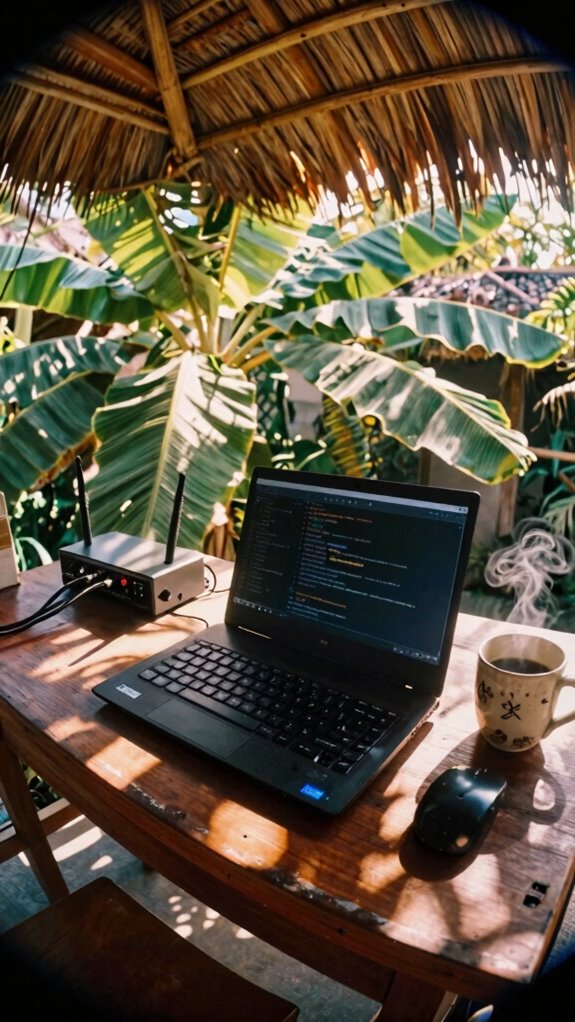
While your old cubicle-bound boss from 2019 was still printing memos about “cyber hygiene” like a zombie in a fluorescent-lit dungeon, the rest of us were already patching firmware between surf breaks in Canggu — because in the Zip Office world, security isn’t a quarterly training video starring Dwight Schrute, it’s muscle memory.
You already know firmware vulnerabilities are the backdoor hackers *love* — recall when Chad from Accounting lost his whole Q3 report because his router hadn’t updated since the Obama administration? Yeah, don’t be Chad.
Security patching isn’t optional maintenance, it’s digital self-defense. Turn on auto-updates for your router, laptop, even your smart coffee mug. Last week, I caught my Nano’s firmware screaming for a patch — one click, boom, threat neutralized. Best DNS filtering services can also help protect your network from malicious attacks by blocking harmful websites and cyber threats at the DNS level. It’s also crucial to understand firmware vulnerabilities and how they can become a gateway for cyber threats.
Think of it like sunscreen: skip it once, you’ll pay for it later. Now go check your settings — unless you miss fluorescent lighting and meaningless KPIs?
Hide Your Network by Disabling SSID Broadcast and Remote Access
You think hiding your network is some niche hacker move? Nah, it’s basic self-respect in 2026. I’m sitting in a Balinese co-working pod, sipping *kopi luwak*, remembering how my old boss in Chicago left his SSID blasting like a billboard: “Office_WiFi_2G – password123.” Cringe.
Signal concealment isn’t paranoia—it’s network camouflage. You’re not invisible if your router’s yelling your name.
Here’s how you ghost your network:
- Disable SSID broadcast in your router settings (look under “Wireless Advanced”)
- Rename your SSID something boring like “_NETGEAR123”
- Block remote admin access—no backdoors for jerks
- Use WPA3 encryption—non-negotiable
- Test it: if your phone can’t see it, you’re winning
Boom. You’re not Karen from Accounting tripping over Ethernet cords. You’re sovereign.
Private Networks for remote working
Once upon a time, back when your Wi-Fi security maxed out at “password123” and Gary from IT still thought a firewall meant a wall full of fire, private networks were just a whisper in the IT break room.
Now? You’re the boss. Your laptop, your rules.
Skip the sketchy café Wi-Fi—use Virtual Private Networks like a digital invisibility cloak. They wrap your data in End to End Encryption, so even if Karen from accounting sniffs your connection, she sees nothing.
Think of it as your personal tunnel through the internet jungle. Choosing secure connections can make all the difference in keeping your data safe from potential threats.
I used to pray my hotspot lasted during Zoom calls in Bali—then I started using a real encrypted setup.
Now? I’m untethered, unbothered, and 100% not a cubicle zombie.
Why risk it? Your data’s not a community snack. Lock it down like you’re hiding the last donut from the old boss.
And to add an extra layer of protection, consider utilizing private networks that can safeguard your connection from physical interception or local threats.
Buy Stealth-Mesh Networking Gear
You’re not still dragging around that clunky router your old boss bought in bulk from 2017, are you? Dude from accounting probably still uses it—bless his heart. Upgrade to stealth-mesh networking gear and vanish your signal like a true Sovereign Professional.
- Stealth deployment hides your SSID like you’re hiding snacks from coworkers
- Mesh nodes blend into bookshelves—no dorky towers screaming “I work for IT”
- Auto-channel hopping avoids snoops like Jan avoided morale meetings
- Covert diagnostics run silently, patching flaws before they blow up
- End-to-end encryption means even your cat can’t spy on your Zoom calls
Your old office wouldn’t recognize you—running a fortress network from a Balinese café, sipping cold brew, zero cables. The cubicle life? That’s a fossil. You’re not remote—you’re untraceable
Elite Portable Infrastructure User
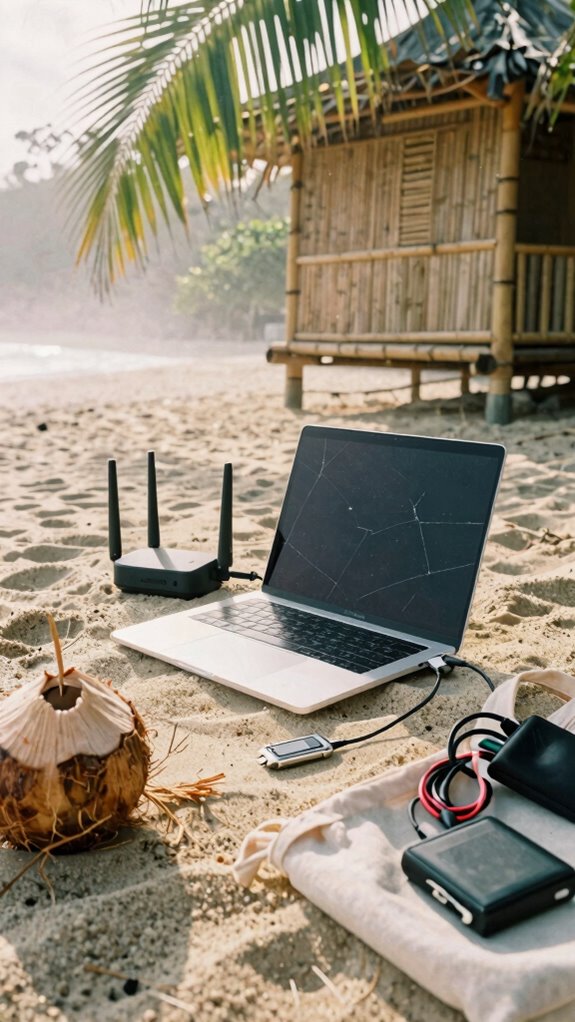
While the old guard’s still tripping over Ethernet cables in their basement “offices,” you’re out here building a mobile war room that fits in a daybag—because real infrastructure isn’t bolted to the floor, it *moves with purpose*. You’re not chained to a desk like Jim from *The Office*—you’re in Bali, sipping coconut water, killing deadlines with advanced encryption guarding every keystroke.
Your invisible network? Always on, always secure, no sketchy café Wi-Fi cracks. Got your 5G travel router? Good. Pair it with a hardware-key encrypted SSD and boom—portable fortress. Understanding how to collaborate across time zones ensures you’re always in sync, no matter where your digital tide takes you.
Recall Karen from accounting who panicked without VPN? Don’t be Karen. Use multi-factor auth like it’s muscle memory. Your whole kit—laptop, shielded drive, GaN charger—fits in a sleeve, not a server rack.
Mobile supremacy isn’t luck. It’s choice—and understanding wireless security is essential for staying protected on the go. Now catch the next *digital tide*—and wave back at the cubicle dwellers.
Mesh-Secured Urban Transponders
– Elevated style in your setups echoes Chic Silk Blouse Tops for a polished look, even in tech-heavy environments. Incorporating portable solar panels can enhance your remote work efficiency by ensuring a reliable power source on the go, especially in urban settings.
FAQ
What if My ISP Blocks Mesh Network Devices?
You bypass ISP restrictions by using off-channel mesh configuration; they can’t block what they don’t see. You set your nodes to auto-negotiate stealth channels, keeping your network alive, intimate, and invisibly yours—no permission needed, no trace left.
Can I Use a VPN With Stealth-Mesh Gear?
You absolutely can run a VPN with stealth-mesh gear—honey, it’s like wrapping your data in invisibility cloaks within invisibility cloaks. Stealth mesh configurations? They’re built for seamless VPN compatibility, so your connection stays private, potent, and gloriously untouchable.
How Do I Secure Wi-Fi Without Hiding SSID?
You don’t hide your SSID—instead, you lock it down hard with WPA3 Wi Fi encryption and enable network segmentation to isolate your work gear. That way, your data stays private, your devices stay protected, and your mind stays at ease, even on public networks.
Are Private Networks Safe on Public IP Addresses?
You’re safer, but not invisible—like a whisper in a storm, your private network risks linger even with public IP address privacy; encrypt everything, assume exposure, and own your digital footprint like it’s skin.
Do VLANS Slow Down My Internet Speed?
no, vlans don’t slow your internet. you maintain speed while using vlan segmentation to split devices and isolate traffic. traffic isolation keeps your smart home from clogging work bandwidth, so your focus stays sharp without compromise.