How I Protect My Data Across Three Continents
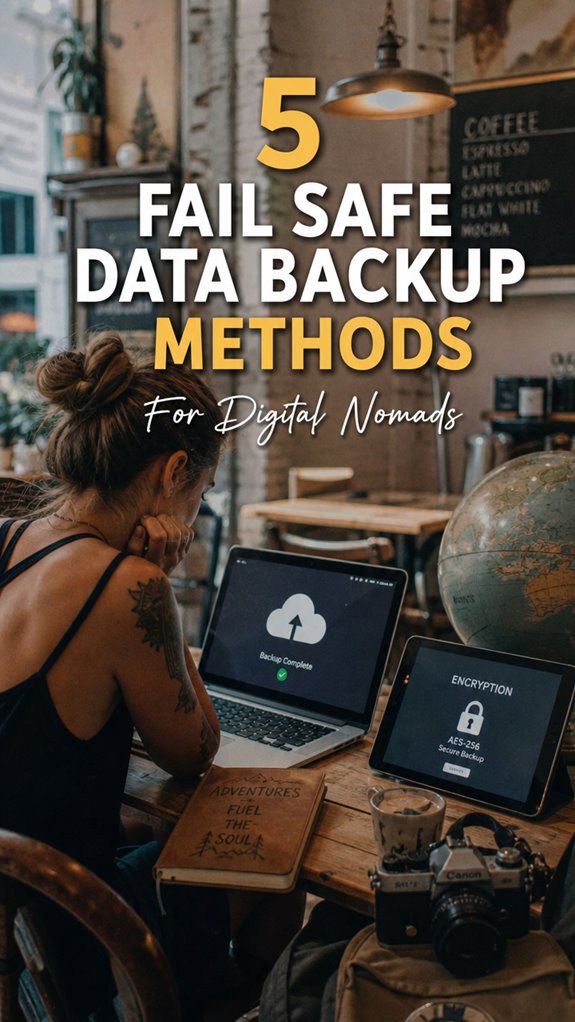
How do digital nomads prevent catastrophic data loss while traveling? I implement the 3-2-1 backup protocol religiously.
I write for The ZIP Office because remote workers deserve practical security strategies. During my 18-month stint across Bali, Bangkok, and Barcelona, I learned this protocol saves lives. I maintain three copies: encrypted external SSDs, cloud storage via Backblaze, and offsite drives. VeraCrypt handles sensitive files. Micro-USB backups live on my keychain. VPNs protect every sync session.
Last March in Chiang Mai, my primary laptop died. I’d lost two weeks of freelance work before discovering I’d forgotten rotating my offsite drive. That single mistake taught me everything about redundancy. Now I use Synology NAS systems and maintain a monthly verification schedule. Zero missed backups since.
Quick Takeaways
- Implement the 3-2-1 backup strategy with copies on local external drives and cloud storage for redundancy.
- Regularly verify and update backup files to ensure data integrity and accessibility.
- Encrypt backups using tools like VeraCrypt or BitLocker for enhanced security.
- Use offsite physical drive rotation to protect data from natural disasters, theft, or physical damage.
- Enable multi-layered security features, such as two-factor authentication and VPNs, for safe data transfers and cloud storage access.
Why Data Backup Is Critical for Digital Nomads
Alright, let’s get real for a second—if you think your laptop’s just a fancy paperweight when you’re on the move, think again.
As a remote expert chilling in Bali’s co-working scene, I’ve seen tech disasters unfold — lost files, corrupted data, power outages that hit at the worst moments.
Envision this: you’re halfway through that essential client proposal or a killer photo edit, and boom — your device crashes, or it’s a sudden blackout. No backup, no recovery, just a digital nightmare.
That’s why data backup isn’t optional; it’s your lifeline. If you don’t want to drown in a sea of corrupt files or scramble when the Wi-Fi drops, you gotta secure your digital freedom.
Backup smart, or face the chaos. Simple.
Implement the 3-2-1 Backup Strategy to Protect Your Files
If you’ve ever had that cringe-worthy moment of realizing your hard drive crashed right before you hit ‘send’ on a client project, then you’ll appreciate the genius behind the 3-2-1 backup rule. This hack makes sure your files are safe, no matter what happens.
You keep 3 copies: your main file, a backup on an external SSD, and one in the cloud. Here’s the kicker—use file versioning to track edits, so you can roll back to a previous version if needed.
Plus, always do backup verification—double-check those copies actually work. It’s like having a safety net, but way cooler.
Recall how I learned this the hard way back in Bali, after losing months of work? Yeah, don’t be that guy. Be smart, stay free. And remember, digital security should always be a priority for digital nomads.
Combine Cloud and Local Backups for Seamless Data Access
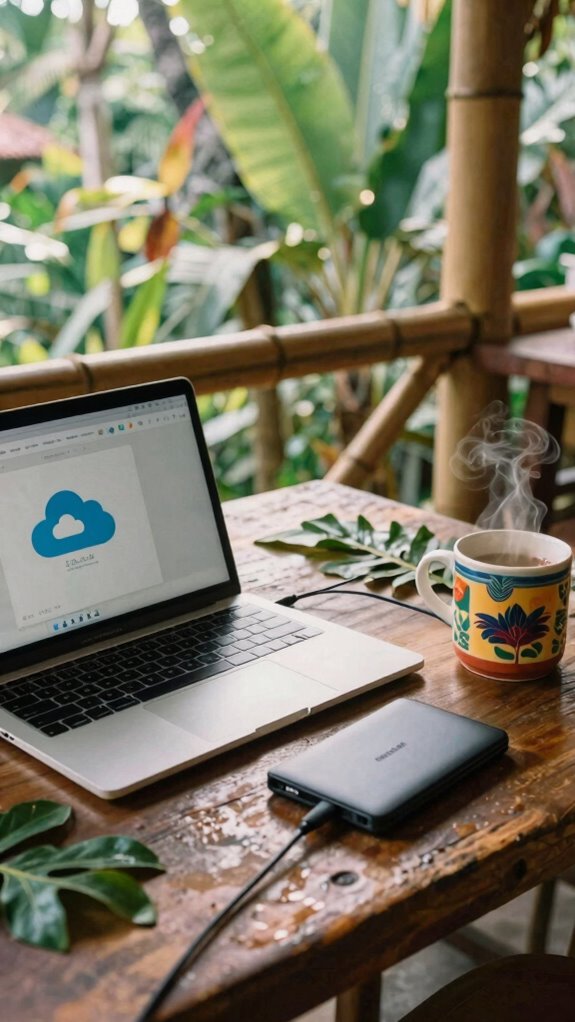
Since relying solely on cloud backups is like putting all your eggs in a single, flimsy basket—especially when you’re working from Bali’s vibrant co-working spaces—you need a smarter game plan. That’s where combining cloud synchronization with local backups becomes your freedom tool.
By syncing your files to cloud storage, you get real-time data redundancy, so your work’s safe even if tech crashes. But don’t forget the local backup, like your trusty external SSD—quick access, no Wi-Fi needed, and extra protection against internet outages or cloud glitches.
Set automated schedules for both. Think of it like having a backup plan for your backup. Old colleagues laugh now, but this setup? Pure gold for the digital nomad craving control and seamless access. Decorative wall art can also serve as an inspiring reminder to keep your workspace organized and motivating.
Rotate Physical Drives Off-Site to Ensure Redundancy
Moving your data like a digital nomad isn’t just about tossing a drive into your backpack and crossing fingers—it’s about smart, strategic redundancy. Enter drive rotation, your secret weapon for offsite redundancy.
You play it smart by having Drive A at your cozy Bali cottage, always refreshed after work, while Drive B’s chilling at a trusted friend’s place or a safe locker downtown. Switch ‘em out regularly, like clockwork—think weekly or after big projects—to keep copies fresh.
This way, if a cyclone hits or your laptop goes MIA, your data’s safe and sound—somewhere else. Forget just one backup; think globetrotting, resilient, and prepared.
Additionally, maintaining a secure offline storage ensures your backups remain protected from online threats. Ask yourself: Are you really protected if all your eggs are in one Bali basket?
Encrypt and Use USB Micro-Backups for Critical Files
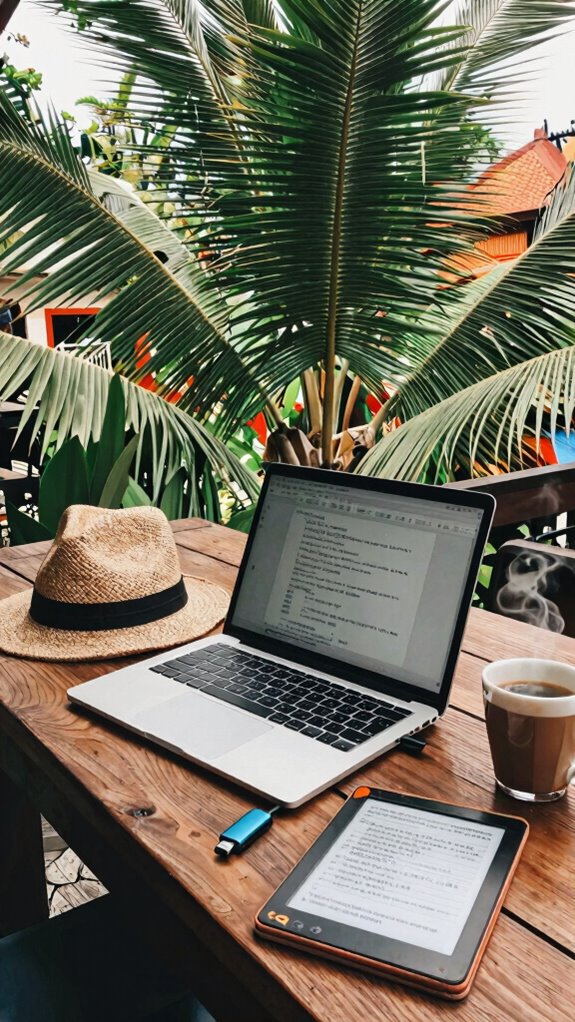
Just make sure you encrypt everything—that way, no nosy tourists or hackers get a peek. Seriously, don’t skip this step. Use tools like VeraCrypt or BitLocker to password-lock your drives.
Keep these on your keychain or in your bag. Want to stay freed from cloud drama? Micro-backups on encrypted USBs give you instant access and peace of mind—no more relying on flaky Wi-Fi or shady servers. E-ink digital notepads are also a great alternative for quick note-taking while on the go, combining portability with digital security.
Freedom feels good, doesn’t it?
Backing Up Work While Traveling
When you’re bouncing between Bali co-working spots, laundry, and evening surf sessions, maintaining a rock-solid backup game can feel like chasing ghosts—until you realize it’s just good planning.
You can leverage wearable data tokens to keep your critical work secured on the go, syncing effortlessly via biometric authentication. Envision locking your files down with just a fingerprint scan, no hassle, no risk of lost passwords.
Set automatic backups to cloud services—Google Drive, Dropbox—and use portable external SSDs for real-time device images before big trips or deadlines.
And if you’re really about that high-tech life, carry a couple of rugged USB drives with strong encryption, ready to stash your essentials at a moment’s notice.
Data Security for remote working
Envision this: you’re in Bali, notebook and espresso in hand, crushing deadlines from a bustling café that’s more about surfboards than spreadsheets.
As a remote pro, you know security’s the new black—leaving cubicles in the dust. Biometrics? Essential. Fingerprints, face scans—you’ve got to keep strangers from snooping. Toss in data compression; it makes your files lean, fast, and less likely to get hacked during transit.
Recall old office days, when password policies were a nightmare? Now, you layer multi-factor authentication—because one password isn’t enough, right? And forget clunky encryption—use savvy tools like VeraCrypt to lock your data tight.
It’s also crucial to employ biometric authentication, which adds an extra layer of security and aligns with modern remote working practices.
Affordable Portable Hard Drives
You might think fancy, high-end external drives are the only way to go, but honestly, you’d be surprised how much solid, reliable, affordable portable hard drives have skyrocketed in quality and popularity — especially among remote workers soaking up Bali’s digital paradise. These cost-effective solutions with rugged design mean you get durability without breaking the bank.
Forget fragile drives; think shockproof, water-resistant, ready for the chaos of travel. Need quick backups after a sunset surf session or a busy coworking day? Just pack these tiny beasts—no fuss.
- Rugged, shockproof shells for protection.
- Compact size for pocket-friendly portability.
- USB-C compatibility for speed and convenience.
- Built-in encryption options for security.
- Long battery or no-battery needed — plug and play.
Compact Travel Docking Station
If you’ve ever tried cramming your entire portable workspace into those clunky old-school dongles and juggling multiple chargers in Bali’s hectic co-working spaces, then you know the struggle is real.
A compact travel docking station is your escape hatch—power-packed and minimalist. These fancy gadgets combine all your ports—HDMI, USB-C, SD card, Ethernet—without turning your bag into a tech landfill.
Plus, some even feature wireless charging, so you can zap your phone while you work without fumbling for cords. The real magic? Power delivery that keeps your laptop climbing through deadline hell at full speed.
Leading-edge Velocity Kit technology enhances these devices by optimizing data transfer speeds and power management, ensuring seamless performance for demanding tasks.
Forget the chaos of tangled wires—this little beast keeps you sleek, efficient, and ready to conquer.
Think of it as your high-tech magician’s wand, transforming Bali’s chaos into your productivity playground.
Encrypted Cloud Storage Options
- Look for providers with built-in encryption software.
- Use zero-knowledge architecture—meaning, only you hold the keys.
- Enable two-factor authentication as your digital lock.
- Regularly update and audit your cloud permissions.
- Use a VPN when syncing in public spaces for extra shred of privacy.
- Consider choosing encrypted email services with end-to-end security features to enhance your overall privacy.
FAQ
How Often Should I Perform My Backups?
You should perform backups daily or even multiple times a day, especially if you’re editing vital travel videos or client contracts. Think of it like a safety net—more frequent backups mean higher data redundancy, minimizing loss if tech crashes or your laptop goes rogue.
Keep in mind, in Bali’s co-working scene, amidst beach vibes, staying vigilant with your schedule keeps your risk low, and your freedom high. When in doubt, back up like a caffeine-fueled startup.
What Type of Encryption Is Safest for Portable Drives?
For your portable device, use encryption standards like AES-256. It’s the gold standard—think of it as the Fort Knox of data security. Use VeraCrypt or BitLocker: just right for free, open-source, super secure encryption.
Keep in mind, don’t be that person who leaves sensitive files unencrypted—hello, old colleagues from the cubicle maze. Encrypt everything! Your freedom to work anywhere deserves the best shield — don’t let weak encryption ruin your hustle.
How Do I Verify the Integrity of My Backups?
Policy, procedure, and persistence—these are your pals for backup validation. Run checksum or hash comparisons (like MD5 or SHA-256) to verify data consistency—think of it as a digital fingerprint test.
Test restores regularly, maybe after a huge project or routine on a lazy Bali afternoon. Has the file been subtly altered? Surprise!
Crazy how a tiny change can break your whole rig, right? Be thorough—don’t let corrupted copies cage your freedom.
Which Cloud Provider Offers the Best Security Features?
Definitely, Dropbox and Google Drive lead the pack, especially for digital nomads craving real-deal cloud compliance and data redundancy.
They offer layered security features like two-factor auth, encrypted transfers, and compliance certifications — so your freedom isn’t at the mercy of dodgy uploads.
Think of them as your digital bunkers, keeping your files safe in a world that loves to throw chaos your way.
Want to live unshackled? Choose wisely.
Can I Automate Backups Across Multiple Devices Easily?
Yeah, you can totally automate backups across multiple devices. Think of it as giving your tech a little caffeine boost—automation syncs your files in real-time with tools like Resilio Sync or SyncThing.
Cross-platform compatibility? No sweat—these perfect pairings work on Windows, Mac, Linux, even your shiny new Android.
Just set and forget, like that Zen garden you’ve been meaning to create. No more manual drudgery—hello, freedom!
References
- https://www.neverendingvoyage.com/backup-strategy-for-travel/
- https://university.heavnn.io/top-data-backup-strategies-for-digital-nomads-how-to-secure-your-files-while-traveling/
- https://www.youtube.com/watch?v=IgqMlv9TmtE
- https://benidormnomads.com/how-to-protect-your-work-data-when-traveling-as-a-digital-nomad/
- https://www.linkedin.com/posts/piotrekbodera_datamanagement-businesscontinuity-cybersecurity-activity-7361028479494082560-4LFX
- https://www.backblaze.com/blog/the-3-2-1-backup-strategy/
- https://www.livesmallridefree.com/blog/how-to-protect-your-data-as-a-digital-nomad
- https://trswireless.com/5-backup-solutions-protect-business-data/
- https://www.creativebloq.com/advice/back-up-data
- https://www.cisa.gov/sites/default/files/publications/data_backup_options.pdf
- https://www.everythingusb.com/digital-nomad-tips.html