Neurotechnic Workspace Optimization: Rewiring Remote Learning Architecture
Why do remote professionals hemorrhage productivity through fragmented digital ecosystems? I discovered that deliberate app stratification—Kindle, Notion, Udemy proximate, social feeds banished—catalyzes sustainable microlearning cadences. I write to The ZIP Office because intelligent workspace design deserves interrogation. During my 2023 productivity audit, I implemented 15-minute learning sprints between calendar blocks, applying frameworks from Cal Newport’s deep work methodology. Strategic friction engineering matters.
Last Tuesday, I watched my colleague Marcus desperately toggle between fourteen browser tabs before collapsing into doom-scrolling. His transformation came through ruthless digital architecture: he containerized learning tools, created notification blackholes, and established asynchronous skill acquisition protocols. Within three weeks, Marcus absorbed two Coursera modules without conventional “motivation.” That moment crystallized it—environmental design precedes willpower entirely.
Quick Takeaways
- Prioritize work-focused apps on the home screen to minimize distractions during learning and work routines.
- Integrate microlearning sessions into daily breaks using bullet-sized lessons for continuous skill development.
- Secure and organize digital assets and tools for seamless access and data sovereignty in remote workflows.
- Use device-friendly platforms with offline access to maintain consistent learning without internet dependency.
- Create a distraction-free, secure workspace with minimal clutter to enhance focus and productivity during remote work.
How Mobile Habits Improve Remote Learning Effectiveness
Ever wonder why some remote learning feels like pulling teeth while others click effortlessly into place? Honestly, it’s all about your mobile habits.
Back in the office, I’d see colleagues waste hours on social media instead of learning—classic distraction disasters. But now, on Bali, I keep my work apps front and center—Kindle, Udemy, Notion—so I’m not reaching for my laptop or flipping through cluttered tabs.
In Bali, I prioritize work apps like Kindle, Udemy, and Notion to stay focused and avoid distractions.
I tap into microlearning during coffee breaks or jogs, making it effortless to absorb bullet-sized lessons, not brain-heavy lectures. Having organized email inboxes can prevent overload and help you focus on your learning priorities.
Want real power? Move social apps to the second page. Make learning resources the first. When you optimize your device like this, remote learning becomes fast, fun, and, frankly, way more effective—just like it should be. Device Optimization is key to transforming your mobile habits into a productivity powerhouse.
Building Consistent Microlearning Routines With Your Devices
Building consistent microlearning routines with your devices is like setting up a daily espresso shot—quick, potent, and impossible to skip once you get into the groove. Think about it: when I was back in that gray cubicle, I’d force myself to carve out 15 minutes—no distractions, just focused learning. Simple, right?
Here’s how:
- Stick to a dedicated time each day—morning coffee, lunch break, or wind-down.
- Use targeted apps like Blinkist or Kindle on the first page—less aimless scrolling, more power moves.
- Set mini goals for each session—“Today, I master onboarding steps,” not “I’ll learn everything.”
- Track progress in Notion, so you see results, not just shiny screens.
- Place learning tools where they’re hard to ignore—just like that boss’s watchful eye, but better.
- Incorporate microlearning routines into your daily workflow to foster consistency and keep habits sustainable.
Applying Learned Skills Immediately to Work Tasks
When you learn something new, the worst thing you can do is let it sit in your brain like a dusty old manual on a forgotten shelf. Seriously, gain power by applying that fresh knowledge IMMEDIATELY. Do it on your current work task — don’t wait for “the right moment.” For example, just try implementing a new shortcut or script you picked up during that microlearning session and see instant results. Remember, finding stable wifi is essential for effective remote work to ensure your new skills are coupled with reliable connectivity. Additionally, be mindful of laptop security, especially in public places, to prevent theft or unauthorized access.
Choosing the Best Tools to Support Mobile Learning Success

Visualize trying to learn something new on your phone but stuck with a clunky app that crashes or a website designed for desktops—yeah, that’s not going to cut it. I’ve been there, battling old-school software while working remotely from Bali’s amazing co-working scene.
You need tools that are sleek, powerful, and don’t turn your device into a paperweight.
Here’s what to lookout for:
- Responsive design—fit your learning platform to your device, not the other way around.
- Intuitive UI—avoid confusing menus; focus on quick wins.
- Offline access—because Wi-Fi fumbles happen even on paradise islands.
- Progress tracking features—know your gains without manual logs.
- Seamless integration—connect your notes, calendars, and learning apps easily.
Additionally, ensuring your learning tools incorporate concepts like daylight therapy lamps can help enhance your focus and energy levels, making remote learning even more effective.
Choose tools that empower, not frustrate. Forget the old hustle—we’re upgrading.
Reading Professional Books On Kindle
You might think reading professional books on Kindle is just a fancy way to say “I’m making my commute more efficient,” but honestly, it’s a total game-changer—especially if you’re living that Bali remote life, outpacing old office zombies stuck in the 9-5.
Forget lugging heavy books; with Kindle, you tap what you need, when you need it. Want to deepen your AI skills? Download a quick ebook on cloud architecture.
Avoid those burnout-inducing feeds of social media—convert that time into power bytes of knowledge. Plus, the adjustable warm light means you can learn in bed or on the beach without waking the neighbors. Incorporating stretching routines into your day can further enhance your focus and overall well-being during long remote work hours.
Why settle for snail-paced YouTube tutorials when Kindle puts a library at your fingertips, and you’re in control? Own your growth—don’t let your old cubicle-bound past hold you back. Embracing productivity planner books can further optimize your learning and goal-setting strategies for maximum impact.
E-Ink Screen Accessories Purchase
Ever wondered how to turn your E-Ink screen into a true reading beast? As a Bali-based IT whiz who’s lived through countless office struggles, I’ll tell ya: accessories are everything. You want speed, efficiency, and some serious power?
Transform your E-Ink into a reading powerhouse with must-have accessories—boost speed, efficiency, and style in paradise.
Think about these game-changing additions:
- Protective case with built-in stand (for quick resets and easy reading)
- Clip-on reading lights (because dim cafés are inevitable)
- Screen protectors (say goodbye to accidental scratches)
- Stylus or digital pen (for notes on the fly, no excuses)
- Battery bank or portable charger (never run out mid-sentence)
- Internet kill switch features can also keep your device secure when working remotely, ensuring your privacy isn’t compromised.
To ensure seamless audio experience during your remote work sessions, investing in the best silent audio cables can make a significant difference—eliminating background noise for clearer communication. Get these, and you’ll crush your reading goals while sipping coconut water in paradise. No more excuses, just endless knowledge.
Digital Independence for Professionals
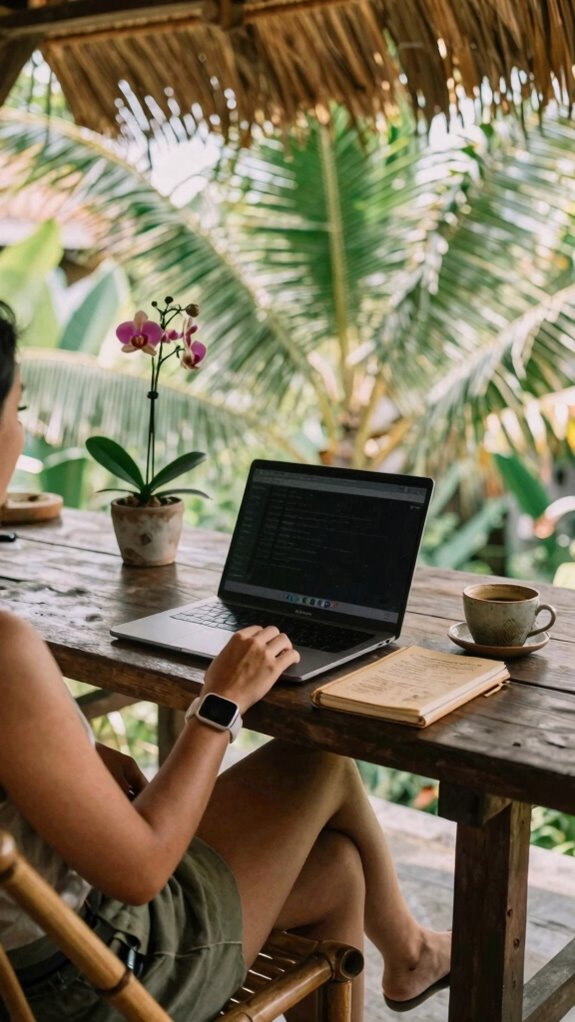
Envision having total command over your digital world—no more being trapped behind corporate firewalls or drowning in endless login screens. As a Bali-based remote pro, I get it—you crave power, not restrictions.
Ditch those clunky company VPNs and spiraling password chaos; instead, set up your own digital fortress. Use password managers like LastPass, multi-factor auth, and a personal VPN (NordVPN, anyone?) to claim full control.
Think about it: old office life, fighting to access files through endless proxies. Now? You’re the host, not the guest. Organize everything in cloud tools—Notion, Dropbox—and keep critical data portable.
It’s about sovereignty—owning your digital assets, your info, your workflow. Consider the benefits of Timeless Sand Glass Timers for Every Need as an example of simple yet effective tools; they remind us that sometimes, simplicity and control go hand in hand. Building a secure digital environment is essential in maintaining your independence. Because why settle for being a digital passenger when you can be the driver?
Setting up Dedicated E-Ink Workspace
Switching from the chaos of paper charts and blinking office screens to a dedicated E-Ink workspace is like upgrading from a flip phone to a sleek smartphone—suddenly, everything feels smarter, calmer, and way more focused. Feel like a boss who just cracked the productivity code? Here’s how:
- Pick a quiet corner, away from distractions (yes, that noisy street corner counts).
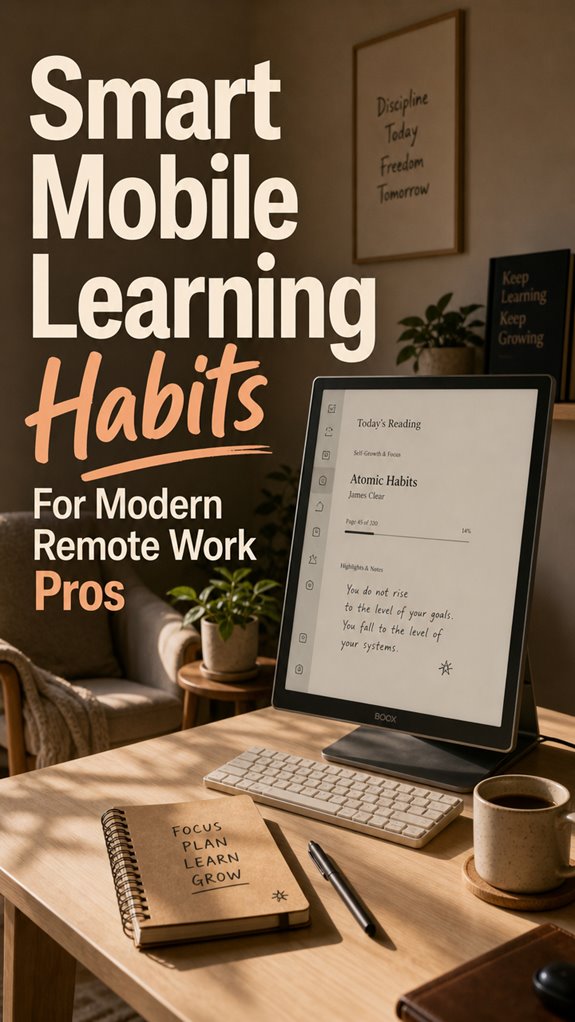
- Invest in a high-quality E-Ink monitor with adjustable warm light — makes reading long docs feel like a luxury. Distraction-free reading is the core advantage of using E-Ink technology for focused work sessions.
- Keep your essential apps (Kindle, Notion) front and center.
- Use a secondary, less cluttered device for social media to avoid rabbit holes.
- Organize your file system, like a boss, with folders labeled by project or priority (no more treasure hunts for that one document).
- Consider using specialized E-Ink cover cases to safeguard your device while maintaining a sleek, professional look.
Ready to boss up your remote setup?
FAQ
How Can I Stay Motivated to Maintain Daily Mobile Learning Habits?
Ever wonder how some remote pros stay laser-focused on daily learning while others hit snooze? Easy—set micro goals, like mastering one quick app trick or reading a dank blog.
Use your favorite tools—Kindle, Notion, Udemy—and remind yourself, “This is for my power move, not just another chore.” Old boss used to say, “Level up every day,” so why not? Keep it fun, sharp, and don’t let the cubicle creeps win.
What Are Common Pitfalls When Integrating Microlearning Into Daily Routines?
Your biggest slip-up? Overloading your microlearning with dull, irrelevant stuff. Recall when Jim wasted an hour explaining what a stapler was? Don’t be that guy.
Keep lessons bite-sized, real-world, like mastering a quick Slack tip before lunch. Schedule it daily—don’t just wing it.
And always link learning to your goals; otherwise, it’s just junk content. Think of it as upgrading your remote setup, not cluttering your desk.
How Do I Ensure My Learning Translates Into Measurable Work Performance?
You gotta tie your learnings to real work wins. Like, if you master a new SQL trick, use it tomorrow on that client report.
Track your progress in Notion—make it visual, not some boring spreadsheet.
Ask yourself, “Did this boost my KPIs or just fill my brain?” Keep in mind, old boss hated theory; he loved results.
Make your growth unstoppable—don’t just learn, dominate with it.
Which App Features Most Effectively Support Long-Term Learning Engagement?
Think of apps like turbocharged engines—what features keep your learning long-haul smooth?
Notifications that keep you hooked without nagging, progress trackers that make your wins feel real, and gamification that turns reps into rewards.
Use arrow-back buttons for quick rewind, and “save for later” options to snack on lessons later.
Old boss used to say, “Consistent wins build empire,” so focus on intuitive, customizable tools like Notion or Blinkist.
Stay hungry, stay sharp.
How Can I Reduce Distractions While Studying on Mobile Devices?
You wanna kill distractions on your phone? Easy. First, toss social apps to the second page—out of sight, out of mind. Use Focus Mode or Do Not Disturb; it’s like telling your mind, “Hey, stay on task.”
Install site blockers during study—no more memes.
And, hey, recall your old boss? Warn them you’re about to break free from digital chaos—office noise is nothing compared to the ping-pong of notifications.
References
- https://www.techclass.com/resources/learning-and-development-articles/how-mobile-learning-supports-the-hybrid-and-remote-work-era
- https://coggno.com/blog/different-ways-mobile-learning-adds-value-for-your-remote-employees/
- https://medium.com/@ontapariaman89/how-to-keep-learning-while-working-remotely-smart-habits-for-growth-cc359888466d
- https://vorecol.com/blogs/blog-exploring-the-influence-of-mobile-learning-on-remote-workforce-development-through-lms-192735
- https://files.eric.ed.gov/fulltext/ED557245.pdf
- https://www.5mins.ai/resources/blog/top-7-benefits-of-mobile-friendly-e-learning-for-workplace-training
- https://www.zapbuild.com/insights/mobile-first-learning-empowering-remote-workforces-in-2026/
- https://learning.linkedin.com/content/dam/me/learning/EMW/ldc-guide-mobile-learning-benefits.pdf
- https://elearningindustry.com/custom-mobile-learning-solution-empower-remote-workforce-7-ways
- https://vorecol.com/blogs/blog-the-impact-of-mobile-learning-systems-on-remote-workforces-and-their-adaptation-to-organizational-learning-norms-194225