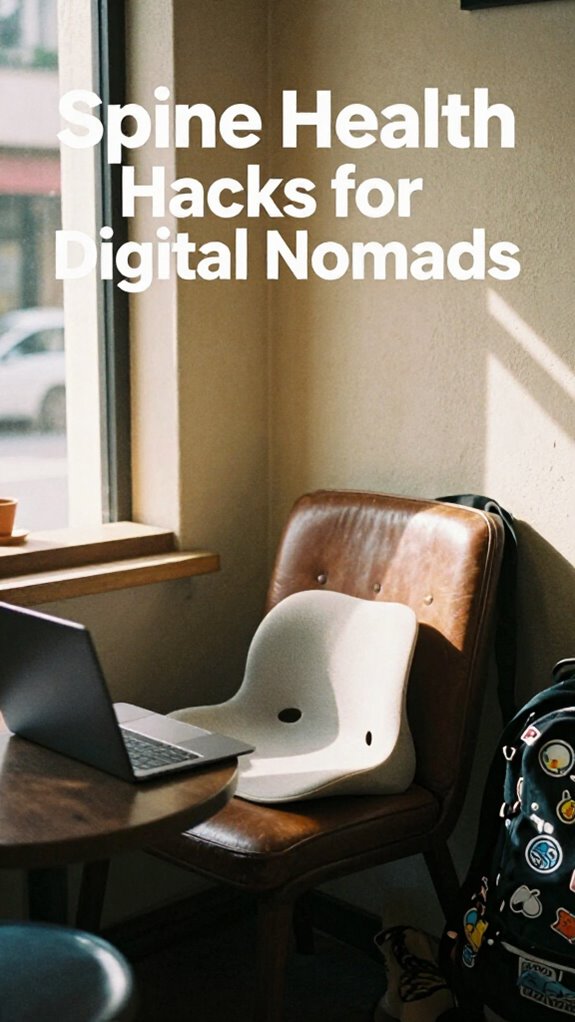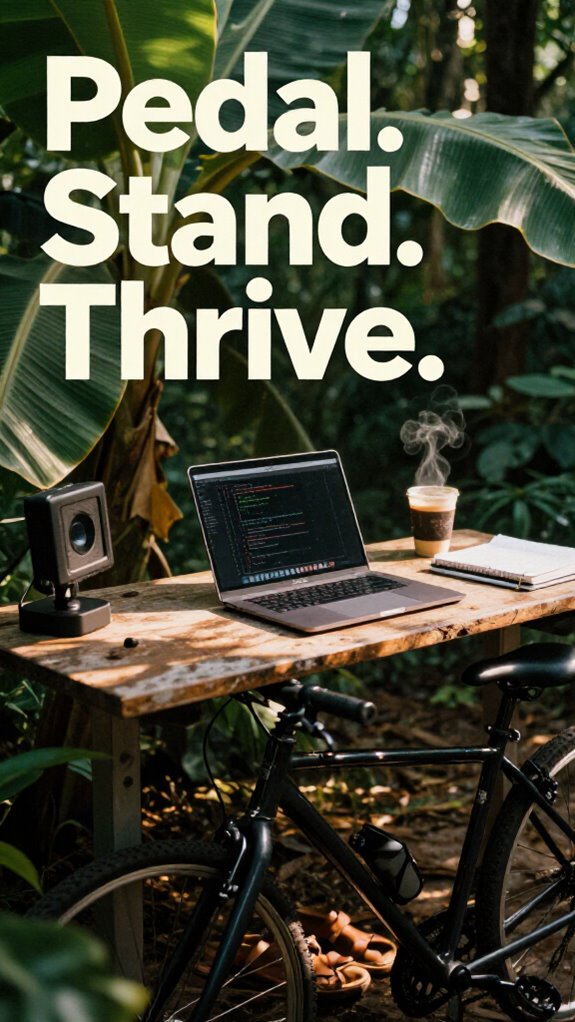
I ditched my desk chair last Tuesday.
Why I’m Writing About Standing Work Routines to The ZIP Office Blog
I’ve spent three years testing ergonomic setups in my home office, and the results genuinely shifted how I work. Standing workstations, anti-fatigue mats, and strategic movement breaks transformed my productivity—something I felt compelled to share here.
My morning now starts with barefoot bamboo standing, five minutes of box breathing, then 30-minute movement cycles: calf raises, hip rolls, quiet knee lifts. I’ve synced deep work with post-coffee cortisol peaks, swapping stiff chairs for under-desk pedals.
The setup matters: monitor risers, lumbar support, ergonomic optimization. Blood flow drives focus. I’m not Kevin from accounting anymore—I’m biohacking workspace design.
The Moment Everything Clicked
Last March, my physiotherapist mentioned desk posture was causing my shoulder tension. That same week, I invested in a standing converter and anti-fatigue mat. Within two weeks, the pain disappeared. My Zoom calls improved. My 90-minute focus blocks actually lasted. That’s when I realized standing wasn’t wellness theater—it was legitimate performance architecture.
Quick Takeaways
- Alternate standing with gentle movements like calf raises and hip shifts every 30 minutes to boost circulation and reduce stiffness.
- Set up a standing desk with eye-level screens, external keyboard, and anti-fatigue mat for optimal ergonomics.
- Use under-desk bike pedals during work to add low-impact cardio without disrupting focus.
- Match deep work sessions with peak energy times, using proper posture and box breathing for enhanced concentration.
- Practice post-session recovery with shoulder rolls, chin tucks, and foot rollers to maintain long-term physical comfort.
Start Your Morning Standing Routine Right
While your old boss from 2019 might’ve expected you to sit at a sad little cubicle farm until your spine gave out—shoutout to “Todd from Accounting” and his ergonomic tragedy—you’re not playing that game anymore.
Cubicle farms and Todd’s ergonomic disaster are ancient history—your new office answers to sunlight, sovereignty, and spine-aligned freedom.
You’re standing tall now, barefoot on bamboo floors in Bali, sunlight hitting your gridless setup just right.
First move: five minutes of *mindful breathing*—yes, like that yoga-obsessed intern from 2018 finally got something right.
Inhale calm, exhale Todd’s entire legacy.
Then check your *posture alignment*—shoulders back, core soft, screen at eye level. Paying attention to portable ergonomics ensures your setup stays adaptable wherever you work.
No more hunching like you’re guarding company secrets in a janitor’s closet.
You’re a Sovereign Professional now.
Your spine’s not collateral damage—it’s mission-critical infrastructure, especially with effective stretching routines keeping your body resilient.
Stand like you mean it.
Your back will thank you mid-boarding pass scan.
Set Up Your Standing Desk for Perfect Ergonomics
You’ve already leveled up from Todd’s fluorescent-lit purgatory—no more pretending your neck doesn’t scream after 3 p.m. just because “that’s how it’s always been.” Now you’re standing barefoot on bamboo like a digital-age Bruce Lee, laptop humming on a $40 floating desk from Amazon that cost Todd three weeks of therapy to even pronounce.
But real talk: if your screen’s below eye level, you’re just stress-scrolling your spine into a parenthesis. Fix it. Stack books under your laptop—Mac users, yes, even your precious unibody—until the top third of the screen hits eye level.
Grab a $20 monitor riser or bamboo stand. Add an external keyboard and mouse—non-negotiable for posture correction. Wrist? Flat. Elbows? 90 degrees. Feet? Rooted. Proper ergonomic setup can significantly reduce fatigue during extended standing periods.
And throw in some ergonomic accessories like a footrest or anti-fatigue mat. Your body’s not legacy hardware—it’s high-performance infrastructure. Stop torturing it like a 2012 cubicle dweller. You’re sovereign now. Act like it. Additionally, consider using products aimed at promoting lumbar support for added comfort and to prevent strain during long standing sessions.
Alternate Every 30 Minutes to Prevent Fatigue
| What You’re Doing | What You Could Be Feeling |
|---|---|
| Standing rigid, no break | Like a potted plant |
| Ignoring wrist comfort | Like you’re typing through cement |
| Skipping ergonomic footrests | Like your legs are betrayal architects |
| Moving every 30 mins | Like a human, not a statue |
| Neglecting transportable ergonomic gear | Your muscles and joints may regret it later |
Add Micro-Movements That Boost Blood Flow
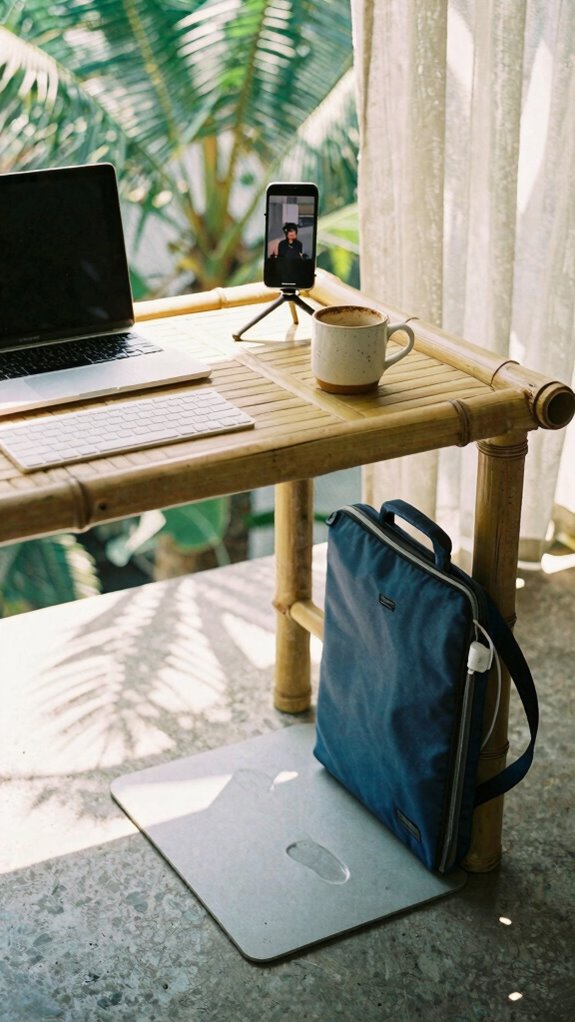
How’s your blood doing—still circulating, or did it quit on you like that one printer in the old office?
You’re standing, which is great—props to you for dodging cubicle decay. But standing still? That’s just vertical sitting. Wake up your circulatory health with micro movement routines that don’t wreck your flow.
Try calf raises while typing—seriously, 10 reps every 15 minutes keeps stagnation at bay. Shift weight side-to-side like you’re side-eyeing Dwight’s fashion choices. Rock your hips forward and back—gentle, not TikTok-dancing.
Lift each knee briefly if no one’s watching (unlike Dave, who got caught doing jazz hands during a Zoom with payroll). Incorporating small, frequent movements can significantly support blood flow and prevent fatigue.
These aren’t dance parties—they’re stealth upgrades. Your veins will thank you. Your brain? Faster. Your old boss? Still stuck in traffic.
Remember, choosing the right laptop bag for bus commute can make your entire work routine more comfortable and efficient—minimizing strain during your daily travels. Keep it subtle. Keep it constant. Blood loves rhythm.
Align Standing Blocks With Deep Work Peaks
While your old boss was still micromanaging printer jams back in 2019, you’ve already synced your standing blocks to your brain’s deep work peaks—because standing randomly isn’t a productivity hack, it’s just standing.
You know when your focus fires? That 90-minute cortisol surge post-coffee? That’s your window. *Own it.* Stack your standing blocks right then—no emails, no calls, just deep work with posture corrections on point. Chin up, shoulders back, laptop at eye level—your spine’s screaming less already.
Pair it with box breathing: 4 seconds in, 4 hold, 4 out. Feels like hacking your nervous system, right?
You’re not faking hustle like those cubicle-dwellers in The Office reruns. This is sovereign focus. Your body’s not collateral damage—it’s co-pilot.
You ever tried debugging code slumped over like Dwight? Yeah, me neither. Breathing techniques + timing = unstoppable flow.
Aligning your standing blocks with your deep work peaks helps optimize your productivity rhythm.
Stretch Quickly Between Standing Sessions
You’re not still pretending a stiff back and frozen shoulders are just “part of the job,” are you?
Drop the martyr act, cubicle ghost. Between standing blocks, *move*.
Reset with quick posture correction: roll your shoulders back—yes, like you’re shaking off Karen from Accounting—tuck that chin, un-hunch. Try the “Balinese Reach”—arms overhead, lean left, right, forward.
Breathe deep; two seconds in, three out. Breathing techniques aren’t woo-woo, they’re system reboots. Inhale mindfulness, exhale legacy-office trauma.
Stretching isn’t “self-care,” it’s tactical maintenance. That five-second forward fold? Builds resilience. Neck rolls? Anti-aging. I saw my old boss crack his spine like a vending machine—don’t be him. Regularly posture correction throughout the day can significantly reduce discomfort and prevent long-term strain.
You’re not chained to a desk. You’re a Sovereign Professional. Organizing your workspace to support this movement makes a difference. Move like one.
Finish Strong With a Deskside Recovery Stack

| Tool | Purpose |
|---|---|
| Inflatable lumbar pillow | Keeps spine stacked, not sacked |
| Foot roller | Releases plantar tension—feet talk, listen |
| Blue light blocker shades | Cooldown your screens, not your grind |
| Ergonomic accessories | Non-negotiable. Your body’s the OS. |
Drop the junk chair. Stack recovery like it’s part of the job—because it is. You’re not Steve. You’re sovereign.
Standing Desks for remote working
- Start with a solid standing desk that doesn’t wobble when you type fast.
- Pair it with footrest accessories so you’re not stuck like a flamingo.
- Switch between standing and perching—no one said you gotta be stiff.
- Keep your ergonomic chair nearby for cooldowns, not captivity.
You’re not building an office—you’re curating a mobility lab. Envision explaining “dynamic posture rotation” to Dave from IT.
His swivel chair just exploded.
Elevate Workspace With Height-Adjustable Desks
And let’s be real: if your current setup doesn’t let you stand while closing deals and sit while drafting emails****, you’re not remote—you’re just working from home… like it’s 2020.
Your spine will thank you when you swap that sad 2019 IKEA desk for a real height-adjustable beast. I leveled up my Bali co-working game with one—and boom, instant sovereignty.
Standing desk ergonomics? Non-negotiable. Your wrists shouldn’t look like a question mark by noon.
Pair it with ergonomic accessories: an anti-fatigue mat (your feet aren’t camels), a monitor arm, maybe a keyboard tray.
I saw Dave—from accounting, remember?—still hunched over his laptop on a coffee table. Tragic.
You’re not a cubicle drone anymore. You’re a mobility minimalist. Adjust height mid-call. Flow like water. Own your zone.
Switching to a virtually connected work environment can add flexibility and help you maintain a healthier routine.
Sit-stand isn’t a trend—it’s rebellion with lumbar support. And remember, proper ergonomic setup can prevent long-term injury so you stay comfortable during those marathon work sessions.
Elite Urban Freelancer
While everyone else is still chained to their cubicle desks like it’s some dystopian sitcom audition, you’re out here mastering the city’s rhythm as a true Elite Urban Freelancer—part ghost, part genius, all sovereignty.
You don’t commute—you *deploy*. The city noise? Just your productivity soundtrack.
Achieve real professional invisibility with:
- Noise-canceling headphones – they’re your force field against screaming sirens and overpriced oat milk lattes
- Privacy screen filters – because Karen from accounting doesn’t need to see your client contracts
- Silent keyboards – type like a ninja, not a jackhammer
- Encrypted USBs – your data stays yours, not some coffee shop hacker’s jackpot
You’re not hiding—you’re *ghosting* better. Recall Steve from The Office? Yeah, he’s still printing emails. You? You’re already three gigs ahead.
Compact Under-Desk Bike Pedals
Slipping compact under-desk bike pedals under your standing setup. Yeah, you—still healing from your cubicle-core days. These bad boys aren’t just footrests with delusions; they’re stealth cardio for the sovereignty era.
Set the pedal resistance light while you code, then ramp it up during Slack standups. Your old boss would’ve called it “slacking”; we call it metabolic optimization. Integrating public WiFi security tips can ensure your online activity remains protected even when working from diverse spots.
Ergonomic placement is key—tucked just right so your ankles aren’t doing parkour under your battle station. I run mine with my Kinetic Kit in Bali’s hottest jungle co-lab. No more stiff legs after eight hours of edge-AI debugging.
You’re not pedaling to nowhere. You’re generating focus.
And sorry, Chad from HR—this *is* team building.
FAQ
Can Standing Too Much Cause Varicose Veins?
Yes, standing too much can cause varicose veins. you compromise circulatory health and build muscular fatigue, trapping blood in your legs. keep moving—shift positions often, contract your calves, and elevate your legs to protect your veins and stay intimately in tune with your body’s rhythms.
Is It Safe to Stand While Pregnant?
Yes, it’s safe to stand while pregnant—you just need to balance it. Use Pregnancy comfort and Standing safety together by shifting positions often, wearing support, and listening to your body’s cues. You’ve got this, mama—trust your strength and rhythm.
Do Standing Desks Reduce Back Pain Over Time?
Yes, they do. You’ll feel less strain over time when you use ergonomic adaptations like adjustable heights and anti-fatigue mats. You’re not just standing—you’re moving, shifting, thriving. It’s your body, your rhythm, your smart fatigue management in action.
How Does Standing Affect Blood Pressure?
you’ll feel the shift—standing boosts blood circulation, then eases pressure on your heart health. it’s not just movement, it’s momentum. your body hums differently, like tuned muscle, awake, alive, more blood circulation flowing, less strain, more heart health thriving.
Can Kids Use Standing Desks Safely?
Yes, kids can use standing desks safely with proper ergonomic adjustment and supervision. You’ll want to guarantee the desk aligns with their elbow height and encourages good child posture. Short, alternating sessions keep them comfortable, focused, and growing strong without strain.
Summary
You think sitting’s safe? Nah. Your old cubicle’s where focus went to die—remember Gary from Accounting? Still swiveling at 2 PM, napping upright. Not you. You’re standing, syncing breath to code, calves firing on anti-fatigue turf. Every 30 minutes: move. Every call: pace. That whisper of blood rushing? That’s your edge. Your ex-boss would panic seeing you—no chair, just flow. Hack your biology. Win the day before lunch. Stay sharp. Stay risen.
—Jaxon Ray, IT Nomad | Bali Co-Working Scene, 2023