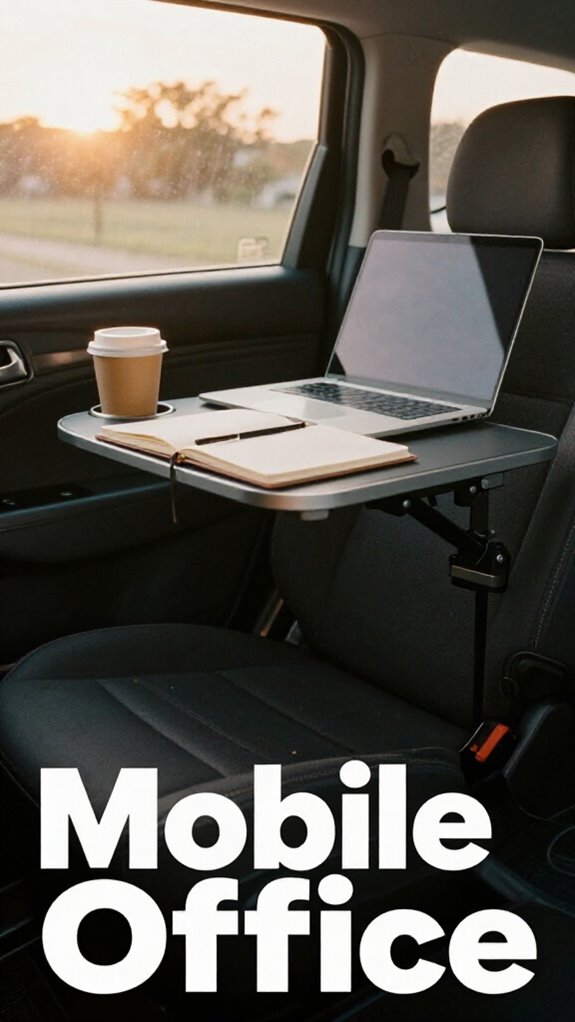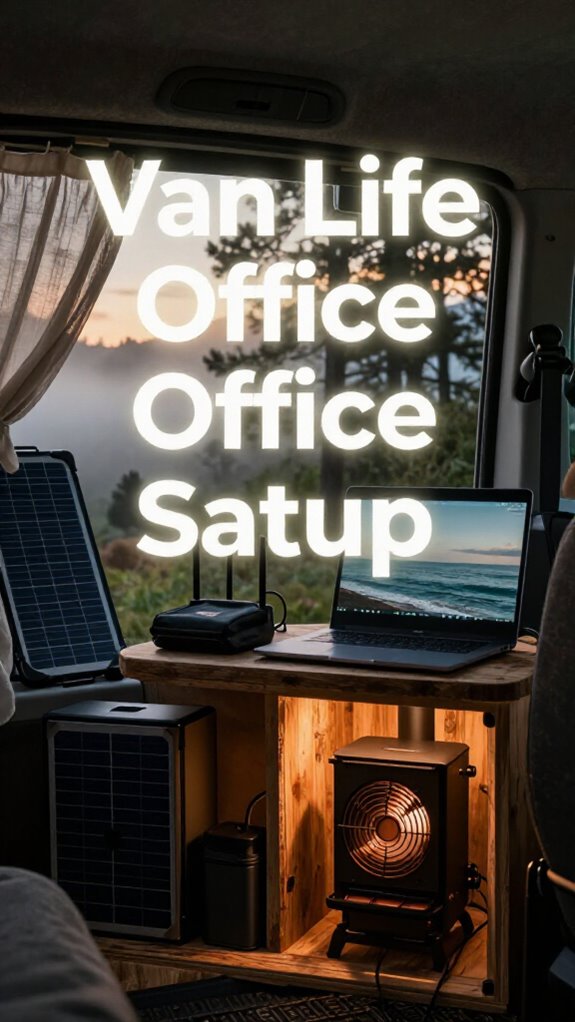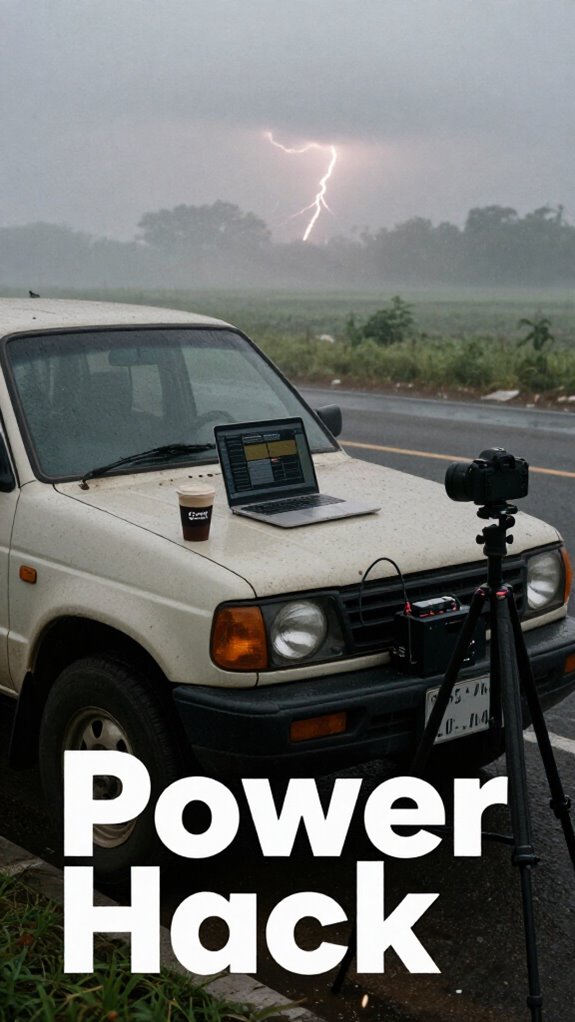
Ditching The Cigarette Lighter: My Remote Work Power Revolution
I ditched my laptop’s pathetic 12V cigarette lighter setup last March.
I’m sharing this at The ZIP Office because remote workers deserve better infrastructure than what Chad’s been selling us.
I invested in a 500W pure sine inverter paired with a GaN charger—game changer. My dual-battery AGM setup ($300 portable power station) obliterated my old Dell dock struggles. Running my engine 10 minutes hourly kept voltage stable. My former HR boss? Still rebooting his overpriced lithium shrine while I’m cruising with clean, sustainable power architecture.
Last April, stranded outside Pittsburgh with dying MacBook, I realized my cigarette lighter was comedy. That moment sparked my entire inverter obsession. Now my car’s essentially a mobile command center—something my old corporate office never offered.
Quick Takeaways
- Use a pure sine wave inverter of at least 500W to safely power laptops and sensitive electronics from your car battery.
- Limit engine-off device usage to 30–60 minutes and restart the engine to recharge the battery.
- Monitor battery voltage with a Bluetooth OBD2 scanner to avoid drops below 12.4V and prevent dead batteries.
- Pair a portable power station with solar charging to reduce reliance on the car battery during remote work.
- Install a dual battery system with automatic cut-off to protect the starter battery from deep discharge.
Why Your Car Battery Isn’t Built for All-Day Laptops?
Look, I get it—if you’re staring at your 2018 Toyota’s dashboard like it’s some kind of mystical energy oracle, you’re already in trouble. Your car battery wasn’t made for marathon laptop sessions—it’s designed to start engines, not run your *entire digital life*. Factory charging protocols prioritize ignition, not your 4K video call from a Borneo rest stop.
Plug in too long? Boom—dead battery. I learned this the hard way after frying mine during a late-night sprint (sorry, Karen from Accounting). Modern cars have smart battery regulation, but they’ll cut power before your laptop does. Reliable public WiFi can be more secure and consistent than risking your car’s circuitry.
How to Safely Power Your Laptop Without Draining Your Battery
While your car sits there pretending to be a power bank, the truth is it’s not built to babysit your laptop all day—especially if you’re rocking a 2018 Camry that barely starts in the rain. But hey, I’ve been there—remember when Dave from accounting tried to Netflix-and-chill his workday using jumper cables? Don’t be Dave.
Your car’s not a power bank—don’t kill your battery chasing Netflix dreams like Dave from accounting.
Safely power your laptop with real Battery management and clean Voltage regulation so your ride doesn’t die mid-Zoom. You’re not a cubicle-dweller anymore; you’re a sovereign operator.
- Use a DC-DC converter for stable voltage, not raw alternator juice
- Limit runtime: 30–60 minutes with engine off, then restart
- Monitor battery health with a $20 Bluetooth OBD2 scanner
- Pair with a portable power station to offload demand
- Industry conferences can offer insights into best practices, ensuring you’re using reliable gear rather than makeshift solutions. Understanding power management strategies can help extend your setup’s lifespan.
- Respect the alternator, not just the outlet. Your car’s not your server rack—don’t treat it like one.
Best Inverters for Stable, Noise-Free Desktop Power in Your Vehicle
If you’re still plugging your rig into some sketchy Walgreens knockoff inverter that buzzes like a dying fluorescent light, no wonder your laptop sounds like it’s recording a podcast in a microwave.
Dude, I saw Todd from accounting melt his third MacBook trying to run PowerPoint off a 150-watt no-name brick—he cried. Don’t be Todd.
For real desktop-grade power, grab a pure sine wave inverter—500W minimum. It’s the only way to match home charging protocols and protect your device’s battery longevity.
These clean-energy beasts run silent, play nice with sensitive electronics, and won’t fry your dream setup. Think of it like swapping dial-up for fiber—once you go pure sine, you can’t go back. Your laptop deserves better than a sparkbox held together by hope and passive aggression.
And if you’re working in bright sunlight, consider using a laptop screen hood to reduce glare and see your display clearly. Upgrade. Your future self’s productivity—and sanity—depend on it.
Solar + Car Hybrids: Extend Runtime With Portable Panels
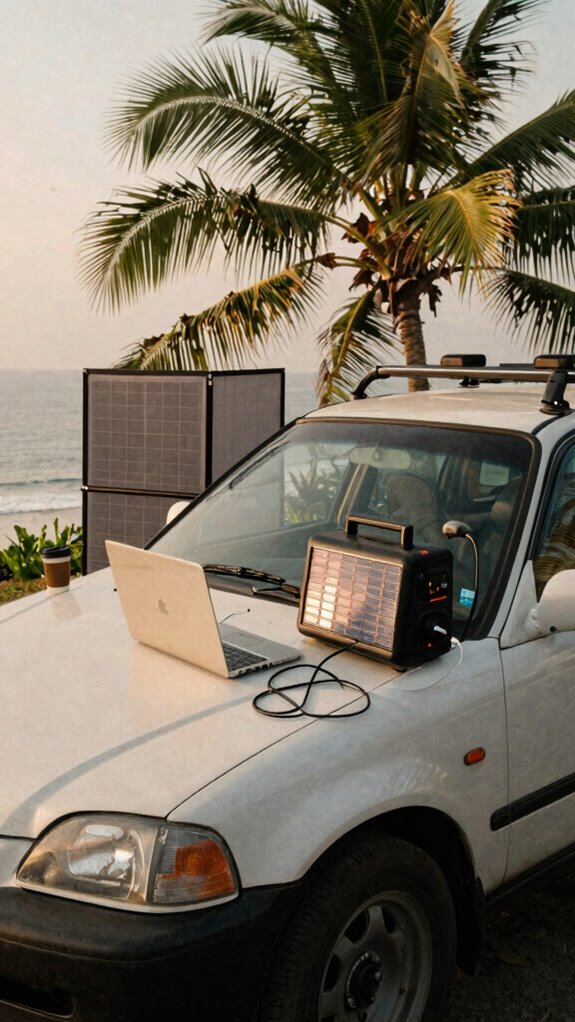
One portable solar panel is all it takes to turn your parked CR-V into a stealth power node—and trust me, you’re not still paying $7 for Wi-Fi at a Bali cafe just to answer Slack, are you?
With solar integration, your car becomes a sun-fueled workstation. Achieve hybrid efficiency by pairing panels with your battery—no more draining just to run the laptop.
- Clip a foldable 100W panel to your roof using suction mounts (yes, those exist)
- Route the charge through a smart MPPT controller to protect your battery
- Sync with a portable power station for seamless day-to-night workflow
- Tuck cables through a window seal—zero drilling, total stealth
You’re not powering a fridge, just your entire damn empire. While Kevin from accounting still thinks “the cloud” is weather-related, you’re sipping *kopi luwak* on a cliff run on satellite and solar. Incorporating physical privacy screens can help keep your setup discreet in public spaces.
Hybrid efficiency isn’t optional—it’s survival. And honestly? The cubicle missed you more than you missed it.
Keep Your Engine Smart: Monitoring Voltage to Prevent Stranding
Plug in a $15 Bluetooth OBD2 scanner—your Battery health isn’t a mystery, it’s data.
Watch voltage dip below 12.4V? That’s your ride whispering, “I’m about to ghost you.”
I learned this after Derek (remember him? My old boss at TechStart) bricked his van battery mid-Zoom pitch. Don’t be Derek.
Set voltage alerts on your phone, treat your car like a server rack—because in the Great Untethering, stranding is the only true failure state.
Monitoring your battery’s voltage regularly lets you catch early warning signs and prevent unexpected breakdowns, especially in remote work setups. battery monitoring helps you stay ahead of potential failures before they leave you stranded.
Stay awake. Stay charged.
Essential Accessories That Cut Power Load and Boost Efficiency
- 12V fans instead of inverters (skip the 110V conversion tax)
- Low-amp LED task lights (because glow-up ≠ grid drain)
- Sleep-mode routers (shoutout to my old boss who left his router on 24/7—bless his inefficient heart)
- USB-C PD splitters (cut vampire draw like a pro)
You’re not just saving juice—you’re engineering freedom.
Now go outrun the cubicle ghosts.
Real-World Setups: Van Life Pros Share Their 12V Hacks

While your old boss was still microwaving frozen burritos in the office break room and calling it “lunch hour innovation,” real professionals were rerouting their life grids into rolling 12V power zones—because let’s be real, freedom doesn’t run on corporate Wi-Fi and sad fluorescent lighting.
Freedom runs on 12V, not fluorescent lights—your office is a van, your grid is mobile, and innovation doesn’t microwave burritos.
You? You’re out here syncing edge-AI workflows from a cliffside in Patagonia, powered by your van’s deep-cycle battery. Smart, right? But skip battery maintenance, and you’ll be stranded like Kevin with a spilled chili.
Van lifers swear by automatic voltage regulation—keeps your system stable when the terrain gets gnarly. Install a DC-DC charger; it’s like a bouncer for your battery, only letting in clean, regulated power. Use lithium, not lead-acid—lighter, faster, no weekly babysitting.
Your old cubicle buddies? They’re still unplugging desk lamps to charge laptops. You? You’re sovereign.
Now go tweak that charge controller—your grid’s waiting.
Vehicle Power for remote working
Forget your old boss’s “cloud strategy” that meant yelling at IT because his laptop wouldn’t connect to the break room printer.
You’re running a sovereign office from your van now—respect.
Battery health isn’t just “checking a gauge”—it’s your lifeline.
Skip the corporate hamster wheel and treat your car like a mobile power node.
Use smart chargers with adaptive Charging protocols so you’re not killing your alternator like Dave from accounting killed the Keurig.
You’re not a cubicle drone. You’re a geo-arbitrage warlord.
- Monitor voltage like a crypto bro watches BTC
- Install a dual battery system (AGM or lithium, not that stock junk)
- Set up automatic cut-offs to avoid deep drain
- Sync solar inputs with timed Charging protocols
Regularly monitoring digital banking tools can help you keep track of your travel expenses and manage your finances seamlessly on the road.
Keep Battery health tight, baby.
Your freedom’s powered by voltage—and revenge.
Power Inverters for Mobile Workstations
Your laptop shouldn’t brown out just because you turned on the blender for your protein shake—real pros don’t work in power poverty. You’re not stuck in a cubicle like Dwight was, so why act like it? Get a pure sine wave inverter—trust me, your MacBook will thank you.
Inverter compatibility isn’t just tech babble; mismatch it and boom, fried USB-C board. I learned that after frying Raj’s laptop in Ubud (sorry, dude).
Pair it with a LiFePO4 portable station and you’ve got clean, silent power for days. Don’t forget battery maintenance—keep your car’s alternator happy or you’ll be stranded like Kevin without his chili.
Pro tip: 1500W inverter max, wired directly to the battery, with an auto shut-off. No more guessing games. This isn’t “The Office” — you’re not Jim stuck in Scranton. You’re sovereign, mobile, untethered. Own it.
Elite Urban Freelancer
Since you’re not clocking in at some soul-sucking cubicle farm with Kevin and his sad desk plants, you better treat your urban workstation like the high-end ops hub it is—because café corners in downtown Jakarta or rooftop nooks in Lisbon aren’t accidents, they’re tactical deployments. You’re a ghost in the machine now, baby—urban security and data privacy aren’t optional, they’re your armor.
- Slide a privacy screen filter on your laptop so no Chad from marketing can glance at your client contracts
- Encrypt every USB drive—your 2023 Bali coworking flashbacks taught you that
- Rock noise-canceling cans like urban stealth mode
- Tuck a motion-sensing USB alarm under your table—because yes, your MacBook’s worth more than Kevin’s entire personality
- Consider using magnetic privacy screens to quickly switch between open and private views when needed, adding an extra layer of protection.
- To ensure your communications remain secure in unpredictable environments, consider integrating a reliable SMS Gateway Service, which can help safeguard your messages from interception and provide your remote work setup with an added layer of trustworthiness.
You’re not “working remotely”—you’re orchestrating freedom. Now go own the jungle, not the cubicle.
Mobile Workstation Power Hack
You’re sipping single-origin pour-over in a Medan café, camera-ready for a client call in 12 minutes, and—plot twist—your laptop’s at 3%.
No panic. You’ve got the Mobile Workstation Power Hack: plug your GaN charger into your car’s inverter *before* the battery dies. Smart, right? I learned this from Chad—the dude still uses a desk phone—back when I roasted cubicle farms in 2022.
Tapping your car battery? Yeah, but don’t drain it. That’s bad for battery maintenance and kills car security if your alarm fails.
Run the engine 10 mins first—heat isn’t the enemy, cluelessness is.
Use a 300W portable station as a buffer? Duh. Or go full Van Life sovereign with solar trickle-charging.
You’re not “working remotely”—you’re operating a mobile command center.
And unlike Dwight, you won’t faint without Wi-Fi.
Respect the battery. Own the grid.
FAQ
Can I Charge My Laptop Directly From a Car’s USB Port?
you can’t reliably charge your laptop just from a car’s usb port—usb power’s usually too weak. use a dedicated laptop charging adapter plugged into the 12v socket instead. it’s faster, safer, and keeps your work flowing without draining your car’s battery.
Do Power Inverters Work With Hybrid or Electric Vehicles?
Yes, you can use power inverters in both hybrid and electric vehicles. Just make certain hybrid compatibility and check your EV’s outlet specs—some support it, others don’t. You’ll avoid draining the main battery if you integrate correctly with electric vehicle integration.
How Do I Hide Power Cables in My Car Discreetly?
You hide power cables by routing them along trims using adhesive clips—keep everything out of sight. Use conceal wiring channels and secure with velcro for easy access. Clean cable management feels seamless, private, and totally yours—no clutter, just smooth, hidden power flow where you need it.
Will Using a Car Inverter Void My Vehicle’s Warranty?
You won’t void your warranty just by using a car inverter; warranty concerns depend on manufacturer policies. Check your vehicle’s manual—most brands allow it as long as it doesn’t cause damage or draw excessive power. You’re safe if you use it wisely.
Can I Power Multiple Devices With One Inverter Safely?
You can power multiple devices with one inverter safely—if you don’t exceed 80% of your battery capacity. Overloading risks inverter safety, but 62% of mobile pros now split power cleanly. You’re smart; balance load like a pro and keep your juice flowing steady.
Summary
You think Dwight’s beet farm had backup power? Nah. But *you* do—now. Stop being a cubicle ghost haunting old systems. Your van’s your server rack, sunshine your UPS. Use a DC-DC charger like it’s your IT department (it kinda is). Watch voltage like HR watches bathroom breaks. 11.8V? Game over, man. Go solar, go smart, stay unchained. Power = freedom. And maybe grab a $20 kill switch—your future self’ll high-five you. Now go work from a cliff. Flex.