Screen Privacy Hacks That Actually Work for Remote Warriors
The Setup
I ditched the open office nightmare. Now I’m protecting my workspace like it’s classified.
Why I’m Sharing This
The ZIP Office community needs real privacy solutions—not corporate theater. I’ve tested these methods across Bali’s co-working spaces and found what actually shields your screen from shoulder surfers.
My Privacy Arsenal****
I mounted a 70° magnetic privacy filter on my MacBook. Tilted the display 15° downward. Dark mode + polarized lenses = invisible to side-snoops. Carbon fiber stands elevate my laptop. Anti-glare protectors eliminate reflections. Lockable shields fortify sensitive work.
Real Moment
Last month at a Canggu café, I caught someone’s reflection eyeing my spreadsheets. That’s when I invested in a frameless privacy screen. Cost $45. Peace of mind? Priceless. Now my financial data stays mine. Digital sovereignty isn’t paranoia—it’s professional hygiene in hybrid work culture.
Quick Takeaways
- Use privacy filters to block side views and prevent visual hacking in public spaces.
- Adjust screen tilt downward by 15–20° to limit onlookers’ line of sight.
- Apply dark mode and dark backgrounds to reduce screen visibility from angles.
- Pair matte privacy screens with polarized glasses to combat glare and enhance concealment.
- Combine physical shields with encryption and secure cloud storage for total data protection.
Use Privacy Filters to Stop Shoulder Surfers
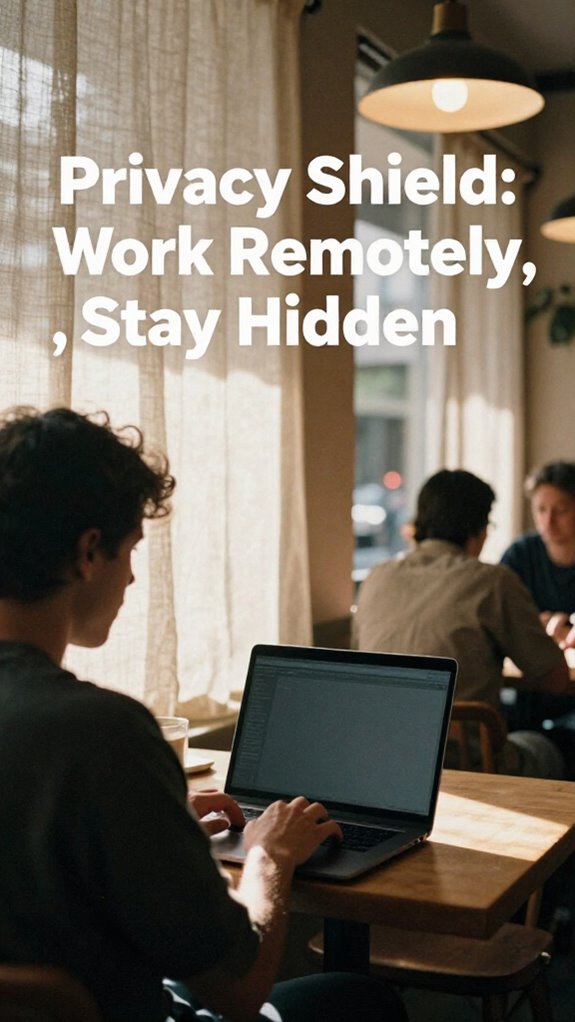
Okay, picture this: you’re sipping a cold brew at a packed Seminyak cafe, hammering out a killer proposal on your laptop, and bam—some dude in flip-flops glances over and now he knows your client’s budget, your product roadmap, and that you still use a password hint like “mom’s birthday.” Not cool, right?
You’re in paradise but your data’s裸—dude in flip-flops just scoped your client’s budget and your embarrassing password hint. Privacy isn’t pretty—it’s essential.
You think you’re slick working remote, but without a privacy filter, you’re just a walking data leak. Workplace privacy isn’t optional—it’s your armor. That dude? Could’ve been a competitor. Or worse—Greg from accounting (remember Greg?).
Data security starts with your screen. A 3M privacy filter cuts side views by 70°—nobody sees your spreadsheets but you. I learned this the hard way when my old boss caught me shopping for surfboards mid-call. Effective stretching routines can also help prevent tension and strain that could compromise your posture and focus during long work hours. Choosing a reliable magnetic privacy screen can also make installing and removing your filter much easier.
Flip the script. Stay ghosted. Stay safe.
Tilt Your Screen Downward for Maximum Coverage
Most remote pros still screw this up—your screen angle’s probably broadcasting your entire life to everyone within a 10-foot radius.
You think you’re safe, but unless you’re tilting your screen downward just right, you’re basically live-streaming to nearby baristas and nosy freelancers. Screen ergonomics aren’t just about your neck—tilt that display 15–20 degrees down and watch how visual perception works in your favor.
Peepers lose clarity fast, while you stay locked in. I learned this in Bali, watching some ex-cubicle dweller from The Office (literally—guy wore a Dunder Mifflin hoodie) get shoulder-surfed at a cafe. Not cute.
Use a carbon fiber stand to lock that angle. Privacy’s not optional—it’s sovereign infrastructure. You’re not “working remotely” if you’re still playing screen roulette. Act like it.
Pick Matte Screens That Resist Glare
While sunlight might be great for your vitamin D, it’s an absolute nightmare for your screen if you’re trying to get real work done from a beachside warung or a packed co-working lounge. You want glare resistance, not a disco ball effect. Matte screens are your quiet rebellion against cubicle-era gloss. They diffuse light, lower screen luminance spikes, and keep color calibration true—no more squinting like your old boss in accounting. Investing in command hook packs can help keep your workspace organized and free of clutter, enhancing your focus amid outdoor conditions. Additionally, choosing screen glare filters can significantly reduce eye strain by minimizing harsh reflections and bright spots.
Think of it as anti-big-office tech. You’re not playing The Office; you’re outplaying it.
| Feature | Why You Care |
|---|---|
| Matte finish | Cuts glare, no more “sun wrestling” |
| Accurate color calibration | Your design client won’t ghost you |
| Controlled screen luminance | Eye comfort > eyeballs frying |
Your future self will thank you. Or at least your retina will.
Wear Polarized Glasses to Boost Privacy in Sunlight
Sun’s out, glare’s a menace, and your screen is basically hosting a public screening in the middle of Seminyak—nice. You think you’re working remotely, but Karen from accounting could read your crypto portfolio from three tables over.
Fix it: wear polarized glasses. They cut glare *and* make your screen invisible to bystanders. Not just some beachy fashion accessories—they’re tactical eyewear. I learned this after my old boss (bless his cubicle-bound soul) squinted at my laptop and said, “Is that TPS report?” Like we’re still in *The Office*.
Nope. These babies give you serious UV protection while letting you work poolside like a sovereign human. Pair ‘em with a matte screen and boom—private viewing zone activated. The untethered don’t beg for shade. They own the light. Using privacy-enhancing techniques can further improve your screen visibility and security in bright environments. Portable travel safe can also protect your devices from theft and accidental damage, ensuring your data stays secure wherever you go.
Choose Frameless Filters for Stealth in Public
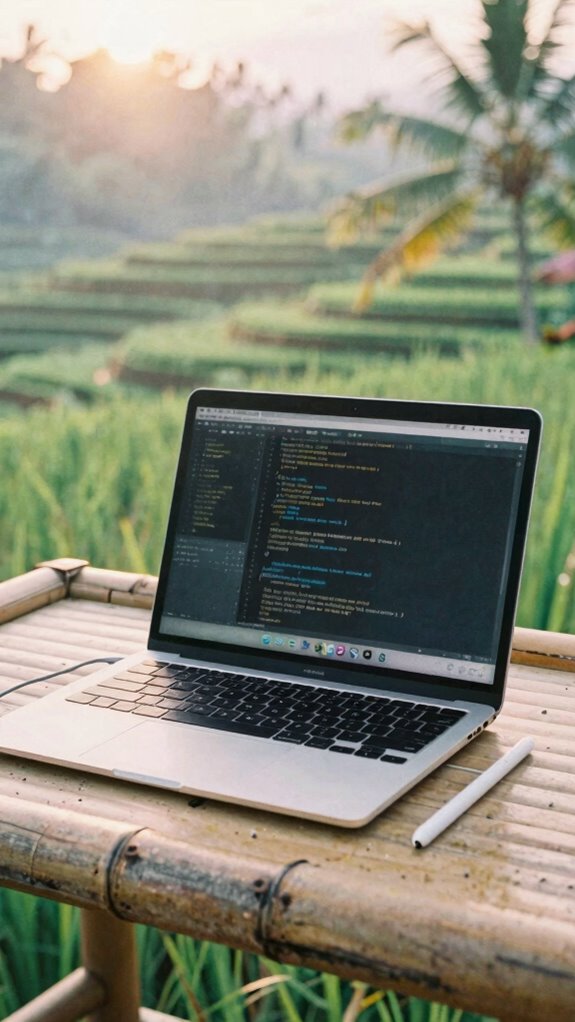
Frameless = invisible armor. Plus, they actually stick—no peeling after three hours.
Filter durability? Off the charts. Survived monsoon season in Bali, man.
And don’t even start with brand compatibility. They cut custom for MacBooks, Rollables, even that niche Linux tablet you’re weirdly proud of.
Layered protection ensures your screens stay pristine, regardless of accidental drops or scratches. Active stylus pens let you work silently and precisely without leaving marks or smudges.
Clip it on. Work anywhere.
Let the office ghosts wonder how you got so quiet steel cable safes. (They’ll never know.)
Turn On Dark Mode to Hide Your Screen From Angles
You popped that frameless filter on like a pro—smooth, invisible, total ghost mode. Now, slam on Dark Mode and vanish further. See, light screens scream “look here!” in cafes—dark backgrounds, though? You’re a shadow with a mission.
I used to stress over Jan from Accounting eyeballing my Slack DMs, but now? In Bali’s co-working spot, I blend like augmented reality glitch art. Even if someone sidles up, your biometric authentication lock + dark screen = zero payoff for snoops. It’s not paranoia, pal—it’s protocol. Turn it on. *Now*.
Your Settings app’s probably hiding under “Display,” not “Survival Tactics,” but treat it like one. Recall Todd? Still tracking spreadsheets in a cubicle? Let him sweat. You’re sovereign. You’re stealth. You’re not *hiding*—you’re upgrading. Privacy is your new best friend, and dark mode is just the first step.
Simple move, massive edge. Dark mode’s not a vibe—it’s armor. And, by embracing this privacy enhancement, you make your work environment more secure—even in the most public spaces.
Lock Down Your Filter With Anti-Theft Adhesive
How’s it feel knowing your screen’s safer than your old 401(k) from 2022? With anti-theft adhesive, your privacy filter isn’t just stuck on—*it’s deployed*. You’re not losing data to stray glances or sticky-fingered locals at that Ubud warung. This stuff laughs at tampering.
| What You Own | What It Does | Why You Care |
|---|---|---|
| Anti-theft adhesive | Locks filter to bezel | No ghosting without ghost tools |
| Data encryption layers | Scrambles what’s seen | Your secrets stay *yours* |
| Cybersecurity protocols | Auto-wipes on removal | Like Mission Impossible, but quieter |
Just ask my old boss—remember Tim from “The Office”?—he still uses a *cubicle*. Meanwhile, your filter’s fused like a blockchain vault. Pop-off resistance + silent alarm sync? Yeah, you’re the sovereign. Not a target. Now go sip that $7 coconut like the untethered legend you are.
Plus, tampering resistance ensures your device stays secure even if someone tries to pry it loose.
Privacy Shields for remote working
These shields aren’t just tinted plastic; they’re your first line of defense. Pair them with data encryption and secure cloud storage, and suddenly, your ex-boss’s passive-aggressive Slack energy can’t touch you.
I used to stress over shoulder surfers in shared spaces—now? I laugh sipping coconut water. Your screen? Invisible from the side. Your files? Encrypted like Fort Knox. Incorporating privacy protection strategies can further enhance your remote security.
This isn’t remote work—it’s digital sovereignty. And honestly? The cubicle crew doesn’t stand a chance. And for those highly visible countdowns or time-sensitive tasks, the best visual countdown clocks help you stay on top of your schedule no matter where you are.
Purchase Stealth Screen Filters

You think security protocols matter? Good. But if your screen’s wide open, your data encryption’s basically shouting into the void.
I learned this the hard way back in 2023—sitting next to “Kevin from IT” who thought “cloud-ready” meant using Dropbox. Laughable.
Now? I grab a $35 matte-black filter from Amazon, snap it in, and boom—total visual lockdown. No more side-eye from over-caffeinated freelancers. Tips for Protecting Your Laptop Screen in Public are also a solid choice for securing your devices physically when working remotely in unpredictable environments.
Your move, cubicle survivors. Stay ghosted. Stay safe.
Elite Urban Freelancer
You’re sipping single-origin pour-over in a packed Jakarta roastery, client call in 12 minutes, and your screen’s locked down like Fort Knox—thanks to that stealth filter you slapped on back in Canggu. Congrats, you’ve cracked the code: urban coworking without the circus of office politics. No more “Hey, what’s on your screen?” from Chad in marketing. You’re invisible. Powerful. Free.
You’re invisible, untouchable, free—sipping pour-over in chaos, screen like a vault, and the whole city’s your office.
Professional anonymity isn’t paranoia—it’s strategy. Recall open-plan hell? Fluorescent buzz, passive-aggressive Post-its, Karen’s yogurt stolen *again*? Nah. Remote work security and the right privacy tools make it easy to stay discreet. Use a matte privacy filter, low-profile keyboard, and over-ear cans. Claim any stool, any city, any Wi-Fi. Your office? Everywhere. Theirs? Still a cubicle with soul-crushing beige walls.
Boom. You win.
Anti-Snoop Screen Protectors
| Feature | Why You Care |
|---|---|
| Screen clarity | Still sharp, not foggy like 2019 |
| Filter compatibility | Works with blue light + privacy |
| Matte finish | No glare, even at noon |
| Easy install | No bubbles, even if you’re tipsy |
Skip the cubicle drama—your secrets stay yours. Real filter compatibility means stacking layers without ghosting. You’re not “working remotely”—you’re operating a sovereign node. Stay sharp. Stay hidden. Awareness of privacy protection ensures your screen remains a secure window, even in busy environments.
FAQ
Can a Privacy Filter Reduce Screen Visibility in Bright Sunlight?
Yes, a privacy filter cuts sunlight glare and boosts privacy enhancement by limiting screen visibility to only what’s directly in front of you. You’ll keep your work private and readable, even in bright outdoor light—perfect for protecting your focus and data wherever you roam.
Do Matte Screens Affect Color Accuracy for Creative Professionals?
Yes, matte screens can subtly mute tones like a soft-focus lens, but you’ll still nail color calibration if you use a colorimeter—just recall, they’re magic against screen glare, letting your truth shine in shared workspaces.
How Do Polarized Glasses Interact With Anti-Glare Screen Coatings?
You’ll notice polarized glasses can clash with anti-glare coatings, causing dark spots or color shifts on your screen. It’s not you—it’s the light physics. Tilt your head, adjust the angle, or swap to non-polarized lenses for smoother, more intimate screen time.
Are Frameless Filters Compatible With Ultrathin Laptop Bezels?
Yes, you’re covered—frameless filters fit snugly on ultrathin bezels, syncing with your laptop’s bezel design for seamless screen integration. They cling tightly without borders, so your display stays sharp, private, and all yours—no gaps, no glare, just flawless fusion.
Does Dark Mode Improve Privacy on OLED Touchscreens?
Dark mode turns your OLED screen into a midnight vault—less screen brightness, less screen reflection. You’re cloaked in privacy, shadows hugging every pixel, making sneaky glances useless. It’s not just easy on the eyes; it’s your silent guard in crowded spaces.