My Five Essential Privacy Moves While Working Remote in Bali
I ditched my cubicle last March. Now I work from cafés across Southeast Asia—but exposure risks came with the freedom.
I’m writing this for The ZIP Office because remote workers deserve real tactics, not corporate fluff.
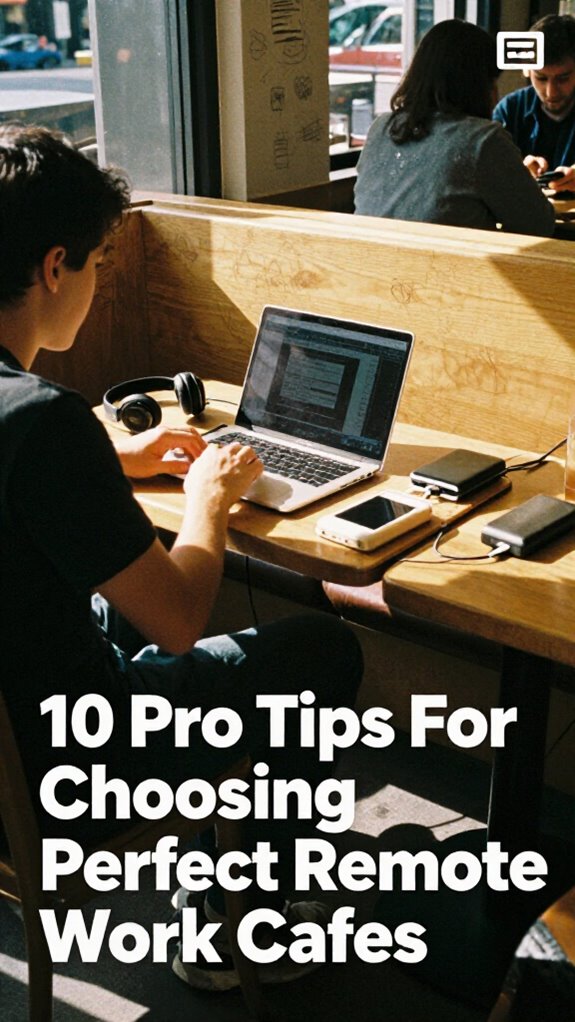
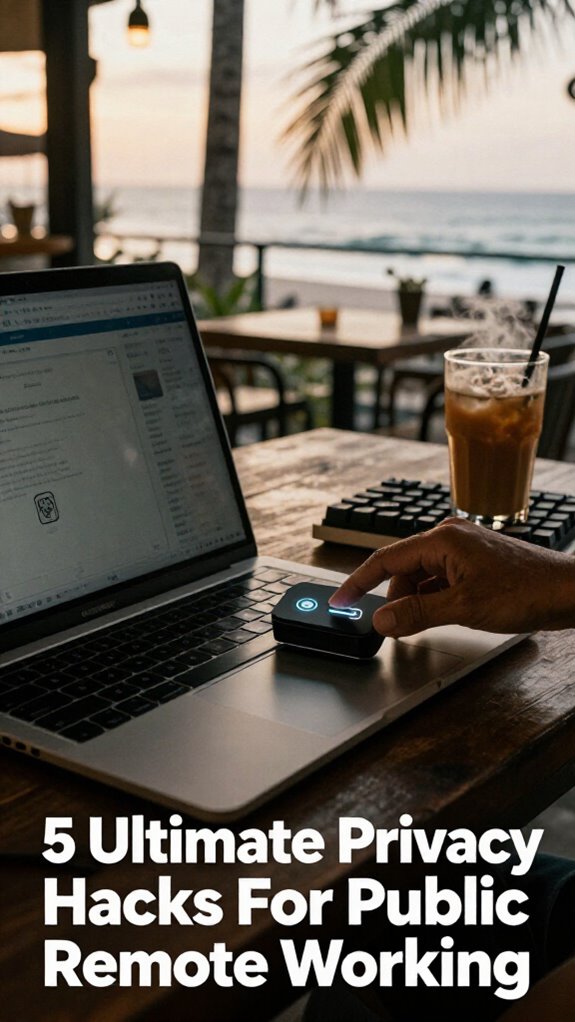
I grabbed a privacy screen first. The matte finish killed screen glare and sideways glances. Then noise-canceling headphones became my digital boundary. I invested in a biometric USB vault for client files—geographic arbitrage means higher stakes for data security. I positioned myself corner-back, near outlets and exits. Motion sensors? Essential. My colleague Sarah learned this the hard way when someone photographed her confidential spreadsheets in Chiang Mai last April.
Last week, my son asked why I faced the wall during video calls. I explained how protecting data protects his future. He got it. Privacy isn’t paranoia—it’s responsibility.
Quick Takeaways
- Use privacy screen filters to block sideways viewing and reduce glare in bright environments.
- Wear noise-canceling headphones to create visual boundaries and minimize auditory distractions.
- Secure data with biometric USB drives and work offline to prevent digital interception.
- Choose high-control seating like back-corner spots near outlets and with room visibility.
- Deploy motion-sensor alarms, internet kill switches, and encrypted vaults for physical and digital security.
Use a Privacy Screen Filter to Block Sideways Glare
Oh man, recall when we’d have to whisper-scream into our office phones like Jim halting Dwight in *The Office*—all while Karen from Accounting side-eyed us over her third fake plant? Yeah, those cubicle days are dead—thank *geographic arbitrage*.
Now you’re sipping bali brew in a beachside warung, but Steve from Finance ain’t the issue—it’s the dude staring at your screen like it’s a movie preview.
Enter the privacy screen filter: your shield against prying eyes and visual leakage. It slashes Screen Transparency by narrowing viewing angles—only *you* see the goods.
Pair it with Glare Reduction tech, and boom: crisp text even under harsh sun or café LEDs. I learned after my crypto portfolio got side-viewed by a curious barista.
Now? I slap on a matte-finish filter—anti-reflective, smudge-proof, sovereign-grade. Think of it as healing infrastructure for your focus. Your data stays yours.
No more Karen. No more chains. Just you, the ocean, and zero digital eavesdropping. Win.
Wear Active Noise-Canceling Headphones as a Visual Boundary
Social cues? Overruled. Chad retreats. I learned this back in the old office hellscape when my boss would “pop by” hourly. Now? I own my focus. The headphones signal sovereignty, a mobile healing infrastructure. Using a green screen can also visually reinforce your boundary by creating a professional or distraction-free background. Pair them with a privacy filter—*chef’s kiss*. It’s geographic arbitrage meets behavioral psychology. You’re not rude; you’re *unavailable*. For added privacy, consider a privacy screen filter, which blocks side viewing angles and enhances confidentiality in public spaces.
Secure Sensitive Data With Encrypted USB Drives and Offline Mode
- Plug in an encrypted USB drive with biometric authentication—your fingerprint *is* the password.
- Work in offline mode so no snoop can intercept live data.
- Store sensitive files locally, not floating in sketchy cloud backup security.
- Eject with a click—leave zero digital crumbs.
Remember Dave from accounting? Yeah, he still uses sticky notes for passwords. Don’t be Dave. Your data’s your sovereignty—guard it like a vault.
You’re a sovereign professional, not a legacy system.
Choose a High-Control Position in Public Spaces
One spot can make or break your whole hustle—so don’t just plop down like a tourist at the first free chair you see. Your remote position isn’t just where you sit—it’s your command center. Maximize environmental control like a pro.
| Spot | Control Level |
|---|---|
| Back corner, wall behind you | Elite |
| Near the bathroom | Low (smells & foot traffic) |
| Center table | Rookie mistake |
| Near outlet, facing room | High |
| By the window (glare + exposure) | Risky |
You’re not Creed chasing free pretzels—you’re a sovereign operator. I used to sweat under fluorescent lights while Dwight passive-aggressed in the next cubicle. Now? I win from a Balinese warung. Choose sightlines, avoid blind approaches, and own your space. This isn’t *The Office*—it’s geographic arbitrage with healing infrastructure. Your setup should scream “I own this chaos.”
Deploy Motion-Sensor Alarms for Physical Workspace Security
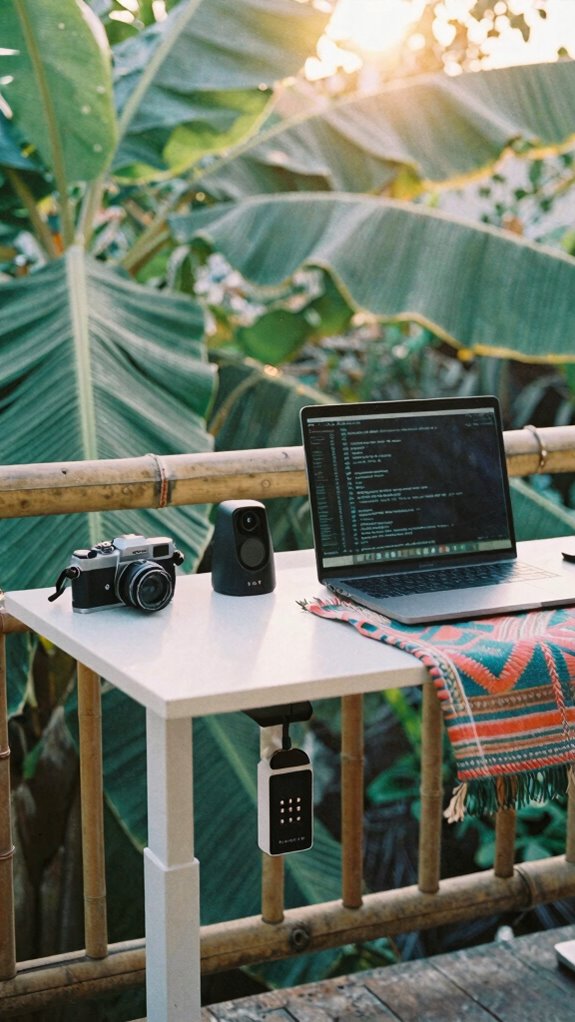
You’ve got data encryption down. Now protect the hardware. Because while Karen from accounting still prints emails, you’re securing your healing infrastructure like a pro. Internet kill switches provide an added layer of security during remote work. A portable travel-friendly standing desk can help you stay productive and maintain ergonomic posture on the go. #ByeCubicle
The Ghost Kit Essentials
And if you’re rocking augmented reality overlays for task prompts? Chef’s kiss. Stay invisible, stay sharp.
Motion alarms? That’s step one. This? This is elite. You’re not remote. You’re *sovereign.* Incorporate effective privacy strategies to ensure total concealment of your activity and location.
Now go ghost—before your old boss realizes you haven’t “called in sick” in 14 months.
Encrypted Data Vault Setup
You’re a Sovereign Professional now — your data’s your vault, not some shared drive collecting dust like Jim’s prank collection.
Lock it down like a pro:
- Self-hosted encrypted vault (think Tresorit or Cryptomator). These solutions allow you to maintain full control over your data with end-to-end encryption, ensuring no third parties can access your files.
- Zero-knowledge cloud storage (no backdoors, no nonsense)
- Hardware key (YubiKey = your digital bouncer)
- Biometric access only on devices — face, fingerprint, no exceptions
- Top encrypted email services to keep your communications secure for maximum privacy.
One breach and you’re back in a cubicle. And *no thanks*, Kevin — I’m not sharing my yogurt again.
Secure Ai-Driven USB Vaults
These bad boys pair biometric authentication with on-the-fly cloud encryption, so even if some jerk grabs your drive at a Bali café, they ain’t getting squat. I use mine with a silent mechanical keyboard and a privacy screen—total Ghost Kit flex. Recall when Dwight had that beet-farm panic room? Yeah, this is better. And faster. Plug it in, thumb-scan, go. To maximize security, always remember using a secure password manager—it’s like your digital safe for all your passwords, so you don’t have to remember each one. No more sweating over public Wi-Fi or Karen from Accounting “borrowing” your flash drive. You’re not storing files—you’re running a mobile healing infrastructure. Stay ghosted. Stay safe. And never return to the land of cubicle tears.
FAQ
How Do I Hide My Laptop’s Glow in Low-Light Cafes?
Who needs attention when you’re working? You dim your screen brightness and slap on a privacy screen—simple. That glow? It’s gone. You stay invisible, focused, in full control. Public work, mastered.
Can Privacy Filters Block Overhead Shoulder Surfing?
Yes, you can stop overhead shoulder surfing with screen privacy filters that limit viewing angles. They kill side glances and block prying eyes, so only you see your work. Pair them with hooded privacy shields for total screen privacy in crowded, high-risk zones. You stay visible; your data stays hidden.
What if My Headphones Get Stolen Mid-Work Session?
What if thieves strike mid-flow? You’ve got one move: prevent headphone theft before it happens. Use secure storage solutions like locking cable reels and anti-theft pouches—because losing focus shouldn’t be part of your workflow.
Do Motion Alarms Work in Crowded Metro Stations?
Yes, motion alarms work in crowded metro stations if calibrated for crowd density. You retain control by setting sensitivity to ignore minor brushes but trigger on deliberate movement—maximizing alarm effectiveness without false alerts in high-traffic zones.
How Do I Secure Data Without Wi-Fi Access?
You lock data like a vault heist—no Wi-Fi? No problem. You’re using AES-256 encryption protocols and offline physical storage on encrypted USBs, keeping sovereignty over every byte. Cold storage is your fortress; secrecy, your second skin.