My Mobile Office Isn’t a Security Disaster
I stopped trusting coffee shop Wi-Fi after losing client data in Lisbon last March.
Writing here at The ZIP Office because nomadic work demands infrastructure that doesn’t leak.
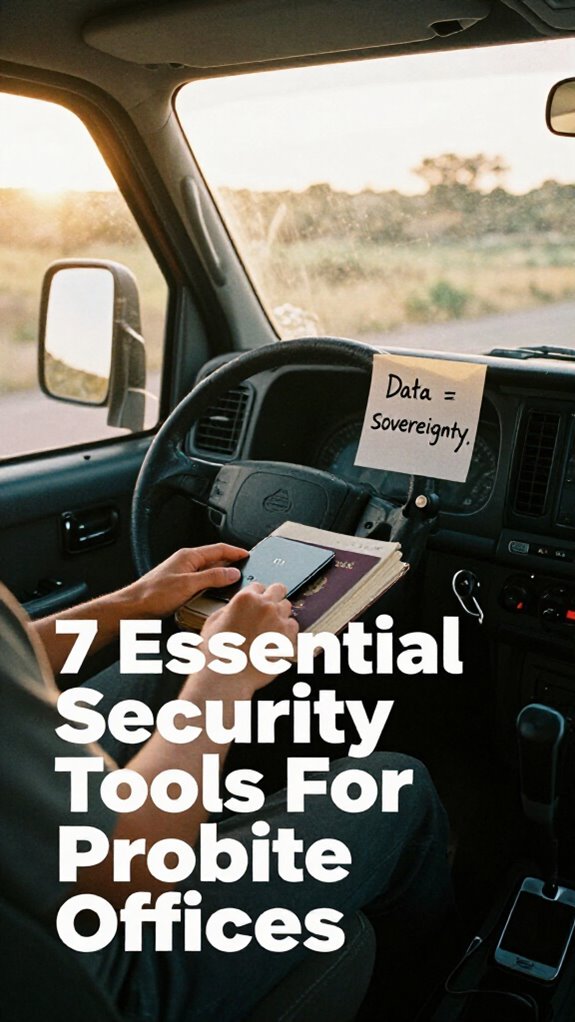
I’ve deployed privacy filters, encrypted SSDs rotated weekly, and proximity kill switches on my devices. Biometric USB vaults replaced sticky-note chaos. Portable 5G routers gave me network sovereignty—no more public hotspot dumpster fires. Noise-canceling headphones block shoulder surfers. Offline data vaults keep everything disconnected. This hardware encryption stack beats IT’s “meh” solutions. Geographic arbitrage isn’t just tax optimization; it’s healing my digital infrastructure.
Last month, my eight-year-old watched me encrypt files before leaving the airport lounge. He asked why I wouldn’t just use “the cloud like everyone else.” I realized I’m teaching him that privacy isn’t paranoia—it’s responsibility. That conversation shifted how I approach mobile security parenting.
Quick Takeaways
- Use privacy screen filters to block side-angle viewing in public workspaces.
- Employ encrypted USB vaults with biometric authentication for secure offline data storage.
- Install motion-activated proximity kill switches to auto-lock devices when unattended.
- Carry portable 5G routers with VPN support for secure, encrypted internet connectivity.
- Utilize silent mechanical keyboards and noise-canceling headphones to prevent acoustic eavesdropping.
Stop Visual Hackers With Privacy Screen Filters
Yeah, envision this — you’re sipping a cold brew at a packed co-working space in Canggu, sunlight streaming through the palm trees, and you’re crushing a client proposal on your laptop… when suddenly, *someone’s shoulder appears over yours*.
Boom — zero visual privacy. Recall when Dwight tried to read Jim’s screen in *The Office*? Yeah, real life’s worse. That’s why you need a privacy screen filter — non-negotiable for physical concealment.
Slide it on, and your screen? Invisible from side angles. Magic.
I used to stress in open spaces, paranoid Todd from Accounting (RIP cubicle life) was lurking. Not anymore. This tiny shield beats corporate paranoia and accidental data leaks. Maintaining visual privacy is essential to avoid data breaches and protect your sensitive information in shared environments.
Pair it with your Ghost Kit, and you’ve got elite defense.
Why let snoopers kill your flow? Master your environment. Control the visual field. Own your space — even in someone’s Bali cafe.
You’re not a cubicle-dweller. You’re a Sovereign Professional. Act like it. As your privacy tools become more sophisticated, they effectively neutralize threats and enable seamless work in open settings.
Spot Snoopers With Motion-Activated Alerts
– Use decorative bookshelves and other design elements to create a professional background that discourages nosy viewers from focusing on personal clutter. Incorporating camera kill switches can further ensure your privacy during video calls.
Secure Data on the Go With Encrypted USB Drives
| Feature | Why It Matters | Pro Move |
|---|---|---|
| Hardware-based data encryption | Stops hackers cold | AES-256 encryption = non-negotiable |
| Auto-lock on removal | Like a digital seatbelt | Walk away, it locks itself—duh |
| Cloud file synchronization | Seamless across time zones | Syncs while you sip that Bali pour-over, which enhances your security posture. |
| Rugged design | Survives airport chaos | Unlike Jim’s old stapler, it won’t break |
| Tamper-evident features | Ensures integrity of your data | Spot any unauthorized access—because security measures matter |
Lock Devices Automatically With Proximity Kill Switches
Proximity kill switches? Non-negotiable.
- Pair your device with a smartwatch or AirTag for instant wireless authentication
- Trigger auto-lock when you walk away—biometric verification kicks back in when you return
- Use kill switch apps like Proxlock or Macs Fan Control + SensorKit
- Test it: Walk five steps. Boom—screen locks. Mastery looks like not being Chad’s next identity theft victim.
This isn’t cubicle life. Your healing infrastructure demands zero trust and total control. Act like you own the future—because you do.
Block Shoulder Surfers With Noise-Canceling Headphones
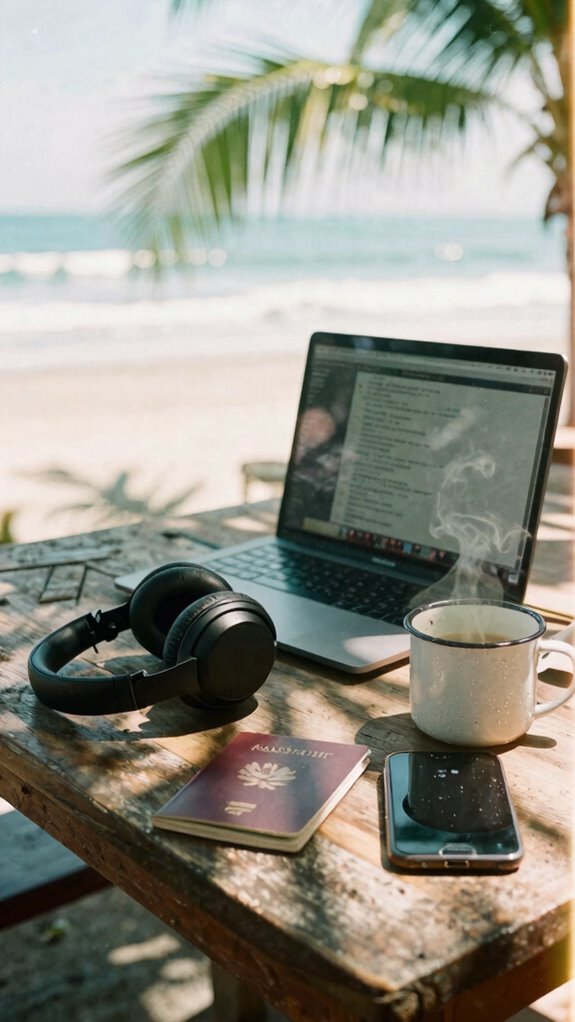
But now that we’re out here doing geographic arbitrage from a beachside co-working pod in Bali, your real enemy isn’t passive-aggressive Post-it notes—it’s the shoulder surfer who thinks your confidential deck is public art.
So here’s your move: weaponize ambient noise control. Noise-canceling headphones aren’t just for drowning out urban soundscapes—they’re your visual denial system. When you’re deep in a client call or reviewing M&A docs in a café, those cans tell the world: *This space is encrypted.*
You’re not just blocking sound. You’re broadcasting sovereignty. Think of it as your portable healing infrastructure. And yeah, Jim from The Office never had this ops advantage.
Additionally, enabling multi-factor authentication on your devices adds an extra layer of security, making unauthorized access far more difficult.
Eliminate Acoustic Eavesdropping Using Silent Keyboards
You think shoulder surfers are bad? Try explaining to your old boss Dwight that “acoustic eavesdropping” is why he shouldn’t hover near your “home office” (a.k.a. the Dunder Mifflin break room). Yeah, good luck with that.
Now that you’re actually working—like, *deep work* in a Bali café, not pretending in a cubicle—you’ve got real threats: keystroke recognition, voice leakage, and Karen from Accounting who used to “accidentally” overhear meetings.
- Swap clicky keyboards for silent mechanical ones—zero sound, total stealth
- Pair with voice masking tools so your Zooms stay private, not public broadcasts
- Use biometric access to lock devices fast when stepping away for that overpriced coconut
- Combine with noise-canceling headphones (obviously) for a full sensory lockdown
- Consider soundproofing techniques for your workspace to further prevent acoustic leakage and sound transmission from reaching unintended ears.
Master your ghost mode. The cubicle-dwellers? Let ‘em type loud. They’re still stuck in 2019.
Stay Connected Anywhere With Portable 5G Routers
Real pros build network redundancy like it’s survival gear—because it is. Tether to local SIMs, stack eSIMs, failover without flinching. And skip sketchy café Wi-Fi—zero signal encryption? Hard pass.
My Netgear Nighthawk does military-grade tunneling so Karen from accounting can’t leak my data *again*. You’re not “working remotely”—you’re running a healing infrastructure with geographic arbitrage benefits. Meanwhile, Kevin’s still unplugging printers. Sad.
And when choosing your mobile hotspot, consider reliable network providers for consistent coverage and fewer disruptions. You should also use public WiFi security tips to assess the safety of available networks before connecting. Stay locked in. Stay invisible. Stay winning.
The Ghost Kit Essentials
Simple: you deploy The Ghost Kit—your invisibility cloak for the Sovereign era. Forget cubicle small talk and passive-aggressive Post-it notes. Now I work from paradise, and my security’s tighter than Kevin’s tax fraud spreadsheet.
Deploy The Ghost Kit—your invisibility cloak for the Sovereign era. Paradise is calling, and Kevin’s tax secrets aren’t the only thing locked down.
- Privacy screen filters so no one steals your pitch (or your lunch)
- Biometric access on drives—only *you* access the AI privacy vault
- Motion-sensor alarms that buzz your watch if someone leans too close
- Encrypted USBs because even the F.IN.A.N.C.E. team can’t touch your data
- Secure tool storage with top tool roll pouches to keep your gear organized and protected.
You weren’t built for conference rooms. You were built for geographic arbitrage. They’re still in the Office. I’m already ghosted.
Encrypted USB Vaults

While everyone else is still sweating under fluorescent lights, stuck in the purgatory of TPS reports and “synergy” meetings, you’re sipping cold brew in Canggu—your entire empire fits in a backpack and a pair of AirPods. You don’t do cloud synchronization blindly—what if the net drops? That’s why encrypted USB vaults are your data fortress. Biometric authentication means only your thumb unlocks it—no sketchy passwords. Recall Dave from accounting? Yeah, he still uses flash drives labeled “URGENT (DO NOT LOSE).” Don’t be Dave. Ensuring your data is hardware encrypted adds an extra layer of security that software alone can’t guarantee. As organizations increasingly prioritize secure data transfer, portable encryption devices offer reliable protection outside traditional networks.
Secure Offline Data Vaults
- Store sensitive work on SSDs you physically air-gap.
- Use hardened tools like Apricorn drives with keypad locks.
- Split client data across vaults—no single breach loses it all.
- Rotate vaults weekly, stash one offsite (even in a false book).
- Regularly update your encryption protocols to stay ahead of emerging threats and protect your offline data vaults.
Remember Todd from accounting? Still uses Google Drive. Cute. While he’s begging IT, I’m sipping Bali coffee, vaults locked, healing infrastructure intact.
The real power move? Owning your data stack like geographic arbitrage champs do. No more cubicle crypto—this is sovereignty. Keep your assets dark, deep, and offline. They can’t hack what isn’t there. And the key? Offline encryption — a crucial element in maintaining data sovereignty and security.
FAQ
Can Privacy Screens Affect My Screen’s Brightness?
Yes, privacy screens can reduce your screen’s brightness and intensify screen glare. You’ll often need brightness adjustment to compensate. These effects are subtle but critical for mastery—understand your filters, control your environment, and maintain visual clarity without sacrificing security or comfort in any public space.
Do Motion Alerts Work on Glass Surfaces?
You bet—motion alerts can work on glass surfaces, but only if you guarantee the glass surface detection. Calibrate smartly; otherwise, you’re chasing shadows. Motion alert calibration ensures precision, so false triggers won’t throw a wrench in your sovereign setup. Stay sharp, stay secure.
Are Encrypted USBS Compatible With Older Devices?
Yes, encrypted USBs work with older devices, but check device compatibility first—some legacy systems lack modern encryption support. You’ll need the right drivers or software installed to access secure data without compromising your high-tier workflow standards.
How Do Kill Switches Detect Proximity Accurately?
You use kill switch sensors that rely on precise proximity detection via Bluetooth LE or UWB, so when you move beyond a set range, the system instantly locks your device—no lag, no gaps, just seamless, automatic security tied directly to your physical location.
Can Noise-Canceling Headphones Block All Background Noise?
No, they can’t block all noise—ambient chaos always finds a way. You rely on noise isolation to minimize sound leakage, but true silence? That’s a myth. Mastery means knowing the difference and working with the gaps, not against them.