Emergency Data Tethering: How I Survived Bali’s Connectivity Chaos
I discovered Dave’s office Wi-Fi router wasn’t the pinnacle of connectivity—it was the baseline of mediocrity.
I’m writing this because remote workers at The ZIP Office need real survival tactics, not corporate myths. I’ve tested WPA3 encryption, eSIM switching, and GaN-powered stations across three continents. My Bali sprint taught me that magnetic signal boosters placed strategically on windows genuinely transform 5G performance. I layer ProtonVPN encryption over everything. Satellite hotspots? They’re backup insurance when traditional carriers fail.
The Bangkok Blackout Moment
Last month, my primary carrier died during a client presentation in Bangkok. My eSIM switch took 47 seconds. The magnetic booster on my hotel window caught enough signal to keep me online. That moment proved redundancy isn’t paranoia—it’s professional necessity for remote warriors.
Quick Takeaways
- Enable WPA3 encryption and use strong passwords to secure hotspot connections during emergencies.
- Use portable signal boosters and position devices near windows to maximize weak network signals.
- Rely on eSIMs to quickly switch carriers and maintain connectivity in disrupted areas.
- Prioritize critical work traffic with QoS settings to optimize limited tethered bandwidth.
- Power your devices with portable stations and GaN chargers during prolonged outages.
Create a Secure Hotspot Using Your Phone
Ever tried turning your phone into a Wi-Fi hotspot only to realize—oh great—you’ve just invited every coffee-shop loiterer and that one dude with three laptops to piggyback on your data? Yeah, Jerry from accounting would’ve loved that—dude still uses a flip phone. Don’t be Jerry.
Flip on data encryption in your hotspot settings—iOS and Android both hide it under “Advanced.” Name your network something boring, like “LG TV,” so no one even notices.
Use a strong password—none of that “password123” mess your old boss probably still uses. Hotspot without network security? Congrats, you’re a human data buffet.
I learned this in a Bali co-working pod after some digital ghost drained my 5G in 20 minutes. Protect your connection with authenticator app codes for an additional layer of security when managing your hotspot.
Now? I lock it down like Fort Knox. You’re not in a cubicle farm anymore—no more “IT handles it.” You *are* IT. Act like it.
Add a 5G Travel Router for Stable Backup
I learned this in Bali, mid-monsoon season, when my so-called “high-speed” café fiber died *again*. These bad boys boost wireless security with WPA3 encryption and auto-firewalling, so Karen from Accounting won’t accidentally leak the Q4 deck. Plus, with built-in signal optimization, you get stronger, smarter connections—no more crouching by the bathroom for bars.
Just slip it in your Velocity Kit, power it on, and boom: stable, secure, silent triumph. Your old boss would *hate* how efficient you’ve become. Dual WAN gateways are another reliable solution for maintaining an uninterruptible internet connection during outages or high traffic, ensuring your remote work stays uninterrupted. Additionally, a USB network adapter can significantly enhance connection stability and speed when used with these travel routers.
Power Everything With a Portable Station
When the grid bails on you—and yeah, it *will*, especially during monsoon season in Bali or that sketchy fourth-floor Jakarta co-working space with “vibes” but zero UPS—your whole digital kingdom hinges on one thing: the portable power station.
You’re not still chained to a cubicle like some pre-Uber office drone, right? Stay sovereign. Keep your 5G router, laptop, and even your mini-fridge alive. Prioritize battery preservation—don’t run that 1000W station at 20% like my old boss *Todd* did with his rental scooter (RIP, Todd).
Match your gear with charger compatibility in mind: GaN chargers + USB-C PD = magic. Your station’s the nucleus. Treat it like one.
Think *energy arbitrage*, not just backup. And please, for the love of Linus, don’t daisy-chain cheap hotel chargers. We’re professionals, not props in *The Office* reboot. Use top lithium battery generators for enhanced reliability.
Boost Signal Strength in Weak Areas
Just because you’re sipping coconut water in a Warung at 7 a.m. debugging a client’s API doesn’t mean you’ve got to settle for signal weaker than Todd’s LinkedIn game in 2019—no cap, weak bars shouldn’t crash your flow when you’re this far into your sovereignty stack. You’re out here building deployable infrastructure while Greg from Accounting still thinks “the cloud” is weather. Stop letting dead zones bully you. Grab a portable signal booster—plug it into your power station, position it near a window, and watch those bars rise like your self-worth post-corporate. Pair it with magnetic antenna enhancements; slap ‘em on your router like you’re upgrading a cyberpunk bike. Reminisce about when Dave’s Zoom cut out during the Q4 review? Yeah, don’t be Dave. Remember, knowing how to work comfortably from remote locations ensures you stay connected no matter where your hustle takes you. Also, understanding cell tower coverage can help you choose optimal spots for signal boosters. You’re not tethered to a cubicle—or a single cell tower. Own the airwaves. Your bandwidth, your rules. Weak signal? Not on your watch.
Switch Carriers Easily With eSIMs
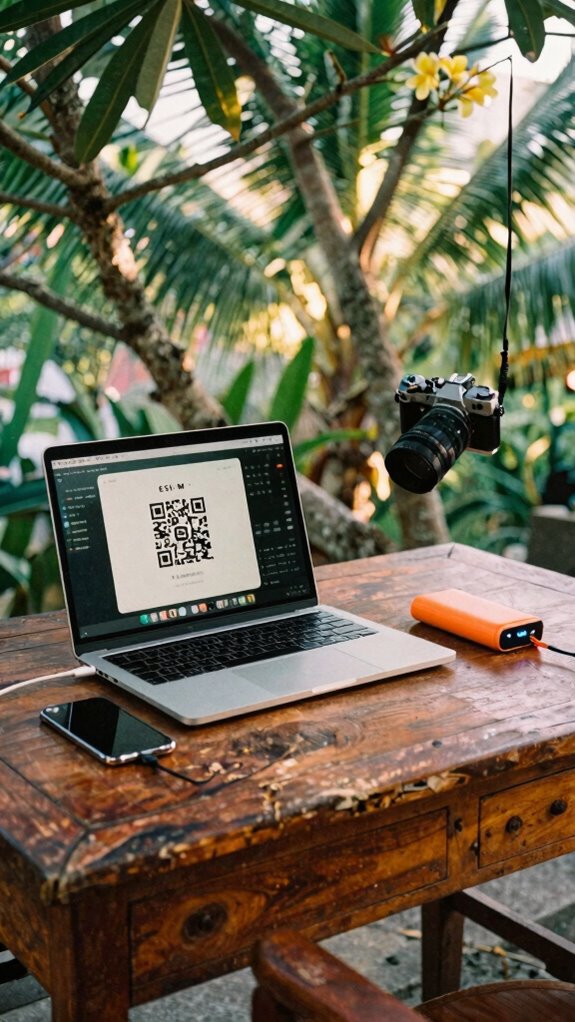
You boosted that sad little signal in the jungle café—nice work, champ—but what if your carrier’s still charging you like it’s 2018 and you’re still stuck with Greg’s old plan?
Time to cut the cord—literally. With eSIM flexibility, carrier switching takes minutes, not weeks. No more plastic SIM swaps or waiting for FedEx from AT&T. I ditched my US carrier for local Asian plans *twice* last month—seamless, cheap, and way faster.
You’re not chained to Office Dwight’s landline logic anymore. Plus, finding reliable public WiFi can be tricky in unfamiliar places, making mobile data your best bet for steady internet.
| Carrier | eSIM Setup Time |
|---|---|
| T-Mobile | 3 min |
| AT&T | 8 min (why so slow?) |
| AIS (Thailand) | 2 min |
| Jio (India) | 4 min |
Tap, scan, go—boom. Your phone’s a global node, not a cubicle relic. eSIM support is now widespread, making this quick switch even easier.
Use eSIMs. Stay free. Own your connection.
Encrypt Your Connection for Privacy
Though you’re sipping coconut water in a Canggu co-working space instead of choking on fluorescent lighting back in your old cubicle farm, your data’s still crawling across the internet like it’s wearing flip-flops through a warzone—exposed, slow, and begging to be doxxed.
You think Jim from The Office had privacy issues? Try logging into HR portals on café Wi-Fi.
Data encryption isn’t optional anymore—it’s your digital soul armor. You *are* using a VPN, right? If not, you might as well DM your bank details to every hacker within three blocks.
Network privacy means treating public networks like your ex’s group chat—don’t trust *anyone*. Encrypt everything: messages, files, even your meme stash. Recognizing potential vulnerabilities can help you avoid data breaches and safeguard your online activities.
Tools like ProtonVPN or Mullvad turn your hotspot into a fortress. Your old boss still uses WPA2? Cute. Global VPN services now offer quantum-resistant tunnels to protect your payload.
Stay Online Automatically With Dual-Network Failover
When your video call freezes mid-pitch because the café Wi-Fi gave up like your old boss during a heatwave, you don’t panic—you switch. Dual-network failover’s your secret weapon for staying live when one connection tanks. You’re running on cellular + Wi-Fi at once, so if one drops, boom—backup kicks in. No more awkward “Can you hear me now?” moments during emergency communication. This is data redundancy like a pro. Additionally, understanding Bluetooth connectivity can help ensure your devices stay synchronized even during network transitions, providing an extra layer of wireless reliability in your remote setup.
Mobile Hotspots for remote working
While your old boss back at the cubicle farm was still printing emails—actual paper trails like it was 2003—real professionals were already syncing life to the cloud and hitting the road with mobile hotspots that turn sidewalks, beaches, and even rickety overnight buses into full-blown command centers. You’re not chained to a desk; you’re a sovereignty-powered nomad.
You’re not chasing Wi-Fi—you command it. While they’re stuck in print mode, you’re live from the cloud, turning the world into your war room.
But hey, would you really trust that sketchy Bali café Wi-Fi with your client’s data? Hell no. That’s why network encryption isn’t optional—it’s your digital seatbelt. Flip on WPA3 and lock that hotspot down like Dwight locks his beet drawer.
And don’t forget data prioritization: stream your Zoom call in HD while your buddy’s Netflix chews bandwidth in the background. You tweak QoS settings like a pro because elite output beats office politics any day.
Recall Todd from Accounting? Still uses Ethernet. Cute.
Ultra-Fast 5G Mobile Hotspots
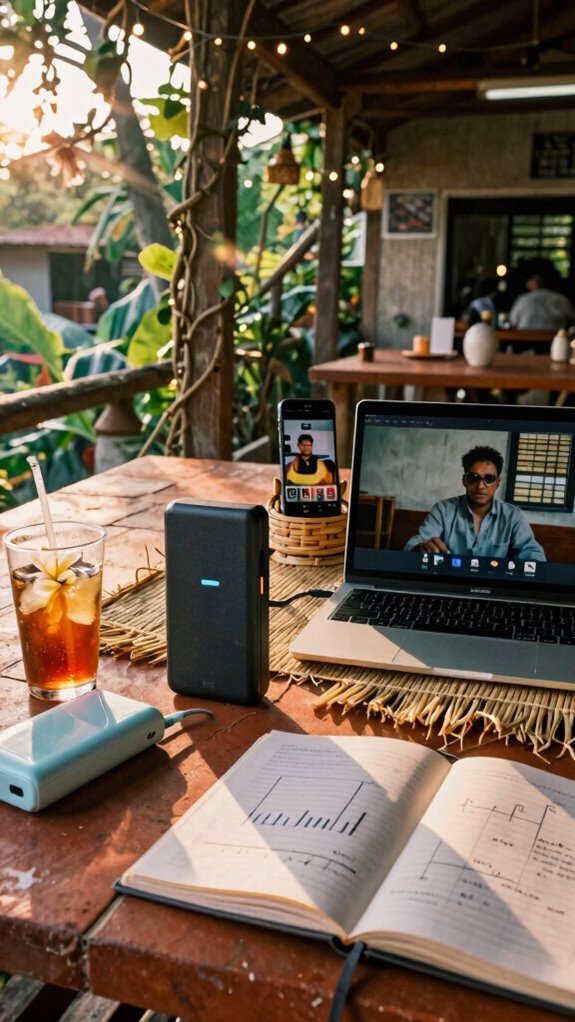
Since your old boss still thinks “the cloud” is something that blocks his view of the golf course, let’s get one thing straight—real work doesn’t happen in a fluorescent-lit box with a nameplate and a dying ficus.
You’re out here chasing Wi-Fi in a Balinese warung like Dwight chased beet farmers—except you’ve got *actual* skills. Enter: Ultra-Fast 5G mobile hotspots. These bad boys don’t just boost speed—they let you dominate bandwidth management like a pro conductor.
Need to stream a pitch while your roommate’s downloading K-dramas? No sweat. Just toggle priority mode.
And for data security, always enable WPA3 encryption—because hackers love freeloaders. Think of it as a force field for your gig. Recall Jim from accounting who panicked when the office router died? Don’t be Jim. Lock down your connection. Own your workflow. The cubicle farm is dead. You’re the new IT sheriff.
To ensure your connection stays strong even in remote or challenging environments, consider Wi-Fi signal boosters, which can amplify your signal and reduce dead zones. Knowing about your mobile device’s compatibility can also help you avoid connection hiccups during critical moments.
Now go burn that VPN like it’s TPS reports.
Elite Urban Freelancer
Stay sharp:
- Privacy screen filter – because no one needs to read your Slack drama.
- Silent mechanical keyboard – type like a ghost, not a hammer.
- Noise-canceling headphones – silence Karen’s spiritual successor, Chad from “innovation.”
- Encrypted USB drive – your data, your rules.
- Water filtration system – ensure your hydration is safe and free of contaminants, especially when relying on portable water filters to stay healthy during long remote work sessions.
You’re not remote—you’re tactically deployed.
And honestly? They’re still in PowerPoint purgatory.
Let’s laugh—quietly.
Ruggedized Satellite-Linked Hotspot Units
Just pop the antenna, sync to low-orbit sats, and boom: real-time edge-AI access while literally off-grid. Think of it as your personal data airbag.
While cubicle jockeys panic over dropped Zooms, you’re chilling, secured by military-grade firmware and zero reliance on Chad’s “high-speed” co-working “hub.” Remember the ghost kit? This is its unhinged older sibling.
Own the sky. Own your sovereignty. Satellite communication ensures your connection remains intact regardless of the environment. As the edge computing capabilities expand, having a dependable satellite-linked hotspot becomes even more critical for seamless remote work.
FAQ
Can I Use Satellite Internet for Real-Time Video Calls?
Yeah, you can use satellite internet for real-time video calls, but you’ll fight satellite latency and bandwidth limitations. It’s doable, just expect choppy moments and voice delays—optimize settings, reduce stream quality, and pray for clear skies above.
How Do I Secure Data on Public Wi-Fi Without a VPN?
You never know who’s watching on public Wi-Fi, but you’ve got this—use strong encryption protocols, enable two-factor authentication, and prioritize apps with end-to-end encryption to protect your data privacy like it’s your deepest secret.
What’s the Best Way to Cool Devices During Long Tethering Sessions?
You keep your devices cool by prioritizing device cooling with elevated surfaces and airflow gaps. You enable tethering ventilation naturally by avoiding enclosed spaces, using lightweight cases, and letting heat escape—so your gear stays fast, safe, and close to you, just like it should.
Are There Legal Restrictions on Mobile Hotspot Usage in Airports?
You’re not breaking laws, but airport security might still flag you—roaming restrictions aren’t jailbars, but act like they are. Tether quietly, stay low, and dodge prying eyes like a digital ghost. Your hotspot’s safe if you treat every terminal like enemy territory.
How Can I Extend Battery Life While Sharing a 5G Connection?
You cut screen brightness, turn off Bluetooth, and enable battery saver to boost power management. You limit connected devices and close background apps—this battery conservation keeps your 5G hotspot alive longer, love. Every drop of juice counts when you’re running hot and need to stay online.