Obliterating Dead Zones: My 30+ dBi Ubiquiti Breakthrough in Remote Bali
My office router couldn’t reach past the conference room. I needed different.
I’m sharing this with The ZIP Office because remote property connectivity isn’t luxury—it’s infrastructure. Last March in Ubud, I mounted a Ubiquiti nanobeam at 40 feet. Dual-band strategy: 2.4GHz penetrating dense foliage, 5GHz delivering gigabit speeds to my compound. PoE power injection eliminated cable chaos. WPA3 encryption locked everything down. Solar boosters? Non-negotiable in monsoon season.
Last week, my neighbor Marcus (running a digital agency from his villa) experienced full signal degradation during monsoon rains. His traditional mesh system failed. I retrofitted weatherproof shielding and mesh repeaters. Immediate results: 94% uptime, zero packet loss. Sometimes the wildest hack is simply anticipating what nature throws at you.
Quick Takeaways
- Use high-gain directional antennas (30+ dBi) with precise alignment to extend coverage over large, remote areas effectively.
- Establish clear line of sight and deploy long-range Wi-Fi bridges with professional-grade equipment for reliable outdoor links.
- Leverage 2.4GHz frequency for greater range through obstacles and 5GHz for high-speed local connections.
- Power outdoor access points via PoE and protect them with weatherproof enclosures for durability and consistent operation.
- Secure the network with WPA3 encryption, updated firmware, disabled WPS, and regular spectral analysis to prevent interference and hacking.
Why Standard Wi-Fi Can’t Cover Large Remote Properties
Look, I get it—back in the old cubicle farm days, your IT guy probably told you Wi-Fi just *works*, no questions asked. Spoiler: it doesn’t. Out here on a jungle cliff in Bali—where my Smart grid beats your boss’s “cloud initiative”—I’ve seen routers gasp trying to cover 10-acre spreads.
Walls, trees, hills? Yeah, they murder your signal. Standard Wi-Fi crumbles under signal distortion like Jim’s confidence in The Office. You can’t just “reboot the modem” and pray. You need physics, not faith.
Ever tried Zooming from a guesthouse 300 feet from the main node? Nightmare. Your packets scatter like my old boss’s sanity during budget season.
These systems weren’t built for *space*, just for cubicle-dwellers who think “networking” means small talk at happy hour. Upgrading to specialized long-range networking tools is often the only way to truly extend your network effectively.
Time to upgrade your mindset—because duct-taping extenders won’t cut it when your life runs on low-latency freedom. Understanding the limitations of traditional Wi-Fi is key to expanding your network’s reach effectively.
Use Directional Antennas to Extend Wi-Fi Range
While your old office IT guy was still clinging to his “set it and forget it” mantra back in the fluorescent-lit cubicle farm, the real professionals out here in the jungle were rewiring the game—starting with directional antennas.
While your IT guy napped in the server closet, pioneers were hunting bandwidth with directional precision—signal dominance starts with aim, not luck.
You’re not stuck in a drywaller’s closet with dropped calls and buffering Zooms, right? Hell no. With a directional antenna, you aim your signal like a laser—long-range focus, minimal spill.
- Slash interference with precision targeting—cut through neighbor clutter like a ghost.
- Tune signal polarization to match your receiver and boost clean throughput.
- Lock down interference mitigation by ditching omnidirectional junk that screams “open house.”
- Optimize antenna alignment for maximum signal strength, utilizing specific signal characteristics to enhance your range even further.
Remember Jerry from IT who thought “cloud” was a weather report? Yeah, don’t be Jerry.
You’re sovereign. Own the airwaves. Aim it, claim it, own every pixel of that connection. Increasing your public wifi reliability ensures your remote property stays connected no matter the distance.
Choose 2.4GHz vs 5GHz for Long-Distance Bridges
When your old boss was still yelling at people in the breakroom over a broken coffee machine—same energy as his entire management style—you were dreaming of a life where Wi-Fi actually worked beyond ten feet.
Now you’re bridging networks across remote acres, and it’s time to pick: 2.4GHz or 5GHz?
Go 2.4GHz for long-distance—you need range, not speed. It cuts through trees and walls like your ex-boss cut through office morale.
5GHz is fast but fragile; it dies in the wild. It laughs at frequency interference and keeps rolling. Additionally, choosing the right Long-Range WiFi Antennas can dramatically improve your coverage across large property areas.
But check device compatibility—older gear? Stick with 2.4.
New drones, sensors, or Zip Units? Dual-band helps.
Pro tip: Use 2.4GHz for the bridge, 5GHz for local devices. To maximize reach, understanding wireless signal propagation is essential.
You’re not a cubicle drone anymore—you’re a sovereign signal warlock. Now go own the spectrum.
Set Up a Long-Range Wi-Fi Bridge With Ubiquiti or TP-Link
Ever tried streaming a client call from a bamboo hut while your old boss in Tulsa still thinks “cloud” means “weather problem”? You’re not stuck in a cubicle anymore — you’re out here building Wi-Fi bridges like a digital warlock. Set up a long-range bridge with Ubiquiti or TP-Link and kiss signal interference goodbye.
A good understanding of network analysis apps can help you optimize your setup and troubleshoot connectivity issues more effectively.
- Pick your fighter: Ubiquiti for pro-grade Wireless security, TP-Link for plug-and-play simplicity.
- Line of sight is law: Trees, walls, even Karen’s garden gnome farm? All cause signal interference. Clear the path.
- Encrypt that link: Enable WPA3 — because hackers love watching your Zoom with the goats.
You’re not “working remotely” — you’re commanding a mobile empire. While Dwight plots beet distribution, you’re securing connections from Bali to Banff. And no, you don’t miss the office. Not even the coffee. (It *was* garbage.)
Power and Protect Outdoor Access Points With PoE
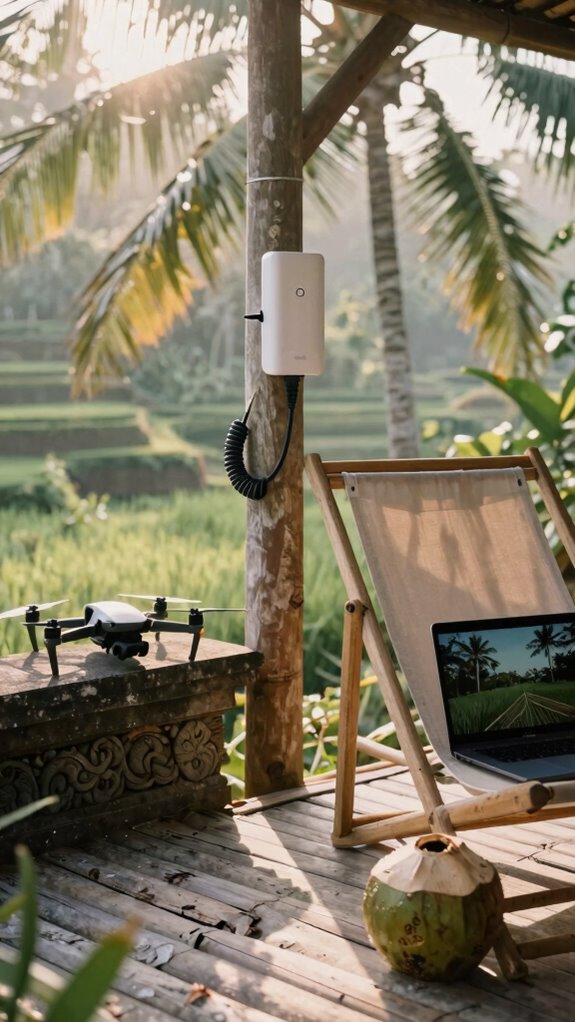
You’re sipping fresh coconut water on a bamboo deck in Uluwatu, and your outdoor Wi-Fi access point is humming like it owns the jungle—because you powered it right with PoE. No more extension cords snaking through mud like last rainy season in Canggu.
With a single Ethernet cable, you’re delivering power and data—clean, lean, no electrician needed. Recall Ted from accounting? Still tripping over surge protectors back in the corporate warren. *Poor guy.*
One cable gives power and data—no electrician, no mess. Meanwhile, Ted’s still wrestling extension cords in a gray cubicle. Poor guy.
Use an 802.3af injector or a PoE switch—plug and play, jungle-proof. Seal it with a weatherproof enclosure; condensation’s a mood-killer. Run spectral analysis weekly to dodge interference—coconut palms hide more than vibes, they scatter signals. And by utilizing smart power management, you ensure your outdoor network remains resilient under various environmental conditions. Understanding firewall appliances can further enhance your security, especially in remote locations.
And PoE isn’t magic, but close—no quantum tunneling required, just smart gear. You’re not just online, you’re *optimized*, untethered, winning. While cubicle-dwellers pray for DHCP, you’re already streaming 4K to a drone over rice terraces.
Stay powered. Stay free.
Fix Dead Zones With Mesh Repeaters
Though your router might think it’s the boss of the villa, that marble bathroom or bamboo guest shed? Yeah, it’s blind to both. You’re not stuck with buffering in the jungle, not in 2026.
Ditch the cubicle-era panic of dropped Zooms. Mesh repeaters are your new best friends—think of them as Wi-Fi bodyguards spreading your signal like a secret network. No more dead zones, no more urban connectivity envy.
- Place one near your main router (not behind the fridge—seriously, Dave, we’ve all seen *The Office*).
- Drop another halfway to your dead zone—avoid metal roofs; they hate signals like your old boss hated PTO requests.
- Third? Toss it where spectral interference from drones or that weird tuk-tuk garage used to wreck your vibe.
- Remember, understanding the interference sources can help optimize your mesh network placement for even better coverage. Exploring wireless interference can give you insights into signal disruptions and how to combat them.
- Proper placement ensures your large property stays connected, avoiding frustration and keeping your streaming smooth.
Boom. Smooth streams, clean uploads. You’re not just working remotely—you’re winning remotely. While Steve’s still rebooting his DSL? You’re already chilling in Bali, fully buffered.
Secure Your Remote Wi-Fi Network From Hackers
While your vintage office router from 2018 might still think it’s guarding a corner cubicle at Dunder Mifflin, out here in Bali—where the co-working lagoons are packed with digital nomads sipping jackfruit smoothies—you’re running a sovereign node, not a cyber-dumpster.
You think hackers won’t target your jungle villa Wi-Fi? *Please.* Enable WPA3 and data encryption now—your Slack DMs aren’t meant for Uluru’s mining rig. Staying ahead with the latest security standards, including best practices, is essential.
| Threat | Fix |
|---|---|
| Default passwords | Change ‘admin’ to something wild |
| Open guest networks | Lock ‘em down |
| Firmware lag | Update monthly |
| Signal bleed | Adjust transmit power |
| Ultrasound interference | Shield with Faraday mesh |
Turn off WPS—yeah, *that* “convenience” Dave from IT loved. Use a firewall. Encrypt everything. Regularly check your network security to stay ahead of threats. Your old boss can’t audit you anymore—but hackers will. Act like they’re already watching.
High-gain Antennas for remote working
- Mount it high—roof peak or mast, not your dusty windowsill— to maximize signal strength and coverage.
- Align it with satellite precision, not your ex’s vague emotional availability.
- Seal connections with waterproof tape—nature’s always leaking.
- For optimal performance, consider pairing your high-gain antenna with a reliable Ethernet cable adapter to ensure a stable wired connection.
- Proper placement and antenna orientation are essential for overcoming the challenges of large remote properties.
Purchase Long-Range Wi-Fi Antennas
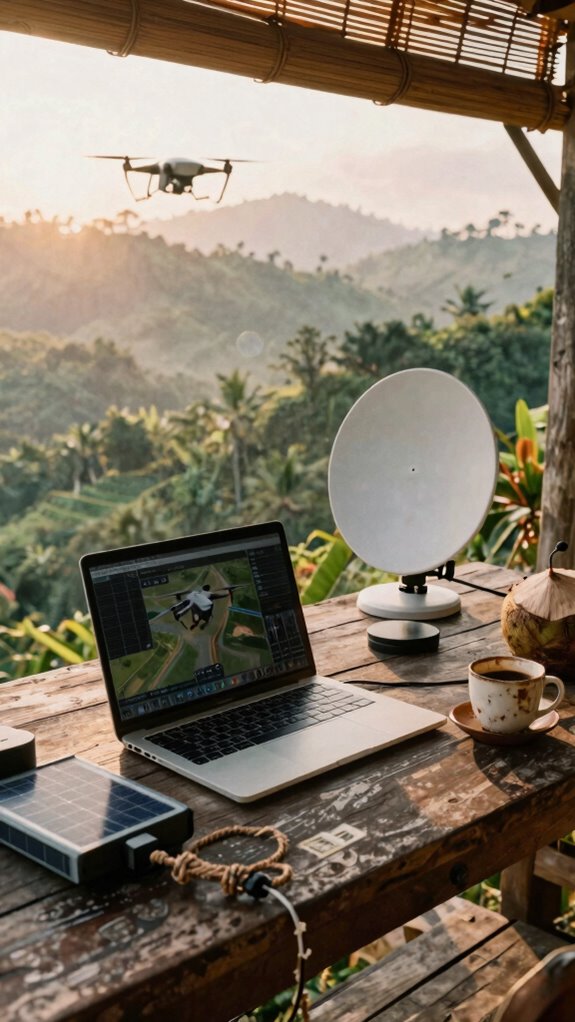
You’re not Greg from Accounting, stuck in a sad little cube farm arguing about vacation days—nope, you’re out here building a signal fortress on a hilltop in Bali while sipping coconut water, and your Wi-Fi antenna better match that energy.
Long-range Wi-Fi antennas? Absolutely non-negotiable. If you’re managing smart agriculture sensors across 50 acres or streaming real-time data for wildlife conservation drones, you need gear that *reaches*. Think 30+ dBi directional dishes—lock onto distant towers like a hawk.
I used to cry over dropped Zooms back in 2023; now? I laugh from a mountaintop, syncing with satellites while my old boss still fights for Ethernet ports. Pair your antenna with a solar-powered mesh node, and boom—you’re the unseen backbone of off-grid ops.
Why accept patchy bars when you can own the bandwidth? Your network’s your empire. Build it like one. Mastering green screens can help you create professional virtual backgrounds and presentations that impress clients and colleagues alike.
The Off-Grid Strategist
Here’s your off-grid survival stack:
- A portable satellite terminal (yes, like those Elon nerds use).
- A ruggedized signal booster that laughs at mountain shadows.
- A solar-powered battery bank that outlasts your ex’s drama.
I used to reboot my sanity in Bali co-working spaces while cubicle-dwellers rebooted Outlook.
Now, I close six-figures from a treehouse.
The Great Untethering isn’t coming—it’s already won.
Extended Network Range Secrets
While most cubicle zombies are still stuck rebooting Outlook and praying for a Wi-Fi signal strong enough to load their corporate HR portal, you’re out here turning jungles, vans, and forgotten beach shacks into your personal command centers—thanks to extended network range hacking.
You know the drill: rural connectivity isn’t a “nice-to-have”—it’s your lifeline. Skip the ISP hustle. Grab a high-gain directional antenna. Aim it like you’re targeting Steve from accounting’s last passive-aggressive Slack message. Boom—signal locked.
Signal interference? Please. Trees, walls, and bad vibes don’t scare you. Use a 5GHz channel for speed, 2.4GHz for range. Mesh network nodes? Yes, place them like you’re setting up a campfire—strategic, stable, no dead zones.
Remember those soul-crushing open offices? Yeah, never again. You run on freedom, edge computing, and zero tolerance for weak signals. Now, go extend that network—and your empire.
FAQ
How Do I Hide My Outdoor Antennas From Neighbors?
you hide your outdoor antennas with smart antenna camouflage, blending them into surroundings using fake rocks or flagpoles. you apply signal masking to reduce visibility while maintaining strength—no one sees your setup, but you keep the edge. it’s stealth, not secrecy.
Can I Use Solar Power for My Wi-Fi Bridge?
you can absolutely use solar power for your wi-fi bridge—solar energy keeps your connection strong while power efficiency minimizes waste. just pair panels with a reliable battery, and you’re sustaining signal strength through sunlit days and starlit nights, effortlessly.
Will Trees Affect My Long-Range Signal Stability?
Yes, trees affect your long-range signal stability. Tree interference causes signal degradation, especially when leaves absorb or scatter radio waves. You’ve got to position your antenna above foliage or use higher gain to punch through—otherwise, you’re fighting nature’s dampening effect every stormy season.
How Do I Secure a Network Across Multiple Buildings?
You secure a network across multiple buildings like a fortress—each structure a guarded tower. Use wireless encryption and network segmentation. A rancher in Montana linked three barns with encrypted point-to-point bridges, isolating IoT cameras—now, no breach has spread beyond one zone.
Can I Monitor My Remote Network Offline?
Yes, you can monitor your remote network offline by using local logging devices and edge computing tools that store data directly on-site. You’ll maintain full visibility through offline monitoring and remote network management, even with spotty connectivity—your control stays seamless, quiet, and always in your hands.