I Built My Van Office While Dwight Still Sits in His Cubicle
I ditched my desk in 2023.
I’m writing this for The ZIP Office because my setup proved something: mobile workstations beat corporate infrastructure. Solar arrays power my lithium battery stack. Starlink delivers 150Mbps from Utah’s red rock country. Biometric USBs lock sensitive files. Faraday pouches shield devices from signal interception. I mounted dual monitors where the passenger seat lived. Edge-AI handles my client workflows without cloud lag. No fluorescent lights. No Dunder Mifflin politics.
Last March, I sat parked outside Moab while closing a six-figure contract on my foldable workstation. My former boss emailed asking about office supplies. I was already three states ahead, running cybersecurity ops from a 2019 Sprinter van, entirely off-grid.
Quick Takeaways
- Design a solar-first power system with foldable panels and silent lithium power stations for reliable off-grid energy.
- Integrate Starlink and 5G routers with SIM redundancy for uninterrupted, secure internet connectivity on the move.
- Mount rugged laptops and monitors at eye level to maintain ergonomics and prevent posture-related strain.
- Use Faraday pouches, biometric USB drives, and auto-wipe protocols to ensure data privacy and device security.
- Optimize space with convertible furniture, magnetic storage, and cable management for maximum efficiency and comfort.
Design Your Van Life Workstation Layout in 5 Steps
Step one: Pick your power core before you pick your desk—seriously, don’t be that guy who buys a $300 desk and realizes his laptop dies in two hours. You’re not in a cubicle farm anymore; energy independence is your new 401(k). Map your solar setup first, then build around it. When planning your electrical system, consider public WiFi security and how reliable internet access will be essential for work. Incorporating a VR system can also enhance collaboration and reduce the need for constant physical presence, making your mobile workspace even more versatile.
Build an Off-Grid Power System That Lasts Days
You think your old boss from Accounting would last two minutes trying to run a Zoom call from a cliffside in Patagonia? Yeah, right—Dwight would’ve freaked by minute one. But you? You’re built different. Your van’s not just a rig—it’s a war room, and power’s your ammo.
Battery management isn’t optional; it’s survival. Size your lithium pack like you mean it—think 1,000Wh minimum. Pair it with a MPPT charger because guess what? Solar optimization is your new love language. A quality MPPT charge controller can significantly boost your system’s efficiency and lifespan. Using a USB network adapter to stay connected on the go can help you monitor and manage your system remotely, ensuring you’re always in control.
Angle those panels at sunrise, clean ‘em with a microfiber (yes, like your glasses), and watch your watts spike. You don’t “hope” it works—you know it does.
No grid? No problem. While Karen from HR still unplugs her space heater nightly, you’re three days deep in a coding sprint, battery bars smiling. This isn’t camping. It’s sovereignty.
Now go charge like a boss—the kind who actually *has* power.
Get Reliable Internet Anywhere With Satellite and 5G
While Karen from HR was still fighting with her hotel Wi-Fi in Cancún, you’re already closing a six-figure deal from a beach in Bali—because you’ve got satellite on your side and 5G in your back pocket.
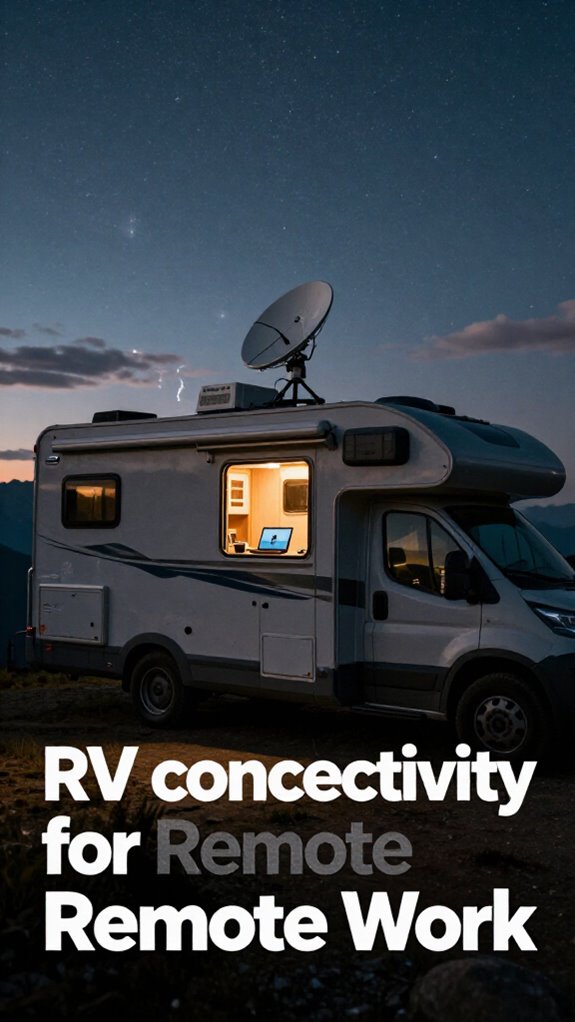
You recall Todd from accounting? Still trapped in the fluorescent-lit basement, praying for Ethernet. Not you. With a Starlink dish and a 5G travel router, you’re untethered—working from mountain rims, desert flats, anywhere.
Satellite security keeps your data armored, no sketchy café networks. And forget 5G latency nightmares—real-time Zooms run smoother than your old conference room calls.
Pro tip: Dual-band routers + SIM redundancy = never dropping a client call again.
Your office isn’t a place. It’s a signal. And right now? You’re broadcasting loud while the cubicle crew’s still buffering.
Stay sharp. Stay connected. Stay gone.
Protect Your Van Office From Break-Ins and Data Leaks
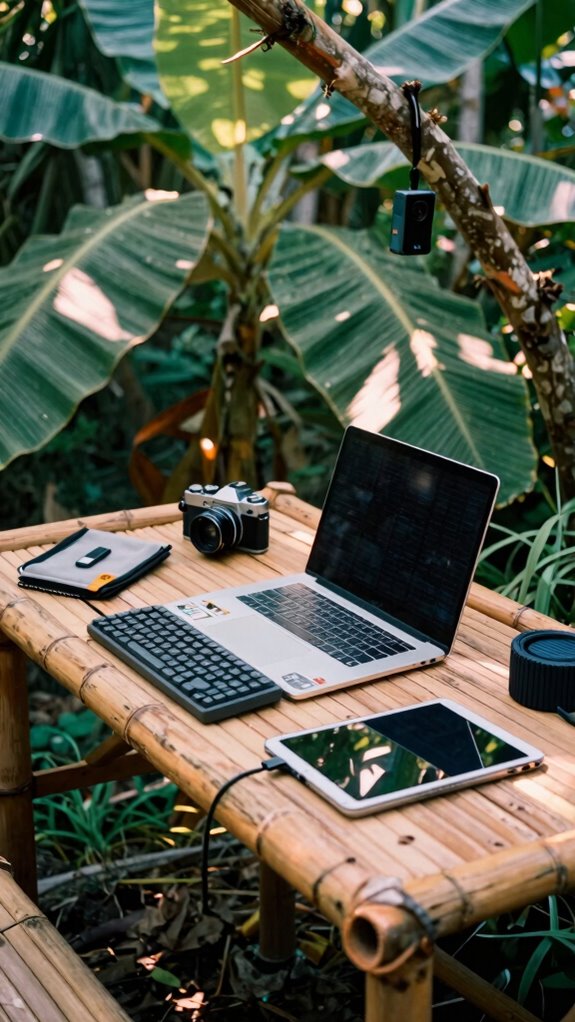
Out here in the wild zones—where your van’s your boardroom and your Wi-Fi runs on space lasers—you can’t just leave your six-figure setup sitting pretty like Dwight’s beet farm unattended.
You want *real* security, not clown-tier locks from 2019. Your life’s encrypted now—privacy shielding isn’t optional, it’s oxygen.
Stay sharp with these:
- Motion-triggered dashcams that ping your phone like a clingy ex
- Faraday bags for gear—stops data leaks like Karen from payroll ever did
- Biometric USB drives —because passwords are for cubicle-dwellers
- Privacy shielding window film—keeps eyes out, keeps your edge in
- Auto-wipe security protocols if someone brute-forces your rig
Consider integrating DNS filtering services into your setup to block malicious sites before they even load, further bolstering your digital fortress. Encryption technology is a vital component of keeping your data safe in unpredictable environments.
Your van’s not a parked tin can—it’s a node in the Sovereign grid. Act like it.
Set Up an Ergonomic Workspace in a Tiny Space
How do you turn a 45-square-foot van into a spine-friendly command center without ending up hunched like Creed after a bender at a hacker conference? Simple: you treat ergonomics like your ex—don’t ignore it, or it’ll destroy your back.
First, level up with Ergonomic cushions—your sit bones will thank you after eight hours of crushing Jira tickets. Ditch the folded-up sleeping bag as a seat; that’s what my old boss at Dell used, and now he’s into crystal healing.
Position your Compact monitor at eye level—no, not on a milk crate like Dave from accounting. Use a laptop riser or a wall mount. Proper ergonomic setup is essential to prevent strain and maintain productivity.
Keep your wrists straight, shoulders relaxed. You’re not a cubicle-dweller hunched over a HP from 2012. This is the Great Untethering, baby.
To ensure your back remains supported during long work sessions, consider adding a lumbar support pillow, which can help maintain proper spinal alignment and prevent discomfort. Remember, taking regular movement breaks can also significantly improve your comfort and overall health.
Van Life Workstation Gear: The 12 Must-Have Items
– To keep your workspace lit and inviting, consider incorporating adherent LED strip lights for customizable lighting solutions. A sturdy aluminum folding stand can provide versatile support for your devices, whether you’re working at your van’s tailgate or setting up outside. You’re not “working remotely”—you’re redefining work. Why suffer under Boss Larry’s flickering ceiling when you can code under the stars? Your van’s not a backup plan. It’s the upgrade the 9-to-5 world never saw coming.
Van Organization for remote working

You think your old cubicle had clutter?
Now you’re living in a metal box with Wi-Fi and ambition—every inch fights for purpose. Ditch the drawer chaos; go *creative storage* or go home. Mount magnetic strips for tools, slide drawers under the bed, use bungee nets like you’re strapping destiny down.
That USB drive with client data? Lock it in a Faraday pouch—yes, *paranoid*, but your ex-boss didn’t encrypt anything and look where *he* is (still in Slack, probably).
Follow ironclad *security protocols*: auto-wipe SSD on tamper, log in with a YubiKey like a cyber-ninja. Your van’s not just home—it’s a mobile node in the sovereignty stack.
Remember Jim from accounting? He prints everything. You? You’re printing *zero*.
You’re the ghost in the machine, sleek, encrypted, free.
Now stash that router like it’s gold. Because it is.
Outfit Van With Compact Workstation Gear
You’re not just living mobile—you’re dominating remote work. Ditch the cubicle clutter. Your van’s tight space? A precision tool.
- Tuck your laptop into a fold-out workstation by morning
- Slide kitchen essentials under the seat—no crumbs in your code
- Use magnetic strips for tools, not drawers (shake-proof!)
- Secure cables with velcro raceways—no more “tech spaghetti”
- Design bed organization that flips to desk mode—sleek, silent, ready
- Incorporate automated task apps to streamline your workflows and stay ahead on deadlines
You’re not surviving van life. You’re weaponizing it.
Where’s your old boss now? Probably stuck in a Zoom background loop.
You? You’re in Borneo, charging off solar, editing contracts like a ghost.
Minimal gear. Maximum control.
This isn’t compromise. It’s upgrade.
Van-Based Elite Productivity Operator
One perfectly synced solar charge cycle is all it takes to outwork an entire corporate IT department still stuck in fluorescent-lit warrens. You’re sipping single-origin brew on a cliffside in Big Sur, your van aesthetics dialed—matte black wrap, sleek gear mounts, that *just-right* minimalist vibe. Meanwhile, Chad from IT is still rebooting the server… again. Your Gridless Kit keeps you online via satellite, all powered by foldable solar. Fuel efficiency? You’re sipping diesel like it’s a fine wine—maybe 28 mpg with the roof down. Recall open-plan hell? The hum of failed agile sprints? You’ve upgraded. You run edge-AI scripts while they pray for Wi-Fi. Your mobile node processes in seconds what takes them hours. You’re not remote—you’re *sovereign*. Want to shame the cubicle-dwellers back at Dunder Mifflin? Just send a geotagged status update from the Pacific Coast Highway. They’ll hate you. Essential tips for securing a digital nomad visa can help you navigate the legal landscape as seamlessly as your van navigates winding roads.
Mobile Workstation Van Setup
That old office grind? Gone. You’re now the CEO of your own moving castle—and your van’s the new corner office. Forget Jim from *The Office*; you’re running a cloud empire off Solar power and grit. Set up right:
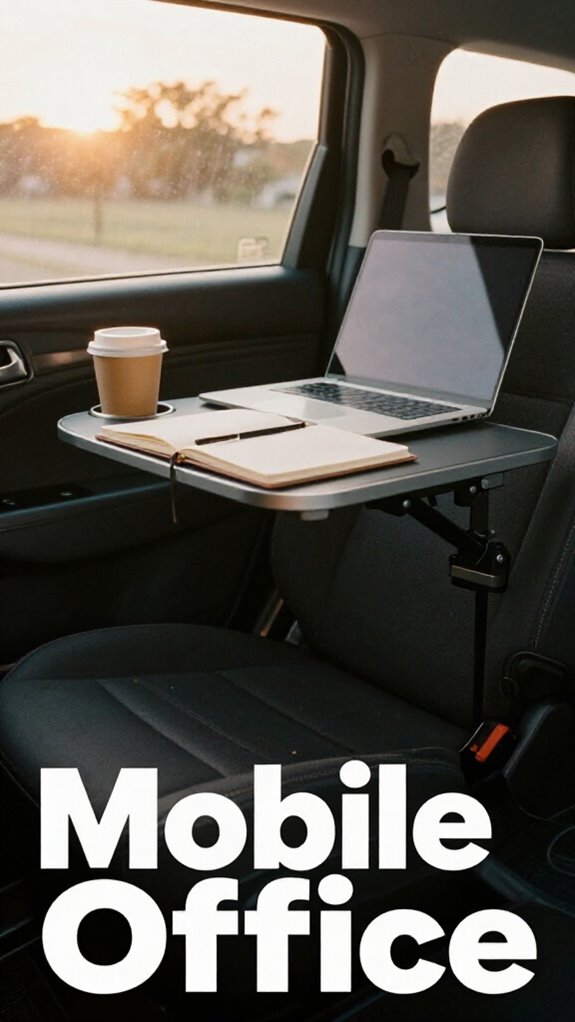
- Mount rugged laptops where your passenger seat used to be
- Wire interior lighting that mimics Bali’s golden hour—no more eye strain at midnight
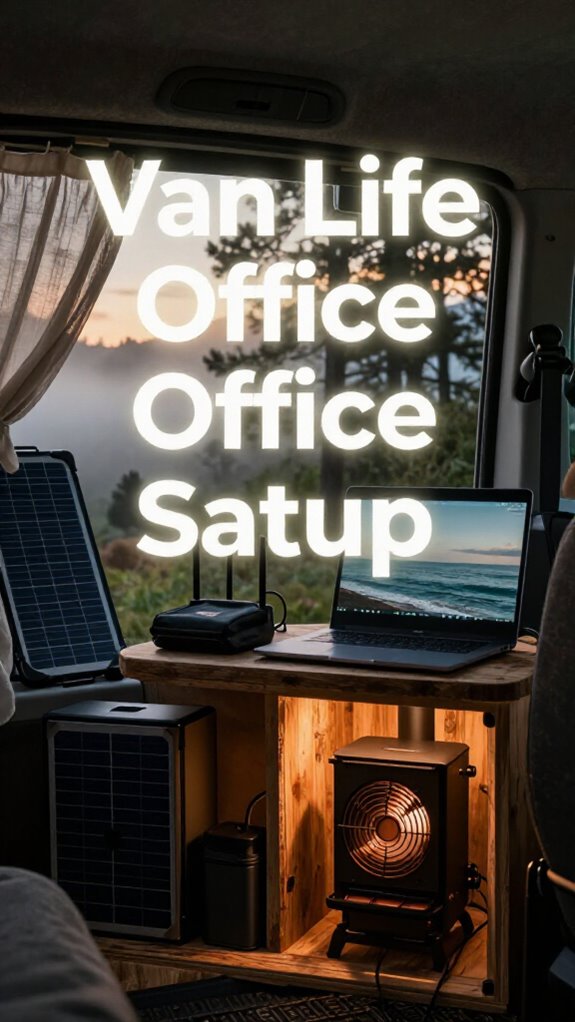
- Pair foldable solar panels with a silent power station (goodbye, generator drone)
- Use anti-glare screens when working seaside at high noon
- Hide your router in a Faraday pouch—stay safe from nosy digital neighbors
- Incorporate a Wood Stove Fan to keep your van cozy during chilly nights and optimize heat circulation
You’re not just remote—you’re untraceable. While old coworkers beg for parking validation, you’re syncing servers under the stars. This isn’t rebellion. It’s evolution. Your van, your rules. Plus, choosing the right prescription lens inserts can greatly reduce eye fatigue during long work sessions—especially helpful when navigating bright or variable lighting conditions.
Now go debug the world.
FAQ
Can I Run AI Modeling Software on a Van-Based Workstation?
Yes, you can run AI modeling software on your van-based workstation if you’ve got the right hardware compatibility. You’ll need a high-core-count CPU, ample RAM, and a GPU that supports AI software—make sure your power setup can handle the load without draining your system.
How Do I Handle Video Conferences During Heavy Rain With Satellite?
When it rains, you’ve got this—just boost your satellite signal and seal in calm. Use rainproof accessories and satellite enhancement tools so your voice stays clear, your face stays sharp, and your focus never wavers. Stay seen, stay dry, stay sovereign.
Will Solar Panels Work in Snowy or Cloudy Climates Reliably?
You’ve got this—solar panels do work in snowy or cloudy climates, thanks to climate adaptability and improved solar efficiency in modern tech. Just angle them right, clear snow fast, and pair with a solid power station for steady, reliable energy you can count on.
What’s the Best Way to Ground Electrical Systems in a Van?
You ground your van’s electrical system by bonding all metal components to a common ground point using thick gauge wire. This guarantees electrical grounding works properly and provides safety grounding, protecting you and your gear from surges or shorts while you’re off-grid, cozy, and completely in your element.
How Often Should I Replace My Portable Power Station’s Battery?
You’ll replace your portable power station’s battery every 3–5 years—battery lifespan whispers its limits. Heed its signs, friend. Power replacement isn’t failure; it’s loyalty to your gridless grind, your unseen edge in wild, winning moments.
Summary
You think it’s impossible to crush deadlines from a volcano rim? Please. I ran Zoom from a Balinese rice paddy while Dave from Accounting panicked over PowerPoint. Spoiler: your office died. Mine evolved. Gridless Kit? Non-negotiable. Satellite? Duh. Your laptop doesn’t care if you’re parked or polishing slide decks in Patagonia. Stop worshipping fluorescent lights and ergonomic chairs bought in 2014. This isn’t “working from anywhere”—it’s owning every terrain. Cubicle life? That’s the real beta test.