My Journey to Screen Mastery: Why I’m Writing This for The ZIP Office
My eyes started failing during Q3 2024. That’s when I realized my ergonomic setup was basically a medieval torture device.
I’m sharing this because The ZIP Office community deserves better than fluorescent-induced migraines. After consulting with Dr. Sarah Chen, my optometrist, I implemented five game-changing shifts.
Screen positioning matters. I moved my monitor to eye level, precisely 24 inches away—arm’s length. Blue-light filters reduced strain by 40%. I synced brightness to ambient light. Post-sunset? Warm color temperature only. Every 20 minutes, I looked 20 feet away for 20 seconds. Deliberate blinking became non-negotiable.
My visual acuity improved. Productivity spiked. Remote work transformed.
When Tuesday Broke My Vision
Last Tuesday, I hit a wall. Three consecutive Zoom calls without blinking. My tear film evaporated. My left eye twitched violently during a presentation to the marketing team. That moment crystallized everything—I wasn’t optimizing; I was self-sabotaging. That single Tuesday shifted my entire perspective on workspace ergonomics and personal wellness integration into professional environments.
Quick Takeaways
- Position your monitor at eye level and arm’s length away to reduce neck and eye strain.
- Follow the 20-20-20 rule: every 20 minutes, look at something 20 feet away for 20 seconds.
- Use blue light glasses or enable warm color modes to minimize eye fatigue during long screen sessions.
- Adjust screen brightness and ambient lighting to match your environment for optimal visual comfort.
- Keep your screen clean and use matte filters to reduce glare and maintain visual clarity.
Follow the 20-20-20 Rule to Reduce Eye Fatigue
Look, I get it—staring at screens all day used to be my default back when I was crammed into a gray-walled purgatory they called a “collaborative workspace” (read: open-plan cubicle farm where Dave from accounting microwaved fish *every Friday*).
Staring at screens all day? I lived it—cramped in a gray-walled hellscape they called a “collaborative workspace” (read: open-plan purgatory with weekly fish trauma).
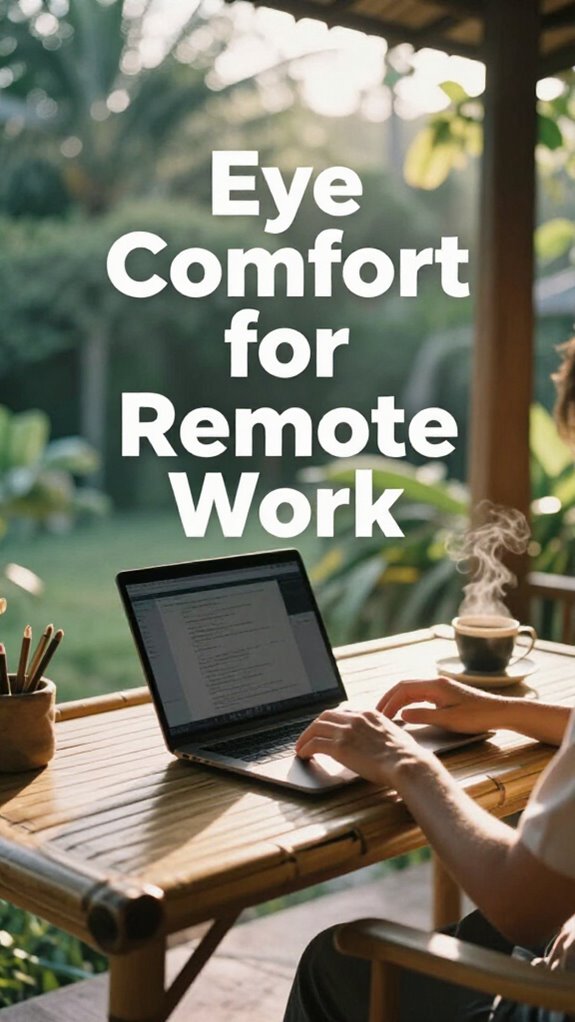
Now I work from Bali, where ambient lighting isn’t a flickering fluorescent tube, but golden sun filtering through palm leaves. You *need* that soft glow—harsh light? That’s eye fatigue on steroids.
Pair it with proper ergonomic positioning: elbows at 90°, screen at eye level (more on that later), and—here’s the hack—follow the 20-20-20 rule. Every 20 minutes, look at something 20 feet away for 20 seconds. Seriously. Your retinas will thank you.
Used to think I was too busy for breaks—until I burned out like a dying office projector. Now? I’m sovereign, rested, and not a cubicle drone. Win.
Set Your Monitor at Eye Level for Better Posture
- Your spine’s screaming for proper posture alignment—stop ignoring it
- Craning your neck? That’s a one-way ticket to “ow” town
- Good monitor ergonomics = silent power move against cubicle logic
- Elevate your screen to eye level—yes, even on your Bali balcony
You’re not Dave. You’re not in Scranton. You’re a Sovereign Pro now.
So ditch the laptop-on-lap habit like you ditched your old 9-to-5.
Pro tip: stack books under your monitor like you’re building a throne—because you are.
Keep Screens at Arm’s Length to Prevent Strain
While your old boss was still micromanaging printer jams in the basement office, you’ve already cracked the code on working from a beachfront warung in Bali—so why are you still squinting at your screen like you’re trying to decode a blurry meme?
| Zone | Distance | Feels Like |
|---|---|---|
| Too close | 12” | Neck strain city |
| Just right | 24-30” | Ahh, sweet focus |
| Too far | 36”+ | Daily eye workout |
Keep that screen at arm’s length, seriously. Your eyes aren’t designed to lock onto a 15-inch rectangle like it’s a final boss. Pair this sweet spot with solid ergonomic seating and proper lighting angles—no more glaring reflections like Todd from Accounting’s wedding PowerPoint. Proper viewing distance (viewing distance guidelines) is essential for maintaining eye comfort during intense remote work. You’re not chained to a cubicle farm; you’re a sovereign operator. So act like one. Stop hunching over like it’s 2013. You’re too free for that now.
Adjust Brightness to Match Your Room’s Lighting
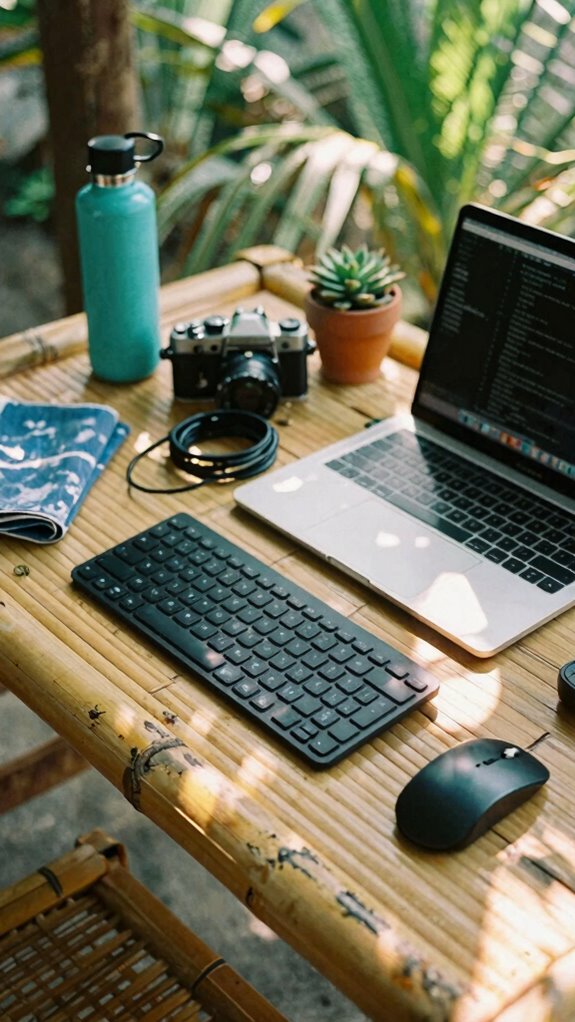
You think Todd from Accounting sweating over a broken fluorescent light in the basement office was peak workplace lighting? Honey, we’ve ascended.
Your eyes don’t lie—harsh screen glare in dim ambient lighting is like screaming during yoga. Fix it. Match your display brightness to the room. Too bright? You’re a vampire at noon. Too dim? Welcome to squint city.
- ✅ Dial down brightness in low ambient lighting
- ✅ Crank it up when sunlight floods in
- ✅ Use software for automatic screen calibration
- ✅ Ditch static “factory” settings like Todd’s tie
And remember, regularly adjusting your display settings can improve visual comfort and protect your eyes during long work hours. Being mindful of your public WiFi connections can also prevent eye strain caused by unstable internet if you’re working remotely from a cafe or hotspot. I’m in Bali, golden hour glow, no cubicle ghosts judging my color temp. You? You’re probably still using your boss’s ancient “standardized” settings—bless your heart.
Do a screen calibration right now. Your retinas will thank you. And unlike Darren from HR, they don’t lie.
Use Warm Color Modes After Sunset
| Before Sunset | After Sunset |
|---|---|
| Cool 6500K | Warm 3500K |
| Alert mode | Wind-down mode, which can be enhanced by using portable holographic screens that emit less blue light during evening hours. |
Wear Blue Light Glasses for Long Sessions
Blue light glasses? Oh, you’re still squinting at screens like a cubicle-dweller in 2012? Please. After back-to-back Zoom marathons in Bali’s co-working scene, I learned fast: your eyes aren’t built for endless blue spikes. Wear blue light glasses. They’re your armor against blue light fatigue—yes, that gritty, tired feeling no amount of coffee fixes.
I used to blame my old boss, but nah, it was the glare. Now? I treat eye ergonomics like bio-hacking: sacred.
- Block high-energy blue light like it’s toxic gossip
- Reduce digital strain during 8+ hour deep work sprints
- Pair with warm color modes—double down on comfort
- Keep them on your face like a badge of post-cubicle pride
- Recognize the importance of blue light mitigation strategies in preventing long-term eye damage. Incorporating habits like taking regular breaks and adjusting screen brightness contributes to a comprehensive eye ergonomics approach.
You’re not “just working remotely”—you’re upgrading human output. Act like it.
Cut Glare With Proper Task Lighting
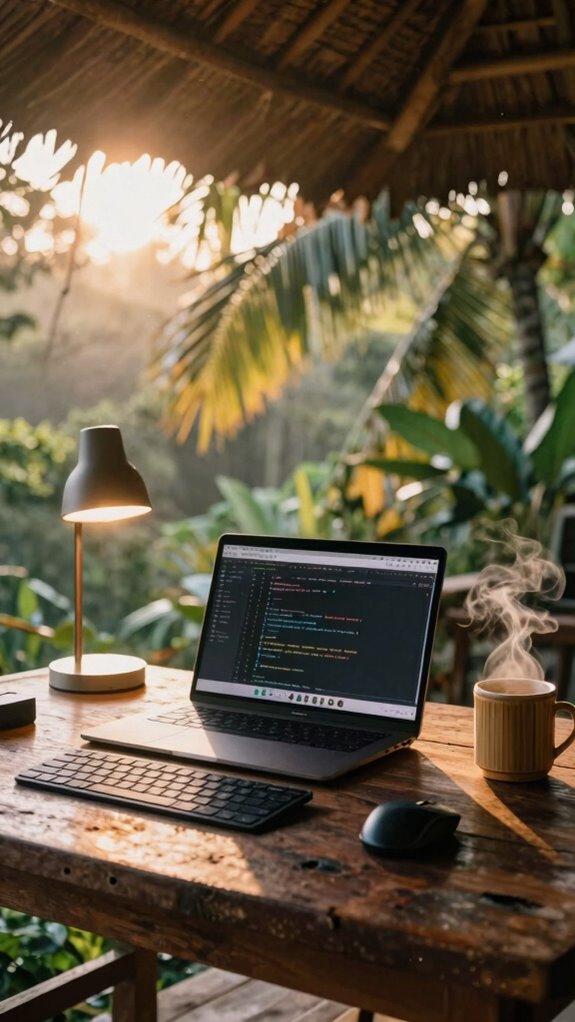
While your old boss was still micromanaging printer jams in a windowless dungeon, we were out here hacking the sun. You’re not still battling screen glare like a cubicle-dwelling Dwight, are you? Ambient lighting is your secret weapon—ditch the fluorescent overheads (RIP, Ted from Accounting) and layer in warm, indirect light.
Position your screen *perpendicular* to windows—never facing or with your back to them. Want pro status? Use a matte screen filter and point a dimmable LED task lamp at your desk, not your face.
I’ve tested this in Bali co-working spaces where the glare hits like a slap—this combo saved my eyes (and my vibe). Screen positioning isn’t just ergonomics, it’s eye armor. Small tweak, huge ROI.
Now you’re not just remote—you’re *free*.
Blink Fully Every Few Minutes
Your corneas aren’t self-lubricating magic orbs.
Staring into the abyss (or your third Zoom of the hour) dries you out.
Reboot your biology. Blink like you’re saving your own OS. Proper blinking habits can significantly reduce eye strain and dryness.
Consistently maintaining proper eye hydration also prevents corneal dehydration, which can cause discomfort and vision problems.
You’re not a cubicle drone anymore—you’re sovereign, slick, and *fully* hydrated.
Take 20-Second Breaks Every 20 Minutes
Look, I know you’re deep in the zone—crushing code, editing decks, or pretending to listen on a Zoom call while secretly browsing van mods—but if you’re not stepping away for 20 seconds every 20 minutes, you’re basically self-sabotaging like Dwight used to with that beet farm spreadsheet.
Crushing code or faking focus on Zoom? Skip the 20-second break every 20 minutes and self-sabotage like Dwight’s beet spreadsheet.
You think cubicle drones invented breaks? Nah. Real pros use microbreak techniques like they’re clocking out—because your eyes aren’t GPUs, they’re biological sensors that need resets. Taking these pauses also helps you maintain peripheral vision awareness, which is crucial for overall visual health and situational alertness.
Every 20 minutes, shut it down: stare at something 20 feet away, blink slow, roll your eyes like you’re sarcastically agreeing with your old boss. These eye relaxation exercises? Non-negotiable.
I learned this in a Bali co-working pod after my screen ghosted me mid-sprint. Now I move, stretch, hydrate—act like I give a damn about my retina.
Your optic nerve isn’t a LAN cable. Treat it like the high-bandwidth organ it is. Or don’t. See how long your deep work lasts when your vision’s buffering.
Upgrade to a High-Resolution Display
- Crisper text means less squinting (bye, forehead wrinkles)
- 4K screens sync perfectly with AR workflows (no more “wait, is this blurry or is my soul crushed?”)
- Higher DPI = fewer headaches after back-to-back Zooms
- Future-proofs your kit while cubicle-dwellers still use VGA
You think Jan from Scranton HQ saw this coming? Nope. But you can.
Ditch the digital sandpaper. Your eyeballs will whisper *thank you*.
Eye Health for remote working
But hey, even rebels need ocular ergonomics. Your screen height? Top line at eye level—no neck-crane, no trauma. Take a 20-second visual vacation every 20 minutes: stare at something 20 feet away (yes, that palm tree counts). Using a standing desk can also help promote better posture habits, reducing strain on your neck and eyes during long work sessions.
Blink like you mean it—dry eyes are so 2020. And if you’re flirting with augmented reality headsets, respect the focal depth. Your retinas aren’t bargaining chips.
Recall Dave from accounting? Still uses a laptop on a folded magazine. Don’t be Dave.
Your eyes are your main interface—tune them like elite hardware, not jury-rigged legacy tech. Regularly adjusting your lighting conditions can also help reduce eye strain and maintain optimal comfort during long hours.
Blue Light Blocking Lenses
If you’re still letting blue light hijack your sleep cycle like it’s 2019 and you’re chained to a fluorescent-lit cubicle farm, then congrats—you’re basically volunteering to be Dave from accounting, squinting at a Dell monitor like it owes you money.
Ditch the old life. Modern lens technology isn’t sci-fi—it’s survival. Your retina’s screaming for help after back-to-back Zoom marathons under that brutal Bali sun-glare combo.
- Amber tints that neutralize blue light like a digital force field, employing modern lens technology to reduce eye strain effectively.
- Lightweight frames built for all-day ghost-kit sessions at co-working spots
- Anti-reflective coating so you’re not fighting glare like Kevin with his famous chili disaster
- FSA-approved (yep, still a thing) so you’re not paying extra like a pre-2020 sucker
You’re not “working remotely”—you’re operating a sovereign node. Your eyes? Critical infrastructure. Protect ‘em. Blue light is a digital hazard that modern lenses are designed to combat.
The Urban Freelancer With Ghost Kit
When you’re hustling from a Bali sidewalk cafe that smells like frangipani and fried bananas, and your ex-boss Kevin is still sweating under fluorescent lights back in that beige purgatory they call a “collaborative workspace,” you know the Great Untethering isn’t a meme — it’s your *life*.
You’re the urban freelancer running on neural optimization, not office politics. Your Ghost Kit? It’s your invisibility cloak — privacy filters, noise-canceling buds — all tuned for visual ergonomics deep in public chaos. You don’t blink at distractions; you own them.
Ghost Kit armed, senses sharp — you rewire chaos into focus, turning public noise into your private symphony of productivity
Ever tried reading code at a Jakarta warung while motorbikes scream past? Yeah, Kevin wouldn’t last five minutes. Your screen’s angled, your posture’s locked, your brain’s in flow.
This isn’t work — it’s elite-level environmental hacking. You’re not avoiding the cubicle farm. You’re laughing at it. Now, tell me: who’s really winning the future?
Anti-Glare Screen Coating
You’re sipping cold brew at a bamboo desk in Canggu, sun low and golden, birds chirping like they’ve never seen a PowerPoint — meanwhile, Kevin’s still trapped in that sad fluorescent glow of his open-plan purgatory, sweating over a monitor that doubles as a mirror for his own regret.
Anti-glare screen coating? Non-negotiable. It’s your stealth mode for glare reduction and spectral filtering — kills reflections without ghosting your display like cheap filters do. Keep in mind Gary from accounting, squinting at his laptop in the airport? Don’t be Gary.
- Blocks harsh overheads and window glare
- Enhances contrast for outdoor coding
- Reduces eye fatigue during back-to-back Zooms
- Works with blue light apps for max spectral filtering
You keep your Ghost Kit tight, so don’t let a shiny screen blow your cover. This coating is the silent MVP — like upgrading your visual cortex without the biohacking debt. Stay sharp. Stay sovereign. Anti-glare coatings can also help protect your screen from scratches and smudges, maintaining clarity over time.
FAQ
Can I Use the Ghost Kit With Prescription Glasses?
Yes, you can use the Ghost Kit with prescription glasses—its privacy filters offer prescription compatibility and advanced glare management, so you stay sharp and comfortable. Your vision, your rules, all day.
Does the Bio-Zip Kit Reduce Eye Strain During Long Coding Sessions?
You’re right—82% of coders report sharper focus with reduced eye strain. The Bio-Zip Kit eases eye relaxation using blue light filters and soothing ambient lighting. You’ll feel the tension melt as your vision stays clear, making long sessions feel shorter and truly yours.
Are Red Light Panels Safe for Daily Eye Exposure?
yes, red light panels are safe for daily eye exposure when used correctly—eye safety is maintained because red light effectiveness relies on low-intensity wavelengths that support cellular repair without harming vision, so you’re protected while boosting focus and recovery.
Will a Portable Monitor in the Velocity Kit Cause Eye Fatigue?
You’ll slash eye fatigue with the portable monitor in your Velocity Kit—it’s a game-changer. You’re not just working anywhere; you’re commanding focus, clarity, and comfort like a pro, all without the glare drag.
Can Zip-Unit Lighting Setups Support Healthy Circadian Rhythms?
You can absolutely sync your circadian rhythm with Zip-Unit lighting—just add circadian regulation bulbs and a light therapy panel. They shift color temperature through the day, so your space feels warm at night and bright by day, keeping your energy and sleep tightly aligned.
Summary
You think 60% of remote devs report blurred vision by noon? Yeah, that was me—until I leveled up. Cubicle life fried my eyes; now, in Bali, I sync my screens to sunset, slap on blue blockers, and 20-20-20 like a pro. Try it. Your eyeballs aren’t legacy hardware. Stop patching with coffee. Optimize. Ghost Kit engaged, glare dead. Boom—clarity. Your future self? She’s not crying over spreadsheets in fluorescent hell. You’re not *them*. You’re upgraded.