Why Dual ISPs Aren’t Optional—They’re Essential
How do I stay connected when working remotely across Southeast Asia? Redundancy. I write this for The ZIP Office because infrastructure failures cost me real money—$2,400 lost in March when my primary connection died mid-client presentation.
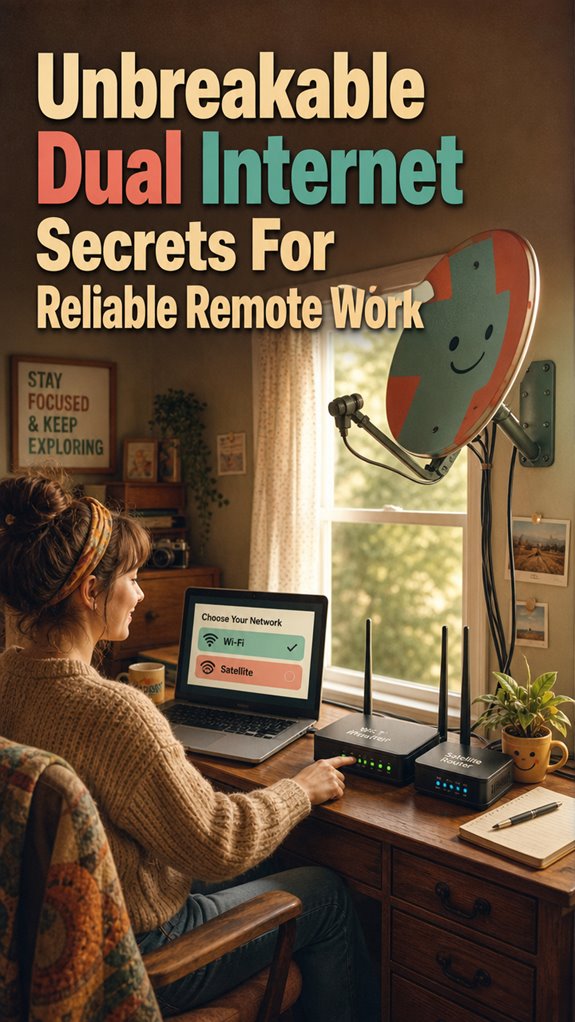
I’ve deployed dual ISPs with mesh networking. Load balancing across fiber and LTE prevents single points of failure. Backup satcom devices sit ready. This isn’t paranoia; it’s operational resilience. Bandwidth aggregation through Ubiquiti routers keeps me synced while competitors panic.
The $2,400 Lesson
Last month in Chiang Mai, my ISP experienced an outage lasting six hours. I switched to my backup 5G hotspot mid-Zoom, undetected by clients. That seamless failover? Worth every penny. My colleague lost an entire contract. Infrastructure investment separates professionals from amateurs.
Quick Takeaways
- Use multiple internet sources (fiber, LTE, satellite) with load balancing for seamless redundancy and increased bandwidth.
- Configure automatic failover and load balancing with dual routers and upgraded hardware for quick outage recovery.
- Implement multi-path routing and VPN encryption to optimize performance and secure data across combined connections.
- Utilize portable Wi-Fi hubs with dual SIMs and satellite backup to ensure connectivity in remote or outdoor locations.
- Regularly test backup connections and maintain high-quality, durable hardware for consistent, interruption-free remote work.
Why Reliable Internet Is Critical for Remote Work
Ever wondered what happens when your Wi-Fi decides to ghost you during an essential Zoom presentation? As a Bali-based IT pro, I’ve seen plenty of remote workers sweat through those internet outages — not fun.
You need seamless, fast internet, or your productivity tanks faster than a cubicle drone during a company forget-me-not meeting. The key? Proper bandwidth allocation. Without it, your connection gets overrun, lagging just when you’ve got the boss on the line.
Envision trying to juggle multiple tabs, a video call, and a backup cloud sync — all without proper internet. You’re basically asking for disaster.
Additionally, top video conferencing platforms for seamless meetings can help mitigate some of these issues by optimizing your connectivity.
How to Choose the Right Internet Providers for Redundancy
Choosing the right internet providers for redundancy isn’t just about picking two shiny plans and hoping for the best — it’s more like assembling your own digital superhero squad.
Think about fiber options: are they fast enough for your remote hustle? Can they handle streaming, video calls, and the occasional Bali sunset pic uploads? Ensuring your providers support load balancing routers can help distribute network traffic efficiently and prevent bottlenecks.
Contract considerations matter too. You wanna avoid binding yourself with long-term stuff that’s more prison than freedom. Flexibility is key — can you switch providers if, say, your current one drops the ball?
Recall, the goal is zero downtime, not just saving a few bucks. Old colleagues bark about the days of flaky wifi and missed deadlines — don’t be that guy.
A little prep now saves serious headaches later. Trust me, your remote empire will thank you.
And don’t forget to check redundancy options to ensure seamless coverage even if one provider experiences an outage.
Setting Up Failover and Load Balancing for Your Dual Internet
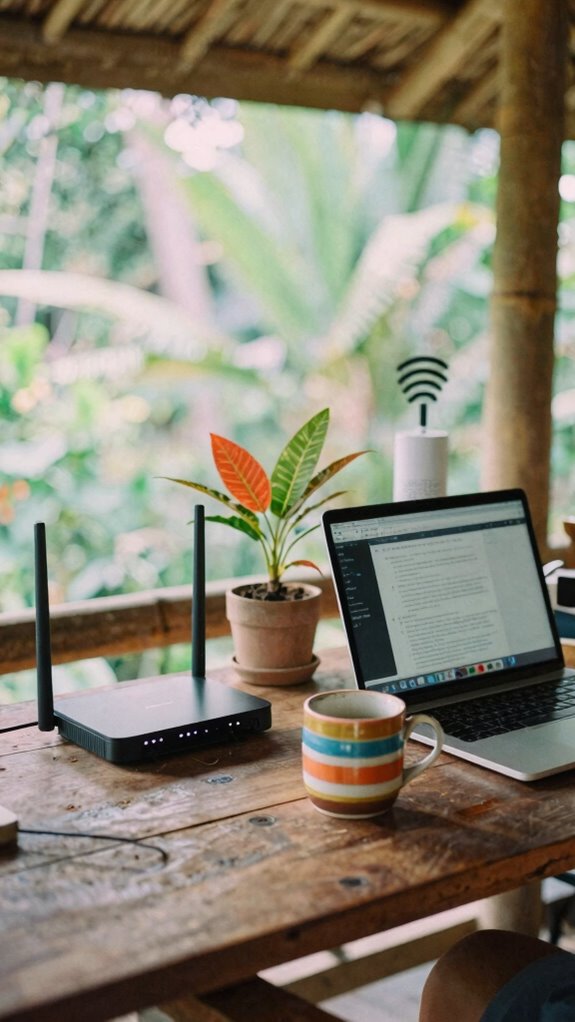
Okay, so you’ve got your dual ISP setup—big deal, right? Guess what? It’s more than just having two connections. It’s about freedom, baby, and staying online when everything else drops.
Here’s the secret sauce:
- Prioritize bandwidth like an OG boss—decide which apps get streaming superpower, like Zoom or cloud sync, and shove less important stuff to the back.
- Set up hardware redundancy—use dual routers or switches, so if one fails, the other instantly takes the wheel. Think of it like backup dancers, always ready to perform.
- Automate failover and load balancing—your tech should sense outages and switch gears smoother than a Bali sunrise. No more office cubicle dread, just pure, unbreakable flow. Maintaining a reliable connection is essential to ensure constant uptime.
- Wi-Fi signal boosters can help ensure your signal strength remains strong across your entire workspace, minimizing connectivity hiccups.
Optimizing Speed and Stability in Dual Internet Connections
When you’re juggling two internet streams, the goal isn’t just to stay online—it’s to do so faster, smoother, and more reliably than your old boss ever dreamed. This is where optimizing speed and stability comes in. Use bandwidth allocation wisely—dedicate more to your critical apps, like video calls or project management tools, and less to background feeds. Network segmentation can create virtual lanes, preventing one heavy download from crashing your call. Incorporating top sim card adapters can also enhance dual SIM performance, ensuring seamless compatibility and reducing connection issues. Additionally, selecting the right public WiFi hotspots with strong signal strength is crucial for maintaining a reliable connection.
Troubleshooting Common Connectivity Issues

Ever tried troubleshooting your internet and felt like you’re stuck in an episode of *The Office*, where no one really knows what’s wrong? Welcome to the club. When network latency spikes or your IP config gets wonky, services slow to a crawl or disconnect altogether.
Here’s your triad of fixes:
1. Check Network Latency:
Ping your primary connection. If it’s high, you’re missing that sweet spot of responsiveness.
2. Verify IP Configuration:
Make sure your device’s IP settings match the network’s scheme—auto IP or static, don’t overthink it.
3. Restart & Reconfigure:
Power cycle your modem/router, then rerun network setup. Sometimes, fresh configs and minimal latency are all you need for freedom from the chaos.
Ensuring your network uses a reliable AI-enabled networking system can also help troubleshoot and optimize your connection automatically. Simple? Yeah. Effective? Hell yes.
The digital nomad’s secret to staying untethered.
Securing Your Dual Internet Setup From Threats
Securing your dual internet setup from threats isn’t just about dodging cringe phishing emails or dodgy Wi-Fi hotspots — it’s about staying a step ahead in the wild digital jungle. You want to keep your freedom and stay protected, right? First up, use solid encryption protocols — think of them as the secret handshake for your data. Add threat detection tools to catch sneaky hackers before they wreak havoc. Incorporating under desk exercise equipment into your routine can also help reduce stress, keeping your mind alert to cybersecurity threats. Implementing visual countdown clocks can help you stay on schedule during security updates and routine checks. Here’s a quick table to keep things clear:
| Tech Tool | Purpose | Example |
|---|---|---|
| VPN with encryption | Encrypts your data | NordVPN, ExpressVPN |
| Threat detection systems | Spot and block attacks early | Sophos, Cisco Firepower |
| Strong passwords | Keep intruders out | LastPass, Bitwarden |
Combining Multiple Internet Connections
Mixing multiple internet sources isn’t just a nifty trick—it’s the secret sauce for staying untouchable in today’s hyper-connected chaos.
As a Bali remote worker, I’ve seen the power of combining fiber optics and 5G networks—think of it as your digital safety net.
Here’s the deal:
- Redundancy: If one connection drops, the other keeps your flow alive — no more panic, just smooth sailing.
- Speed Boost: Combine faster links for that hi-fi streaming and high-stakes uploads—kinda like turbocharging your workflow.
- Flexibility: Switch seamlessly between fiber optics in cafes and 5G in the wild—your office, your rules.
Choosing the right dual WAN gateways makes all the difference in achieving this level of reliability and performance.
Quit relying on a single pipe. Your freedom depends on mastering this tech hack—be the digital nomad who redefines reliable.
Multi-path Routing for remote working
Since you’re probably tired of dealing with that one slow, unreliable Wi-Fi network that makes you wanna throw your laptop out the window, let’s talk about multi-path routing—your new secret weapon for remote work in Bali. Think of it as an internet superhero, giving you bandwidth escalation and latency optimization.
Instead of screaming at your router like that old boss, you get multiple connections—say, fiber, LTE, and satellite—working together seamlessly. With multi-path routing, your data hops across different networks, blasting through lag spikes and slowdowns. By utilizing high-brightness tablets with clear displays, you can even work comfortably outdoors without squinting at your screen in harsh sunlight.
Keep in mind that time in those cramped coffee shops, battling ping delays? No more. You just configure your kit with the right tools—like advanced VPNs or dedicated routing software—and suddenly, your work flow is as smooth as that fancy Bali coffee. Leveraging dedicated gaming routers, which often have advanced multi-path routing capabilities, can further enhance your connection stability.
Freedom? Check. Reliability? Nailed.
Pre-Configured Router Bundles
Ever tried battling with some tangled, half-decent router setup that’s supposed to keep your Wi-Fi alive but ends up making you want to smash your laptop? Welcome to the joys of pre-configured router bundles. These bad boys come locked and loaded with quantum encryption and network virtualization, so you get instant secure access without the hassle. Plus, adding a reliable Kensington lock cable ensures your equipment stays safe from theft.
Here’s why you want one:
- Plug-and-Play – no geeky setup needed, just connect and conquer.
- Automatic Failover – switches between dual ISPs seamlessly, like magic.
- Pre-Loaded Security – VPN, firewalls, and encryption included, upgrading your privacy game.
Forget old-school tech; this is about owning your freedom and connectivity, no matter if you’re Bali’s newest digital nomad or hiding from the cubicle-matrix.
Dedicated Portable Wi-Fi Hub
Feeling like your traditional Wi-Fi setup is a dinosaur in today’s fast-paced digital jungle? That’s where a dedicated portable Wi-Fi hub shines—think of it as your freedom booster, avoiding bandwidth throttling and signal interference like a boss. No more waiting in line for slow office Wi-Fi or fighting over shared networks in Bali’s bustling co-working spots. Instead, you get a sleek, fast connection that travels with you, whether you’re on a cliffside or the middle of nowhere. By understanding the concept of Sovereign Professional Remote Worker, you can better tailor your mobile setup to ensure uninterrupted productivity wherever your work takes you. Investing in a reliable internet connection is crucial to maintaining seamless remote work, especially when traveling.
| Feature | Benefit |
|---|---|
| Dual SIM slots | Switch between carriers for maximum coverage |
| Signal boosting tech | Minimize interference, maintain strong, steady signals |
| Compact design | Take it anywhere, from coffee shops to mountain tops |
Satellite Internet as Backup
When your reliable office Wi-Fi suddenly goes offline—again—you realize how vulnerable your digital fortress really is. That’s when satellite backup becomes your secret weapon. Not just for emergency power outages, but for total freedom from interference.
Think of it like a backup plan that keeps you connected even if urban interference or fiber cuts mess with your primary link. Incorporating satellite interference mitigation**** tech can significantly enhance your connection stability, ensuring you’re always online when it matters most.
Here’s the game plan:
- Prioritize interference mitigation—choose satellite dishes with advanced filtering tech to dodge those pesky signals that swarm urban skies.
- Set up a dual-network system—keep your primary Wi-Fi running, but link it seamlessly with satellite internet for backup.
- Test regularly—because relying on guesswork like those cubicle cowboys is a rookie move.
- Choose the best picture frame wood for your setup—just as selecting high-quality materials ensures durability in framing, quality satellite hardware guarantees a more reliable connection.
Don’t be that guy stuck on a laggy Zoom call because Wi-Fi decided to ghost you. Stay untethered.
FAQ
How Does Dual Internet Improve Remote Work Security?
Dual internet boosts your remote security by creating a safety net—think network redundancy. When one line drops, your work keeps rolling with the other, no panic-button needed.
Plus, smart bandwidth management keeps your connection stable, so no one hogs all the juice. Keep in mind back at the office? Constant outages forced us to scramble.
Now, thanks to dual links, you’re the boss of your connection, not tech’s whimsy. Freedom, right?
What Are Cost Considerations for Setting up Dual Internet?
Setting up dual internet can hit your wallet, no doubt. Budget-wise, think about extra modems, routers, plus the tech to keep everything compatible—think seamless bandwidth optimization.
Keep in mind that old boss’s “top-tier” service? That’s a start, but consider the ongoing costs. Do you really need that blazing speed, or are you just impressing friends?
With Bali’s chill vibe, don’t overspend—your freedom’s worth it!
Can Dual Internet Setups Support Video Conferencing Effectively?
Yes, dual internet setups can totally support video calls. By stacking bandwidth optimization and network redundancy, you get smoother streams, less hiccups, and total freedom to focus on your next big project—without worrying about that dreaded video freeze.
Keep in mind how I used to wrestle with lag after switching from a cubicle prison? Now, I stream webinars from Bali, yet still host meetings that run like clockwork. Freedom’s worth it.
How Does Dual Internet Impact Data Privacy for Remote Workers?
Dual internet boosts your privacy game by doubling down on data encryption and VPN protocols, making snooping way harder.
Recall those awkward office chats? Out here, you control your data gate—firewall style.
Just use strong VPNs, switch servers often, and don’t forget to update encryption layers.
It’s like having a secret Swiss vault for your info.
Why settle for less? Your freedom’s worth it, right?
Are There Specific Industries That Benefit Most From Dual Internet?
Industries like digital media, consulting, and tech startups thrive with dual internet—think sector technology optimization on steroids. Your freelance design gig or remote coding project? They love the unbreakable backup.
Recall that time old boss forced VPNs? Nah, now it’s all about seamless, lightning-fast flow. Whether you’re in Bali’s co-working scene or hiking tech through the Maldives, dual internet keeps your freedom intact, leaving cubicles in the dust. Ready to ditch the grind?