Remote Workspace Resilience: My Power Failure Wake-Up Call
How do you maintain productivity when infrastructure crumbles? I’ve learned it demands strategic redundancy.
I’m sharing this at The ZIP Office because remote workers deserve practical resilience frameworks—not corporate platitudes. During Jakarta’s 2019 blackout, I watched my entire operation collapse within minutes. That experience transformed how I architect workspace continuity.
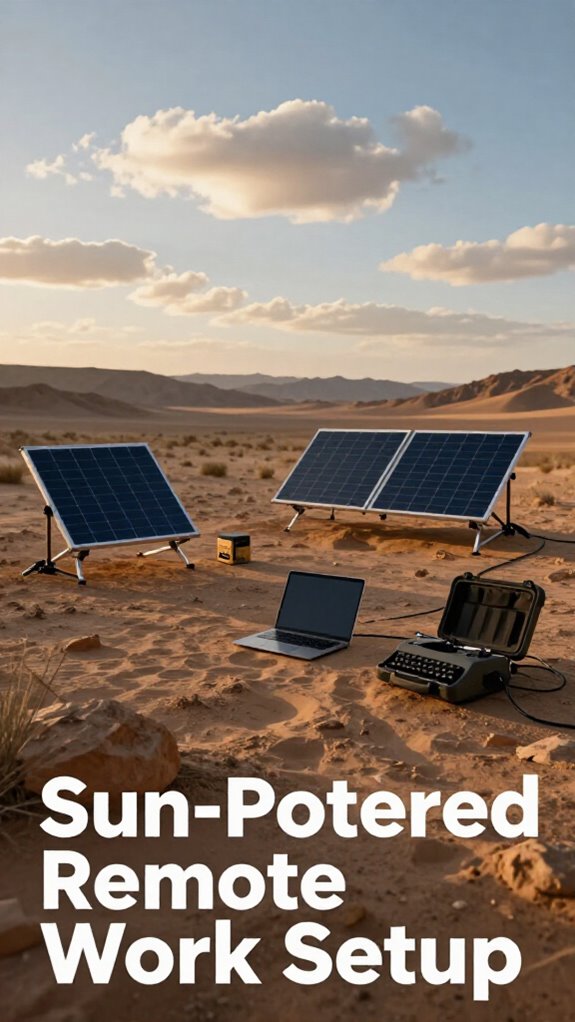
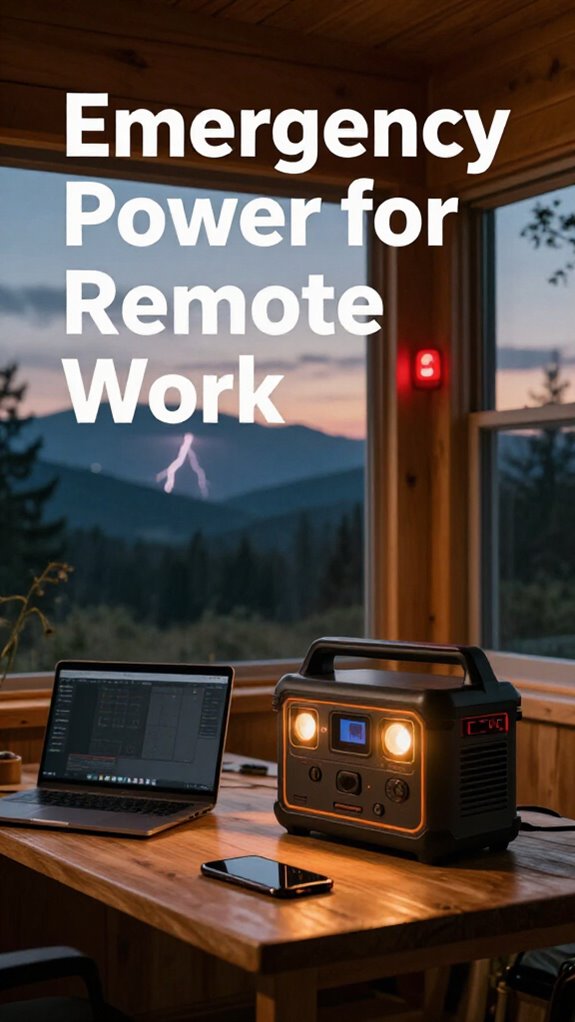
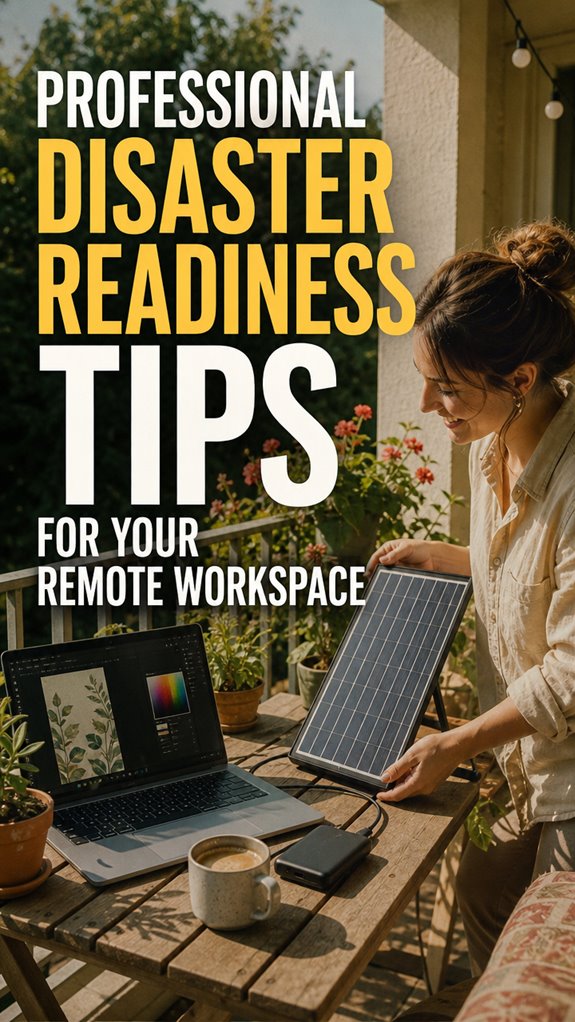
I now deploy multi-layered systems: high-capacity Anker power banks, portable LiFePO4 generators, and balcony-mounted solar panels. Redundant hotspots (Telkomsel + Indosat) ensure connectivity. My emergency kit includes ethernet cables, offline documentation, and backup drives. This infrastructure-agnostic approach means productivity persists regardless of utility failures.
When Theory Met Reality: My 72-Hour Blackout
Last March, Bali experienced a catastrophic grid failure lasting seventy-two hours. My solar investment proved invaluable—I maintained operations while neighbors spiraled. My team accessed critical files via offline Git repositories. Those power banks? Absolute lifesavers. Real preparation transcends buzzwords.
Quick Takeaways
- Develop a comprehensive emergency power and internet backup plan to ensure continuity during outages.
- Utilize portable, high-capacity power banks and renewable energy sources like solar panels for reliable device charging.
- Optimize device placement and test connectivity setups regularly to maintain stable communication channels.
- Pack essential supplies, including medications, water, and important documents, in waterproof, fire-rated containers.
- Regularly review and update disaster readiness strategies to adapt to evolving remote work challenges.
How to Assess Your Power Needs During an Outage
So, you’re dreaming of working from Bali’s breezy co-working spaces, right? As an IT pro living the dream in 2023, I can tell you that evaluating your power needs is everything. Think of your battery capacity like your energy level—know how much juice you have before the lights go out.
Power management is your new best friend; turn off unnecessary devices to save power. Keep a close eye on your portable power banks, making sure they’re fully charged and ready to roll. Keep in mind that old boss who never planned ahead? Don’t be that person—calculate what devices you need, from laptops to phones, and prioritize. Considering solar panel briefcases for portable power can extend your connectivity during outages.
It’s about freeing yourself from the grind—so plan, conserve, and stay connected when chaos hits.
Choosing the Best Portable Power Banks for Emergency Backup
When you’re trading your fluorescent-lit cubicle for a breezy Bali co-working space, relying solely on your laptop’s battery is a gamble—like betting on an old boss’s outdated project plan. That’s where a top-tier portable power bank comes in, especially one with high power bank ratings.
Opt for one with wireless charging compatibility—that way, you can just plop your phone down instead of fumbling with cables. Look for models with fast-charging tech and multiple ports, so your tablet, Bluetooth earbuds, and even your tiny camera stay juiced.
And don’t ignore size: power banks with higher capacity can handle longer work sessions. Choosing the right carbon fiber construction can also make your device more durable and lightweight for travel. Keep in mind, the goal is freedom, not being tethered to outlets like some outdated paper-pusher. Stay charged, stay liberated.
Setting Up Reliable Backup Internet During Power Failures
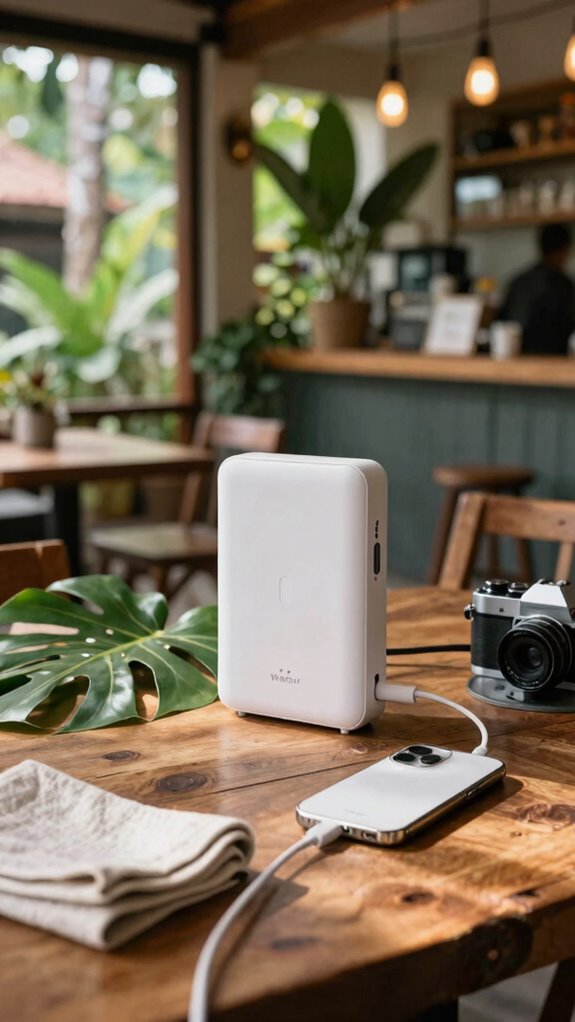
Getting your main internet stash hacked by a random storm or a blackout? Flexibility is key, so don’t rely on one source. You gotta set up backup internet that’s actually reliable—think mobile Wi-Fi hotspots or pocket routers.
Make sure signal strength is optimized—place your device near windows, avoid thick walls, and keep it charged. Battery optimization is your best friend here—use power banks with ample juice, so your backup isn’t dead when you need it most.
Keep in mind, a weak signal isn’t worth jack if your internet keeps dropping. Test your setup regularly—what works in Bali’s cafe might tank in the jungle. For added stability, consider backdrop support stands to keep your devices steady during setup.
With a little effort, you’ll stay connected, boss-level style, even when power goes AWOL. Who said liberation comes easy?
Creating Your Personal Emergency Power and Work Continuity Plan
Creating your personal emergency power and work continuity plan might sound like a snooze fest straight out of a corporate training video, but trust me, it’s the secret sauce to stay afloat when the power grid takes a vacation.
Here’s the lowdown: focus on battery optimization and power redundancy.
- Stock up on portable power banks—charge ‘em daily, treat ‘em like a best friend, because they are.
- Invest in a backup generator; it’s like having a superhero power-up for extended outages.
- Use an uninterruptible power supply (UPS)—because no one likes data chaos.
- Set up smart power management: turn off unused gear, save juice, and keep your work ticking.
Now, liberate your freedom by staying powered—leave the cubicle zombies behind!
Building An Office Emergency Kit
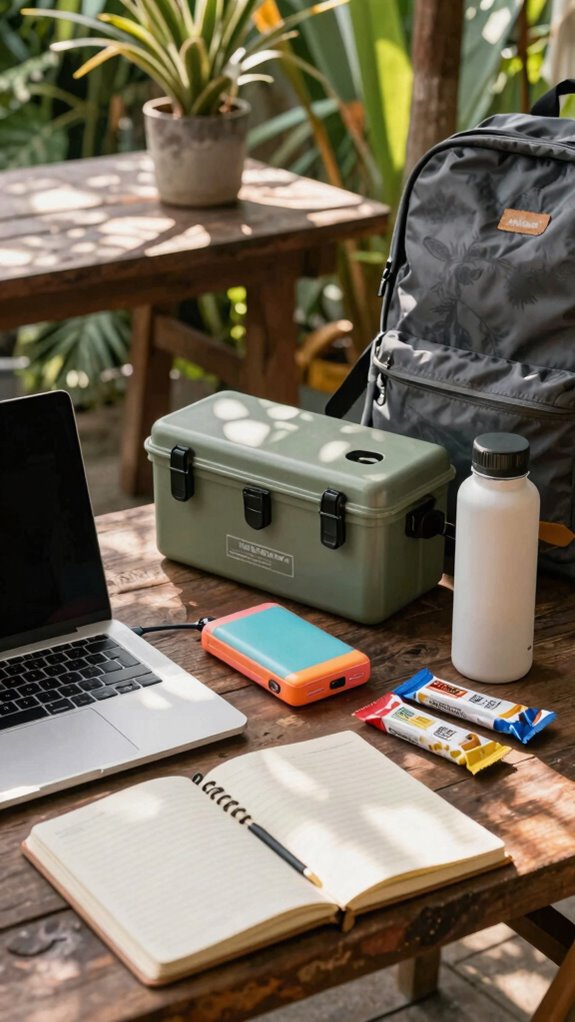
So, you think having a fancy laptop and decent Wi-Fi are enough for your Bali remote office? Nah. You need an office emergency kit that actually works for liberation — no more “go to the IT guy” panic!
Start with a sturdy power bank, a backup power source, and a UPS for critical gear. Toss in organization labels for clarity, so you never scramble for that elusive charger.
Keep simple meds, water, protein bars, and a fire-rated waterproof chest for paper backup docs.
Think ergonomics — avoid straining your neck while waiting out a storm.
Your kit should be portable, 💯 ready, and tailored to your work style. Be mindful of those days at the old cubicle festering in red tape? Say goodbye.
Remember, top dotted grid notebooks can be invaluable for planning and quick note-taking during emergencies.
This is about owning your space, always ready.
Emergency Power for remote working
When you’re hacking away at your Bali co-working hotspot, the last thing you want is your Wi-Fi dropping like a bad reality show cast member—especially during that essential client call or tight deadline. Power outages? Yeah, they happen, often at the worst time.
Here’s where emergency power comes in, and trust me, it’s not just about grabbing a backup generator and hoping it runs smoothly. You gotta practice power outage drills—twice a year, minimum—and stay on top of generator maintenance.
This means checking fuel levels, testing run times, and making sure all connections are legit. Plus, keep a stash of portable power banks and uninterruptible power supplies (UPS) for critical gear.
Ever seen your laptop die mid-presentation? Do those drills now, avoid future chaos.
Emergency Supplies Checklist Found
Ever wonder if you’re totally missing the mark on your disaster prep? I’ve been there — back when I was stuck in a cubicle, ignoring supply inventory management until chaos hit.
Fast forward, now I’m in Bali, living that remote freedom—and I swear, organization is king. When I found my emergency kit, I realized how critical good kit organization is. Think about it: easy access, labeled bins, backups of essentials like batteries and snacks.
Don’t just toss things in a box; make a system. Ever had your water bottle roll under the desk? Yep, same vibe. Itemize your supplies, check expiration dates, and rotate stuff regularly.
Trust me, a well-organized stash keeps panic at bay—nothing worse than digging through clutter when things get messy.
Portable Wi-Fi Hotspot
Certainly! Here’s the modified text with the necessary addition and brackets:
Visualize this: you’re lounging in Bali’s hottest co-working spot, trying to crush your project, and suddenly, the Wi-Fi decides to take a vacation—because, of course, your local café’s connection is as reliable as a paper umbrella in a hurricane. That’s when a portable Wi-Fi hotspot becomes your ultimate freedom device.
Thanks to satellite technology, you beat the chaos, staying connected even in remote jungle hideouts or mountain peaks. Plus, signal security is a breeze with some models offering encrypted connections, so your secret project stays secret (sorry, old colleagues trying to snoop).
- Choose a hotspot with global LTE/5G support
- Enable built-in VPN for security
- Pick one with long battery life & multiple device support
- Test it before disaster strikes—don’t wait till last minute!
And remember, satellite technology ensures your connection remains stable where traditional networks fail.
Solar-Powered Backup Chargers
If you’ve ever been caught in a downpour after your “fully charged” power bank failed to keep up, you know the drill — tech has mood swings. Enter solar-powered backup chargers; these beauties turn sunshine into pure power, giving you the liberation from wall sockets. Just set up your solar panel on your balcony or at a nearby café, and watch the power optimization magic happen. No more stressing over dead batteries or scrambling to find outlets. For creative professionals, using reliable graphic design software with steady power can make all the difference in your workflow.
FAQ
How Often Should I Test My Backup Power and Internet Systems?
Test your backup power and internet systems at least once a month. Why? Power outages and internet dips are like that annoying fly when you’re peaking—irrigating your work flow.
Do a quick drill: unplug, switch to backup, and see how smoothly your gear keeps running.
Recall my old boss in Bali? He swore by this routine—said it’s the only way to truly stay untethered from the cubicle grind.
What Are the Most Cost-Effective Emergency Power Options for Remote Workers?
You bet, solar alternatives and battery backup are your budget-friendly heroes.
Envision working in Bali, like my buddy did last summer—his tiny solar panel charged his laptop, phone, and LED lamp, even during a smiley power outage.
Just get a portable solar kit—easy to set up—and pair it with a solid battery pack.
Ditch the subscription to “uninterruptible” overpriced tech.
Why pay for what you can generate? Liberation, my friend.
How Can I Securely Store and Manage Emergency Access Credentials?
You gotta lock down your emergency access credentials with solid cybersecurity protocols—think multi-factor authentication and encrypted vaults. Use password managers like LastPass or Bitwarden to keep everything tidy, no more ‘password123’ shenanigans.
Recall, sharing credentials over Slack? That’s a rookie move. Regularly audit and rotate your keys, especially if you’ve ever worked in a boring cubicle.
Unfasten your freedom, avoid the tech trash heap, and keep that info super safe—like a Bali sunset, but digital.
What Training Should I Provide Team Members for Disaster Response?
You train your team on disaster communication, employee safety, and quick decision-making — don’t skimp, or you’re just waiting for chaos.
Use real-world drills, like simulating power outages or cyber threats, to boost response agility.
Keep in mind, clear protocols and roles prevent panic — no more “huh?” moments.
Share quick-reference guides, hold group refreshers, and turn newbies into crisis ninjas.
The goal? Stay liberated, resilient, with no tech tantrums.
How Do I Identify and Prepare for Local Disaster Risks in My Area?
You’re gonna want to start with hazard maps of your Bali neighborhood—imagine those, like OG Google Earth layers highlighting flood zones or volcanic risk. Then tap into community resources, super handy for real talk on local dangers.
Keep in mind that time your boss ignored these? Yeah, don’t be that person. Connect with local councils or NGOs—they’ve got knowledge and emergency plans.
Basically, turn chaos prep into a mission, not a hassle.
References
- https://www.computerworld.com/article/3950829/beyond-the-office-preparing-for-disasters-in-a-remote-work-world.html
- https://homeresiliencehub.com/blog/smart-home/remote-work-emergency-prep/
- https://www.atera.com/blog/emergency-preparedness-for-remote-workers/
- https://www.ylopo.com/culture-page-blog/remote-workers-heres-a-guide-to-making-a-disaster-preparedness-plan
- https://www.flexjobs.com/employer-blog/emergency-preparedness-companies-remote-work
- https://dartpoints.com/blog/disaster-recovery-for-remote-workforces/
- https://www.linkedin.com/posts/mitibi_remotework-businesscontinuity-employeewellbeing-activity-7330203771433574401-htcF
- https://blog.fentress.com/blog/remote-workforce-5-disaster-recovery-steps-to-take-now
- https://peasi.com/blog/working-from-home-safety-tips
- https://www.ready.gov/business
- https://www.thedoctors.com/articles/disaster-preparedness-for-your-office-practice