## Mobile Setup That Actually Works: My Kinetic Kit Reality
I ditched my Bali desk setup three times before figuring out what actually sticks.
I’m sharing this at The ZIP Office because remote work infrastructure beats wishful thinking every time. My foldable stand, portable charger, and noise-canceling headphones transformed café workflows into legitimate productivity zones. Geographic arbitrage means nothing without healing infrastructure—your body needs proper ergonomics, even in Ubud. I ditched cables everywhere by grabbing a slim organizer. The mini whiteboard? Game-changer for brain dumps between meetings.
## Dad Life Meets Digital Nomad Reality
Last month, my six-year-old watched me juggle three Zoom calls across different time zones. He asked why my “box life” looked so complicated. That question hit different. Now my kit includes space for his drawings alongside my work. Sometimes the best productivity hack is remembering why you’re grinding in the first place.
Quick Takeaways
- Essential portable devices include lightweight chargers, external drives, and foldable tech organizers for mobility.
- Biometric sensors like heart rate and stress monitors help track health and focus on the go.
- Compact security tools such as motion sensor alarms enhance safety during mobile work.
- Ergonomic accessories like inflatable lumbar pillows and adjustable stands improve comfort in portable setups.
- Connectivity tools, including portable hotspots and signal boosters, ensure reliable internet access anywhere.
Why Every Mobile Professional Needs the Kinetic Kit
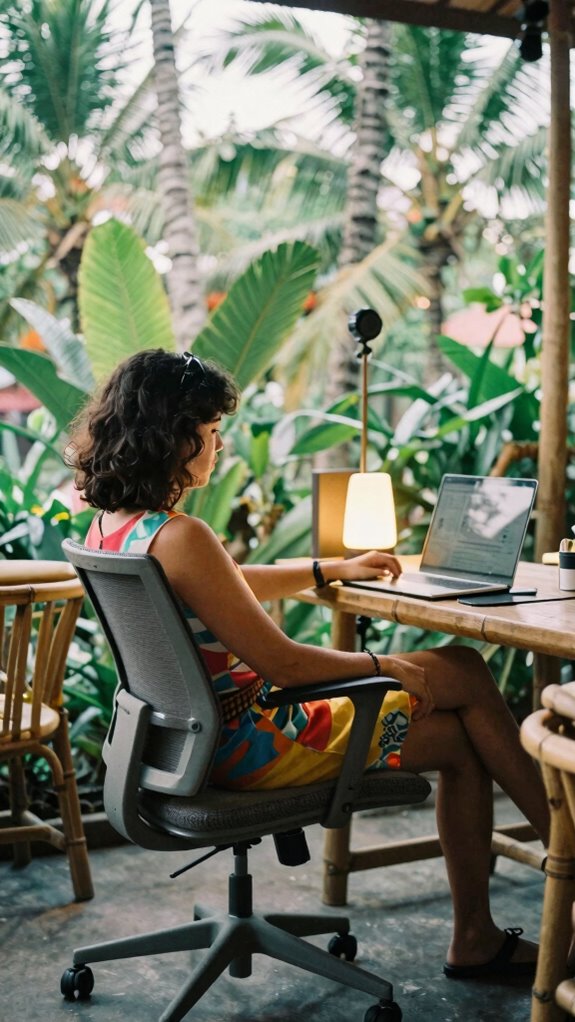
Now, picture floating between Bali cafes, adjusting your seat for max comfort, and staying productive without sacrificing your spine. That’s the magic of adjustable seating paired with ergonomic design.
Imagine working effortlessly in Bali cafes, customizing your seat for comfort and maintaining perfect posture everywhere you go.
It’s like having a personal trainer for your posture, no gym required. No more neck cricks or lower back pain weakening your vibe. Instead, you get a setup that’s flexible, stable, and kind to your body, no matter where you are. Proper backdrop support stands ensure your equipment stays secure while you focus on your work.
And as battery-powered lighting options become more versatile and portable, you can create the perfect workspace anytime, anywhere.
Why settle for second best? Your work deserves high-performance posture—because, let’s face it, no one looks cool hunched over all day.
Building an Ergonomic Workspace on the Move
Ever wondered how to stay comfy and productive when your entire workspace is basically a backpack and a coffee shop? Envision hacking your ergonomic posture on the fly—no fancy desk, just portable furniture that adapts.
Use a foldable, lightweight laptop stand to elevate your screen, avoiding that neck-craning doom.
Opt for a sleek, inflatable lumbar pillow tucked into your bag—trust me, your back will thank you after hours of Bali’s co-working chaos.
Swap out your cheap mouse for a compact wireless one—you’ll get precision without sacrificing space.
Recall those soul-crushing cubicles? Yeah, let’s roast that outdated nonsense. Incorporating noise masking earbuds can help you create a serene environment wherever you work, blocking out distractions effortlessly.
Mastering ergonomic mobility means embracing smart, nimble setups.
Adding a wooden picture frame can also bring a touch of natural warmth to your portable setup, creating a more inviting workspace wherever you are.
Who needs that boring office when your kit can shape-shift, keeping your productivity and posture on point, wherever you land?
Essential Accessories for Setting Up Your Mobile Office
Visualize this: you’re basking in Bali’s endless summer, coffee in hand, trying to crush a client pitch or hammer out some creative content. Now, what makes that seamless flow a reality? It’s the right accessories — no excuses needed.
First, you need ergonomic adjustments like adjustable laptop stands, which keep your neck happy and save you from future neck pain. Staying comfortable is key when working across different environments and time zones.
Adjustable laptop stands keep your neck comfortable and prevent future pain.
Second, an encrypted travel security kit — think RFID-blocking wallets and encrypted drives — because your client secrets deserve Fort Knox levels of protection. Protecting your data during transit is just as crucial as your physical security.
Next, a compact power bank to stay juiced without hunting outlets in cafes. Having reliable power on-the-go ensures your productivity isn’t interrupted.
And finally, a noise-canceling headset that silences Bali’s chaos, so you can focus on either the code or that killer pitch without interruptions. With noise-canceling technology, you can concentrate despite the distractions of a bustling environment.
Additionally, understanding how to stay safe on public Wi-Fi can prevent your sensitive information from falling into the wrong hands, keeping your mobile office secure.
Have your tech game on point; the rest just follows.
Troubleshooting Common Connectivity and Power Issues
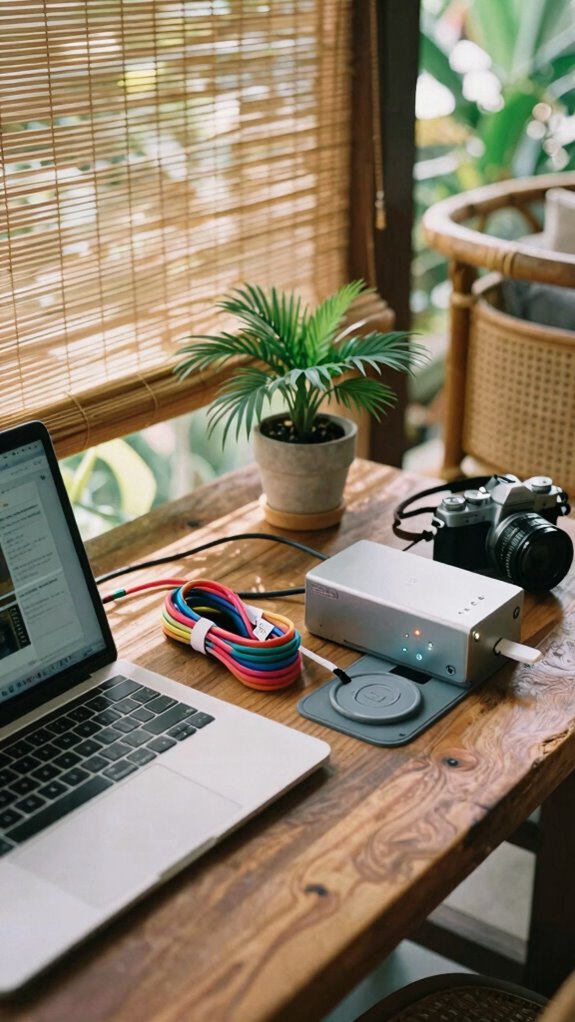
When your Wi-Fi drops out just as the deadline’s creeping up faster than Dwight Schrute chasing a beet harvest, you realize how essential rock-solid connectivity really is — and how frustrating it can be when things go sideways.
Here’s a pro tip straight from Bali’s co-working scene: smart cable management is your secret weapon. Keep cords tidy, label your adapters, and use Velcro straps to avoid the maze of spaghetti behind your setup. Proper electrical planning also helps prevent overloads and accidental disconnections, ensuring a stable environment.
When power’s flickering like a bad disco, optimize it with a UPS (Uninterruptible Power Supply), so your work doesn’t vanish in a blink.
Old colleagues’ mistakes—like leaving chargers plugged into a surge protector—remind you to always follow power flow best practices.
Keep in mind, smooth cable flow and careful power planning keep your high-performance kit firing on all cylinders.
Maximizing Productivity With Hardware and App Pairings
A perfect harmony between hardware and apps is your secret weapon to revealing maximum productivity—no, you don’t need to become a tech wizard overnight. Think of wearable sensors tracking your focus, sleep, and posture, then syncing everything effortlessly through cloud platforms. It’s like having your own health and productivity coach in Bali’s digital playground. Incorporating portable travel safes into your setup can help protect your devices and sensitive data while on the go. To ensure clear visibility in bright sunlight, consider adjusting your device’s brightness settings or using an outdoor anti-glare screen protector, which can significantly enhance screen clarity.
- Use wearable sensors to monitor your physical state—think wristbands or smart rings; they feed data into your favorite app.
- Synchronize your project management apps with cloud storage—keeping everything updated and accessible from anywhere.
- Pair noise-canceling headphones with meditation or focus apps to cut the noise—literally—while still staying connected.
- Automate routine workflows via app integrations—saving time, reducing stress, and enjoying the Bali vibe instead of drowning in chaos.
Future Trends: Smart Ergonomics & Modular Mobile Tools
As you leap into the future of work, you’ll find that smart ergonomics and modular mobile tools aren’t just buzzwords—they’re your secret sauce for staying comfy, productive, and sane while bouncing between Bali cafes or mountain hideouts.
Forget dull office chairs; adaptive seating with biometric integration is the real game changer. Picture a chair that molds perfectly to your body, adjusting in real-time based on your posture, heart rate, or fatigue signals. It’s like having a personal ergonomist on standby, minus the coffee addiction.
During those long Bali work sessions, you’re free to focus instead of fidgeting. This isn’t sci-fi; it’s what separates the pros from the cubicle zombies whining about back pain. Incorporating smart ergonomics can dramatically improve your comfort and health over extended periods. The integration of biometric feedback ensures that adjustments are precise and tailored to your individual needs.
Embrace the future—your spine will thank you.
Final Tips: Staying Comfortable and Efficient Anywhere
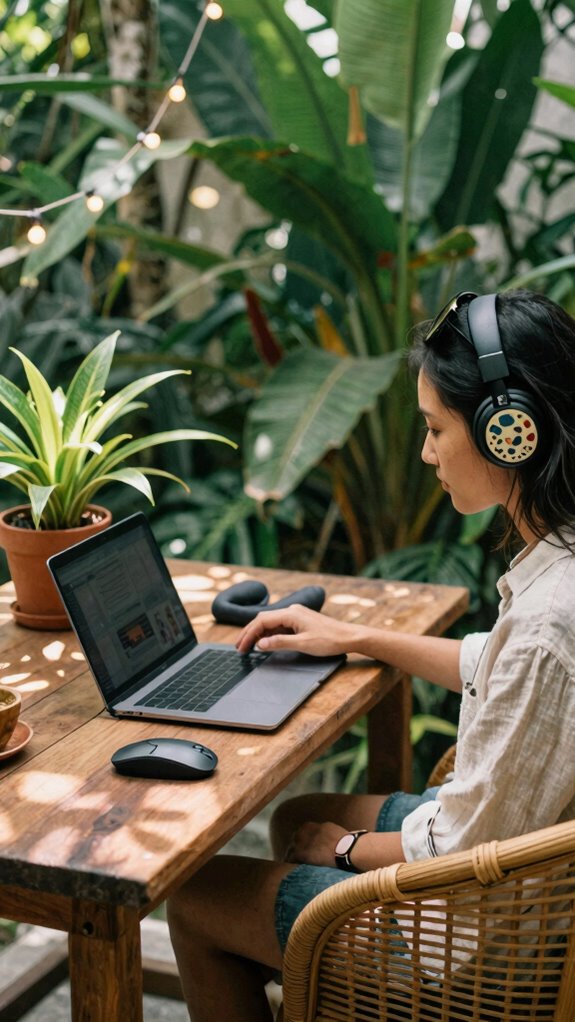
You’re probably squinting at your screen, wondering how you can stay comfy and laser-focused while bouncing from Bali’s bustling cafés to that hidden beachfront co-working spot.
Well, here’s the scoop—workspace customization and ergonomic accessories are your best friends.
- Adjust your seat and desk height—set it so your feet are flat, eyes level with the monitor. No more neck crunching or back pain.
- Invest in ergonomic accessories—like wrist rests, adjustable mouse pads, and portable lumbar supports. Your old laptop setup screams ‘amateur’.
- Create a mobile zone—use foldable keyboards, lap desks, and soundproof noise-canceling headphones. Your productivity shouldn’t be tied to walls. Incorporating an adjustable workspace can enhance comfort and adaptability, especially when working from diverse locations.
- Personalize your spot—add plants, mood lights, or that quirky gadget from your last trip. Workspace comfort = mental clarity. Who knew?
- Prioritize focus in silent zones by minimizing distractions and choosing environments with minimal noise interference. Exploring workspace ergonomics can further improve your overall comfort and efficiency in any setting.
The Remote working with Kinetic Kit
Ever since I ditched the cubicle grind and set up shop in Bali’s thriving co-working scene, I’ve realized that working remotely with a Kinetic Kit isn’t just about gadgets — it’s about transforming any space into your personal command center.
You don’t need beachfront office perks; you only need the right tools to carve out work-life balance and preserve mental wellness. Envision replacing dingy meeting rooms with a hammock and a portable monitor, attending calls from a jungle-view cafe — all without sacrificing security or focus.
No more endless commutes or burnout. If you’re tired of the “traditional” grind, a Kinetic Kit lets you stay sharp, secure, and sane — all while scenery changes and colleagues stay stuck in outdated offices. Incorporating top collapsible green screens allows for seamless backdrops, ensuring privacy and professionalism regardless of location.
Balance, my friend, is just a kit away.
Compact Gear for Portability
Who needs a bulky, carry-everything-in-your-way backpack when you’re zig-zagging through Bali’s jungle-shrouded co-working spots? I’m telling you, the game changer is compact gear—lightweight, powerful, and totally liberating.
Think about it: portable chargers that keep your devices juicing all day without clunky cables, or lightweight containers to stash essentials without bulking up your satchel. When I worked from Ubud last year, I packed my slim power bank and a tiny tech pouch—total game changer.
Here’s what you *must* have:
- Portable chargers—more juice, less fuss.
- Lightweight containers—a sturdy snack or accessory holder.
- Slim external drives—speedy backups, no bulk.
- Foldable tech organizers—everything in its place, always ready.
- Top motion sensor alarms for extra security when you’re on the go.
And don’t forget, portable app blocker tools can help you stay focused even when working in distracting environments, making your portable setup even more efficient.
Cubicle folks still lugging around luggage-sized gear? Up your game.
Essential Gear for Mobility
When you’re bouncing between cafes, co-work spots, and Bali’s lush jungle corners, having the right gear isn’t just a luxury—it’s your lifeline. Think smart: wearable tech and biometric monitoring keep you in the zone while ignoring the chaos around you. Want to avoid burnout or brain fog? Devices like wrist sensors track your stress levels, heart rate, and focus zones, making sure you don’t crash halfway through that new project.
| Wearable Tech | Biometric Monitoring | Power & Connectivity |
|---|---|---|
| Smartwatches | Heart-rate sensors | Portable power banks |
| Fitness rings | Stress detectors | Satellite internet dishes |
| Noise-canceling buds | Sleep quality trackers | Signal boosters |
| AR glasses | Temperature & hydration | Mobile hotspots |
Ditch the old office prison — embrace this kit and stay fluid. You got this.
The Remote Working Revolution
Here’s what you need:
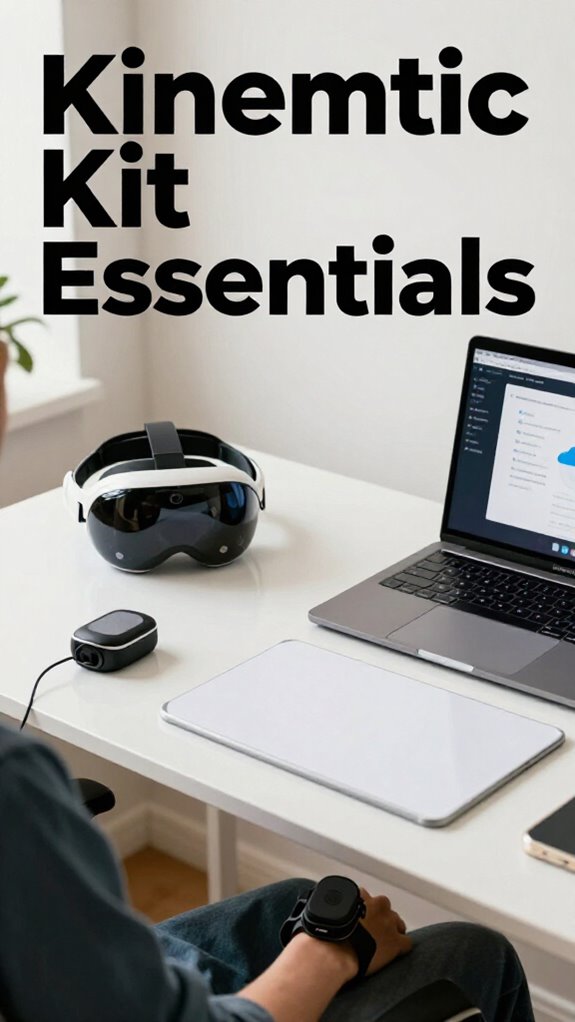
- A lightweight AR headset—no, it’s not sci-fi, it’s your new office window to the world.
- Wearable sensors—track your posture, stress levels, and even heartbeat. Because, hey, even ultimate relaxers like Bali deserve mental and physical data.
- Portable whiteboards or smart mats—because your ideas shouldn’t stay trapped inside Zoom.
- Encrypted cloud access—secure your genius from cyber pirates or old boss’s NSA paranoia.
Forget stuffy cubicles, this is your high-tech escape pod. Welcome to the future!
FAQ
How Can I Customize My Kinetic Kit for Different Work Environments?
You can customize your kinetic kit by adding modular accessories that adapt to each environment, and use color customization to match your mood or setting, creating a personalized, efficient workspace that feels truly yours wherever you go.
What Security Measures Are Recommended for Mobile Office Setups?
To safeguard your mobile workspace, you should prioritize discreet yet robust mobile device security and implement trusted remote access protocols, ensuring your proximity remains a shield, and your confidential work stays intimate and secure in any environment.
How Do I Extend My Kinetic Kit’s Battery Life During Long Work Sessions?
You can extend your kinetic kit’s battery life by practicing good battery maintenance, like avoiding extreme temps and full discharges, and optimizing power management through energy-saving settings, so your tools stay reliable during long work sessions.
Which Ergonomic Techniques Optimize Comfort on Varied Terrains?
Did you know poor posture causes up to 90% of back pain? You can optimize comfort on varied terrains by practicing posture awareness and choosing supportive footwear, helping you stay grounded, balanced, and pain-free wherever your journey takes you.
How Can I Adapt My Gear for Unexpected Remote Work Challenges?
You can adapt your gear to unexpected challenges by prioritizing portable, versatile tools that boost productivity hacks. Focus on maintaining work-life balance with quick, reliable setups, so you stay connected and efficient, no matter where life takes you.