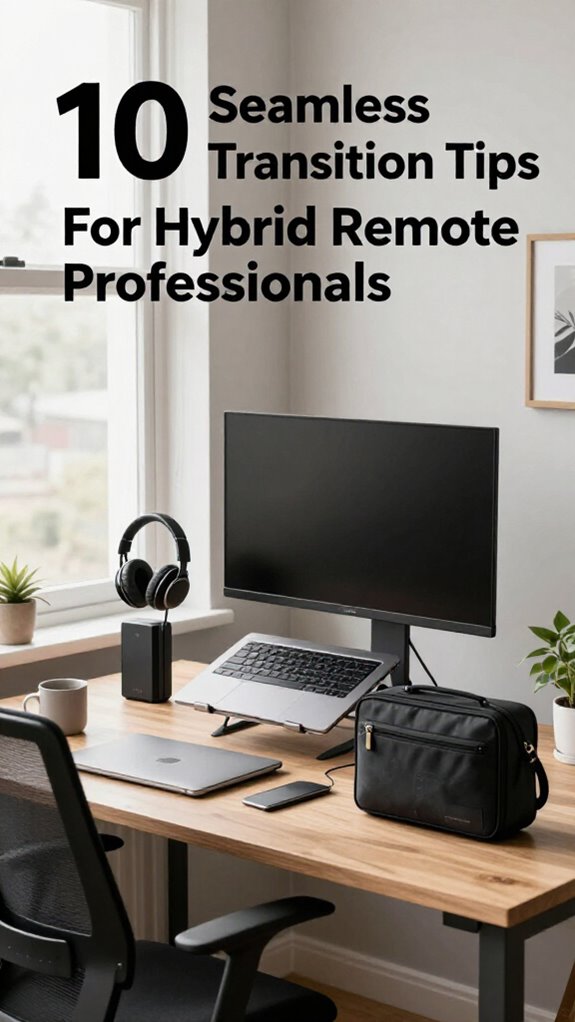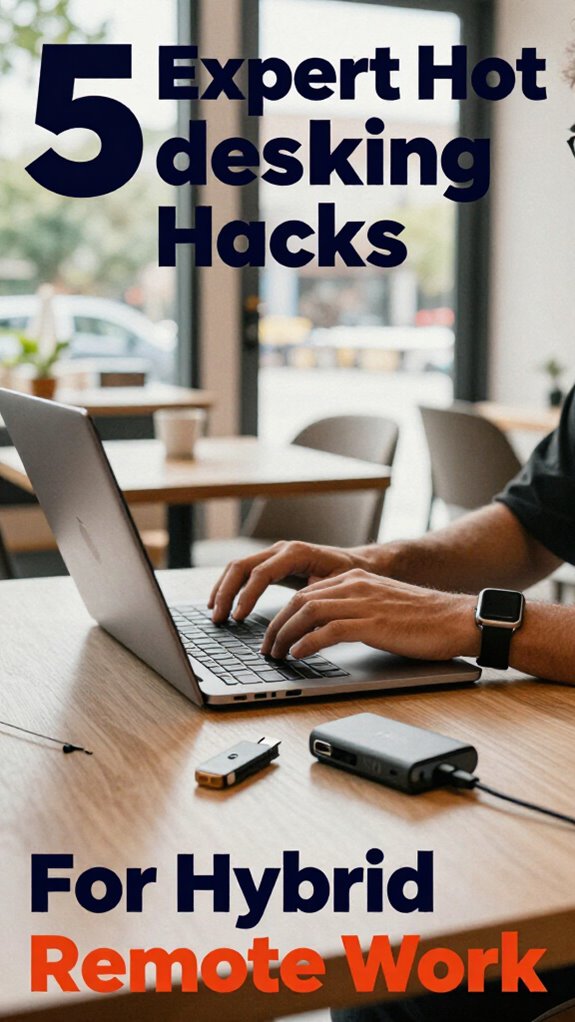
Hybrid Commuting Gear: My 7 Essentials for Geographic Arbitrage Warriors
Cable chaos kills productivity faster than a failed Zoom call.
I’m sharing this with The ZIP Office because remote workers deserve better gear strategies. During my Manila-to-Bali rotation last March, I discovered that organized commuting infrastructure transforms how you work. A water-resistant Bellroy bag beats any corporate tote. Tech pouches—not loose cables—saved my sanity. Privacy screens matter when working from coffee shops. Quality Sennheiser headphones block ambient noise. Foldable stands optimize desk real estate. These tweaks? They’re healing infrastructure for distributed teams.
Last Tuesday, my kid asked why daddy packed three bags differently each day. I realized: hybrid commuting teaches children that flexibility beats rigid routines. Watching him understand that my workspace changes—coffee shop to co-working hub—sparked something. He asked for his own “work bag.” That moment crystallized it: organized gear isn’t just productivity theater. It’s modeling intentional living for the next generation.
Quick Takeaways
- Use cable management tools like clips and velcro strips to prevent tangles and keep accessories organized.
- Opt for a sleek, water-resistant, and durable bag with secure compartments for easy access and security.
- Incorporate lightweight, portable accessories such as foldable keyboards and compact chargers for efficient mobility.
- Keep accessories and cables in transparent, designated organizers for quick identification and clutter reduction.
- Regularly review and adjust your setup to ensure ergonomic comfort and seamless transitions between locations.
How to Choose the Best Compact, Secure Bag for Your Mobile Work Gear
Ever wonder how those high-performance nomads in Bali keep their gear safe and stylish while bouncing from co-working cafes to jungle yoga retreats? I’ve been there—trust me, a sleek, compact bag changes everything.
Look for secure pockets—those magnetic flap lids or hidden zippers keep unsavory wallet-snatchers at bay. Water-resistant fabrics matter, especially in monsoon season or surprise tropical downpours. You don’t want your MacBook or spare cables drowning in a puddle, right?
Think lightweight yet tough material that shrugs off splashes but doesn’t weigh you down.
Pro tip: test the zippers and seams. Cheap bags that promise “premium” often leak secrets—and water.
Old coworker’s advice? Invest in a slick, tech-friendly bag. Your gear’s reputation depends on it.
Incorporating decorative wall art into your space not only adds personality but also reminds you to stay inspired while commuting or working remotely.
Essential Portable Tech to Optimize Your Digital Workspace
Looking to turn that tired old backpack into a powerhouse of productivity? I mean, come on, who needs clunky setups when you’re working from Bali’s beaches or jungle co-working spots? Essential portable tech is your new best friend.
Think lightweight laptops with stellar processors—yeah, those little beasts that handle Virtual Collaboration like a charm. Pair that with portable monitors or foldable keyboards—because, why not?
Lightweight laptops with powerful chips and foldable keyboards—your ultimate portable workspace essentials for effortless virtual collaboration.
Secure your cloud access with top-tier VPNs and 2FA apps, so your crypto projects and client intel stay tight. Recall, cloud security isn’t just a corporate buzzword; it’s your shield against digital snoops.
And don’t forget noise-canceling earbuds—hello, Zen mode! Your old boss would’ve loved this—if only he’d embraced the future instead of the office cubicle prison.
For those relying on public WiFi, it’s crucial to understand how to find and maintain a stable WiFi connection, ensuring your work remains uninterrupted in any environment.
Keep Cables and Accessories Tidy With Smart Organizers
Once you start juggling multiple devices—laptop, phone, portable monitor, maybe even a drone controller—you quickly realize just how chaotic your workspace can become, especially when those cables refuse to stay put. That’s where cable management and accessory organization become your best friends. Using secure security waste bins can also help keep larger waste and packaging from cluttering your space, maintaining a tidy environment. Proper cable management not only prevents tangles but also reduces wear and tear on your cables, extending their lifespan. Use cable clips or wrap cables with Velcro strips—no more spaghetti messes! Portable cord organizers or DIY tech pouches keep chargers, dongles, and earbuds from becoming landfill debris. Recall those days at the office, buried under a mountain of tangled cords? Yeah, let’s not go back there.
Smart organizers with transparent compartments make it easy to find what you need, fast. Trust me, a tidy workspace isn’t just aesthetic – it’s productivity fuel, Bali-style.
How to Prioritize Noise Cancellation and Privacy in Public Settings

Wondering how to keep your work chats private and noise out when you’re stuck in a bustling Bali co-working space? Trust me, I’ve been there—trying to stay professional while earbuds drop, street noise blares, and old colleagues shout about last night’s surf.
The secret? Invest in premium soundproof headphones—not the cheap plastic ones, but real noise-canceling beasts. Toss on your headset, and suddenly, the chaos turns into background music.
Pair that with a privacy screen on your device—trust me, the old “Privacy Mode” isn’t enough if someone’s sitting too close. Recall that time Kevin from the office tried peering over your screen? Yeah.
Now, you control what they see—and what they don’t. It’s about creating your bubble of digital security amidst the chaos. For durability and style, consider a high-quality leather messenger bag to carry all your tech securely and look sharp during your commute. And when it comes to reliable connectivity, understanding the importance of the proper satellite dish can make all the difference in maintaining a successful remote work setup.
The Best Ergonomic Gear to Stay Comfortable on the Go
If you think hunching over your laptop in a cramped Bali co-working space is a surefire way to turn your island paradise into a chiropractic nightmare, think again. You need ergonomic gear that keeps you comfortable without sacrificing style or mobility.
Focus on *ergonomic posture* with an adjustable laptop stand—think carbon fiber for strength and lightness. Pair it with a *supportive cushion* for your lower back; don’t underestimate the power of memory foam in a sleek, portable form.
Prioritize ergonomic posture with a lightweight, adjustable stand and a memory foam lumbar support for all-day comfort.
Here’s what to look for:
- Foldable, height-adjustable laptop stands for perfect eye level (no more neck stress)
- Lightweight, portable footrests to boost circulation
- Well-cushioned, ergonomic travel pillows for long commutes
- Consider using top adjustable chair straps to enhance lumbar support and maintain proper posture during extended periods of sitting
Using ergonomic gear can also help you prevent long-term injuries associated with poor posture. Old colleagues? They’re still battling their ergonomic nightmares—don’t be that guy. Be savvy, stay comfy.
How to Prepare Your Equipment for Fast Transitions Between Work Locations
Getting your gear race-ready for lightning-fast shifts between work spots isn’t exactly rocket science, but it does need a savvy game plan.
Recall those days in the cubicle, waiting on slow boot-ups and tangled cables? Yeah, those days are dead. Now, it’s all about ready-to-roll setups: a sleek lightweight laptop with quick-access folders, portable power for uninterrupted virtual collaboration, and encrypted data to keep those clients’ secrets safe.
Pack a dedicated bag with organized cables, your privacy screen filters, and a foldable stand. Think about security—use express login apps with biometric access, so you’re not fumbling with passwords forever.
Basically, be the ninja of productivity—always prepared, lean, and always a step ahead. Bali or Boston, it’s about seamless shifts, baby!
How to Maintain and Reassess Your Portable Work Setup Regularly
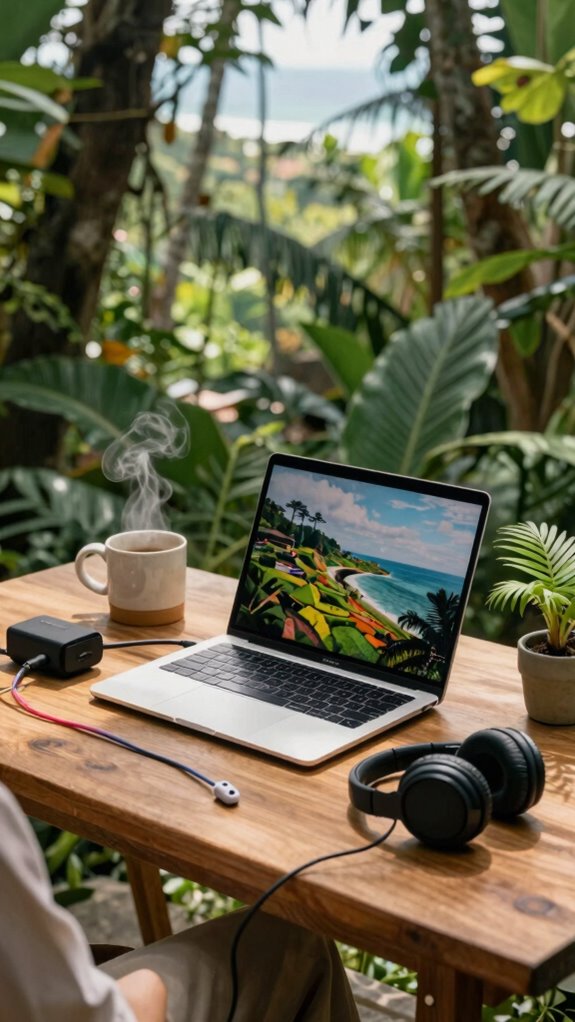
You’ve got your ultra-light setup dialed in—laptop, portable charger, maybe a foldable stand—and you’re ready to conquer Bali’s vibrant co-working scene. But don’t let complacency sneak in; your workspace customization needs a routine reassessment.
Keep it fresh:
- Periodically test your gear’s reliability—like, does your portable power station still hold a charge after a month?
- Revisit your ergonomic tweaks—maybe that inflatable lumbar support you loved last month now feels like a clingy ex.
- Adjust your digital ecosystem—are those privacy filters, noise-canceling headphones, and fast internet still ideal? Or has your workflow outgrown them?
The Hybrid Commuter Style
Managing the hybrid commute isn’t just about hopping between your cozy Bali co-working spot and home; it’s about owning your urban productivity while avoiding wrist crankiness and that “lost-in-translation” feeling.
Master the hybrid hustle—blend Bali vibes with urban productivity, skip wrist pain, and stay effortlessly connected.
Think of yourself as a remote collaboration ninja—fluent in seamless tech setups, noise-canceling headphones, and quick mindset resets.
Remember, old office routines? Gone. Instead, craft your own flexible rhythm—like firing off laser-sharp emails while overlooking rice paddies or catching a quick sync during a sunset.
Don’t fall into the trap of overpacking; focus on gear that’s sleek, versatile, and makes shifting smooth. It’s about tricking your environment into working *for* you, not vice versa.
For the ultimate productivity boost, consider visiting top lounges perfect for remote work, which can serve as an ideal hybrid workspace when on the go.
Mobile Workstations for Commuting
If you think lugging around a bulky, clunky workstation is the only way to stay productive on your commute, think again. Envision rolling out your sleek mobile setup, complete with vintage decor touches to make any train or café feel like your Bali beachfront retreat. You might even brew some tea, creating that Zen workspace vibe while crushing deadlines.
Here’s what to include:
- Compact, lightweight desk that doubles as a vintage-style tray or fold-out surface
- Portable mini kettles for tea brewing plus stylish mugs for that cozy touch
- Ergonomic foldable chair with personal flair, maybe with retro patterns
Forget those old cubicle prisons — your mobile workstation should blend function, style, and a little bit of attitude. Who’s boss now?
Portable Tech Accessories
When it comes to keeping your hybrid setup sleek and efficient, portable tech accessories are the real MVPs—no need to lug around a giant tech fortress like you’re prepping for a Mars mission. Wireless charging pads mean fewer cables, so you can just plop your phone down and go—no fuss, no tangled mess. Biometric authentication, like fingerprint sensors or facial recognition, keeps your info locked tight without the annoying password juggling. Additionally, using top silicone keyboard covers can protect your device from spills and dust, ensuring your equipment stays in top shape. Incorporating simple stretching routines into your daily schedule can also improve your posture and reduce discomfort during long work hours.
Elite Urban Freelancer Archetype
Picture you’re sitting in a Bali co-working space, slicing through the digital noise while your old boss back home is probably still figuring out how to connect to Wi-Fi without it crashing. As an elite urban freelancer, you thrive on social hubs and urban coffee spots, blending work and play like a pro.
To keep your game tight:
- Use privacy screen filters so nosy neighbors don’t peek at your spreadsheets.
- Pack a silent mechanical keyboard—trust me, it’s worth avoiding ear-splitting clacks during meetings.
- Rely on active noise-canceling headphones—because even Bali surfers can’t drown out the buzzing chatter of social hubs.
- Ensure your workspace has good air quality, which can help improve concentration and reduce fatigue during long work hours.
- Investing in ergonomic accessories like a top lumbar support pillows can be a game-changer for all-day comfort and posture.
Stop clutching that bulky laptop; fine-tune your portable setup, make use of flexible seating, and stay mobility-magnetic. Your old cubicle is a tragic memory.
FAQ
How Do I Secure Sensitive Data While Commuting and Working in Public?
You secure sensitive data by using data encryption and privacy screens, creating a private shield. Keep your USB drives encrypted, avoid open Wi-Fi, and stay vigilant, ensuring your most delicate information stays safe amid the chaos.
What Strategies Ensure Consistent Wi-Fi Connectivity Across Different Transit Environments?
You optimize your Wi-Fi signal by adjusting device placement and updating firmware. For transit hotspot troubleshooting, restart your device, switch locations, or reset the connection to maintain consistent connectivity wherever your journey takes you.
How Can I Effectively Balance Ergonomic Comfort With Ultra-Portability During Long Commutes?
You balance ergonomic comfort and portability by choosing portable accessories like foldable support cushions and adjustable laptop stands, ensuring you maintain ergonomic posture throughout your long commutes without sacrificing mobility or ease of setup in any environment.
What Quick Setup Techniques Help Transition Between Different Work Locations Seamlessly?
Forget Hogwarts, mastery lies in portable organization and quick device switching. With a few clever cable clips and a foldable stand, you’ll magically transform chaos into comfort, seamlessly shifting locations without missing a beat—or your Wi-Fi signal.
How Should I Regularly Evaluate and Upgrade My Hybrid Workgear for Evolving Needs?
You should regularly review your gear for remote collaboration, listening to your changing needs, and perform maintenance to guarantee everything functions smoothly. Upgrading thoughtfully keeps your hybrid workspace efficient, secure, and tailored to your growth and evolving environment.