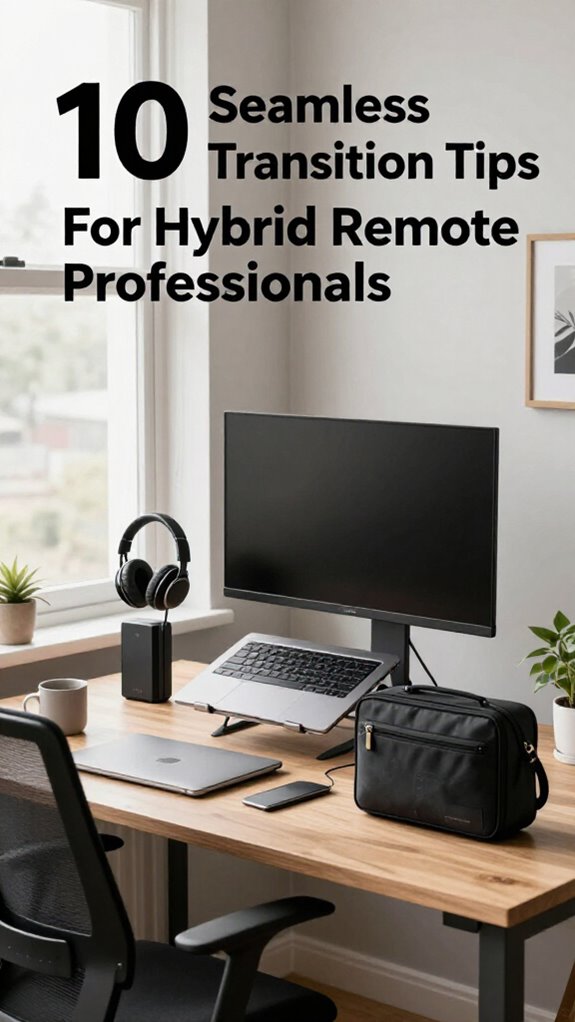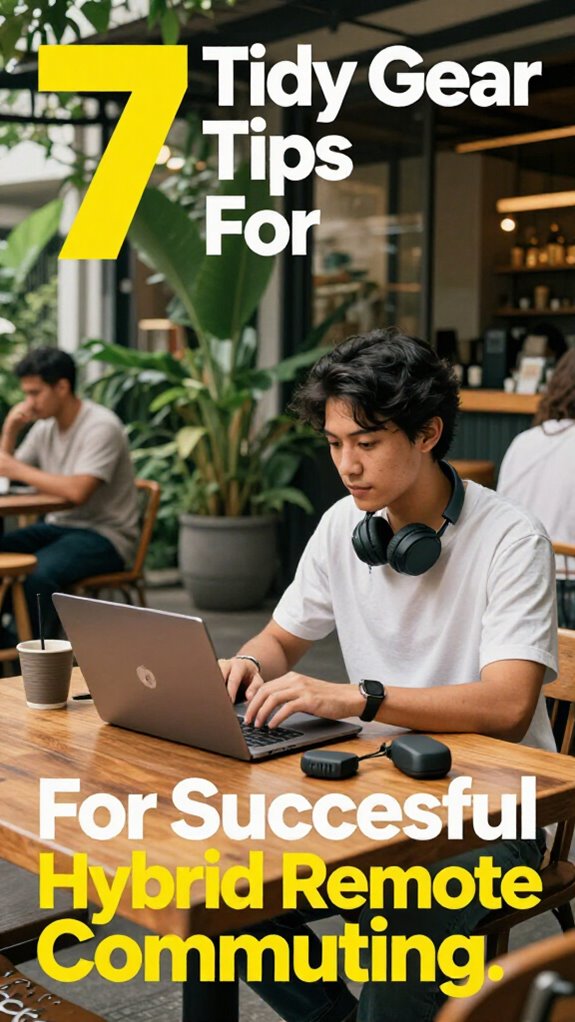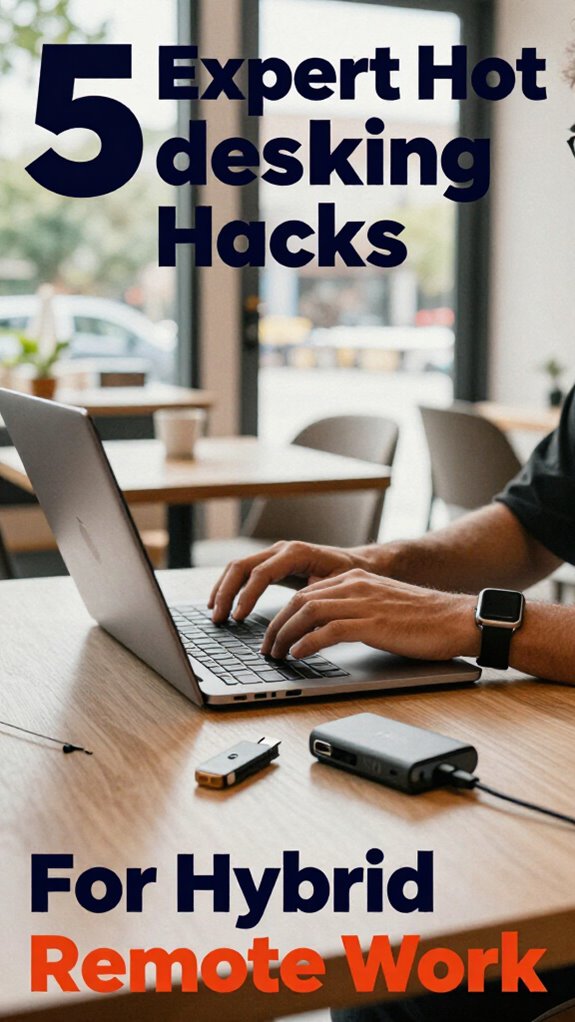
Hot Desking Mastery: Geographic Arbitrage Meets Workspace Flexibility
Your desk doesn’t own you anymore.
I’m writing this for The ZIP Office because I’ve spent eighteen months testing hybrid setups across Bali, Chiang Mai, and Barcelona. Hot desking isn’t about cubicle rebellion—it’s healing infrastructure for knowledge workers.
I’ve ditched heavy monitors for a lightweight Logitech lapdesk, synced everything through Google Workspace, and booked coworking slots via Deskpass. No more territorial office politics. Last March, I coordinated three teams across five time zones using just cloud-native tools and a solid VPN. Clean. Efficient. Human-scaled.
Dad Life in the Hot Desk Era
Last Tuesday, my six-year-old watched me pack my laptop for our third location this month. He asked, “Dad, where’s your office?” I realized he understands flexibility better than most executives. He grabbed his sketchbook—his portable workspace—and we worked side by side in a café.
Quick Takeaways
- Prioritize ergonomic and portable accessories to enhance comfort and flexibility across different work locations.
- Use smart tech and automation tools to streamline workflows and facilitate seamless collaboration across time zones.
- Optimize both physical and digital environments with lighting, decor, and secure connectivity to boost productivity and mood.
- Implement efficient room booking and scheduling systems to maximize space utilization and minimize disruptions.
- Invest in high-performance, secure devices with encrypted storage and VPNs to protect sensitive data remotely.
Figure Out Your Hot Desking Needs and Goals
So, you’re finally ditching the boring, soul-sucking cubicle life and trying to figure out what you actually need from your hot desking setup—smart move, by the way.
Here’s the secret: define your needs first. Are you doing heavy-duty work that demands premium workplace ergonomics? Or do you mainly need collaboration tools to sync with your team quickly?
Identify your priorities first—premium ergonomics or quick collaboration tools—to craft the perfect hot desking setup.
Think about your typical day. Do you hop around the city or chill in Bali’s co-working scene? Your goals might be building a flexible digital workspace, avoiding long-term desk commitments, or just finding a distraction-free zone.
Be honest—remember those days pretending to focus while your old boss sneered at your wallpaper?
Now, invest in blinders, ergonomic gear, and ultra-portable tech. Nail your goals, and the rest falls into place. Mastering collaboration across time zones can also help ensure seamless teamwork regardless of where you’re working from.
To optimize your setup, consider integrating automated task apps that can help streamline your workflow and boost productivity, especially when juggling multiple locations or schedules.
Choose the Best Technology and Tools for Your Hybrid Workspace
Ever wondered if your tech tools are actually working for you— or just slow you down like a bad Wi-Fi signal in Bali’s jungle? Yeah, I’ve been there, drowning in sluggish apps and outdated software. Here’s the deal: your hybrid workspace needs virtual collaboration tools that *actually* connect seamlessly.
Think Slack or Microsoft Teams, but turbocharged with AI-driven workflows. Instead of wasting time micromanaging tasks, use AI to automate routine stuff—like scheduling, data analysis, or even drafting quick reports.
Want real speed? Try tools that sync across devices instantly. Recall when I used to bug my old boss about upgrading? Now, I swear by portable monitors, cloud storage, and voice-activated assistants.
No more “dead zones,” just smooth, on-the-fly magic. Trust me, upgrade your kit, and watch your productivity soar.
Optimize Your Physical and Digital Environments for Efficiency
If you think your space is just a place to lay your laptop and hope for the best, think again. Workspace aesthetics matter—yep, even in Bali’s vibrant co-working scene. Good lighting, especially ambient lighting, can boost your focus faster than a triple shot espresso.
Have a sleek desk setup? Add some personalized art or plants; it’s like your own tiny sanctuary. Bear in mind, clutter is the enemy—just like that old boss’s endless data spreadsheets. Incorporating effective stretching routines into your day can also dramatically improve your posture and reduce tension caused by prolonged sitting.
Use smart tech, like color-adjustable smart bulbs, to create a vibe that energizes or relaxes you when needed. Think minimal, but intentional—because a well-optimized environment isn’t just eye candy; it’s your secret weapon to stay sharp and avoid the chaos of a “workspace.” Proper use of colors in video calls can also influence how you and your colleagues perceive you, making your communication more effective.
Trust me, your productivity will thank you.
Schedule Smarter With Effective Room Booking and Time Management
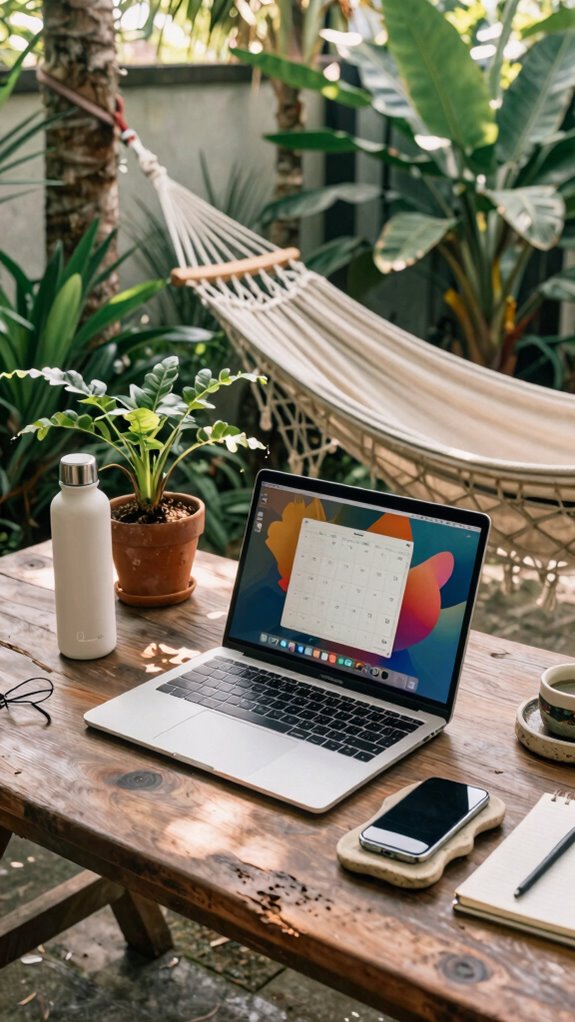
Juggling room bookings and time slots might seem like a snooze-worthy chore in the age of on-demand workspaces, but honestly, if you’re not leveraging smart scheduling tech, you’re basically choosing chaos over control. Dynamic scheduling tools, like Google Calendar or specialized apps like Robin, strip away that headache. Incorporating top email sorting tools into your planning arsenal can help keep communications organized and ensure no important updates slip through the cracks.
Set workspace rituals—routine checks on your booked rooms, prep your tech before each session—to keep your flow intact. Recall when bosses used to bark about “being at your desk”? Those days are dead.
Instead, optimize your time by blocking uninterrupted slots, and don’t forget to buffer for surprises—because, trust me, those happen. It’s all about creating a seamless rhythm that turns planning into your secret weapon, while the cubicle zombies linger in analog hell.
Secure Your Remote Workspace With Privacy and Security Tips
Let’s cut the fluff—your remote workspace isn’t just about having decent Wi-Fi and a comfy desk anymore.
As a Bali-based IT guru from 2023, I’ve seen folks get sloppy with their digital security—think giggling over coffee while leaving screens unlocked.
Here’s the deal: Data encryption is your secret weapon—use those tools! Encrypt your files and communications with simple apps like VeraCrypt or Signal. Secure digital communications are more crucial than ever in today’s remote work landscape.
Biometric security? It’s like your digital fingerprint, so set up fingerprint or face recognition on your device.
Wanna stay legit? Never leave sensitive info exposed on shared screens or unsecured networks.
Recall old office days, where your dumb boss just *trusted* Wi-Fi? Yeah, that’s a relic. Be smarter.
Adding face masks for enhanced privacy can also help prevent shoulder surfing in public spaces.
Lock it down, encrypt it up, and go full biometrics—because flying loose just isn’t worth the risk anymore.
The Hybrid Commuter Style
Honestly, I’d suggest anti-glare screens, a portable tablet stand, and a quick, no-fuss posture sensor to dodge the dreaded back pain. Recall old boss’s advice? “Stay flexible”—yeah, well, that means ditching the cubicle hell for good.
Master your shift, embrace the chaos, and turn every spot into a productivity haven. Because, let’s face it—the future’s too short to be stuck in someone else’s office. Plus, choosing best pastel button-downs can add a soft, stylish touch to your everyday remote work wardrobe.
When hunting for reliable public WiFi, it’s helpful to know some tips for securing reliable public WiFi connections that will keep your data safe and your connection steady.
Flexible Workspace Adaptation Techniques
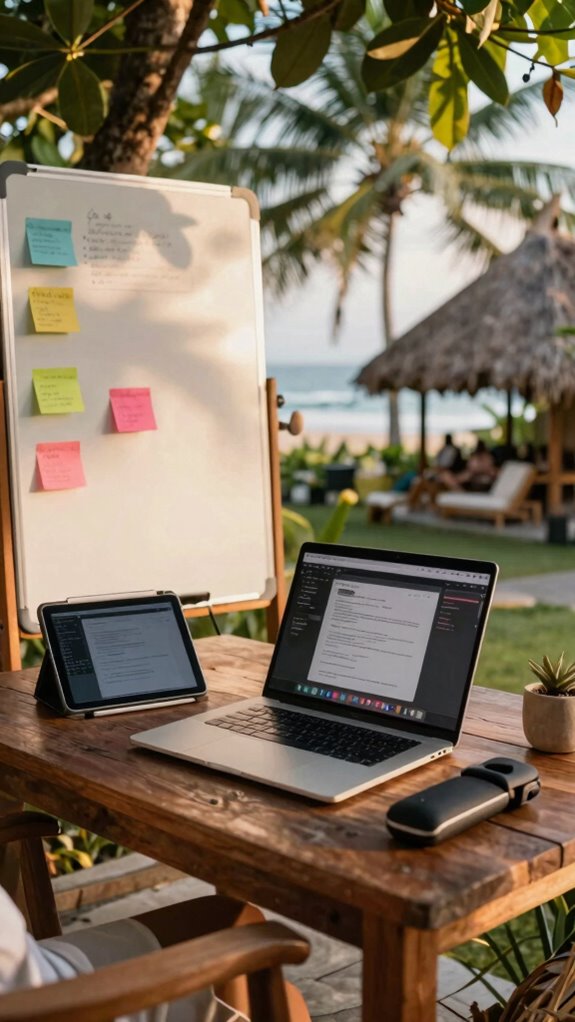
Ever tried turning your favorite coffee shop or a noisy co-working lounge into your personal sanctuary of productivity? Yeah, I’ve been there—Balinese cafes, sea breeze, and my portable setup. To master *flexible workspace adaptation*, you gotta get smart.
Here’s what works:
- Creative collaboration—use foldable whiteboards or digital sticky notes on your tablet for instant brainstorming, ditching that awkward “Who’s gonna drive this?” vibe.
- Office ergonomics—carry around a collapsible laptop stand and a portable wrist rest. Even at a low table, your neck and wrists will thank you.
- Switch it up—be the boss who picks the vibe. Change locations, lighting, and background noise. Keeps your brain sharp, unlike those droning cubicles from 2023.
- Incorporating the right business expense apps can help you optimize your workspace setup and stay organized across multiple locations.
Ready to hack your space?
Buy Ergonomic Portable Lap Desks
A good ergonomic portable lap desk isn’t just a fancy accessory; it’s your secret weapon against the creeping neck strain and wrist aches that turn your Bali coworking adventure into a mini torment zone. Recall those long days hunched over a cramped desk? Goodbye, old habits!
Now, with a sleek ergonomic design, your lap desk offers perfect wrist support and adjustable angles, making “portable comfort” your new best friend. It’s better than stacking pillows or balancing your laptop on a pile of towels — trust me. Using a VPN during your travels can also help safeguard your data and maintain secure connections when working remotely from unfamiliar locations.
Grab one with a non-slip surface and lightweight frame, so you can hop from beachfront café to jungle co-working without losing your mind. You’re not some caveman — upgrade your gear, and keep your stress levels in check while crushing that next client call. The right battery isolator switch can also keep your devices running smoothly during those long remote work sessions.
The Sovereign Professional: High-Tech Gear
When it comes to reigning supreme as a Sovereign Professional, investing in high-tech gear isn’t just a luxury — it’s the foundation of your digital empire. You’re building your sovereignty with tools that create your own sovereign infrastructure, blending seamlessly into various mobility ecosystems. To keep your devices powered efficiently, consider incorporating smart battery chargers that ensure your equipment stays ready at all times. Here are 3 essentials for that elite setup: 1. Ultra-portable laptops with high-performance specs — think light but mighty, ready to deploy anywhere ‘cause who’s got time for clunky gear? 2. Encrypted communications gear (USB drives, secure VPNs) — because privacy isn’t optional anymore, especially in Bali’s sunrise cafes. 3. Smart wearable tech (posture sensors, health trackers) — keep yourself in peak form, avoiding that “sit all day in a cubicle” trap old boss loved. Upgrade, adapt, dominate.
FAQ
How Can I Seamlessly Integrate Multiple Devices Across Different Workspaces?
You synchronize devices effortlessly by embracing workspace customization, creating a seamless flow between environments. Prioritize reliable cloud backups, versatile docking stations, and personalized settings that suit each workspace, ensuring your digital life feels intimate and always connected.
What Strategies Ensure Consistent Productivity in Unpredictable Hybrid Environments?
You stay productive by mastering Time Management, setting clear priorities, and optimizing each Workspace seamlessly. Embrace flexibility, keep your tech ready, and create routines that adapt, ensuring consistency despite unpredictable hybrid environments.
How Do I Manage Digital Clutter Across Various Work Locations Effectively?
You should prioritize digital organization by regularly decluttering files and folders, using consistent naming conventions, and leveraging cloud storage for easy access across your locations. This keeps your work seamless and stress-free, no matter where you are.
What Are the Best Practices for Maintaining Professional Appearances in Public Spaces?
You strike a balance between embracing networking etiquette and showcasing personal branding; while in public, you stay polished and discreet, using subtle cues to project professionalism that fosters connection without compromising your authentic identity.
How Can I Adapt My Workflow for Varying Wi-Fi and Connectivity Quality?
You can adapt your workflow by prioritizing bandwidth optimization, like using data compression tools, and implementing robust security protocols to safeguard your data in low connectivity areas. Stay flexible, and always have backup plans ready.