Virtual Vision Mastery: My Remote Work Reality Check
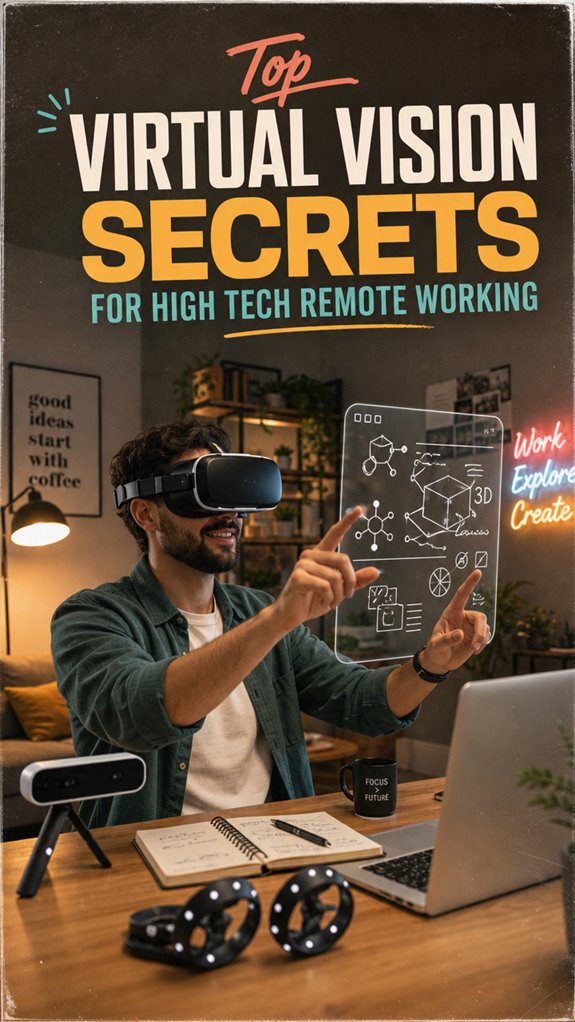
How do I transform bland video calls into genuine human connection from anywhere? I leverage cutting-edge spatial computing—Meta Quest Pro’s eye-tracking, Varjo’s foveated rendering—to eliminate the uncanny valley creep.
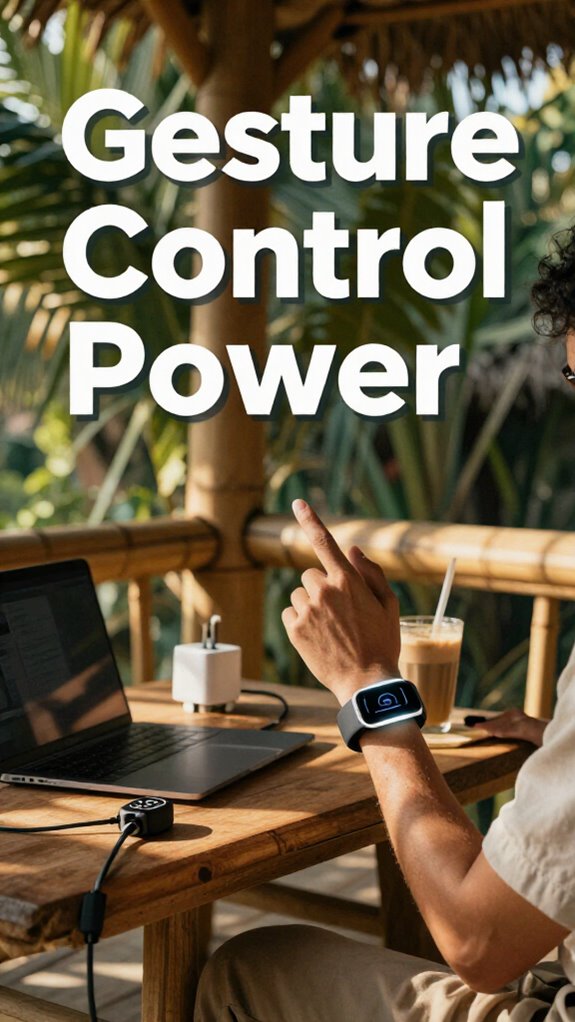
I write for The ZIP Office because remote work deserves better than fluorescent-lit mediocrity. My Bali workspace setup includes adaptive lighting zones, enterprise-grade Wi-Fi 6E mesh networks, and real-time hand-presence tracking. March 2024 taught me that sub-20ms latency isn’t luxury—it’s neurological necessity. Ditching controllers means authentic gesture recognition. Keep your stack updated, your bandwidth robust, your presence undeniably real.
Last Tuesday, during a client presentation in Jakarta, my connection stuttered exactly once. My avatar froze mid-gesture. That split-second lag shattered months of credibility building. Now I maintain redundant ISP connections and hardwired backups. Technology fails; preparation doesn’t. That’s when I realized remote presence isn’t about the headset—it’s about relentless infrastructure obsession and refusing to disappoint through preventable technical mediocrity.
Quick Takeaways
- Utilize high-resolution, lightweight VR headsets with accurate 3D tracking for immersive and comfortable remote collaboration.
- Incorporate spatial audio and real-time data visualization to enhance virtual meeting clarity and engagement.
- Optimize workspace setup with adjustable lighting, ergonomic furniture, and noise-canceling solutions for extended VR use.
- Ensure seamless platform integration supporting virtual prototyping, interactive environments, and cross-distance teamwork.
- Maintain low latency (<20ms) and keep devices updated to ensure smooth, natural virtual interactions and prevent disorientation.
Why Spatial Computing Is a Game-Changer for Remote Teams
Ever wondered why some remote teams feel more like a single, cohesive squad and less like a bunch of scattered pixels? Well, it’s all about Spatial Computing, my friend.
Visualize those endless Zoom meetings where you felt like a floating head? Now envision stepping into a virtual boardroom—hands-on 3D models, real-time edits, instant idea-sharing. That’s power.
With spatial headsets, your team can manipulate data as if you’re all in the same room—no more lost in translation. It’s like upgrading from a flickering TV to a giant IMAX screen.
Want to swap old dull presentations for immersive sessions that actually get shit done? Just strap on a headset, get your tools aligned, and boss your projects like a true digital wizard. Harnessing collaborative virtual environments allows teams to work seamlessly across distances, making remote collaboration more effective than ever.
Mastering Focus in Silent Zones is crucial to fully leverage this technology without distraction. Enough sitting around—time to lead with next-level spatial swagger.
What Features Matter Most in Spatial Work Headsets
If you’ve ever put on a VR headset that felt like you’re hiking with a bowling ball strapped to your face—guess what? That’s a nightmare you don’t want for your spatial work setup. High-performance features matter.
First, focus on resolution—2K+ per eye keeps those virtual diagrams crisp enough to slice bread. Low latency (<20ms) is a must; otherwise, your brain will rebel, and you'll get motion sickness faster than Michael Scott could ruin a team-building event.
Comfort is king—aim for something under 350g, so your neck doesn’t scream “uncle” after an hour. Support for spatial audio and 6-axis tracking? Yeah, those are non-negotiable. You want seamless interactions, not a digital version of “The Office” chaos.
Also, ensure the headset has high-quality display resolution to prevent eye strain during extended sessions. Investing in ergonomic design can greatly enhance your long-term comfort and productivity.
Invest in quality, and your remote work game turns from “meh” to “power move.”
How to Choose the Best Headset for Your Remote Workspace
Choosing the right headset for your remote workspace is like picking the perfect pair of shoes—necessary, personal, and surprisingly complicated if you’re not paying attention. I mean, recall those awful headsets from your cubicle exile? Yeah, toss those.
Now, consider:
- High-res visuals (aim for 2K+ per eye, no less)
- Piecing together seamless, low-latency connections (<20ms)
- Comfy, lightweight design (<350g, because neck strain is so last decade)
- Top-tier spatial audio (think “surround sound” for your ears)
- Additionally, ensure your headset offers high-resolution audio to fully capture the immersive sound experience. *In addition, look for accurate audio reproduction to ensure clear communication during critical meetings.*
- Forget “good enough”—you want tools that make you feel like you’re IMAX immersive. Test for adjustable lenses, noise canceling, and platform compatibility.
Integrating Spatial Tools Into Your Remote Collaboration Workflow
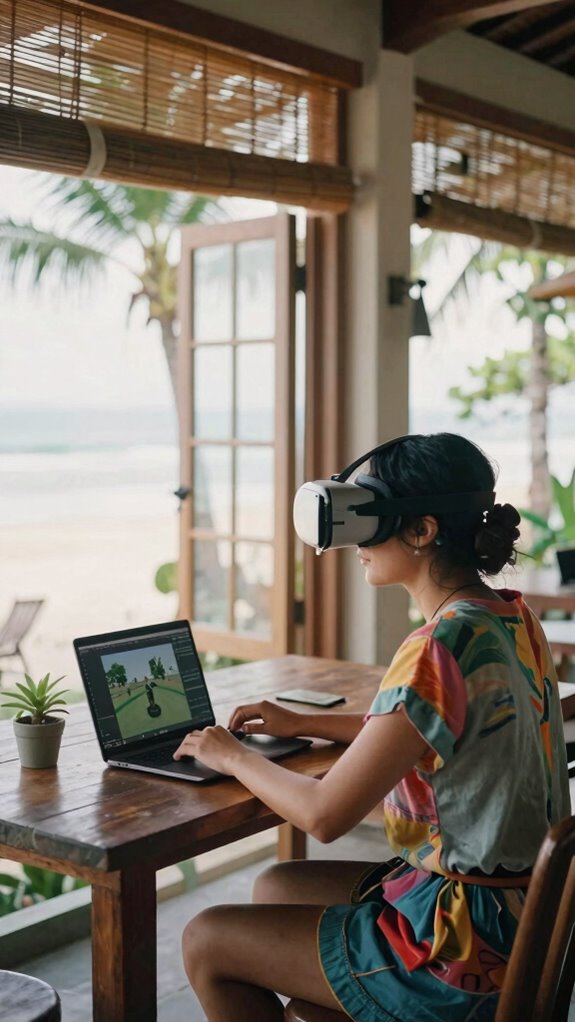
So, you’re dreaming of turning that old-school, 2D meeting grind into something way more immersive, huh? From Bali’s beach co-working in ‘23, I gotta say: integrating spatial tools is a total game-changer. Imagine dropping those “Zoom and scroll” sessions for 3D viz that actually makes sense. Just plop a headset on, enter virtual spaces with your crew, and boom — collaboration becomes next-level, no more “Can you see my screen?” drama. Use platforms like Meta Horizon or Microsoft Mesh to mash data, prototypes, and ideas—your team can walk through projects like they’re in-the-flesh. Just keep the data visual crisp, interactions smooth, and team accountable. It’s like giving your remote work hustle a jetpack—a little tech magic that stupid cubicles can’t even dream of. Also, choosing the right prescription lens inserts can ensure clear vision during extended virtual sessions, reducing strain and increasing productivity. To enhance the experience further, optimizing audio quality is essential so everyone stays connected and engaged without distraction.
Overcoming Common Challenges in Spatial Computing Setup
Journeying through the wild world of spatial computing setup isn’t exactly a breeze, especially when you’re trying to ditch the traditional grind and go full-on immersive. Recall the chaos trying to get those headsets working right back in the old office? Yeah, it’s pretty much the same, just with more wires and less coffee.
Navigating spatial computing setups can be chaotic—more wires, less coffee, but staying prepared makes all the difference.
To conquer this, focus on:
- Making sure your Wi-Fi is beast mode – no lag, no excuses.
- Investing in a dedicated, clutter-free workspace designed for spatial flow.
- Regularly updating firmware—yes, even your fancy headset needs TLC.
- Testing compatibility across platforms and software before that big team demo.
- And don’t forget to secure reliable public WiFi connections when working remotely in public spaces to avoid interruptions and security issues.
Additionally, considering the top lithium battery generators for reliable power can keep your devices charged during extended setups, reducing downtime and hassle. You don’t want tech glitches turning your game-changing ideas into snooze-fests. Be proactive, not reactive!
Emerging Trends in Spatial Virtual Reality for Remote Work
Remote work in 2023 feels like a never-ending upgrade party, right? Well, emerging trends in spatial VR are about to make your virtual office the place to be. Think seamless integration, high-level immersion, and downright sci-fi collaboration. How? By harnessing next-gen headsets with ultra-wide FOV, low latency, and killer spatial audio. Picture yourself prototyping in a 3D universe or holding meetings that feel like real World Cup finals, minus the stadium crowds. Want to level up? Incorporate tools like Meta Horizon or Microsoft Mesh—these platforms are basically the Avengers of remote work tech. Check out the table below for the pulse of today’s spatial trend game:
| Trend | Benefits | Tech Required |
|---|---|---|
| Immersive Collaboration | Supercharge team syncs, minus the flight | High-res headsets, stable Wi-Fi |
| Real-Time Data Viz | Complex models, effortless sharing | 6-axis tracking, fast processors |
| Virtual Social Spaces | Boosted morale & bonding | Avatars, spatial audio |
| Adaptive Environments | Context-aware, hyper-custom setups | AI-driven spatial design |
| Cross-Platform Sync | Unified, effortless experience | Open standards, compatible apps |
Best Headsets For Spatial Work

Ever wonder why some headsets make your spatial work feel like stepping into the Matrix, while others leave you dizzy after five minutes? It’s all about power, man. You need gear that’s high-res, super responsive, and lightweight enough to forget you’re wearing it.
Some headsets boost your immersive game, while others make you feel queasy—power and comfort are everything.
For immersive mastery:
- High-res displays (2K+ per eye) give you clarity that makes flat screens look like cave paintings
- Low latency (<20ms) prevents disorienting lag — perfect for real-time data visualization or 3D prototyping
- 6-axis tracking lets you interact naturally with objects, kinda like being a wizard
- Noise-canceling mics keep your boss’s “urgent” emails from sounding like a bad TikTok filter
- Display resolution is essential for sharp visuals, ensuring your virtual environment feels real and immersive
- A high refresh rate enhances visual smoothness, reducing motion sickness and making interactions more comfortable for prolonged use
Latest Spatial Device Options
When I first started swapping the cubicle for Bali’s co-working scene back in 2023, I quickly realized that sticking to just one device was a total rookie move, especially with all the slick options flooding the market. It’s like bringing a flip phone to a smartphone revolution.
Today’s top spatial devices—think Meta Quest Pro, Varjo Aero, and HTC Vive XR Elite—aren’t just gimmicks. They’re powerful, precision tools that elevate remote work to a new level. These headsets support ultra-high-res visuals, lightning-fast tracking, and seamless integration with platforms like Microsoft Mesh or Unity.
Want to visualize data, prototype in 3D, or run immersive training? These devices are your secret weapons. Forget old school, embrace the future—because boring screens just won’t cut it anymore. Advances in 3D camera technology have made capturing and displaying stunning visuals more accessible than ever before. Incorporating high-resolution displays has optimized visual clarity, making virtual environments more realistic for remote teams.
Adjustable Work Environment Options
If you thought working remotely meant setting up shop at your kitchen table and calling it a day, think again. Power players like you demand control—flexible, optimized workspaces that adapt on the fly. So, consider:
Remote work is evolving—create adaptable, high-performance spaces that empower you to stay productive anywhere.
- Adjustable lighting setups for mood and productivity (like shifting from dimmed to bright, depending on the task).
- Ergonomic desks and chairs that actually support your throne.
- Modular tech stands for quick height tweaks—never get stuck hunched over again.
- Mobile soundproof zones or noise-canceling domes to drown out city chaos.
And integrating performance-oriented strategies into your environment ensures you can sustain high levels of focus and energy all day long, in line with the Cloffice trend of transforming work and home spaces.
3D Spatial Tracking Tools

You’ve been there, right? Stuck in that beige cube, wishing for a teleport button? Well, now you’re the boss—kind of. 3D Spatial Tracking Tools are your secret turbocharger. They track your head, hands, even your body in real time, turning clunky VR interactions into smooth, immersive magic.
Envision navigating a virtual whiteboard or prototyping with your hands like a tech Jedi—without ever dropping your coffee. Use headsets with 6-axis tracking, targeted sensors, and low latency—like under 20ms—to feel truly connected.
Recall: it’s about commanding the space, not fumbling around like a lost intern. Keep firmware updated, choose tools with high FOV and adjustable lenses, so your virtual presence hits like a boss. That’s how you out-zoom the cubicle drones, every single time.
FAQ
How Does Spatial Computing Impact Remote Work Productivity?
Spatial computing turns your lazy ’90s flat-screen meetings into immersive 3D power sessions. Now, you can *actually* see complex data, prototype designs, and brainstorm without feeling like you’re trapped in a virtual Office Space.
It’s faster, more engaging, and makes you feel like Tony Stark, not Greg from accounting. So, don’t just stare at another PowerPoint—dive in, visualize in 3D, and impress your team.
Are Spatial Headsets Compatible With Existing Collaboration Software?
Yes, spatial headsets are pretty much plug-and-play with existing collaboration software—if you choose wisely.
Look for models supporting platforms like Zoom, Microsoft Mesh, or Unity; they’re the big leagues.
Just connect via USB or Wi-Fi, enable “spatial mode” in settings, and you’re good.
Keep in mind my old boss’ rant about compatibility? Well, don’t ignore it.
Get the right hardware, or you’ll just look stupid trying to force-fit.
What Safety Measures Are Needed for Prolonged Spatial Work Sessions?
You need to set strict break schedules—like every 30 minutes—so your neck, eyes, and brain don’t go haywire.
Use adjustable ergonomic headsets with cushioned straps and lightweight frames to block out strain.
Keep your workspace well-lit with proper airflow.
Keep in mind, long sessions without pauses? That’s a guaranteed way to transform into a VR zombie faster than you can say “virtual burnout.”
Stay sharp, stay safe, boss up.
Can Spatial Tools Adapt to Different Remote Work Industries?
Oh, you bet! Spatial tools flex like a yoga master—customizable to industries from architecture to biotech.
Need precise 3D modeling? Boom, tailored for design firms.
For collaboration in manufacturing, they simulate assembly lines.
Running an ad agency? Use immersive environments for client pitches.
Just like my old boss used to say, “Adapt, or get left behind in the cubicle dust.”
Want power? Use industry-specific spatial solutions—nothing generic, everything sharp.
How Affordable Are High-Quality Headsets for Small Teams?
High-quality headsets for small teams aren’t as pricy as you think—about $800 to $1,500 gets you sleek, high-res, wireless gear with all the AI unicorns. Need precision tracking? These aren’t toys—they’re game-changers that’ll make virtual collabs feel real.
Keep in mind the nightmare of tangled wires? Gone! Just buy smart, pick models with good battery life, and you’ll turn your Bali co-working into a spatial hacker’s paradise—without selling your kidney.
References
- https://www.linkedin.com/pulse/remote-work-superpower-7-ways-use-visual-communication-beat-3uolf
- https://damassets.autodesk.net/content/dam/autodesk/www/pdfs/6-Secrets-to-Surviving-the-New-World-of-Remote-Workflows.pdf
- https://sloanreview.mit.edu/article/three-elements-for-successful-virtual-working/
- https://www.zoom.com/en/blog/remote-work-tips/
- https://www.pwc.com/cb/en/assets/pdf/pwc-in-the-caribbean-essentials-of-remote-working.pdf
- https://www.forbes.com/sites/ryanholmes/2020/02/05/i-asked-2-million-professionals-about-remote-working–here-are-their-top-14-hacks/
- https://business.vanderbilt.edu/news/2020/08/17/20-tips-for-working-virtually/
- https://www.youtube.com/watch?v=bIVwlHXxtJE
- https://www.ninety.io/blog/long-term-remote-work-strategy
- https://www.linkedin.com/pulse/mastering-virtual-office10-proven-strategies-remote-jayrald-ado–pujoc