Remote Work Revolution: My Café Productivity Playbook
I discovered last Tuesday that ANC headphones aren’t luxury—they’re survival gear.
I’m sharing this on The ZIP Office because remote workers deserve tactical intelligence, not Instagram fantasies about laptop-on-beach aesthetics.
My Barcelona workflow transformed when I invested in three essentials: Sony WH-1000XM5 headphones, a privacy screen protector, and strategic café positioning. I ditched Kevin-from-accounting energy by switching to mechanical silent keyboards. GaN power banks keep my MacBook charged during six-hour sessions. I tip €3 daily—reciprocal respect fuels productivity.
The Moment Everything Clicked
Last month at Café Gresca, I watched someone screen-mirror their Slack conversations to the barista behind him. That’s when my privacy filter obsession crystallized. I’d already learned: outlet proximity matters, foot-traffic avoidance is non-negotiable, and acoustic optimization beats willpower every time.
Quick Takeaways
- Use noise-canceling headphones to block distractions while staying aware of important surroundings.
- Position yourself away from foot traffic and near power outlets for uninterrupted focus.
- Attach a privacy filter to your laptop to prevent shoulder surfing in public spaces.
- Carry a portable power bank and durable charging cables to maintain device readiness.
- Choose cafes with reliable WiFi and respect the environment by keeping calls discreet.
Pick Headphones That Crush Background Noise
With proper *distraction mitigation*, you turn a Bali warung into your war room. Flip on ANC, and suddenly, it’s just you, your flow state, and zero small talk about *synergy*. USB network adapters have come a long way to provide reliable internet, ensuring your connection stays strong even in noisy environments.
Pro tip: pair them with a white noise app—sweet, sweet silence. Why suffer open-office acoustics when you can sovereign-skip the whole mess? Boom. Focus freed.
Use a Laptop Privacy Filter for Public Work
Here’s the real talk:
| Risk | No Filter | With Privacy Screen |
|---|---|---|
| Shoulder surfing | High | Blocked |
| Data exposure | Likely | Prevented |
| Professional rep | Cringe | Clean |
| Security protocols | Slack | Locked |
| Peace of mind | Gone | Guaranteed |
Snap a filter on like it’s emotional support armor. Back in NYC, my old boss still used shared Excel sheets—*tragic*. Now? I sip bali brew, stay invisible, and own my zone. Cubicle-dwellers can’t touch this. Enhancing your soundproof headset storage can help keep your focus amid noisy surroundings. Embracing concise writing techniques ensures your messages remain clear and effective in any environment.
Sit Near Outlets, Away From Foot Traffic
When nobody’s chasing you down a carpeted hallway for a “quick sync,” you’ve officially leveled up past the cubicle farm—congrats, you’re a free agent in the Sovereign Professional era.
You want *tabletop organization*? Then plant yourself near an outlet—your laptop’s survival depends on it. But don’t just plop down anywhere. Avoid foot traffic like it’s Michael Scott’s birthday party.
Seriously, no one needs that chaos. I once picked a table by the bathroom in Jakarta—bad call. Staff kept bumping my chair. My keyboard ended up in my latte.
Instead, scout corners with *ambient lighting*—soft, not dim—where shadows don’t scream “secret vault.” You’re not hiding; you’re optimizing. Think: low foot traffic, high vibes.
Foot traffic zones? Reserved for the herd. You? You’re sovereign. Charge up, zone in, own the space.
Bring a Slim Power Bank That Lasts All Day
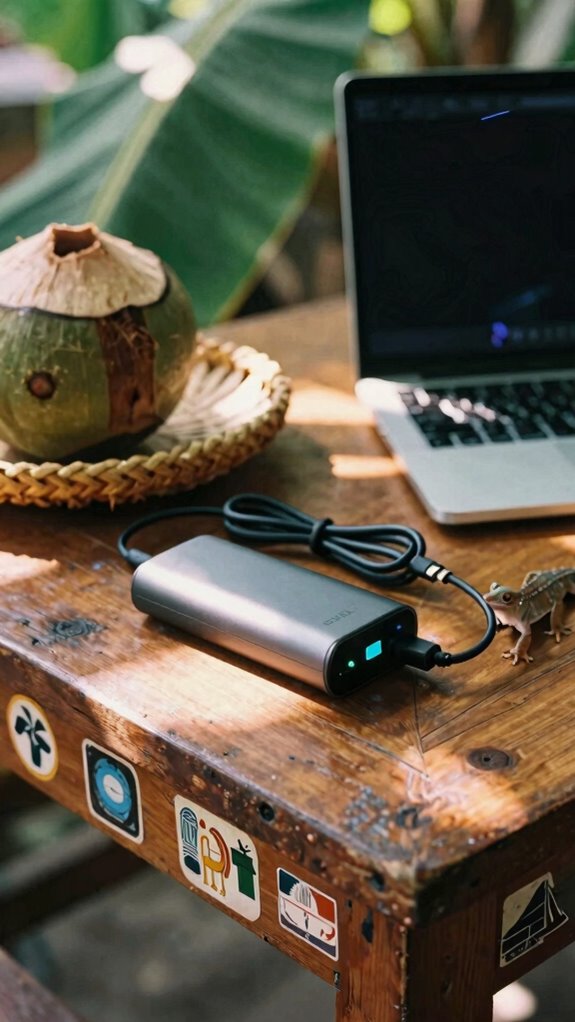
You’re deep in flow state at your favorite rice-field-adjacent warung, and the last thing you need is your laptop gasping for juice like some drama-prone colleague from your old open-plan purgatory—so yeah, a slim power bank that lasts all day isn’t optional, it’s your lifeline.
Proper *power management* = freedom. I learned this the hard way after Todd from Accounting (remember him?) unplugged my charger “by accident” for three straight days. Brutal.
For max *battery longevity*, treat your power bank like your phone: avoid full drains, charge in short bursts, and never, ever leave it in direct sun like a rookie. Invest in a smart charger that can optimize your device’s charging cycle and extend your battery life effectively.
Keep these in your Velocity Kit:
- 10,000mAh+ slim GaN power bank (Anker’s Nano is magic)
- Braided USB-C cable (because fraying is a mood killer)
- Voltage meter sticker (know your juice at a glance). Also, be mindful of laptop battery preservation techniques to maximize your device’s longevity during long work sessions.
Cubicle zombies wouldn’t get it—but you? You’re sovereign. Stay charged, stay dangerous.
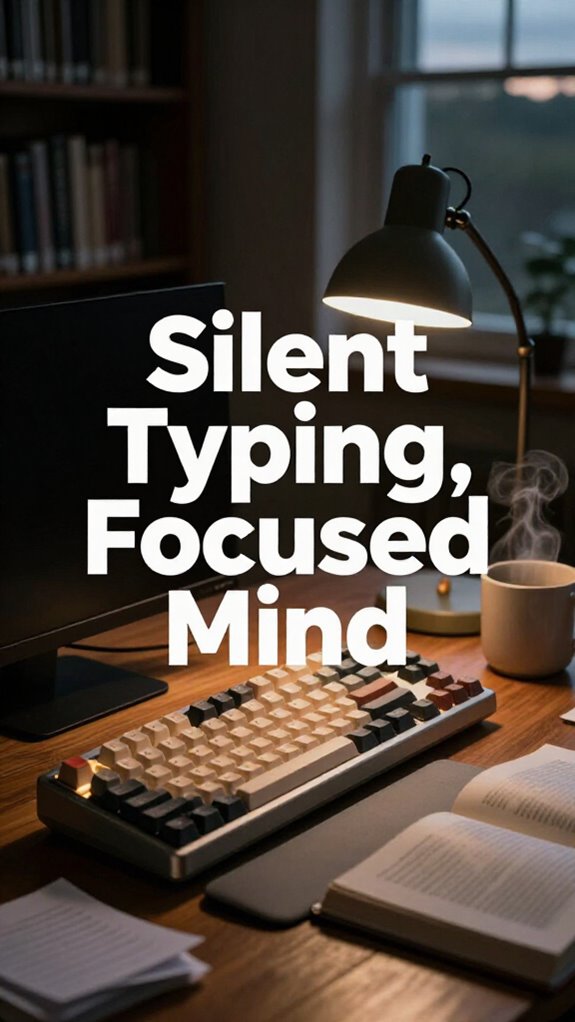
Choose a Silent Keyboard for Discreet Typing
While everyone else is still stuck in soul-crushing fluorescent-lit offices, slaving away at keyboards that sound like angry squirrels, you’re sipping a $3 local coffee in a Balinese warung, building a better workflow from the ground up—starting with how your keyboard *doesn’t* sound.
Dude, recall when Todd from accounting would clack so loud we thought he was coding in Morse? Yeah, don’t be Todd.
Go for a keyboard with silent ergonomic key switches—soft, smooth, and 100% ghost-mode. You want mechanical feedback without the courtroom-worthy click. Think “tactile whisper,” not jackhammer.
I use a Kinesis with low-profile switches—feels like typing on a cloud while staying off the cafe’s noise radar. Your barista thanks you. Your old boss? Still stuck in a Zoom dungeon, envying your freedom.
Stay quiet. Stay fast. Stay untethered.
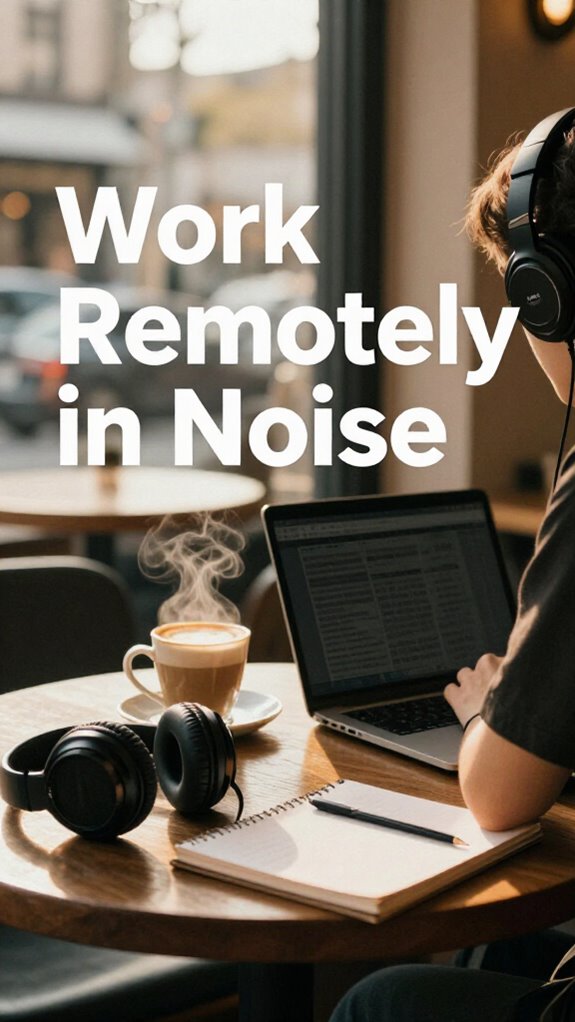
Cafe Working for remote working
If you’re still buying into the myth that real work needs a door with a nameplate, you haven’t seen Todd from Accounting finally crack under fluorescent lights while you’re deep in flow at a warung with a $3 pour-over and zero neck pain.
Cafe working ain’t just vibe—it’s strategy. You’re riding cafe ambiance like a pro surfer while the cubicle zombies debate TPS reports. But respect the space. Your presence isn’t a free pass to violate social etiquette.
Here’s how to stay legit:
- Claim neutral territory—never camp next to couples or students
- Keep calls hush-hush—nobody needs your backlog grooming session at 8 AM
- Tip like you mean it—this isn’t corporate catering
- Ensure a reliable WiFi connection before settling in for the long haul
- Be mindful of public safety by avoiding overloading outlets or blocking walkways
You’re not just working—you’re performing sovereignty with a side of espresso. Act like it.
Equip for Cafe Productivity
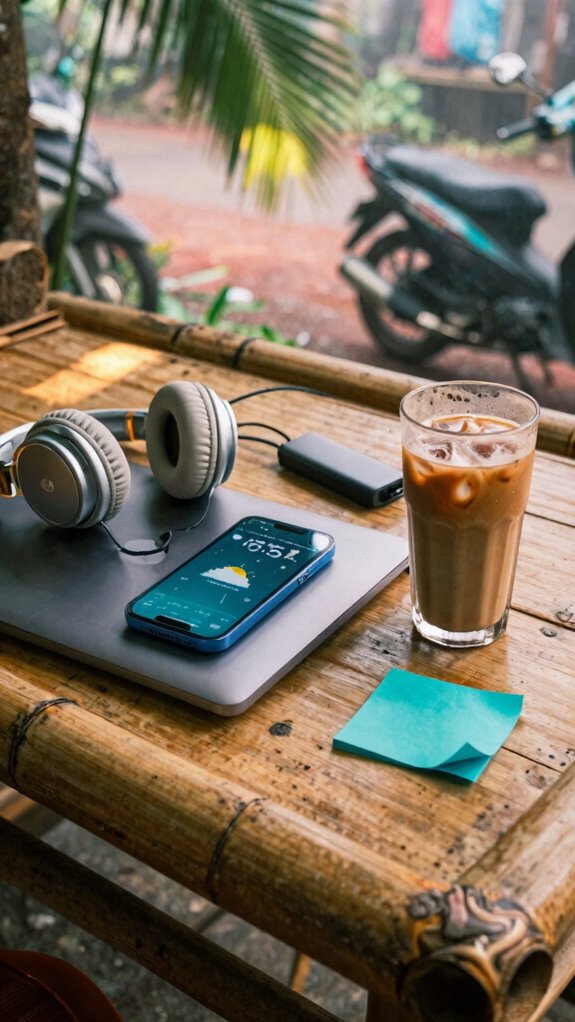
Since noise is just uninvited input and focus is the new currency, you better treat your café setup like a covert ops mission—because let’s be real, Dwight Schrute wouldn’t last five minutes here.
You’re not sipping lattes; you’re hacking ambient soundscapes with bone-conduction beats or noise-canceling pros that shut out screaming toddlers and over-enthusiastic podcasters.
Your secret weapon? Ergonomic seating that doesn’t exist—because café chairs suck. So pack a portable seat cushion or stand like a rebel. Incorporating effective stretching routines can also help prevent fatigue and stiffness during prolonged café sessions.
Recall Steve from accounting? Still stuck in fluorescent purgatory. You? You’ve gone ghost with a stealth keyboard and privacy screen.
This isn’t remote work—it’s digital insurgency. And your gear? Non-negotiable. One USB-C hub, one pair of blackout headphones, one mission: vanish into the work.
Elite Urban Freelancer
– Portable standing desk – Keep your workspace flexible and comfortable, whether you’re at a noisy café or a co-working lounge, with a travel-friendly design that easily adapts to your environment. Choosing the right video editing apps can also enhance your productivity and creativity on the go.
Noise-Canceling Headphone Use
You want focus? Flip that ANC switch. Suddenly, chaos melts into calm. It’s *magic*, but better—it’s physics.
Ambient Mode enhances your environment awareness without sacrificing noise reduction, making it easier to stay connected to your surroundings. Using noise-canceling technology can protect your concentration in noisy cafés or bustling coworking spaces.
| Feature | Why You Care |
|---|---|
| ANC (Active Noise Cancellation) | Kills chatter, AC hum, Greg’s *whispers* |
| Ambient Mode | Lets you hear your barista say “latte” without removing headphones |
Turn on ambient soundscaping, and boom—you’re in flow, not just surviving noise, *curating* it. This isn’t work—it’s sonic sovereignty.
FAQ
How Do I Securely Back up Data in Public Cafes?
You’re a digital pioneer with cloud backup syncing your life every hour, just like Victorian diaries were locked tight. You use encrypted storage—your secrets stay yours, even in crowded cafes. It’s not just safety; it’s peace, power, and quiet rebellion.
Can I Use a Privacy Filter With Curved Monitors?
Yeah, you can use a privacy filter on curved monitors—just get one designed for curved screen privacy. It slashes monitor glare reduction and keeps prying eyes out, so your work stays yours, even in crowded spots. Match the curve radius, and you’re golden.
What’s the Best Way to Anonymize My Online Activity?
You’re *so* exposed online—unless you flip on Virtual private networks and Encrypted browsing. They’re your digital invisibility cloak, baby. Tap them on, and poof: you’re a ghost in the machine, sipping coffee undetected.
How Do I Prevent Shoulder Surfing in Crowded Spaces?
You turn your back to the wall, angle your screen tight, and slap on a privacy filter—no one sees your data. You’re locked in, ears hushed by noise-canceling buds, drowning out cafe acoust游戏副本 ambient noise reduction wrapping you like a shield.
Are Silent Keyboards Compatible With All Laptop Types?
You’re golden—silent keyboards play nice with all laptop types, so keyboard noise won’t tip off eavesdroppers. You’ve got USB and wireless options that plug and go, keeping your work smooth, private, and ready wherever you plant yourself.
Summary
You think Michael Scott’s “world’s best boss” mug cuts it in 2023? Please. True power move: typing silent code on a $99 keyboard in a Bali warung, noise-canceling cans killing chatter, privacy filter ghosting your screen. Your office? Any stool with Wi-Fi.
Ditch the fluorescent purgatory.
Cubicle cows don’t roam free.
You do.
Sovereignty isn’t granted—it’s hacked.
And yeah, you’re already winning. Pass the oat milk.