Digital Declutter: My Journey to Remote Work Sanity
I ditched five cloud accounts like they were toxic relationships.
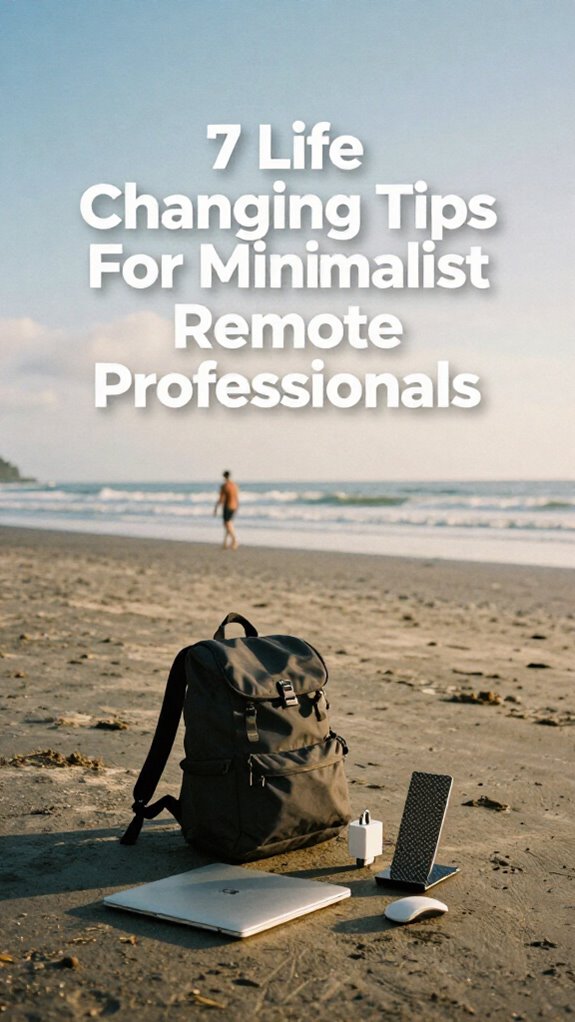
I’m writing this for The ZIP Office because remote work nearly drowned me in digital chaos. Last month, I had 47 browser tabs, three competing note apps, and backups scattered across Google Drive, Dropbox, and OneDrive. Ridiculous. I streamlined to one cloud system, automated everything through Zapier, and kept only five essential apps. My setup now: GaN charger, foldable keyboard, noise-canceling headphones running Krisp. Geographic arbitrage means nothing without healing infrastructure—mental clarity matters more than location.
My six-year-old watched me close laptop at 5 PM sharp last week. He asked why daddy finally stopped “working in his head.” That question hit harder than any productivity metric. Digital declutter isn’t about efficiency—it’s about presence. My son needed me fully here, not halfway in Slack.
Quick Takeaways
- Delete non-essential digital files to reduce clutter and improve efficiency in your remote workflow.
- Consolidate cloud storage by canceling duplicate subscriptions and centralizing files in one secure platform.
- Sync all devices within a single digital ecosystem for seamless access and real-time updates.
- Automate file organization and backups using tools like Notion or Coda with built-in encryption for security.
- Limit apps to five core tools and use a password manager to streamline access and enhance productivity.
Delete All Non-Essential Files First
Look, I get it — cleaning up your digital life sounds about as fun as watching Dwight harvest beets, but trust me, ghosting those non-essential files is the first move in your sovereign takeover.
You’re not still hoarding 2018 vacation pics in your desktop folders, are you? Digital clutter’s the anchor dragging down your geographic arbitrage dreams. I deleted 3,000 duplicates last quarter — felt like burning my old cubicle.
File organization isn’t feng shui; it’s survival. Your Slack DMs from Jan in accounting? Archive ’em. That “Final_Final_v3_Revised” spreadsheet? Exorcise it.
I use color-coded cloud folders and auto-delete rules — healing infrastructure for your brain. Remember when Brenda from HR emailed “per my last”? Yeah, don’t be Brenda.
You’re not chained to a fluorescent-lit purgatory anymore. Every file you keep should earn its keep. Make your digital ecosystem lean. Move fast. Delete harder.
Cancel Duplicate Cloud Subscriptions Now
Subscription fatigue? Yeah, I’ve been there—remember when Dwight Schrute hoarded beets? That’s you with cloud storage. Platform redundancy drains cash and focus. Time to cut the crap:
Subscription overload? You’re not Dwight hoarding beets—drop the redundant cloud junk and reclaim your cash and focus.
- Audit all active subscriptions (yes, even that expired Adobe plan)
- Pick one primary cloud aligned with your ecosystem
- Migrate essential files, then delete duplicates
- Cancel the rest—set reminders so it doesn’t happen again
- Use encrypted USB drives for sensitive backups
- Consider the impact of redundant data storage on your overall digital footprint and how it can contribute to digital decluttering.
You’re not a cubicle-dweller hoarding paper clips. Mastery means lean, intentional tools. That extra $30/month? That’s another bodega coffee in Bali. Prioritize freedom, not folder bloat.
You’ve got better things to sync than egos.
Sync All Devices to One Ecosystem
I learned when Todd from Accounting (RIP his flip phone) couldn’t find a PPT. Tragic. Now? My Notes auto-appear in Bali, Berlin, or wherever my healing infrastructure lands. Skip the circus of cross-platform chaos. Your brain’s too valuable. Own the stack.
And don’t forget—device synchronization is essential for seamless productivity when working remotely, keeping all your files up-to-date across every device.
Automate Files for a Clean Digital Foundation
– Invest in a durable laptop bag designed specifically for commuting by bus, with compartments that protect your device and keep your essentials organized. Additionally, choosing a bag with secure WiFi pockets can help you quickly connect to reliable networks on the go.
Install Only 5 Apps That Power 90% of Your Work

Look, I know it’s tempting to collect apps like Pokémon—gotta install ’em all, right?—but real talk: if you’ve got more than five core apps doing 90% of your work, you’re not a digital nomad, you’re a software hoard Waldo with WiFi and trust issues.
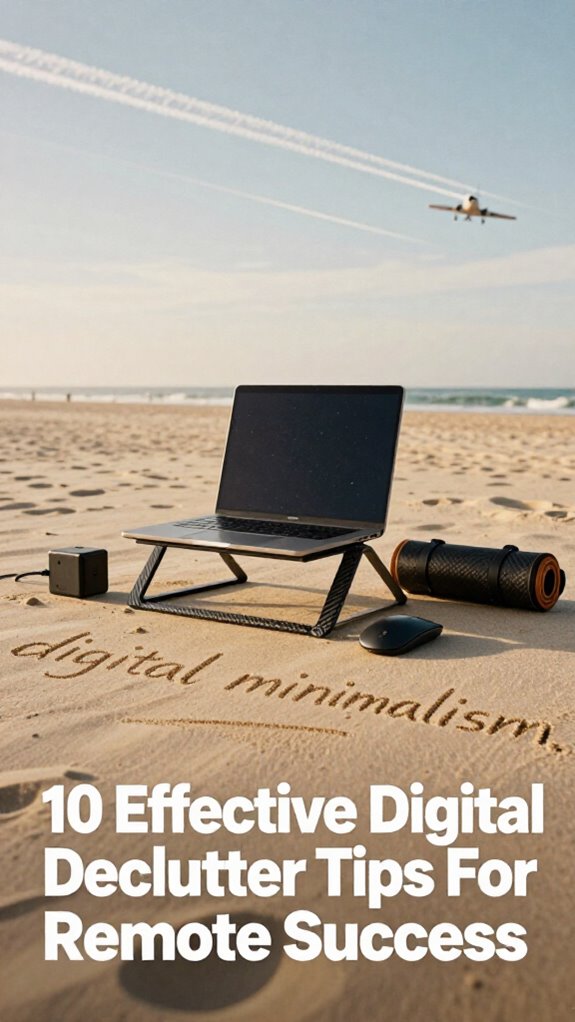
Digital minimalism isn’t just clean aesthetics—it’s your edge. Back in my cubicle days, Dwight would’ve needed 12 apps just to send a fax. Now? App prioritization wins.
| Core Need | Elite App |
|---|---|
| Deep Work | FocusWriter |
| Comms Hub | Signal |
| Cloud Brain | Notion |
Use only what fuels 90% of output. Ditch the rest.
You think Michael Scott managed *geographic arbitrage*? Nah. But you? You’re building healing infrastructure—one lean app at a time.
Drop the bloat. Your focus is your currency.
Now go delete that third email client. Gross.
Use One Password Manager: And Forget the Rest
Use one app (like 1Password or Bitwarden)—no “systems”
Generate 20-character gibberish passwords—stop using “Fluffy123”
Auto-fill forms everywhere—even on your mom’s laptop
Enable biometric access—face/fingerprint unlock = zero friction
Sync across devices—your Gridless Kit needs access in the wild
Enable Multi-Factor Authentication (MFA) to add an extra security layer and protect against unauthorized access for better security.
Consider pocket translator devices for seamless communication in diverse environments—an often overlooked tool that can amplify your remote productivity and connectivity.
You’re not a cubicle-dweller hoarding sticky notes. You’re a Sovereign Professional. Own it.
Forget the rest.
Build Mobile-First Work Templates
While your old boss Dwight was still labeling his beet-farming spreadsheets in that sad little office park, you’re catching sunrise on a Bali patio with a matcha and a million-dollar client brief open on your laptop. You’re not “working remotely”—you’re living a sovereign work life powered by geographic arbitrage.
So why are you still using desktop-first templates built for cubicle-dwellers? Flip the script: design mobile-first work templates from day one. Use cloud synchronization so your files auto-update across devices—no more “which version is real?” chaos. Bake in file encryption from the start, because your client’s NDA shouldn’t ride unprotected. I learned this after my hot-desk meltdown in Canggu—don’t be that guy.
Ditch Word, embrace Notion or Coda. Templates load fast, adapt anywhere, and scream “I’ve evolved.” Your spreadsheets? They should be as nimble as your lifestyle—because, newsflash: you’re not coming back. Plus, leveraging Starlink can ensure high-speed internet access even in remote locations—making your mobile workspace seamless and reliable.
Sync Thoughts to Your Digital Brain
You ever have one of those brain-fart moments where you’re mid-flow on a 3 a.m. realization in a Chiang Mai hostel, only to lose the whole damn idea because it lived rent-free in your head and nowhere else?
Yeah, I did—right before my old boss asked for “synergy” again in *The Office* rerun of a meeting. Not anymore.
Now I offload thoughts instantly, syncing them to my digital brain to boost neural encoding and sharpen cognitive mapping.
- Capture ideas fast with voice-to-text apps
- Auto-sync notes to cloud-based second brains (looking at you, Notion)
- Tag insights for instant retrieval—geographic arbitrage wins
- Use AI tags to build dynamic knowledge webs
- Review weekly to reinforce healing infrastructure
Your mind’s not a cubicle.
Stop hoarding genius like it’s expired toner. Own your cognitive real estate.
Schedule Focus Resets Using Tech Timers

When your brain’s stuck in a loop replaying Jim’s pranks on Dwight instead of closing that client deck, it’s time to hit the focus reset—like, yesterday. You think Michael Scott’s “that’s what she said” count as time management? Yeah, right.
Real mastery starts with tech timers—Pomodoro apps, smart watches, whatever keeps you honest. I use a 50/10 split: 50 minutes deep work, then 10 to roam, stretch, or mock old cubicle life.
These focus techniques aren’t cute suggestions—they’re your healing infrastructure. Without them, you’re just another untethered ghost, drifting. Set alerts like your sanity depends on it—because it does.
Recollect Todd from accounting? Still tracking TPS reports. Don’t be Todd. Use timers to own your rhythm, not your boss’s calendar.
Geographic arbitrage’s sweet—but only if you actually *work*.
Ready? Set. Reset.
Kill Distractions With Smart Noise Control
- Use ANC headphones with adaptive filtering (Sony or Apple Pro)
- Run desktop noise-gating apps (Krisp, Altered)
- Deploy portable sound shields for public zones
- Optimize room reflection with mini acoustic panels
- Sync white noise via smart masking machines
You’re not “working from home”—you’re executing geographic arbitrage from Bali while your old boss still thinks “cloud” is just weather.
Stop surviving chaos. Start designing silence. Your healing infrastructure depends on it.
The Minimalist Nomad Style
You recall Kevin from accounting? Yeah, he’s still hunting for toner. Meanwhile, you’re crushing sprints in Bali using adaptive bandwidth to stay locked in, even on a scooter-powered café in Ubud. Your secret? Zero reliance on clunky setups. Just portable power banks that feed your rig like a pit crew.
While Kevin’s stuck chasing toner, you’re winning sprints in Bali—fueled by power banks, freedom, and zero office baggage.
No more “synergy” in soulless cubes—this is geographic arbitrage at speed. You own your workflow.
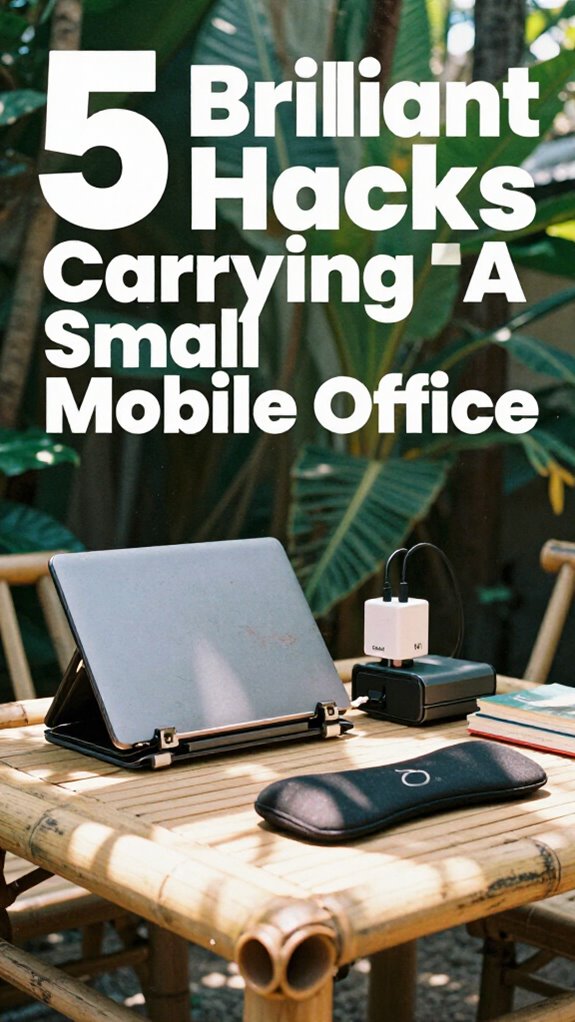
Your kit? Lightweight, lethal: GaN chargers, folding keyboard, one pair of noise-canceling cans. And you’ve curated your space with decorative wall art, transforming your surroundings into an inspiring environment.
Why carry more when your whole office fits in a daypack? You’re not escaping the office—you’ve deleted it. And honestly? You’re not looking back. Embracing ergonomic benefits, such as using standing desks, can further enhance your remote work setup by promoting better posture and reducing fatigue.
Velocity Kit Efficiency
Half a kilo of gear. That’s your entire office now — no more cubicle crap, thank God. Recall when Dwight’s beet-farm chaos was closer to your reality than freedom? Yeah, digital detox starts by trashing that old “always-on” prison.
With the Velocity Kit, you’re not just mobile — you’re *unstoppable*. I’m talking instant setups at a Bali warung or between flights at Changi. Workstation ergonomics? Sorted. No more hunching like Jim pretended to in The Office.
Here’s how you stay elite:
- Carbon fiber stand – Elevate that screen like your spine matters
- GaN charger – Full power, zero bulk
- Foldable mouse – Fits where your ego used to
- Noise-canceling buds – Silence the chaos, including your old boss’s voice mails
- Slim tech pouch – Because healing infrastructure shouldn’t weigh you down
Plus, understanding effective communication without cell service lets you keep connected even when the network fails. You’re not “working remotely.” You’re winning at geographic arbitrage.
Buy the Velocity Kit Essentials
So what actually earns a spot in your palm-sized command center?
If you’re chasing geographic arbitrage like a pro, your portable workspace needs to scream *digital minimalism*. You’re not lugging around last decade’s brick-sized tech—this ain’t The Office reruns with Jim smirking at Dwight in a cubicle.
You want speed. You want freedom. You want *zero friction*.
| Product | Why It Rules | Pro Move |
|---|---|---|
| GaN charger | Charges everything fast, no bulk | Ditch the power brick, save 3 lbs |
| Carbon fiber stand | Elevates laptop instantly | Pair with privacy filter = cafe dominance |
| Folding mouse | Fits in coin pocket | No more awkward trackpad scribbles |
| Noise-canceling buds | Kills ambient chaos | Use during Bali downpours or airport madness |
| Tech organiser | Keeps kit lean | Roll it up—done in 10 seconds flat |
Own your mobility. The cubicle-dwellers can keep their healing infrastructure… and their staplers.
FAQ
How Do I Secure My Data on Public Wi-Fi Networks?
You lock down your data on public Wi-Fi by using encrypted connections and a trusted VPN—no exceptions. Public network threats are real, so you always activate Wi-Fi security protocols and avoid sensitive tasks on open networks.
Can I Use Multiple Password Managers Safely?
You can use multiple password managers safely if you prioritize password encryption and enable multi-factor authentication on each. Just guarantee sync is seamless and devices stay updated—otherwise, you’re stacking risk instead of securing it across your digital perimeter.
What’s the Best Way to Back up Encrypted Files Offline?
You’re safest backing up encrypted files offline by using Encryption techniques like AES-256 on external SSDs, then storing them in fireproof safes—this Offline storage shields your data from breaches, guarantees full control, and maintains sovereignty over your digital assets.
How Often Should I Audit My Digital Subscriptions?
You should audit your digital subscriptions quarterly—83% of pros overlook at least one expired tool, wasting cash. Trim dead weight, dodge surprise renewal charges, and crush digital clutter before it hampers your next subscription renewal. Stay lean, stay sharp.
Is It Safe to Store Sensitive Work Files on USB Drives?
No, it’s not safe unless you use USB encryption—always encrypt drives and treat them as high-risk. Data privacy hinges on it. You lose the drive, but encryption keeps your files locked down tight, so only you can access what’s yours.