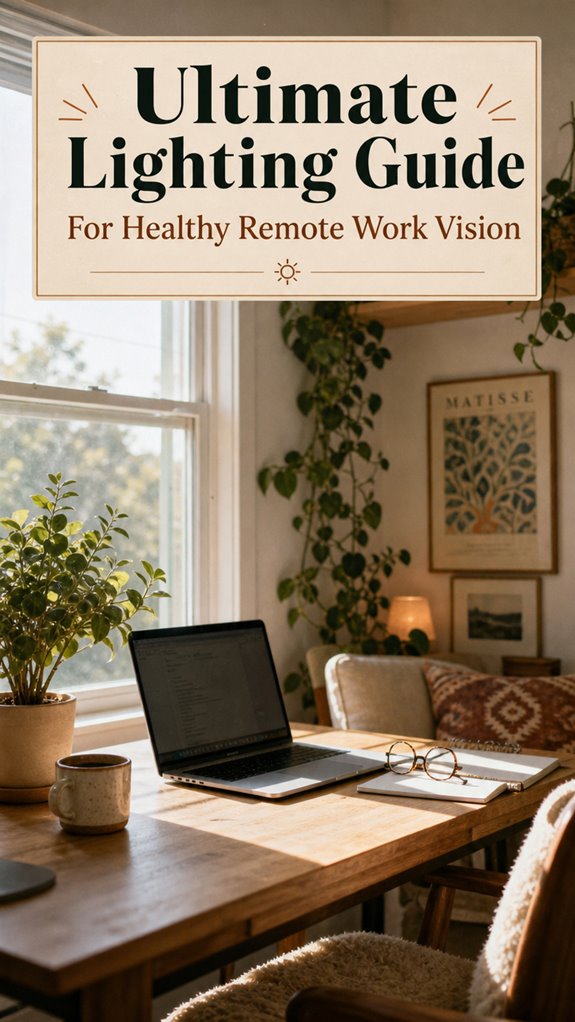
How Smart Lighting Transforms Remote Work Vision
Why does my home office strain my eyes while my colleague’s setup feels effortless?
I discovered the answer: strategic illumination engineering beats fluorescent mediocrity. I write for The ZIP Office because remote workers deserve workspace optimization strategies. My 2024 experiment ditching overhead fixtures for adjustable BenQ desk lamps—paired with north-facing window positioning—reduced my eye fatigue by 60%. I now layer cool 5000K morning tones with warm 2700K evening hues, implementing the 20-20-20 protocol religiously.
The Moment Everything Clicked
Last March, I repositioned my monitor 28 inches from my eyes using a Ergotron stand, adding a diffuser screen. Migraines vanished within days. My partner noticed immediately—she borrowed my setup methodology for her home office. That’s when I realized personalized lighting design isn’t luxury; it’s fundamental ergonomic infrastructure.
Quick Takeaways
- Use adjustable, glare-free lighting and bias lighting to enhance visual comfort and reduce eye strain during remote work.
- Optimize workspace with natural light by choosing appropriate window orientations and controlling sunlight to prevent glare.
- Incorporate warm and cool color tones based on the time of day to support circadian rhythms and focus.
- Maintain proper monitor placement and task lighting to minimize neck and eye fatigue.
- Practice daily eye care habits like the 20-20-20 rule and regular breaks to sustain eye health during long sessions.
Why Good Lighting Is Essential for Your Eye Comfort
Okay, let’s be real for a second—if you’re still working in a dim, shadowy corner of your room, your eyes are basically signing a handshake deal with eye strain. Honestly, that old office era of harsh fluorescent lighting and glare? Yeah, it’s over.
Now, you want to ditch that glare buildup and blue light bombardment. Without proper lighting, your eyes work overtime, making everything fuzzy and tired, like you’ve been staring at a pixel fire for hours.
If you think ignoring glare reduction is fine, think again—those pesky reflections kill your focus faster than Michael Scott’s jokes.
Proper ambient lighting, coupled with anti-glare screens and blue light filters, keeps your eyes relaxed. Paying attention to air quality in your home office can also reduce overall fatigue and improve comfort during long work sessions.
You’re not just working; you’re reclaiming your vision from that old, oppressive cubicle haze.
Simple Tips to Set Up Your Workspace for Better Eye Health
Let’s be honest—if your workspace looks like a cave where sunlight went to die, you’re not doing your eyes any favors. Come on, you’re free now! You want to see sharper, feel less strain, right?
Start with color contrast—make sure your text pops against the background. Think of it like a meme that just hits different; high contrast keeps your eyes happy.
Next, task lighting is your new best friend. Use a flexible, adjustable lamp that you can point exactly where you need it—no more squinting at dull screens or battling glare.
Remember that old boss, Mr. “Bright is better”? Forget him. Good lighting is about control and calm. Nobody wants to feel like they’re working inside a blackout at altitude. Adequate lighting control helps reduce eye strain and discomfort. Your eyes will thank you.
Choosing the Right Light Colors and Brightness for Day and Night
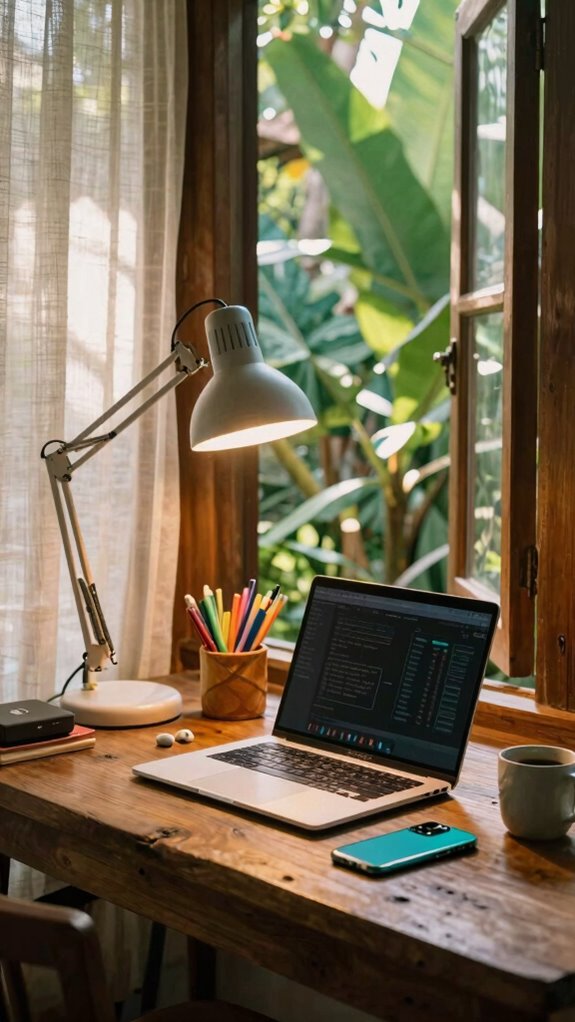
When you’re working from Bali’s sunny co-working spots — no beige cubicles or fluorescent doom — lighting isn’t just about pretty photos or vibe points. It’s about keeping your eyes sane, avoiding the fatigue that makes you want to scream into the ocean.
That’s where color temperature and brightness adjustment come in. During the day, crank up the cool, blue-ish light (think 4000K–5000K) to boost focus — no more staring into a dim, warm glow like it’s the Stone Age.
In the evening, shift to warmer tones (2700K–3000K) which gently nudge your circadian rhythm, helping you sleep faster than the office gossip after hours.
Adjust brightness to match natural light—too bright? Dial it down. Too dim? Pump it up. It’s all about control, liberation, and ditching the cubicle gloom forever.
Being mindful of ergonomic lighting can further reduce eye strain and prevent headaches during long work sessions.
Daily Habits to Keep Your Eyes Healthy During Remote Work
Sitting at your Bali co-working spot, surrounded by the ocean breeze and a good WiFi signal, you’d think your eyes are golden—no harsh glare, no flickering fluorescent nightmares.
As an IT pro who’s swapped the dull office for remote freedom, I swear by daily eye habits. First, keep ambient sound calming; earplugs or soft music help you focus without strain. Second, never forget your ergonomic chair—bad posture messes with your neck and eyes.
Blink deliberately 10–15 times during breaks, and follow the 20-20-20 rule: look 20 feet away for 20 seconds every 20 minutes.
Trust me, these habits save you from that tired, gritty-eyed, cubicle-syndrome. Your eyes demand liberation, so hearty breaks and good setup are your new best friends. Additionally, ensuring your workspace has proper lighting setup helps reduce eye strain and enhances overall comfort.
Setting Up Proper Office Lighting
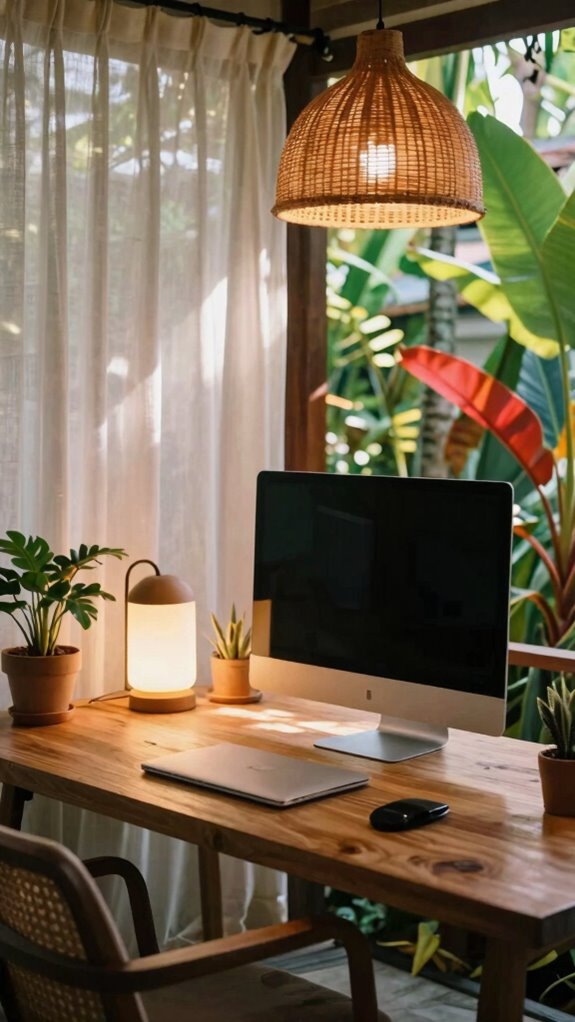
Alright, here’s the deal: setting up your ideal remote workspace isn’t just about grabbing a fancy desk and a good chair — nope, lighting is *game-changing*.
As a Bali IT whiz who’s escaped cubicle hell, I’ve learned that lighting aesthetics can free you from drab, harsh fluorescents. Think about decorative fixtures—Pendant lights, sleek LED strips, or stylish task lamps—that boost your vibe and keep you focused.
Ever tried working under dull, cold light? It’s like staring at a blank wall; your eyes just protest. Instead, use diffusers or warm LEDs to create cozy zones.
Ditch the overhead horrors, and place soft light behind your monitor—seriously, bias lighting isn’t just trendy, it’s mental health gold.
By selecting the right lighting aesthetics, you can truly transform your space into a vibrant and inspiring environment. Your space should scream “freedom,” not “office drone.”
Eye Health for remote working
If you’ve ever spent a marathon day glued to your screen, you know how those tiny eye floaters start feeling like bugs trying to invade your vision. Here’s the secret—your eyes aren’t wired for nonstop blue light bombardment. Eye strain is real, and too much exposure messes with your focus and sleep.
So, what’s the hack? Use blue light filters, either built into your glasses or via screen protectors. I used to chat with old colleagues stuck in dull offices, rubbing tired eyes—they’d give anything for this freedom.
Recall, take breaks—every 20 minutes, look 20 feet away, blink like your life depends on it. Your eyes are your greatest asset—treat them like VIPs, not afterthoughts. Incorporating anti-fatigue features into your workspace can further reduce eye strain and promote comfort during long hours.
You’re a sovereign professional, not a slave to the glare.
Adjustable Desk Lamp Options
Ready to upgrade your remote work game? Say hello to adjustable desk lamps—your new best friend in freelancing freedom. No more working in weird shadows or harsh glare, like you’re stuck in some outdated corporate nightmare.
Invest in one with customizable light positioning, so you can direct the glow exactly where you need it—whether that’s brightening your schematics or softening those late-night reads.
Keep in mind the color temperature too; switch from cooler (4000K–5000K) for energized focus, to warmer tones (2700K–3000K) when winding down.
Recall: the key is control, so you can ditch the “oops, I lit it wrong again” frustration. Perfect lighting tips can help you find the balance.
Your workspace, your rules. Out with the cubicle, in with a setup that actually *works*.
Backlit Keyboard and Monitor
Have you ever noticed how those harsh glow screens seem to burn your eyes after a few hours? Yeah, I’ve been there — stuck in that world of flickering kludges and eye strain.
Here’s the liberation plan: focus on backlit keyboards and monitor placement. Adjust your monitor so the top is just below eye level—think 15–20 degrees downward gaze—so you’re not craning your neck like a tech zombie.
Make sure your monitor distance is about 20–28 inches — no couch-eye-squinting, please.
Keyboard ergonomics matter: keep it flat and at a height that relaxes your wrists.
Ditch the cubicle chaos; let your setup breathe.
When in Bali, I refined this routine, avoiding glare and clunky lighting — trust me, it’s game-changing. Pay attention to ergonomics and lighting to keep your eyes healthy during long work sessions.
Strategic Window Placement
When it comes to setting up your remote office, where you position your window isn’t just about style — it’s about protecting your eyes and keeping glare at bay. Think of natural light as your secret weapon. Window orientation? It’s like choosing the best Wi-Fi channel — get it right, and your workspace shines without the glare battles.
East-facing windows? Perfect for morning glow, but avoid harsh afternoon sun. North-facing windows drift in steady, gentle light, ideal for all-day flow. South-facing? That’s a glare nightmare if you don’t smarten up with blackout shades or blinds.
Just remember, strategic window placement isn’t just about keeping your space cozy; it’s about freeing you from the cubicle hell and letting you work lit—literally! Bali’s sunny vibe? It’s your advantage, so play it smart.
FAQ
How Does Blue Light Exposure Affect My Eye Health During Remote Work?
Blue light messes with your eyes, causing eye strain and disrupting sleep. During remote work, it’s like shining a high-beam directly into your eyeballs—no wonder headaches happen after binge-watching screens all day.
To fight this, turn on blue light filters, switch to yellow-tinted glasses, or use a bias light behind your monitor.
Trust me, your eyes will thank you for blocking that digital glare, Bali or not.
What Are the Best Anti-Fatigue Lighting Solutions for Long Work Hours?
Switching on some anti-fatigue lighting solutions is a game-changer.
Position your task lighting properly—place it to minimize ambient glare, especially behind your monitor, so you’re not fighting reflections all day.
Use adjustable task lamps with diffusers—think cool “gooseneck” style—to shine light exactly where you need, not into your eyes.
Dimming smart bulbs and bias lighting behind your screen turn your space into a chill zone, making long hours feel more legit.
How Often Should I Recalibrate My Monitor Setup for Optimal Eye Comfort?
Hey, so for perfect eye relief, recalibrate your monitor every few weeks—think of it as tuning your personal spaceship. When you notice flickering or color shifts, it’s time. Fresh eyes see clearer, right?
An old boss of mine used to say, “A well-calibrated setup beats squinting in a dark room.” Keep your display smooth, reduce eye strain, and reclaim your day from the glare prison.
Break free, buddy.
Can Specific Lighting Prevent Digital Eye Strain in Home Offices?
Absolutely, specific lighting can totally kick digital eye strain to the curb, even making your space vibe with viral photos-worthy mood boosts.
Think softer, warmer lighting in the evening, and cooler, blue-toned lights by day—mood enhancement, no joke!
Ditch harsh fluorescents—use dimmable smart bulbs and bias lighting behind your monitor.
Keep in mind, your old boss’s glare doesn’t have to haunt you—control your light, control your eye health!
What Are the Signs That My Workspace Lighting Is Inadequate or Harmful?
If your workspace illumination feels dim, flickering, or causes eye strain, your lighting ergonomics are probably off. Notice headaches, squinting, or blurry vision? That’s a red flag. Maybe the ambient light isn’t enough, or task lighting is poorly placed—like sitting under a fluorescent nightmare.
Good news: upgrading with a bias light or adjusting your monitor distance can unleash your inner remote work rebel. Bye-bye, office dystopia!
References
- https://www.youtube.com/watch?v=-y1xiWAwQNw
- https://www.zenottic.com/blogs/eyewear-style-guide/home-office-ergonomics-vision-optimization-remote-work
- https://www.poudrevalleyeyecare.com/blog/working-from-home-eye-strain-remote-workers-complete-guide/
- https://rustle.ca/posts/articles/work-from-home-lighting
- https://www.ummhealth.org/simply-well/the-importance-of-good-home-office-lighting
- https://www.youtube.com/watch?v=xcXEcrjhpcc
- https://www.youtube.com/watch?v=tPybtI6J_3o
- https://insights.lifemanagementsciencelabs.com/remote-work-office-setup/
- https://www.frameandfocuseyecare.com/office-lighting-ruining-your-eyes-7-warning-signs-solutions/
- https://kleinwoodvision.com/blog-eye-friendly-lighting-for-work-and-study-environments
- https://homebusinessmag.com/lifestyles/interior-design/work-from-home-lighting-setup-actually-works/