How I Stopped My Webcam From Becoming a Hacker’s Peephole
How exposed is your remote workspace really? I learned the hard way when I discovered my laptop’s camera was compromised during a client call in Lisbon last March.
I write to The ZIP Office community because privacy infrastructure matters for distributed teams navigating hybrid work ecosystems.
I invested in a sliding webcam cover—not stickers—enabling biometric authentication across my device architecture. I audit app permissions obsessively, treating each notification like potential surveillance. This paranoia about zero-day exploits saved my credentials twice already.
When My Colleague’s Zoom Got Hijacked
Last month, Marcus from our Barcelona hub forgot his camera cover during a sensitive investor presentation. Malicious actors accessed his feed for seventeen minutes before our SOC team detected anomalous bandwidth. He now preaches webcam hygiene like gospel to everyone at The ZIP Office.
Quick Takeaways
- Use webcam covers or kill switches to quickly disable your camera when not in use.
- Regularly update firmware and review permissions to patch security vulnerabilities and control access.
- Secure physical devices with locks and store valuables safely to prevent theft or unauthorized access.
- Promote team awareness and establish clear policies for webcam use and privacy during virtual meetings.
- Incorporate ergonomic workspace tools and organize digital workflows to enhance privacy, comfort, and security.
Why Webcam Privacy Is Critical for Remote Work
Alright, let’s cut to the chase—your webcam isn’t just a fancy piece of tech for Zoom calls. As a Bali-based IT whiz, I’ve seen firsthand how remote work demands serious cybersecurity awareness. Protecting your privacy isn’t just about avoiding embarrassment—think privacy compliance and freedom from unwanted spying.
*Recall* old office days sneaking glances at your boss’s monitor? Now, it’s all digital. When you’re working from a beach hammock or a bustling cafe, your webcam can be a sneaky portal for cyber creeps. Being aware of cybersecurity best practices can help you identify and prevent potential threats to your privacy.
Do you want to be the next viral meme for accidentally broadcasting your cat’s scratch session? Of course not. Take control, stay aware, and keep those digital windows closed when you’re not sharing.
Using the right camera desk mounts can also help maintain your privacy by positioning your webcam securely and minimizing accidental exposure.
Your freedom depends on it.
Use Webcam Covers to Block Unauthorized Access
If you’re serious about keeping nosy digital peepers out of your personal space, then using a webcam cover isn’t just a “nice-to-have”—it’s a must.
Think about it: back in the office, you’d probably never let your old boss peek at your personal life thanks to privacy filters (remember those?). Well, now you’re remote, living the freedom dream from Bali’s chill co-working scene, so why let digital surveillance hijack your privacy?
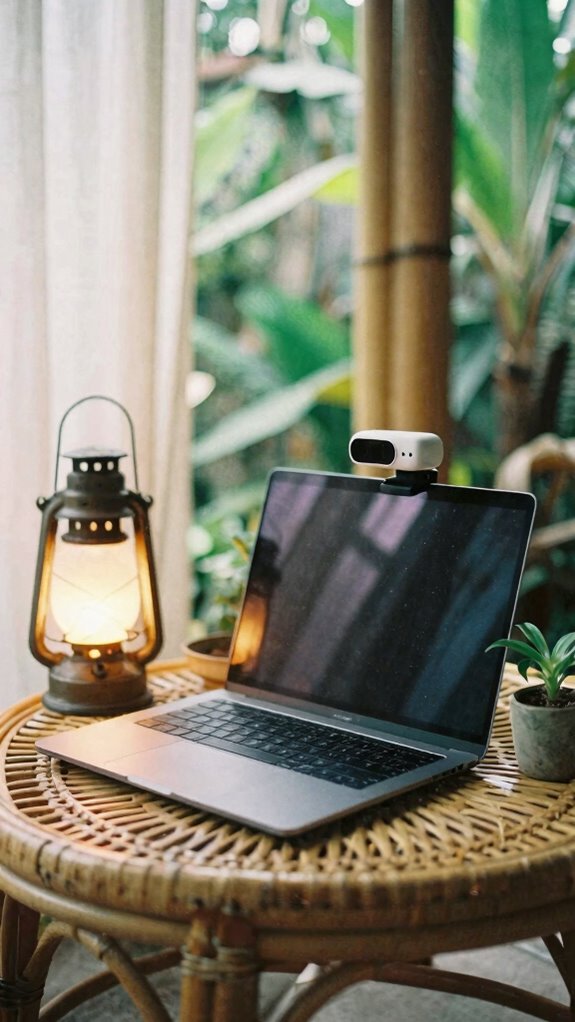
A sleek webcam cover instantly blocks unwanted access—no fuss, no fussing with tricky settings. It’s like a gatekeeper for your personal privacy. The best camera kill switches are designed specifically to provide quick, reliable security against unauthorized access, making them a smart addition to your privacy toolkit.
Plus, it’s super easy to use—slip it open when you need to video call, shut it when you don’t. Simple, effective, and totally empowering.
Who said remote life can’t be fully private? Smart Hidden Book Safes offer additional discreet storage options to safeguard your valuables while working remotely.
Check and Maintain Your Webcam Security Regularly
Even if your Bali co-working spot feels like paradise, neglecting regular webcam checks is a rookie move—trust me, I’ve seen it all. When you’re loving the freedom of a home office, digital hygiene can slip.
So, here’s the scoop to stay stealthy:
- Update your software—don’t ignore those prompts; they’re your defense against sneaky bugs.
- Double-check camera permissions—know exactly which apps have access; no surprises here.
- Inspect your hardware—look for loose connections or suspicious activity, literally.
- Schedule routine checks—set reminders, maybe even with your old boss’s overbearing voice.
Doing this not only keeps your exposure low but shows you’re serious about your privacy game. Keep the digital fortress strong!
Turn on Multi-Factor Authentication for Camera Devices
Here’s the thing: just turning on your webcam isn’t enough anymore, especially when you’re remote and loving the Bali breezes. Ever think about multi-factor authentication (MFA)? It’s your secret weapon.
When you activate MFA, even if someone gets your password (sorry!), they still need a second proof — like a text or auth app. Keeps the sneaky hackers at bay while you’re dancing to tropical tunes.
Plus, confirm your camera firmware is always up-to-date; old firmware is basically an open invitation for breaches. Regular updates help patch security flaws and keep your devices secure. Also, ensuring device security best practices are followed adds an extra layer of protection to your setup.
Combine that with solid network encryption, and your setup becomes a fortress. Recall, your old boss’s “password123” days are gone — now, it’s about making digital break-ins way too much trouble.
Stay free, stay secure, my friend.
Share Webcam Privacy Best Practices With Your Team
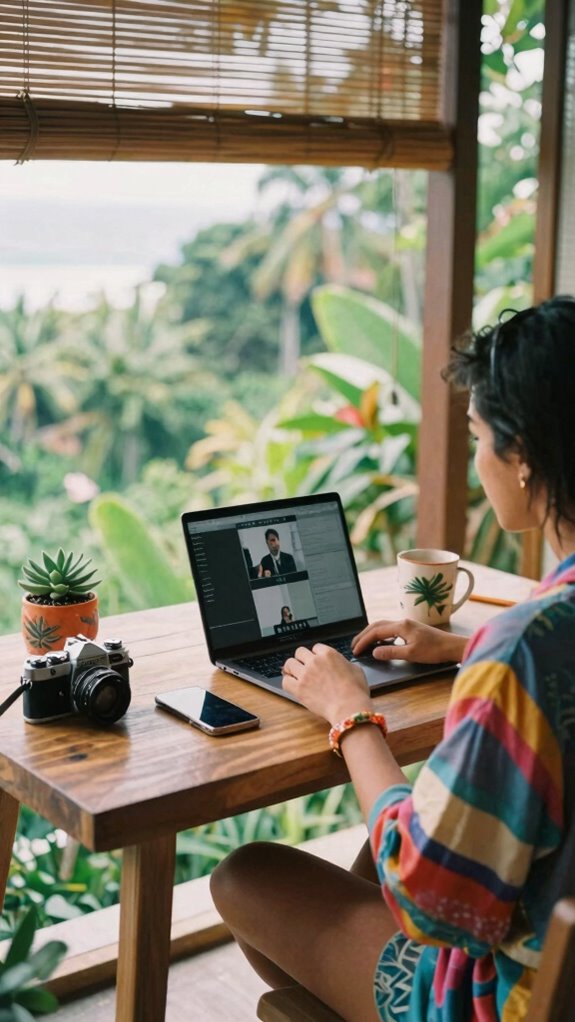
Sharing webcam privacy best practices with your team isn’t just about avoiding “Oops, caught me brushing my teeth” moments during Zoom calls. It’s about empowering everyone with knowledge—because, hey, we all want freedom from accidental exposure.
Here’s how you keep that privacy locked down:
- Team training — Regularly remind everyone about our privacy policies. It’s like updating your phone’s software, but for cyber safety.
- Use respectful language — Encourage your team to avoid sharing too much personal space on camera. For example, that’s not the time to showcase your vintage sock collection.
- Set clear expectations — Make sure everyone knows when to turn off webcams and how to do it effortlessly.
- Lead by example — Show your crew you’re serious about privacy, and they’ll follow suit.
Blocking Camera With Webcam Covers
If you’ve ever been caught mid-sentence while your webcam decided to betray you during an important Zoom meeting—yeah, I’ve been there, too—you’ll know the secret weapon to regain control: webcam covers.
Think of them as your personal privacy shields, blocking camera obstruction before anyone gets a peek into your *actual* life. No more accidental livestreams from Bali’s sunny side or revealing your messy taco Monday.
Just flip the cover open when you want to show off your latest project, then snap it shut when you’re done.
It’s simple but genius—no fuss, no fussing with weird software or weirdos hacking your mic while you’re daydreaming about surf breaks.
For those who want both privacy and style, sliding camera covers offer a sleek and discreet solution.
Stay free, stay private, and keep your professional space as clean as your Bali sunsets.
Physical Locks for remote working
Ever leave your laptop open in a busy Bali co-working space and wonder if someone’s eyeballing your files? As a Bali-based IT nerd, I get it—privacy’s more fragile than a cheap smartphone.
So, lock down your gear with physical security protocols, like biometric door locks—trust me, they’re cooler than they sound.
Here are your power moves:
- Use biometric door locks on your portable office or safe. No keys, no fuss—just scan your fingerprint.
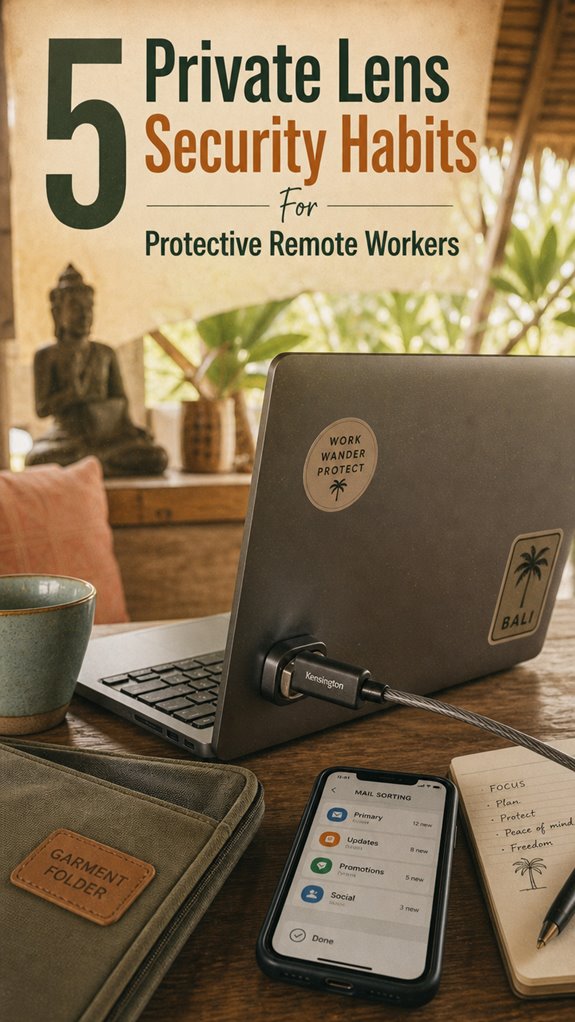
- Lock your devices with sturdy Kensington-style laptop locks. Not always foolproof, but hey, it’s a start.
- Deploy physical privacy screens and secure cabinets for extra armor.
- Always double-check your workspace — ask yourself, “Did I lock this up?”
- Consider a best Bluetooth mechanical keyboard for quiet, seamless typing during remote work sessions, reducing the need to be physically close to the device and lowering the risk of overlooked security breaches.
Old boss? He’d still be trying to recall passwords. You? You’re leagues ahead.
Affordable Webcam Cover Options
Let’s talk webcam covers—the sneaky little gadgets that keep your privacy from going on vacation without you. As a Bali-based IT pro, I’ve learned that good security isn’t just about software; sometimes, it’s about blocking the prying eyes of an eye tracker or webcam hijackers.
These affordable covers are a game-changer, fitting sleekly over your lens, so no accidental virtual background blunders—trust me, those happen. Want to look like a mysterious digital ninja? Use a cover when you’re not on a call, then flip it open when your client’s virtual background needs some magic.
Gone are the days of “Oops, I forgot to close my camera,” while your old boss on Zoom watches your cat nap. Protect your freedom—coverage is key! Even in remote work settings, maintaining visual comfort through anti-fatigue floor mats can add subtle benefits, like reducing fatigue during long hours on calls.
And for an extra touch of professionalism, choosing a high-quality wooden picture frame can make your workspace feel more polished, even if you’re just displaying a simple webcam cover.
Portable Ergonomic Desk Setup
Stuck working from a crowded café or your cramped apartment like some sort of digital nomad hostage? No worries—your portable ergonomic desk setup is your new best friend. Ready to ditch clunky furniture?
Here’s the game plan:
- Lightweight, sturdy desk converter — slips over any table, instantly transforming it into a proper workspace.
- Ergonomic posture gear — invest in portable lumbar supports and adjustable stands to keep your back happy.
- Compact, foldable accessories — think foldable keyboards and mice that slip into your tech pouch.
- Smart cable management — never get tangled, keep that workspace sleek and distraction-free.
To further enhance your workspace, consider integrating portable ergonomic tools designed specifically to support healthy posture during extended work sessions.
By adopting these portable solutions, you can optimize your workspace and maintain focus regardless of your location. Trust me—this setup isn’t just comfy; it screams productivity, unlike that coworker still stuck in their swivel chair rut. Flexibility is your new hustle.
Remote Laptop Kensington Lock
As a Bali remote worker (hello from paradise!), I tell you, the trusty Kensington lock isn’t just about locking it down physically. You gotta treat it like a core cybersecurity protocol—think of device encryption as your digital armor, but physically locking your device keeps the creeps at bay.
Ever tried leaving your laptop open in a cafe while ordering a coconut drink? Yeah, not smart. Use the lock to make sure your device stays your own, no matter how tempting the vibe. Incorporating email sorting tools into your workflow can help you keep your digital workspace organized and secure, reducing the risk of overlooking sensitive information.
And for extra peace of mind, consider using a garment bag folder to keep your remote work essentials organized and protected during travel.
Trust me, it’s your best buddy in reclaiming your freedom without the paranoia.
FAQ
How Can I Verify My Webcam Isn’t Secretly Recording Me?
To verify your webcam isn’t secretly recording, start by checking camera privacy settings—many OSes let you disable it completely.
Look for webcam indicators—like a blinking LED—before jumping into panic mode. Keep in mind, old office habits die hard; remind that tech-savvy Bali co-working buddy, or maybe your critter, could be the culprit.
Simple, yet effective: cover your camera when not in use, just like those paranoid “Office” moments.
Stay alert!
Are There Specific Antivirus Tools Recommended for Webcam Security?
Always keep in mind, “a stitch in time saves nine.”
For webcam threats, pick an antivirus comparison that includes webcams as a key feature—apps like Norton 360 or Bitdefender often have solid webcam protections. They alert you to suspicious access, so you’re not the star of your own spy movie.
Just like you’d lock your front door, use these tools to lock your digital life. Keep remote freedom, not fear.
What Privacy Settings Should I Adjust on My Remote Work Devices?
You should tweak your device’s privacy settings—disable webcam auto-access, enable app permissions only when needed, and toggle off unnecessary ad trackers.
Encrypt your device — yes, even that sleek MacBook — to keep snoopers out, especially in Bali’s coffee shops.
Also, use strong, unique passwords and a password manager; old colleagues used to laugh at my complex creds, but now, they’re glad I’m protected.
Who needs stress?
Can Malware Enable Unauthorized Webcam Access Without Physical Covers?
Absolutely, malware can hijack your webcam without physical covers—think of it as a digital ghost sneaking in. Spyware detection tools and Webcam encryption are your best defenses, like having ghostbusters for your device.
Keep in mind, never underestimate sneaky malware — ask my old boss who lost a client’s footage last week. For ultimate freedom, disable the webcam when not in use, and stay vigilant. No excuses, just smart security.
How Often Should I Update My Webcam Security Practices?
You should update your webcam security practices weekly or whenever you tweak your camera placement or lighting—you know, those little adjustments that make your space more ‘you’. Think about your old office: how switching camera angles and lighting changed everything.
Keep your lens covered, tighten security, and never ignore notifications. Keep in mind, staying ahead beats being the “security guy” from the 90s office, right?
Stay sharp, stay unhackable!