My Studio Gear Wake-Up Call: Building Remote Work Infrastructure in Bali
I ditched my MacBook’s tinny speaker last year. That flickering Logitech webcam? Gone. When I relocated to Ubud for geographic arbitrage, I realized my healing infrastructure needed actual equipment—not college-era Band-Aids.
I’m writing this because The ZIP Office community deserves real talk about location-independent work setups. In March 2024, I invested in a Rode NT1 condenser mic, pop filter, and key lighting. Added a standing desk from a local carpenter, Wayan, plus encrypted SSDs. This wasn’t luxury—it was infrastructure.
The difference? Clients took me seriously. Zoom calls looked professional. My nervous system appreciated the ergonomics.
Last month, my six-year-old watched me adjust my ring light before a client call. He asked why I needed “the sun on my desk.” I told him it wasn’t about looking good—it was about showing up prepared. He nodded and started organizing his own homework station the same way. Sometimes kids teach us that infrastructure matters everywhere.
Quick Takeaways
- High-quality microphone with noise reduction and pop filter for clear voice recordings.
- Soundproofing panels or DIY materials like blankets to minimize background noise and echo.
- Soft, diffuse lighting such as ring lights or softboxes for optimal video quality.
- Stabilized webcam or camera with accessories like tripods or gimbals for steady shots.
- Portable tech accessories including microphones, headphones, and power banks for flexible setups.
Understanding the Basics of a Remote Studio Setup
So, you’re thinking about setting up a remote studio and wondering where to start? As an IT wiz working from Bali’s buzzing co-working scene in 2023, I can say voice isolation and soundproofing techniques are game-changers.
Recall those endless meetings in noisy open offices, right? First, pick a quiet corner, but don’t rely on silence alone. Use foam panels or DIY soundproofing tricks—think heavy blankets or furniture—to block out background chaos.
Choose a quiet corner and enhance it with foam panels or DIY tricks like blankets and furniture to block noise.
Invest in a solid microphone with noise reduction—nothing ruins a vibe like static or echoes. Test your setup with friends or colleagues, tweak the acoustics, and banish that droning city noise. Additionally, understanding soundproofing techniques can significantly improve your audio quality and overall remote studio experience.
To enhance your setup further, exploring travel shoe bags is a smart way to keep your gear organized and portable.
How to Choose the Right Microphone for Your Needs
Picking the right microphone isn’t just about grabbing the priciest gadget from some Bali co-working influencer’s feed — it’s about syncing tech with your vibe, environment, and hustle.
Microphone sensitivity? That’s basically how loud or quiet your voice sounds to the mic—and trust me, a sensitive mic picks up every nuance, good or bad.
Want clear voice overs? Aim for a mid-range sensitivity; too high, and every tiny whisper becomes a bleed-fest.
Pop filter importance? Massive. Without it, your recordings turn into visual noise—like loud swallowing or that awkward “p” pop.
Recall old boss at the cubicle farm? He’d’ve loved one.
Understanding microphone sensitivity helps you select a mic that captures your voice accurately without unwanted background noise or distortion.
Optimizing Lighting and Video for Professional Quality
Lighting and video might seem like the boring parts of your setup, but trust me, they’re actually your secret sauce for looking professional—no matter if you’re in Bali’s buzzing co-working scene or crashing on a mountain cabin.
Think of lighting techniques as your magic spell for flawless imagery; you want soft, diffuse light to prevent harsh shadows. Lighting placement is everything—place your key light just slightly above eye level, angled to illuminate your face evenly. Proper light positioning can dramatically improve your video quality and make your appearance more welcoming.
Use a fill light or even a ring light for a gentle glow, and avoid backlighting unless you’re aiming for “mysterious” vibes. Recall, old colleagues? They’re still struggling with bad angles and flickering webcams—be smarter. Play with your light sources until your face doesn’t look like a raisin, and your video will finally scream “professional-grade.” To truly master natural light, experiment with different times of day and weather conditions to find your ideal shoot conditions.
Setting Up an Effective Green Screen Environment
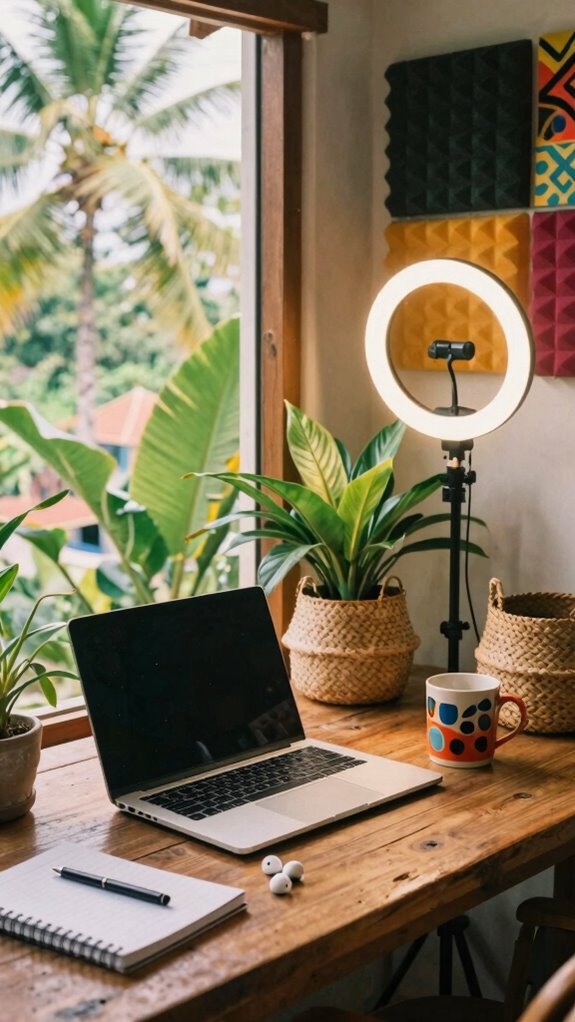
Whenever you’re setting up a green screen station in your Bali co-working haven, you need to get the essentials right—no excuses. Lighting placement is king here; if your green looks uneven or shadows creep in, your digital magic crumbles easily.
Perfect green screen setup requires even lighting and a clean, professional background to shine online.
Think soft, diffused light sources—ring lights or softboxes—positioned evenly on either side of your background, and keep them at a 45-degree angle to minimize shadows.
Keep in mind background layering isn’t just stacking stuff; it’s about creating depth—plants, books, or textured panels behind you make the CGI pop instead of looking flat.
Now, did old colleagues’ boring backgrounds ever kill your vibe? Yeah, so do it right. Slim down, focus on clean, uniform lighting, and craft a background that screams ‘professional’ —or at least isn’t embarrassing in a Zoom glare-fest. Using acoustic foam panels can also help reduce echoes and improve overall sound quality, making your videos look and sound professional.
Selecting the Best Webcam or Camera for High-Quality Video
So, you’re finally tired of looking like you’re broadcasting from a potato, huh? I get it—your last Zoom looked like a censored VHS tape. Here’s the deal: pick a webcam or camera that nails clarity and has killer camera stabilization; it’s what separates a pro from a digital dumpster fire.
For studio acoustics, low-light performance matters, so go for models with great sensors—like a Logitech BRIO or Sony Alpha series if you’re serious. Avoid shaky footage by investing in a gimbal or tripod with smooth pan-and-tilt. To maximize your setup, consider a GAN Wall Charger for Fast Charging to keep your devices powered up during long shoots. Also, choosing the right prescription lens inserts can ensure your vision stays sharp without sacrificing style or comfort.
Keep in mind, your old boss once told me, “If your face looks like it’s stuck in a bad Zoom, no one’s listening.” Upgrade, stabilize, optimize. Your audience (and your reputation) will thank you.
Cable Management and Power Solutions for a Clean Studio
Let’s face it—if your studio’s a rat’s nest of tangled cables and unsightly power strips, you’re basically inviting chaos to crash your creative party. Honestly, it’s like having your old boss’s cluttered desk come back to haunt you.
Tangled cables and cluttered power strips invite chaos—time to tidy up your creative space and reclaim your sanity.
Solution? Cable concealment is your best friend. Use cable sleeves or raceways to hide those spaghetti strings—makes everything look sleek.
Invest in a wireless charging station so you don’t have cords snaking across your workspace—hello, clean desk, happy mind.
Power strips with surge protection keep your gear safe without the messy clutter.
Think of it as Zen for your workspace—minimalist, functional, and intimidating to any old-school cubicle patriot. Keep it tidy, keep it fast, and keep your sanity intact.
Enhancing Audio With Headphones and Sound Barriers
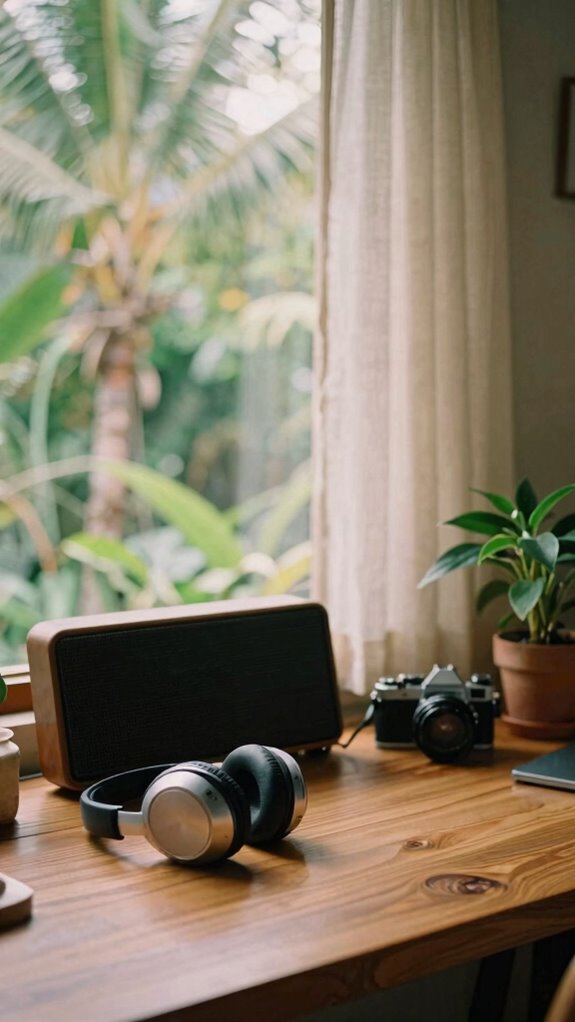
Great audio isn’t just a luxury; it’s the secret sauce to slicing through chaos and staying in the zone—even if your Bali co-working spot has scooters, roosters, and that guy who insists on loud calls. You need headphones and sound barriers that actually work. Noise isolation is key—invest in active noise-canceling headphones like Bose or Sony. They create a digital bubble, blocking out the chaos. For soundproofing the space, try foldable sound panels and heavy curtains—simple, portable, and effective against the ambient chorus.
| Soundproofing Tech | Tips & Tricks |
|---|---|
| Noise-canceling headphones | Wear them like armor at all times |
| Portable sound panels | Stick or hang for quick booth creation |
| Heavy curtains | Drape over windows and doors |
Ready to turn Bali into your silent sanctuary?
The Remote working with Studio Kit
When you’re working remotely in Bali’s bustling co-working scene, relying solely on your laptop’s built-in mic and tiny speakers just won’t cut it anymore—unless you’re into sounding like you’re talking into a tin can from 1950.
Upgrade your remote setup in Bali with pro gear—clear sound, sharp visuals, and a clutter-free, studio-worthy vibe.
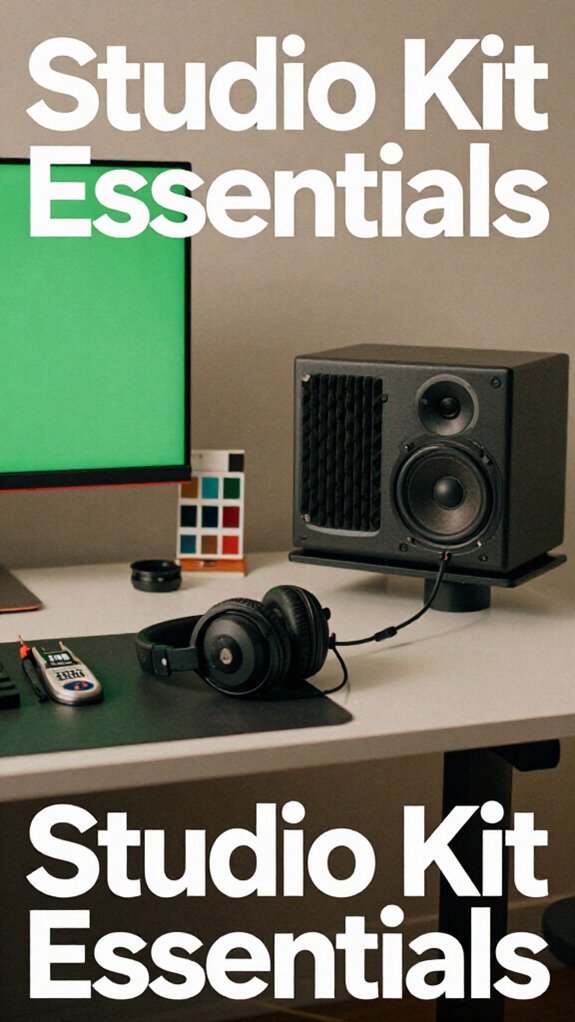
If you want killer remote collaboration, you need studio-level gear that boosts your voice and sharpens your visuals. Think portable condenser mics, sleek ring lights, and sleek monitors with studio aesthetics that make your setup look legit—no more desk clutter or old-school tech.
Recall your past cubicle days, where even a decent webcam was a luxury? Now, you can turn any corner into a pro broadcast zone. No more joining meetings with shaky audio—invest in a mic upgrade, a ring light, and a tidy setup.
Your old boss? Probably still stuck in the pre-zoom era.
Portable Tech Essentials
If you think working on a laptop in Bali’s vibrant co-working scene means settling for mediocre tech, think again. As an IT pro who’s traded the cubicle for tropical breezes, I can tell you—it’s all about portable tech essentials. AI integration keeps your workflow seamless, instantly adapting to new environments without missing a beat. Ergonomics optimization? Absolutely essential—trust me, dodging neck pain after hours of Bali’s warm breezes beats a stiff chair and broken desk any day. Pack a compact foldable keyboard, a lightweight laptop stand, and a portable mouse—fit for quick setups in cafés or beachside bavilions. Oh, and don’t forget a portable charger or power bank—because dead devices kill your vibe faster than any bad Wi-Fi. Incorporating ergonomics tips can help prevent strain and boost comfort during your remote work sessions. Additionally, choosing lightweight gear can significantly ease your transport and quick setup needs.
Secure Encrypted Device Accessories
Ever tried working with a random USB drive or a sketchy Wi-Fi hotspot without giving security a second thought? As someone who’s unpacked more than a few shady hotspots in Bali’s co-working scene, I gotta say: ditch that risky vibe ASAP.
Avoid risky hotspots and random USB drives—protect your data and keep your security tight.
Secure encrypted device accessories are your best friends now. They keep your encrypted communication tight, so no sneaky eavesdropper can snag your data. Think hardware-encrypted drives—do not leave home without them—and privacy screens that hide your screen from wandering eyes. Implementing encryption standards ensures your data remains protected even if your device falls into the wrong hands.
For device anonymity, use VPNs + Tor and socket adapters that bypass geo-restrictions. It’s all about building that invisible shield, making sure you’re not the one leaking secrets like old boss Bob spilling corporate gossip. Incorporating authenticator apps adds an extra layer of security when managing your accounts.
Stay sharp, stay encrypted, stay off the radar.
The First Sovereign Professional’s Tailor-Made Setup
- A speaker system with sound dampening tech—think aquatic acoustics—so you can vibe without chaos.
- An adjustable desk for effortless movement—because *dynamic work* is a thing now.
- High-precision headphones with noise cancellation—perfect for focus, even amidst Bali’s chaos.
- Calibration tools for audio to elevate your musical mastering—whatever your chaos, keep your sound sharp.
- Incorporating green screen paints can help create seamless backgrounds for your videos, enhancing your production quality.
FAQ
How Can I Prevent Latency Issues During Live Streaming?
To prevent latency issues during live streaming, you should optimize your lighting setup tips for minimal disruption, and implement soundproofing techniques to reduce background noise, creating an intimate, distraction-free environment that keeps your focus sharp and your stream seamless.
Which Privacy Precautions Are Necessary for a Secure Remote Studio?
Wanna protect your remote studio? You must implement strict privacy protocols and advanced encryption methods, because isn’t your creative space too precious to risk exposure? Secure your world by staying vigilant and employing top-tier digital safeguards.
How to Balance Portability and Performance in a Compact Setup?
You balance portability and performance by choosing portable solutions like compact power management devices that keep your setup running smoothly anywhere. Focus on lightweight hardware with efficient power use, ensuring your workspace remains powerful yet easy to carry with you.
What Are Best Practices for Organizing Multiple Cables Efficiently?
Did you know the average person uses over 10 devices daily? To keep cable management simple, organize your cables with labeling conventions, use velcro ties, and designate storage spots, making your workspace more efficient and personal.
How Do I Maintain Consistent Audio Quality Across Different Locations?
You maintain consistent audio quality by prioritizing acoustic treatment to minimize room noise and echoes and carefully adjusting microphone placement for each location, ensuring the ideal sound capture and intimacy, no matter where your creative work takes you.