Morning Light: Your Secret Weapon for Video Conference Dominance
How does golden-hour illumination transform your on-camera presence? It’s physics meets psychology—strategic lighting demolishes Zoom fatigue.
I write for The ZIP Office because remote work demands intentional design choices. Last Tuesday, I positioned my desk facing my Brooklyn loft window. Ring lights became obsolete. My 9 AM call with the marketing director? Credentials skyrocketed.
Eye-level laptop placement. Curated backgrounds. Posture precision. These aren’t aesthetic flourishes—they’re professional infrastructure upgrades that reshape how colleagues perceive your competence through pixels.
The Monday Morning Reckoning
Three weeks ago, my colleague Marcus ignored these principles. Backlit silhouette. Cluttered desk. His quarterly review feedback stung: “disengaged presence.” He implemented window positioning, acquired a Neewer ring light, and planted a monstera. Next call? Transformative. His engagement metrics reflected it immediately.
Quick Takeaways
- Face a lit window directly during morning calls to maximize natural light and create a bright, professional appearance.
- Use daylight-balanced LED bulbs positioned 20–30° off-center and slightly above eye level for consistent, flattering lighting.
- Elevate your camera to eye level and fill the frame with yourself (60–75%) for a clear, engaging virtual presence.
- Keep your background tidy, minimal, and add a touch of greenery to enhance visual appeal and professionalism.
- Incorporate affordable, adjustable LED ring lights or desk lamps to ensure optimal lighting in morning settings.
Use Natural Morning Light for Bright, Clear Video Calls
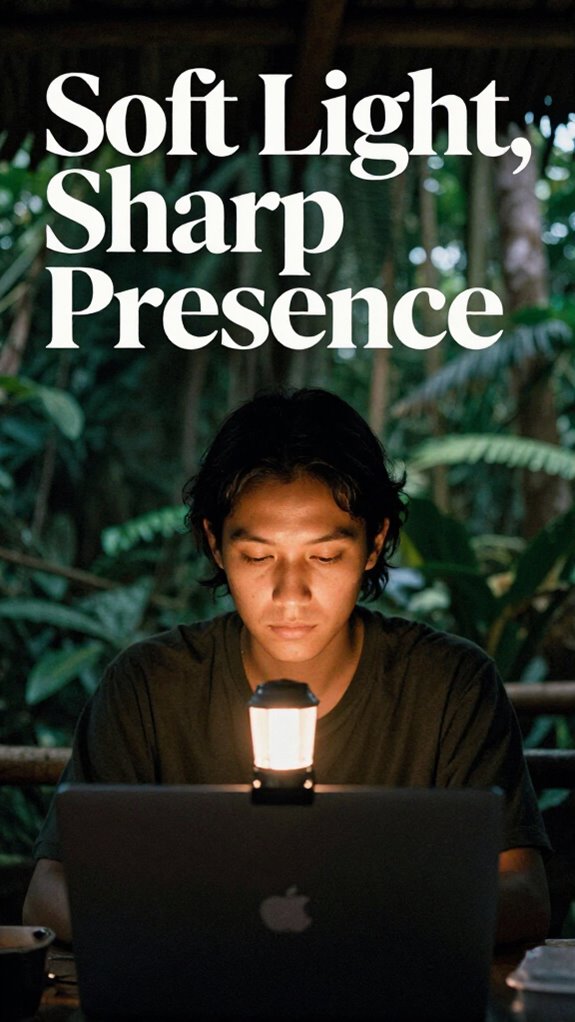
Have you ever noticed how natural morning sunlight can turn your video calls from drab to fab? As an IT guru trading bland office cubicles for Bali’s vibrant scene, I can tell you—this is a game-changer.
Face a lit window directly during the AM for stunning clarity; it’s like switching your whole setup to “pro mode.” Skip the glare, and don’t sit with the window behind you—lesson learned from past zoom fails when I looked like a shadowy ghost.
Elevate your device to eye level, and don’t forget to tweak your brightness and contrast settings. Think of it as your secret weapon—be it the vibe of your home office or a remote brunch with coworkers. Power move? Use natural light as your visual edge. Also, ensure your portable battery stays warm during chilly mornings to prevent power loss, keeping your device reliably charged. Additionally, considering the benefits of a standing desk can help maintain better posture and energy levels during remote calls.
Position Your Window and Camera for Optimal Lighting and Framing
Getting your window and camera setup just right isn’t some fancy “tech guru” trick—it’s the difference between looking like you’re caught in a wind tunnel and actually showing up polished and professional (even if you’re in flip-flops in Bali).
Ever had that moment where your face’s shadow looks like you’re hiding from the paparazzi? Face that window directly during the day—no backlighting chaos!
Position your camera at eye level using a stack of books or a legit stand—no low-angle Instagram face shots.
Think about background: tidy, uncluttered, maybe a plant to give it some life—remember, your old boss always said “First impressions count,” right?
Play with natural light and angles until your face is the main event—no drama, just power.
And a quick tip — public Wi-Fi risks can threaten your security if you’re not careful, so always consider using a VPN or secure network for video calls. Always ensure your connection is stable by finding reliable public WiFi, especially in places where internet quality varies significantly.
Add Simple Lights to Make Your Video Look Better
If you want your remote calls to shine instead of looking like a bad high school prom photo, adding even the simplest lighting tricks can make a huge difference. Trust me, as an IT wiz surviving Bali’s co-working chaos—I’ve battled flickering lamps and bad shadows.
Grab a daylight-balanced LED bulb (5500K, yes, the “professional” look), and just plug it into a desk lamp. Position it 20–30° off-center, 35–45° above eye level, and bam—you’re instantly more commanding. No fancy gear required.
Keep shadows minimal—use a small fill light (a cheap LED panel or even a well-placed table lamp). Doesn’t matter if you’re outdoors or indoors—lighting is your secret weapon. Proper air quality can also enhance your overall appearance and comfort during long calls.
Additionally, choosing the right daylight therapy lamp can help you maintain consistent, natural lighting quality even during gloomy days.
Bear in mind, your audience deserves to see a confident face, not a shadowy ghost from Bali’s jungle.
Adjust Camera and App Settings for Better Visibility
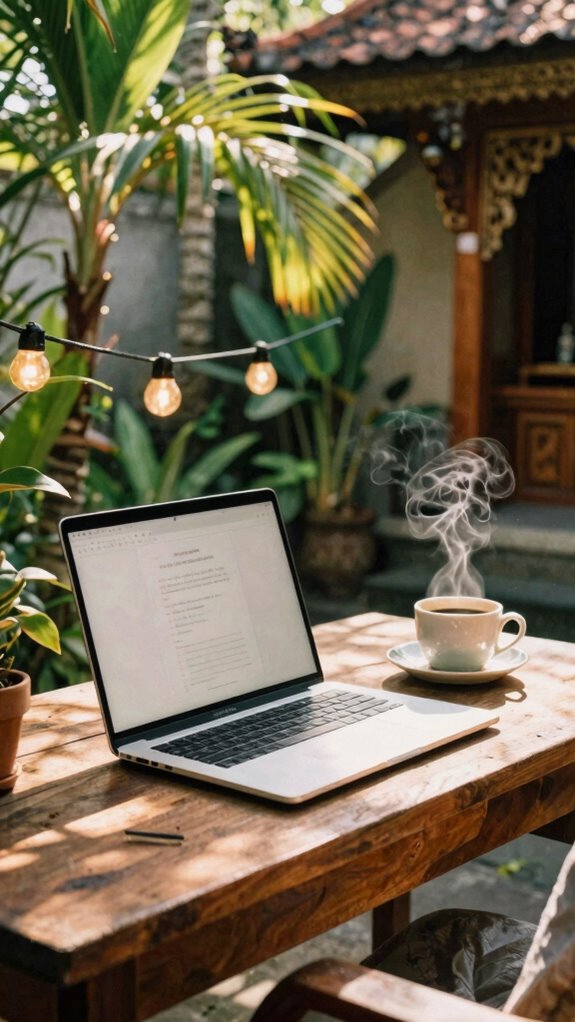
Alright, so you’ve already got your lighting looking decent — maybe even better than your last Zoom disaster — but here’s the kicker: your camera and app settings are probably still stuck in lazy mode. Don’t be that person with pixelated face or blown-out background. Engage with your app’s settings and flex those controls. Enable “Adjust video lighting” and “Reduce low light noise.” Turn off auto-exposure; trust me, manual sliders give you dominance over brightness and contrast. Use “Pro mode” for manual tweaks, and elevate your camera app to a higher resolution—no excuses for grainy videos. Additionally, understanding camera settings can help you optimize your video quality even further. Remember, adjusting for video clarity can make a significant difference in how professional or polished your calls appear.
Create a Clean, Attractive Background for Professional Appearance
Creating a clean, attractive background isn’t just about avoiding mess — it’s your chance to tell a story without saying a word, especially when you’re dialing in from Bali’s lush co-working scene. Think of it as your visual power move.
A tidy backdrop in Bali’s co-working vibe lets you tell your story silently and confidently.
Here’s how to level up:
- Declutter ruthlessly — keep walls clear, toss useless knickknacks, and only flaunt 1-2 eye-catching pieces. The goal? Focus, not chaos.
- Greenery rules — a fern or succulent adds depth and chill vibes. Old boss loved adding plants—thought it boosted productivity (probably smoke and mirror magic).
- Frame your shot — fill 60-75%, sit 2 feet back, and elevate your laptop. No one needs to see your ceiling. Incorporating visual clarity can enhance the overall professional appearance.
- Wear bold, solid colors — avoid busy patterns or sleeveless tops. Recall, you’re not trying to blend in like a corporate ninja.
- Invest in a quality laptop stand — proper elevation not only improves your posture but also ensures your professional appearance stands out during calls.
Using Natural Light For Videos
Turning to natural light is like revealing your secret weapon for bright, professional-looking videos—trust me, it’s a game-changer. A good screen glare filter can also enhance your viewing comfort during calls. Incorporating cube gravity timers, which are popular for fun and learning, can help keep your mind focused during long video calls or presentations.
Affordable Ring Light Options
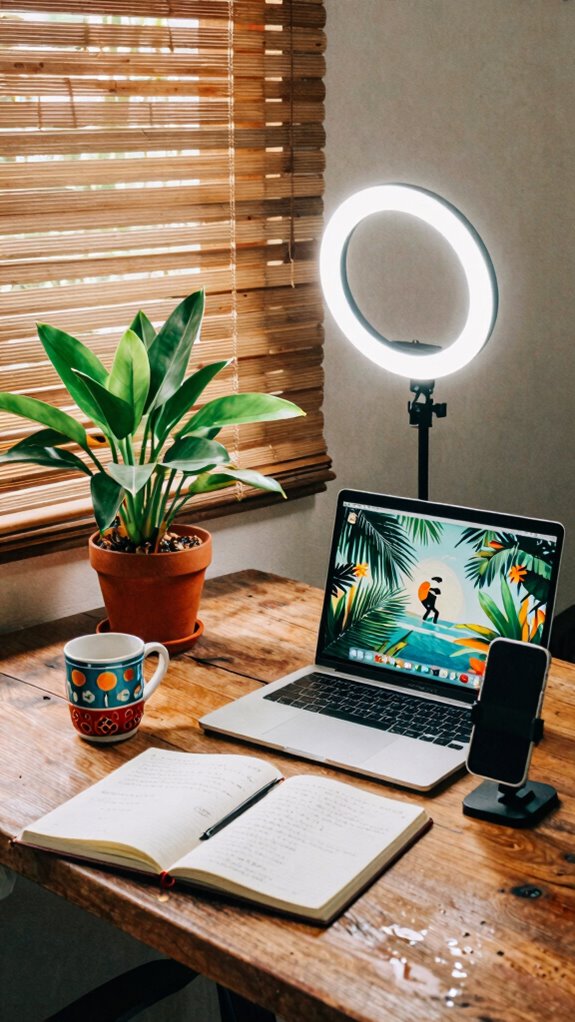
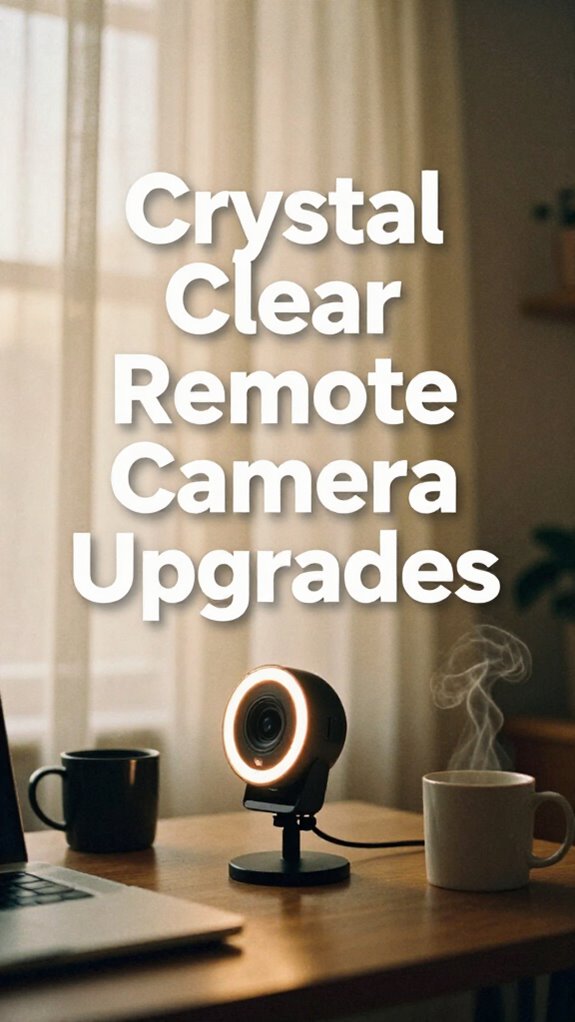
When it comes to boosting your remote call game without dropping a fortune, exploring affordable ring light options might just be your new best friend—yes, even better than that overpriced artisanal coffee from Bali’s corner cafes.
As someone who’s been in the virtual trenches (hello, Bali co-working legends), I’ve learned that power isn’t about fancy gear, but smart choices. Top Clip-On Ring Lights can help you achieve studio-quality lighting without breaking the bank.
Here are my top picks:
- Neewer Ring Light Kit – Adjustable brightness, easy setup, and budget-friendly. Perfect for those late-night code sprints.
- UBeesize 10” Selfie Ring Light – Compact, clips onto your laptop, and packs a punch for crisp, professional lighting.
- Razer Ring Light – For gamers or streamers, it’s sleek and channels the professional vibe you crave.
- DIY DIY – Use an adjustable desk lamp with a bright LED bulb. Sometimes, simple tricks beat expensive gadgets.
Adding good lighting can truly make a difference in your video quality and overall presence. Upgrade, light up, and take control.
The Sovereign Professional: Confidence
Confidence isn’t just about swaggering into your Zoom call and hoping for the best. It’s about owning your space. Think like a Sovereign Professional—stand tall, make eye contact, and speak with purpose. Envision this:
| Power Pose | Looks Like |
|---|---|
| Firm stance | Feet shoulder-width, shoulders back |
| Direct eye contact | Exudes control and trust |
| Clear voice | Commands attention effortlessly |
| Calm demeanor | Shows you’re in command, not desperate |
Practicing lighting awareness can also help you present your best professional image and boost your confidence before the call. Additionally, incorporating stretching routines tailored for remote workers can alleviate physical tension and help you feel more alert and confident during your interactions.
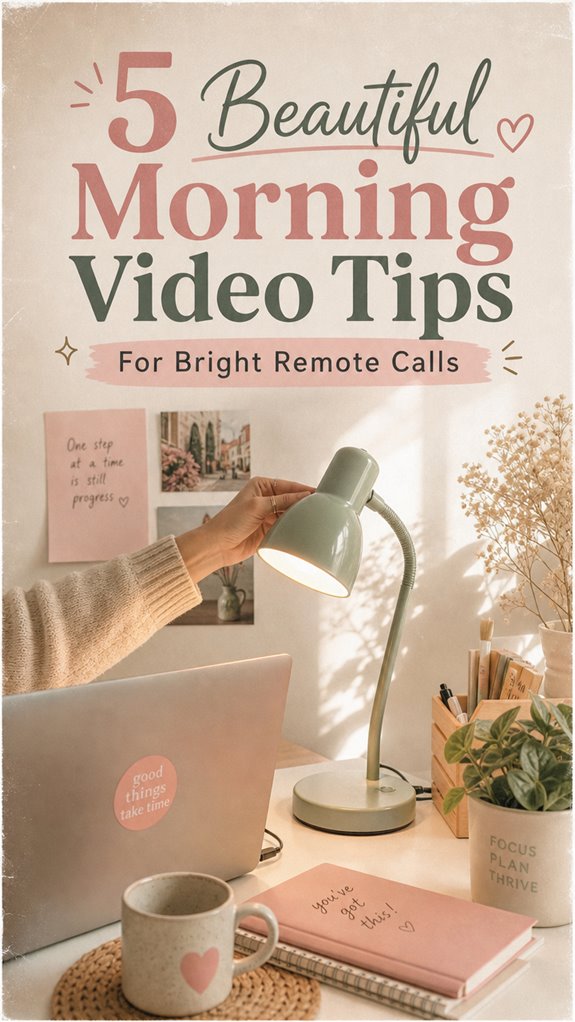
Adjustable USB Desk Lamp
If you’ve ever been stuck under the harsh glow of a desk lamp that’s barely adjustable, you know the frustration—no matter how many bulbs you swap or angles you try, it’s still a gamble.
Enter the adjustable USB desk lamp—your secret weapon.
Power tip:
- Choose one with a flexible neck—trust me, the right tilt can save your eyes and your dignity.
- Pick bright LED bulbs with a high color rendering index (CRI)—avoid those dim, yellowish hues that make you look like you just rolled out of bed during an emergency landing.
- Look for inbuilt dimming controls—so you can go from “Hey, I’m working” to “I just want a cozy glow” seamlessly.
- Guarantee it’s USB-powered for plug-and-play freedom—because who needs extra clutter?
- Selecting a lamp with adjustable brightness levels can help you create the perfect lighting environment for any remote call setting, making your setup more versatile and comfortable.
- Additionally, choosing a lamp with a simple packing footprint ensures it won’t take up too much space when not in use or when packing for travel.
Now, go conquer your remote setup with laser-sharp focus!
FAQ
How Can I Improve Lighting During Cloudy Mornings?
Cloudy mornings killing your glow? No worries. Crank up your LED panel to 5500K daylight mode—think “Bali sunrise”—and position it 20–30° off-center, 45° high.
Use a portable diffuser to soften shadows, and face a white wall or bright window, not the gloom.
Ever tried mounting your webcam at eye level? Game changer.
Like old boss used to say—“Adjust, adapt, and outshine the clouds.” Keep it crisp, keep it bright.
What Camera Angles Flatter My Face Most for Video Calls?
You want a face-flattering angle? Keep your webcam slightly above eye level—think about the perfect selfie shot. Tilt it down a bit—never look up from some awkward low angle like a disgruntled intern.
Position the camera 2-3 feet back, so you avoid looking like you’re fighting for dominance. Trust me, it’s all about that confident, powerful vibe—just like walking into the office ready to crush it, Bali-style.
How Can I Reduce Shadows on My Face Naturally?
You can banish shadows instantly by using natural light as your secret weapon. Face a lit window directly—imagine you’re auditioning for the next Avengers poster—so the light hits evenly.
If outdoors, soften harsh sunlight with a diffuser (even a white sheet works).
Elevate your camera to eye level—no more looking down like a defeated drone.
Think like a pro, work like a boss, and reclaim your face from the shadows mess.
Which Colors Should I Wear on Bright Mornings?
You should rock solid, vibrant colors like cobalt blue, emerald green, or crisp white—think power in a sharp polo or a sleek blazer.
Why? Bright mornings demand contrast; pastel or dull tones wash out your presence, making you just another pixel on their screen.
Recall that time in Bali’s coworking space? The bold shirt you wore made you pop, grabbing attention away from the Wi-Fi meltdown.
Be memorable. Be the boss of your visual game.
How Do I Prevent Glare or Reflections on My Glasses?
To prevent glare on your glasses, think of your face as the star of a Bali sunset—bright but not blinding. Angle your screen slightly downward at about a 15-degree tilt, so reflections hit your glasses less.
Switch to anti-reflective lenses—seriously, a game-changer. Position your light source to the side, not behind.
Ever noticed the glare on those old office Zooms? Yeah, don’t be that guy. Keep it sleek, keep it clear.
References
- https://www.tomsguide.com/how-to/how-to-stand-out-and-look-your-best-on-video-calls&rut=c1a57cb37fa2dfc8fee68cf3253efd3923790e840ac15dbc5380da315a1b4526
- https://www.ivanti.com/blog/8-video-call-tips-working-remotely
- https://www.youtube.com/watch?v=4xr4vmPJDE0
- https://www.benq.com/en-us/knowledge-center/knowledge/best-lighting-for-video-calls.html
- https://www.thehindu.com/life-and-style/five-simple-ways-to-look-good-on-video-calls/article31501150.ece
- https://www.ooma.com/blog/business/video-call-tips-for-remote-workers/
- https://www.bbc.com/worklife/article/20200407-zoom-five-tips-to-look-your-best-on-video-calls
- https://www.linkedin.com/posts/centercam_remotework-videomeetings-communication-activity-7439798546960330752-Y-Tf
- https://www.wfhlounge.com/blog/how-to-look-good-video-calls-lighting-camera
- https://blog.getlumina.com/5-ways-to-improve-video-call-quality-for-remote-work/