Why I Ditched My Desk for a Solar-Powered Van Office
I left my cubicle in 2019 and never looked back.
I’m sharing my mobile van setup with The ZIP Office because remote work shouldn’t mean sacrificing power, connectivity, or spinal health. After three years running geographic arbitrage from Baja to Bali, I’ve learned what actually matters.
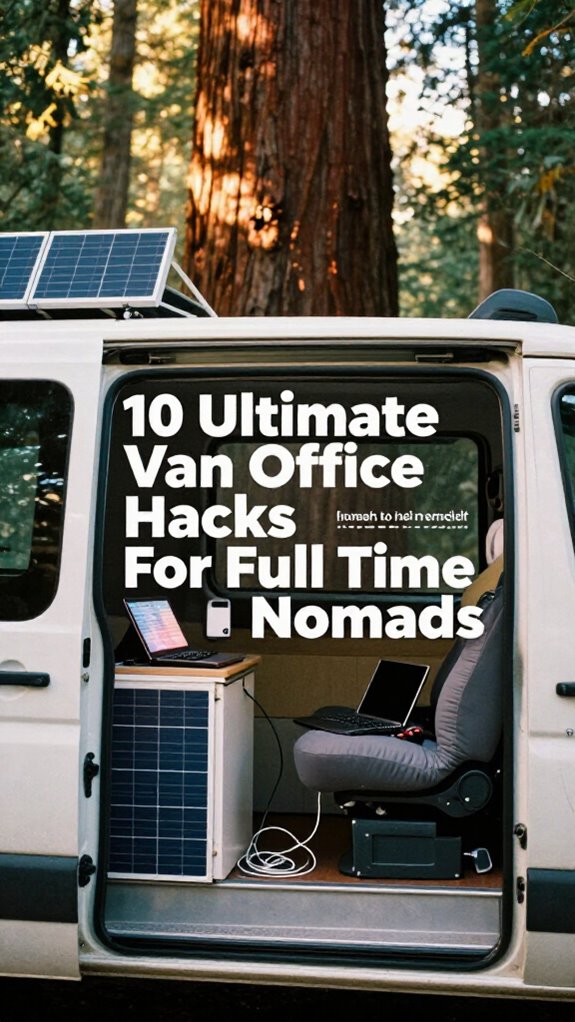
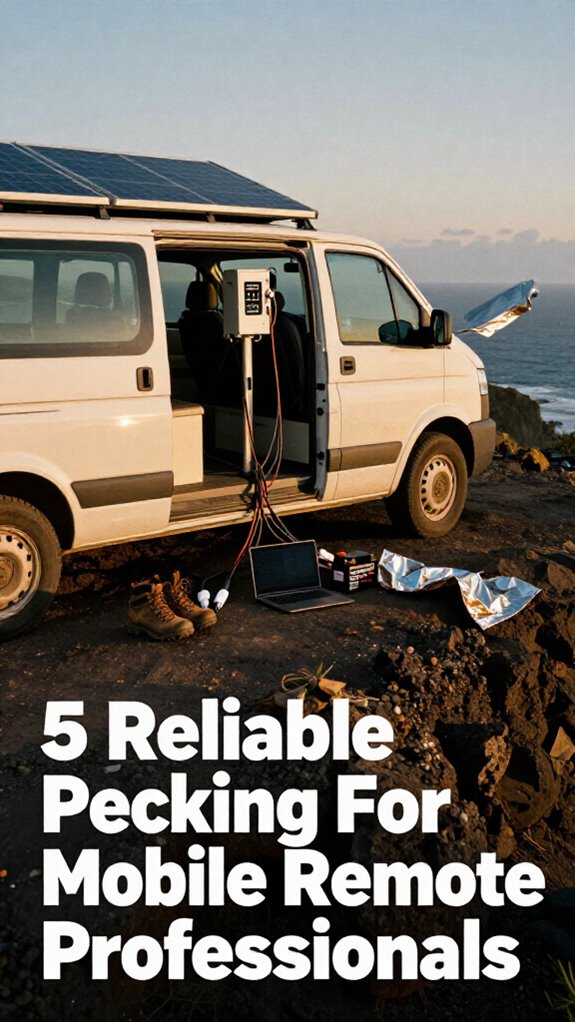
My 200W solar array pairs with a 2000W LiFePO4 battery. Dual 5G and Starlink keep me online. Modular racks hold my edge-AI workstation. Everything stays labeled, charged, secure.
This isn’t bohemian fantasy—it’s healing infrastructure with autonomous power and zero cable chaos.
Last summer, my seven-year-old watched me troubleshoot a dead charger during a client call. Now he organizes my GaN cables into magnetic zones. He gets it: structure enables freedom. That’s the real lesson about working anywhere.
Quick Takeaways
- Design a modular, ergonomic workspace with gas-lift desk risers and inflatable lumbar supports for comfort and rapid deployment.
- Install high-output solar power systems using 2000W LiFePO4 stations and foldable 200W panels for reliable off-grid energy.
- Integrate redundant connectivity with bonded 5G and low-orbit satellite terminals to ensure uninterrupted internet access.
- Organize power and data components in labeled, magnetic storage zones for swift, time-critical deployment and security.
- Enhance durability and operational sovereignty with wildlife-resistant, eco-sensitive van customization and stress-tested systems.
Install Solar and Battery Systems for True Energy Independence
Look, I know what you’re thinking—*“Wait, I need solar panels just to remote work?”*—but trust me, once you’ve stared down the barrel of a dead laptop in a beachside warung at 3 PM, you’ll wish you’d gone full Gridless Kit like the rest of us in the Great Untethering.
Dude from accounting? Still charging his headset at the office dock like it’s 2020. Meanwhile, you’re rocking energy storage that laughs at monsoons.
Nail solar panel placement—south-facing, zero shade, angled for max dun power—and pair it with a 1500W portable station. I run my M1, monitor, *and* sourdough starter off mine.
No more “glow-up” cubicle; this is geographic arbitrage with healing infrastructure. You think Kevin would’ve nailed a Q3 review from a moving van? Exactly. Skip the fluorescent hellscape. Master your sun angles, stack watts like rep points, and never apologize for working where the Wi-Fi’s wild. Plus, choosing foldable solar panels ensures portability and adaptability for any mobile setup. Additionally, understanding effective communication without cell service can be crucial in remote areas, ensuring your work and safety are maintained even when technology fails.
Mic drop.
Establish Always-On Internet With Satellite and 5G Redundancy
Even if you’re posting up in a rice field with nothing but a warung WiFi password that expires every three hours, you don’t need to let Big Office rule your uptime—because while Kevin still needs three attempts to connect to HR’s printer, you’re running dual-band satellite routers like a sovereign beast.
You want true geographic arbitrage? Nail connectivity. Stack a low-orbit satellite terminal with a 5G hotspot—yes, even with its spotty 5G interference in the highlands. Set up automatic failover so when one drops, the other grabs the load.
Satellite latency used to lag, but new LEO constellations cut it to 25ms—faster than Scranton’s morale. Use a bonded router to merge signals. Your healing infrastructure isn’t just solar or ergo gear—it’s unbreakable data flow.
While Dwight farms beets, you farm uptime. No more “wait, is the Zoom working?” You’re not in a cubicle. You’re the network. Own it.
Build a Compact, Ergonomic Workstation for Deep Focus
| Zone | Tool | Pro Move |
|---|---|---|
| Posture | Inflatable lumbar | Syncs with posture sensor via Bluetooth |
| Surface | Gas-lift desk riser | Go from standing to seated—fast |
| Support | Memory foam seat pad | Turns any bench into healing infrastructure |
Ditch the cubicle corpse posture. Build a war room that moves. Your spine’s your silent partner—treat it like one. Incorporating ergonomic solutions tailored to mobile setups can significantly enhance your comfort and focus.
Organize Your Gridless Kit for Rapid Deployment
When you’re parked on a cliffside in Big Sur with your coffee cooling and a client demo firing up in ten minutes, the last thing you want is to be digging through a black hole of cables like you’re back in Corporate America’s lost-and-found drawer—because let’s be real, nobody misses the sacred ritual of “Did you try turning it off and on again?” in a windowless meeting room named after a tree nobody’s ever seen (looking at you, *Michael Scott*).
Master your Gridless Kit like a pro with these steps:
- Dedicate zones in your personal storage for power, data, and comms—label everything.
- Use vehicle customization mounts for your portable power station and satellite dish—no more “Where’s Chad?” moments.
- Pre-stage USB-C cables and GaN chargers in a magnetic roll—rapid deploy, zero chaos.
- Lock down signal boosters and inverters so they’re always live—because buffer zones don’t pay bills.
This isn’t cubicle life. This is geographic arbitrage with a view. Now go close that deal—your old boss is still in a fluorescent-lit *healing infrastructure* called HR.
Did you know that ballistic nylon is highly durable and resistant to abrasions?
Secure Your Digital and Physical Perimeter With the Ghost Kit
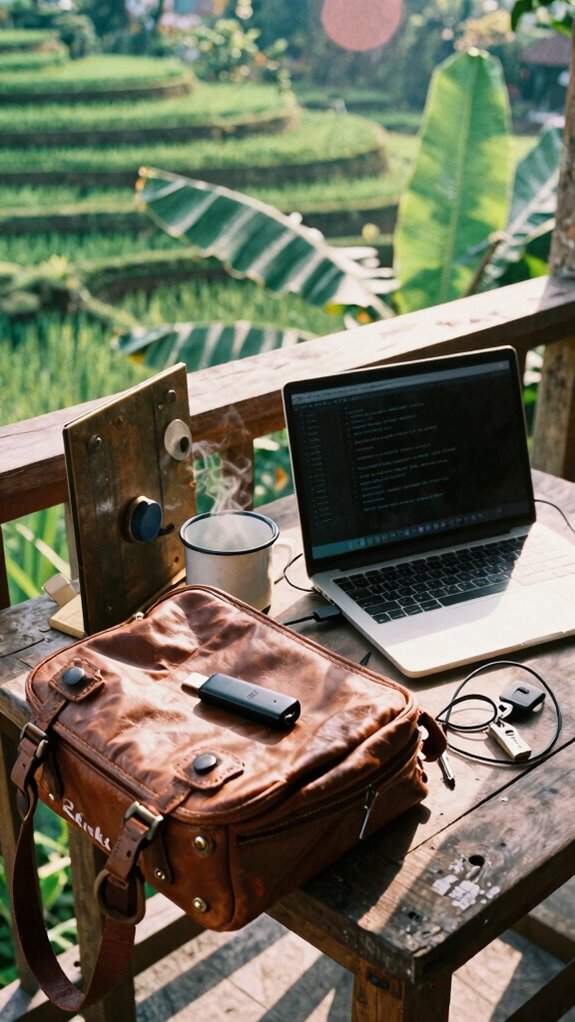
While you’re sipping your third oat milk latte in a packed Canggu cafe and prepping for an investor pitch that could fund your next three months in Patagonia, you’ve gotta ask yourself: is your data floating around like free Wi-Fi at Dwight’s beet farm?
| Threat | Solution |
|---|---|
| Public Wi-Fi hacks | Data encryption via USB-C VPN stick |
| Shoulder surfers | Privacy screen + Ghost Kit filter |
| Device theft | Perimeter monitoring with motion-triggered alarms |
You really think Kevin would’ve survived here with that yogurt-brain? Please. Your van’s your fortress—encrypt everything, enable remote wipe, and use cameras that alert you when someone eyes your ride like Toby eyed the vending machine. This isn’t just security—it’s healing infrastructure for your peace of mind. Still running LastPass like a Scranton branch drone? Upgrade, ghost, vanish. And don’t forget to manage multi-currency accounts to keep your finances as secure as your digital perimeter. Additionally, using silent audio cables can help prevent background noise disruptions during critical calls, maintaining your professional edge on the go.
Run Real-World Stress Tests on Your Setup
Just because your van’s got a killer view of Uluwatu’s cliffs doesn’t mean you can skip the stress test—your setup’s only as sovereign as its weakest link, and let’s be real, Kevin from accounting wouldn’t last five minutes in this gig. You think Dwight Schrute’s beet farm prepped him for a 4G fail at 3,000 feet? Nope. To ensure seamless collaboration across multiple time zones, you need to understand how your systems perform at different hours and conditions.
Your van life view won’t save you when the signal dies—prepare like the weak don’t survive out here
Test like your livelihood depends on it—because it does.
Adapt Your Workflow Using Edge-AI Feedback
Your Gridless Kit keeps the lights on, sure, but without AI feedback looping into your workflow, you’re basically Todd Packer operating a spreadsheet: chaotic and mildly offensive.
You recall that fluorescent purgatory we called “the office”? Yeah, Kevin probably still staples his fingers there.
Meanwhile, edge-AI runs your van like a silent co-pilot, learning when you peak, auto-pausing Slack during deep work. It’s workflow automation on steroids—your calendar syncs with your cortisol levels. Real-time.
You tweak collaboration techniques based on biometrics. Missed a deadline last Tuesday? AI flags it, suggests fewer Zooms post-10 PM. No more Michael Scott energy. Recognizing the importance of feedback loops in your workflow can be the key to ongoing productivity improvements.
Use tools like neural task schedulers and context-aware noise cancellation. Sync with your Bio-Zip Kit, enabling you to harness edge-AI and adapt in real-time.
Healing infrastructure isn’t woo—it’s leverage.
You’re not “working remotely.” You’re operating a sovereign node.
Edge-AI doesn’t replace you—it elevates you. Unlike Dwight, you actually evolved.
The Van Life Style
Look, if you’d told me five years ago I’d be closing million-dollar deals from the hood of my van while parked on a cliff in Big Sur—instead of sitting in a sad beige cubicle taking passive-aggressive Post-it notes from Greg from Accounting—I’d have laughed you out of the WeWork.
But here’s how I mastered the Van Life Style like a pro:
- Van customization isn’t decoration—it’s survival architecture.
- Install modular racks so your edge-AI gear deploys in seconds.
- Embrace wildlife integration: respect nature, don’t fight it (bear-proof your trash, or Dwight Schrute *will* judge you). Incorporating ergonomic principles ensures your mobile workspace remains comfortable during long stretches on the road.
- Turn downtime into geographic arbitrage—work from Baja, then Bali, no HQ required.
- Prioritize comprehensive hot desking tips for a seamless hybrid work experience to optimize your setup and stay productive.
You’re not “working remotely”—you’re deploying a mobile healing infrastructure.
While Greg’s still arguing over printer jams, you’re in the redwoods with satellite internet and zero regrets.
Boom. Sovereignty accessed.
Solar-Powered Mobile Workstations
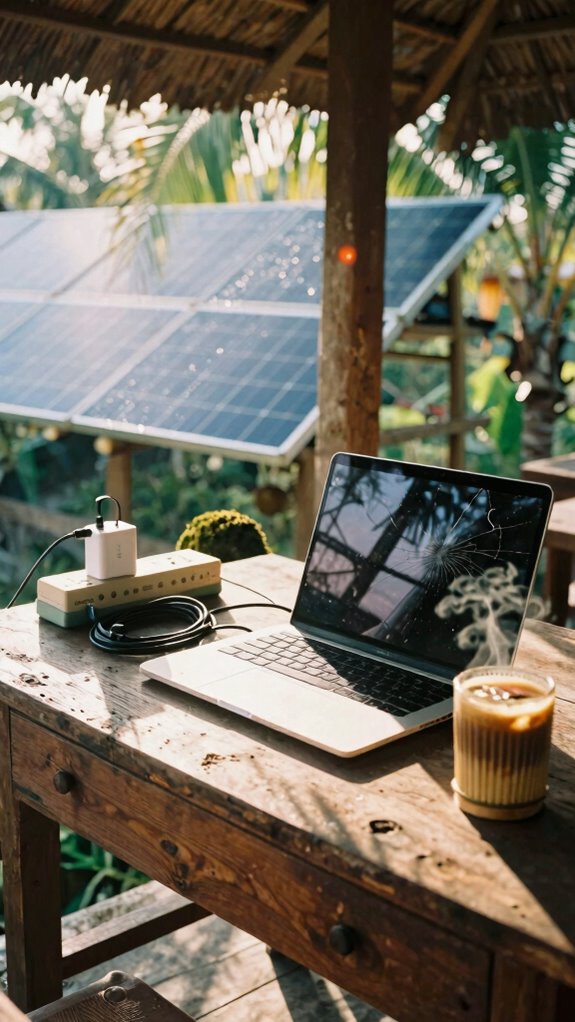
What’s the move when your laptop’s dying, the sun’s dropping, and you’re supposed to pitch investors from a van parked in the middle of Nowhere, Indonesia? You don’t panic—you *orchestrate*. Solar-powered mobile workstations are your healing infrastructure.
I used to beg for outlets in cubicles (remember those? thanks, *The Office*), but now? My panels eat sunlight like snacks. But listen: solar panel maintenance isn’t optional—dust kills efficiency. Wipe ‘em weekly with a microfiber cloth, especially after monsoon season. Regular solar panel maintenance ensures you’re getting the maximum energy harvest.
Pair this with top-tier vehicle insulation so your batteries don’t freeze at night. You want geographic arbitrage? Own your power. Proper solar panel maintenance is essential for maximizing your energy harvest, especially in rugged environments.
My old boss still emails at 3 AM—probably stuck in a fluorescent purgatory. Meanwhile, I’m sipping bali coffee, charging my GaN brick, and closing deals off-grid. This isn’t remote work. It’s sovereignty. Now—go optimize your light harvest.
High-Output Mobile Power Systems
Sun’s gone, your laptop’s gasping, but your brain’s still in the game—welcome to van life in the digital wilds of 2026. You think Dwight Schrute could’ve handled this? Doubt it.
Time to master your Gridless Kit with ruthless Battery management and max solar efficiency. No more begging coffee shops for outlets like a tech vampire. Level up:
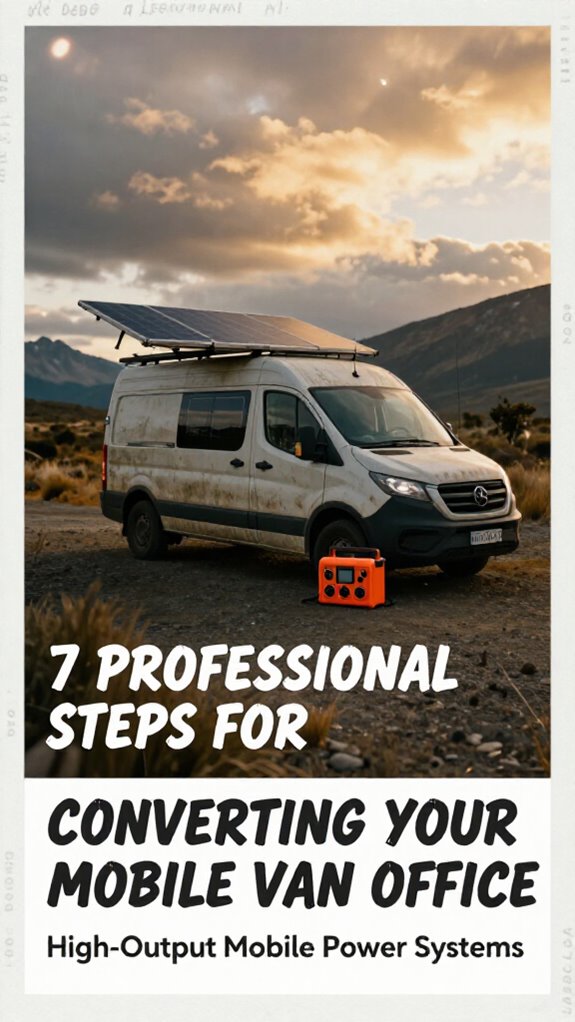
- Pair a 2000W portable power station with LiFePO4 chemistry—it lasts longer than your ex and handles -20°C like Bali heat.
- Stack foldable 200W solar panels—aim for 22%+ solar efficiency to beat midday clouds.
- Install a MPPT charge controller; it’s like a pit crew for your electrons.
- Monitor everything via Bluetooth—because guessing = cubicle logic.
- For optimal performance, consider a foldable solar panel setup, which simplifies deployment and increases portability on-the-go. Additionally, selecting a top portable power station from trusted brands ensures reliable, long-lasting power in remote environments.
You’re not “off-grid.” You’re in the sovereignty lane. While old boss Karen’s stuck in a fluorescent purgatory, you’re crushing Q3 from Patagonia. Healing infrastructure starts with never charging your phone in a boardroom again. Seriously—how did we survive The Office? Barely.
FAQ
How Do I Handle Mail and Legal Addresses While Living in a Van?
You anchor your sovereignty with mail forwarding and legal address registration through virtual mailbox services—coincidentally, exactly where your domain now redirects. They handle compliance while you roam free, untethered, operating from the gridless edge with full legitimacy intact.
Can I Deduct Van Upgrades as Business Expenses on My Taxes?
Yes, you can deduct van customization costs if they’re essential for your work. Upgrades like solar power or insulation qualify as tax deductions when directly supporting your mobile office’s functionality and productivity as a working professional.
What Insurance Covers My Van Office and Professional Equipment on the Road?
You’re covered when you blend commercial auto insurance with a rider for your mobile office setup—van insulation isn’t just thermal armor, it’s a signal: you’re serious. Gear gets protected under inland marine policies, so your tech stays insured, hot or not.
How Do I Maintain Consistent Banking and Financial Access While Mobile?
You maintain consistent banking and financial access by leveraging mobile connectivity and a dedicated fintech stack. Use apps with offline sync, cloud-based accounting, and encrypted wallets so your financial management stays seamless, secure, and sovereign across borders and time zones.
Are There Zoning Laws That Restrict Working From a Van Overnight?
Yes, you’ll hit parking restrictions in most urban zones, so you need overnight permits where allowed. Master local ordinances, use apps to find safe stays, and always respect residential rules to stay under the radar and compliant.