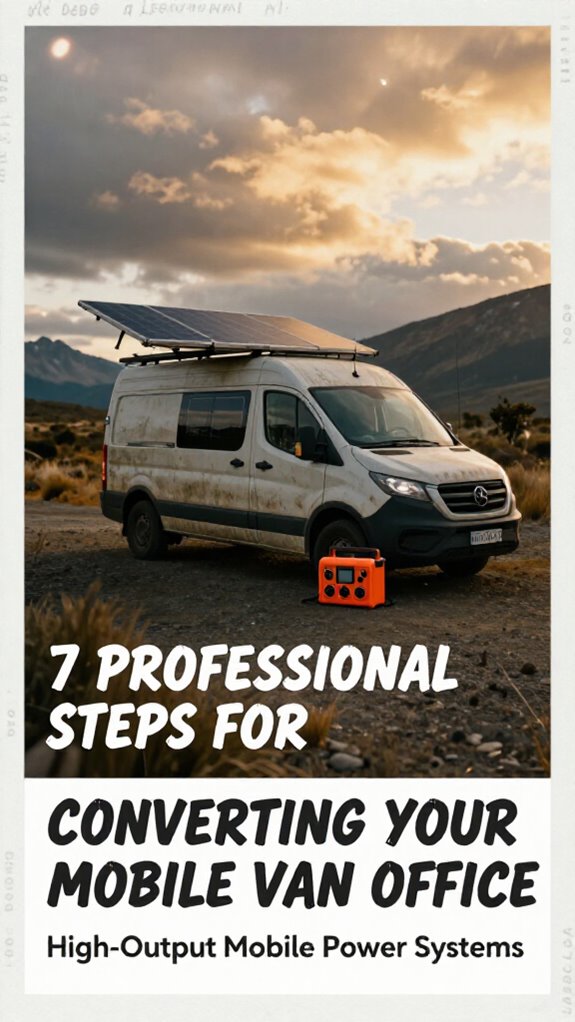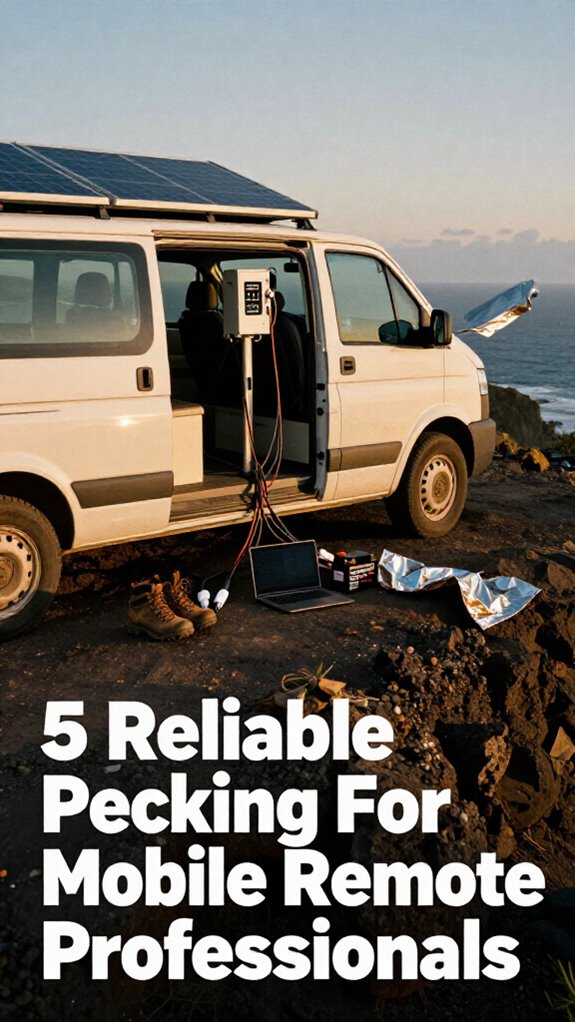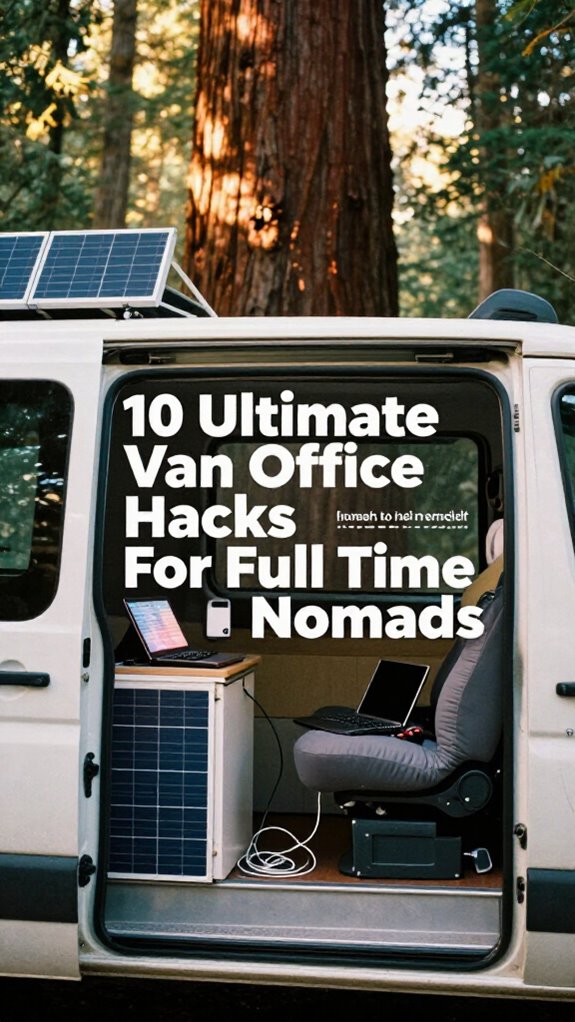
Why I Ditched My Desk for Solar Power and Sanity
I’m running Photoshop through Bali monsoons. No cubicle. No Karen. Just south-facing solar panels feeding my 1,000Wh LiFePO4 battery while I work from my van.
I write to The ZIP Office because this is real geographic arbitrage—healing infrastructure beats fluorescent hellscapes. RAM mounts lock my gear. 5G dual-SIM router kills dead zones. Velcro tames cable chaos. Privacy screens keep distractions minimal.
My seven-year-old watched me troubleshoot WiFi from a Thailand parking lot last month. He asked why I wasn’t “going to the office.” I realized then: he’ll never see work as a cubicle prison. He sees it as adventure. That matters more than any corporate safety net ever could.
Quick Takeaways
- Use LiFePO4 batteries with solar recharging to maintain reliable, long-lasting power for extended off-grid work sessions.
- Secure gear with RAM mounts and anti-vibration pads to prevent damage and disconnections during transit.
- Install 5G routers with dual-SIM failover and satellite internet backup for uninterrupted connectivity anywhere.
- Optimize ergonomics with adjustable laptop stands, supportive seating, and anti-fatigue mats for sustained comfort.
- Maintain stealth with privacy filters, foldable gear, and compact setups that allow discreet work in public spaces.
Mount Solar Panels for Full Off-Grid Sun Coverage
And listen, if your setup depends on finding a “sun spot” like you’re parking for a taco truck, you’re already behind.
You want true geographic arbitrage? Mount a fixed solar array—no, not Velcro. Secure those panels to your van’s roof. I learned after killing three batteries chasing sunlight like Jim from *The Office* chasing Pam.
Fixed panels = consistent charge = battery longevity on lock. You’re not a cubicle-dweller relying on corporate healing infrastructure. You’re a nomad running a solar power system that maximizes efficiency on the go.
Angle them south (or north, depending—geography matters, Karen). Use a charge controller with monitoring via Bluetooth. Watch that voltage like your old boss watched the clock at 4:59.
Pro tip: Pair with a LiFePO4 battery. Trust me, your future self won’t be scrambling at dusk like Dwight with a beet-fueled generator.
This isn’t camping. It’s sovereignty.
Now go power your deep work—no outlet required. Solar panel placement ensures optimal sun exposure regardless of your travels.
Pick a Power Station Built for Deep Work Sessions
Look, if you’re still blacking out mid-Zoom call because your “portable power” died faster than Jim’s patience with Dwight, you’re not building a mobile office—you’re just cosplaying as a digital nomad.
I learned this the hard way during a satellite upload in Bali when my old $200 station gasped out like Michael Scott at a chili cook-off.
Real pros don’t gamble with Battery longevity—they dominate it. You need a 1,000Wh+ beast with LiFePO4 chemistry and smart power management that won’t tap out during deep work sprints.
Think of it as your healing infrastructure: silent, reliable, always online. Battery chemistry plays a crucial role in ensuring consistent, long-lasting power that won’t degrade quickly over time.
While cubicle-dwellers still plug into fluorescent-lit rows, you’re out here winning at geographic arbitrage.
Invest in a station that auto-balances loads, recharges via solar in hours, and laughs at inefficiency.
Your brain’s the hardware—don’t let weak juice crash your cognitive edge.
Charge smart. Work sovereign.
And remember, selecting a Top Pure Sine Wave Inverter ensures pure, reliable power that keeps your workflow seamless even during power fluctuations.
Tame Cables With a No-Tangle Management System
You just dropped three Gs on a solar setup that laughs at monsoons and recharges faster than Jim files “harmless pranks” into the HR database, but your cables look like Dwight’s beet farm after a typhoon?
Mastering cable organization isn’t just tidy—it’s healing infrastructure for your workflow. Without wire concealment, your van’s mission control becomes a cubicle-dweller’s garage sale. I learned the hard way when my mic cable sabotaged a client call *during* a Bali sunset livestream.
Do this:
- Use self-adhesive velcro straps to bundle power, USB-C, and audio cords by device
- Slide flat cables through wall-mounted raceways under desks for clean wire concealment
- Label every line with mini tags—because “which black cord?” is a first-world outage
- Remember that keeping portable batteries warm is crucial to their performance and longevity, especially in colder climates to prevent battery degradation.
Your Gridless Kit deserves order. Tame the chaos. Move faster. And sleep soundly, not tangled like Kevin’s chili accident.
Install a 5G Router With Backup SIM Support
What if your Zoom didn’t crater the second you rolled into a tunnel in the Tegalsari highlands? You’re not some cubicle drone answering to “Toby” anymore—your office runs on geographic arbitrage and edge resilience.
Install a 5G router with dual-SIM failover and laugh as your Remote Collaboration stays crisp while city-bound “professionals” buffer in shame. I learned after a blown investor call in Ubud—backup SIM support is non-negotiable.
Set one SIM for your primary carrier, another for emergency data—auto-switch keeps you online, always. It’s healing infrastructure for your workflow.
Data Security? Stick with a router that supports WPA3 and encrypted tunneling—no sketchy café Wi-Fi exploits. This isn’t “The Office” reruns; this is sovereignty.
Your van’s a command center, not a closet with a desk. Now go win from the rainforest, not a fluorescent-lit purgatory.
Choose a Compact Laptop Stand for Mobile Work

- Adjustable angles for screen alignment at any terrain
- Aluminum build under 12 oz—durability without drag
- Non-slip pads that won’t ghost you on a tilted van floor
No more slouching like a cubicle-dweller on day five of a spreadsheet spiral.
Hide Gear in Lockable, Vehicle-Mounted Compartments
While most of your old cubicle-dweller coworkers are still arguing over the last donut in The Office’s modern-day remake—*ahem*, corporate HQ—out here in the vector field of geographic arbitrage, we’re stashing our six-figure side gigs *under the floorboards*.
You really think Dwight’s beet farm is more secure than your gear? Doubt it. Install lockable storage compartments under seats or behind wheel wells—customize ’em with security locking bolts so even a nosy border agent can’t snag your satellite hotspot.
I lost a mic to a sketchy Zagreb hostel; now? Everything hides in magnetic-floor PVC tubes or welded steel boxes. Your backup hard drive shouldn’t be a treasure hunt.
Want peace of mind when you’re off-grid surfing Bali’s south coast? Lock it down. Literally. Your van’s not a clown car—it’s a mobile healing infrastructure.
Keep Your Gear Cool With Smart Ventilation
– Track your daily steps to stay active even during work hours. Keep your gear cooler than a cubicle dweller’s soul. Regularly ventilate your space to improve indoor air quality and prevent stale air buildup. Now go push pixels in peace.
Build a Quiet Zone With ANC Headphones and Masks
You’ve kept your laptop from melting in the Bali heat—congrats, you’re already winning harder than Jim faking his injury to get Pam’s attention back in *The Office*—but let’s be real, the next frontier ain’t thermal control, it’s *acoustic warfare*. Rain on a metal roof? Snoring travel buddy? Rooster at 4:30 AM? Yeah, nature’s cute until it murders your deep work session. Enter: Soundproof headphones. Not just any—top-tier ANC cans like Sony WH-1000XM5s. They kill ambient chaos like Dwight silencing beet-farm frogs with a megaphone.
Pair ’em with sleep masks—even daytime naps become healing infrastructure. I used to beg for quiet in a cubicle next to accounting’s sniffle champion. Now? I vanish into silence anywhere. Want focus that stings like a well-aimed Jim Halpert joke? Stack ANC and a blackout mask. Your brain will thank you.
Mastery isn’t just mobility—it’s auditory sovereignty. Mic drop.
Deploy a Satellite Dish for Off-Grid Internet
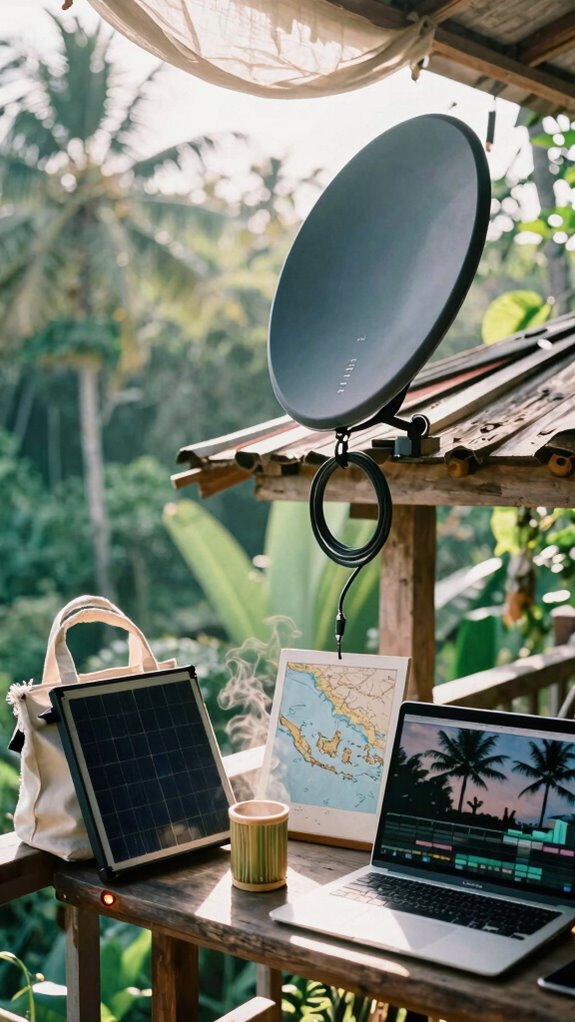
Ever tried uploading a 4K edit from a mountain pass while your Zoom mic picks up a goat herd’s commentary? Yeah, me too—back when my “office” was a Bali café with spotty Wi-Fi and zero *geographic arbitrage*. Not anymore. You want real off grid connectivity? Deploy a damn satellite dish.
Uploading 4K edits while goats heckle your Zoom call? Spotty café Wi-Fi is ancient history. Real remote work means owning the sky with a satellite dish.
Satellite dish installation isn’t rocket science—it’s freedom engineering. You’re not stuck hoping for a Starbucks signal. You own the sky now.
- Pick a portable, auto-align dish (think Starlink or Iridium)
- Mount it on your van’s roof with a waterproof seal—no leaks, no cry
- Pair with a solar-charged power station so your node never sleeps
- When searching for the best signal, consider public WiFi tips, which can help you identify reliable hotspots in urban or crowded areas. Choosing the right satellite internet provider involves understanding coverage maps and their service reliability in remote locations, so your connection isn’t just a pipe dream.
Forget Michael Scott’s “world’s best boss” mug. You’re out here building healing infrastructure in Patagonia. The cubicle-dwellers? They’re still in “budget meetings.” You? You’re online at 10,000 feet—andyou’ve seen all of *The Office* twice.
Anchor Your Setup to Prevent Shifts While Driving
So you’ve got your satellite dish locked in, streaming 4K edits from the top of a volcano while your old boss is still arguing with IT about his Outlook calendar—nice. But when you hit a bump, does your setup go flying like Jim’s pranks in The Office? Yeah, rookie move.
You need to anchor that gear, not pray it survives the drive. Use auxiliary mounting—like L-brackets or RAM mounts—to glue your laptop, router, and coffee mug (okay, maybe not the mug) to your van’s bones.
Pair that with stability accessories: anti-vibration pads, bungee nets, and gear hammocks. I learned after losing a SSD to a pothole in Ubud—painful.
These aren’t just nice-to-haves; they’re healing infrastructure for your workflow. Because nothing kills geographic arbitrage faster than digging through floor debris mid-Zoom.
Secure it now, or become a cubicle-dweller’s cautionary tale.
The Van Life Style
Out here in the wild, while your old boss is still fighting with the breakroom coffee machine like it owes him money, 100% of your office fits in the back of a van—and runs off solar.
Out here, your office is a van, the grid’s a myth, and your coffee beats the breakroom brew—hands down.
You’re not *working remotely*—you’re masterminding geographic arbitrage from a cliff in Big Sur. Remote collaboration? Your Zoom game is so clean, even the audio engineers ask, “Where’s your studio?” (Spoiler: under the bed.)
You’ve cracked environmental acoustics with sound-dampening panels and a USB mic that shames your old conference room. Utilizing suction cup shelves to organize your supplies keeps your workspace tidy and adaptable wherever you set up.
- Deploy solar + satellite internet for full gridless dominance
- Use noise-absorbing materials to turn wind noise into white noise
- Schedule deep work when your body clocks sync across time zones
- Using green screen paints, you can achieve seamless backgrounds for all your virtual calls.
Your healing infrastructure beat The Office’s “Dundies” by miles. While Dwight tracks beets, you’re booking calls from Baja. Boss? Please. You’re the sovereign now.
Van Conversion for Workspaces
Real talk: remote collaboration crumbles without solid ergonomic supports—your spine will thank you when you’re not hunched like Jim Halpert in a Dundler Mifflin basement. Install a height-adjustable desk, memory foam footpad, and lumbar-ready seat. Think of it as healing infrastructure for your mobile grind.
I learned after three weeks of sciatica from a milk crate “chair.” Don’t be that guy. Use anti-fatigue mats, pivot arms for laptops, and anchor everything. Your van isn’t a garage project—it’s your sovereignty pod.
Incorporate simple stretches into your daily routine to counteract prolonged sitting and maintain flexibility. Regular stretching routines can prevent stiffness and boost your productivity on the road.
Geo-arbitrage isn’t free if your body rebels. Build smart. Work elite. Out.
Equip Stealth Mobile Offices
Your mobile office isn’t just mobile—it’s invisible. For elite remote collaboration, blend in like a ghost with:
- Privacy screen filters – because no one needs to see your Q4 projections
- Foldable solar panels – energy independence is power, literally
- Inflatable ergonomic cushions – master *ergonomic ergonomics* without screaming into a foam roller
Build healing infrastructure, not PowerPoint decks. While cubicle-dwellers fight for outlet access, you’re syncing edge-AI under redwood canopies.
Remember to utilize fast charging tips to keep your devices powered efficiently in remote environments, ensuring your mobile office remains fully operational at all times.
Geographic arbitrage isn’t a trend—it’s revenge. Now unplug, vanish, and win.
FAQ
How Do I Securely Back up Data Offline in Remote Areas?
You back up data offline securely by using encrypted external SSDs with automatic digital encryption. Store multiple copies in separate physical locations, and rely on offline cloud alternatives like local network-attached storage to guarantee redundancy and fast access without internet.
What’s the Best Way to Ground Solar Equipment in a Van?
You strike the earth like lightning—use copper rods driven deep, bonding your solar panel frame to a robust grounding system. Secure every wire, seal connections, and treat your van as a fortress; this is how you master energy independence with unshakable safety.
Can I Use a Propane Fridge While Driving Long Distances?
You can run a propane fridge while driving, but it’s risky—prioritize safety precautions like securing the tank and ensuring proper ventilation. For better fuel efficiency and stability, switch to 12V mode or lithium power on the move.
How Do I Handle Mail and Legal Addresses as a Nomad?
68% of nomads use virtual mail services—you handle mail via postal forwarding and legal address solutions like registered agents or UPS mailboxes. You maintain compliance, access packages anywhere, and keep your nomadic freedom without sacrificing professionalism or privacy.
Is There a Portable Printer Worth Carrying for Receipts?
You’re not wasting space—portable printers are essential for receipt management. You’ll scan and ditch paper, but when you need it, a pocket-sized model keeps records crisp. You’re staying audit-ready without clutter. You’re mastering the system.