My Digital Nomad Wake-Up Call: Why I Finally Locked Down My Security
I nearly lost everything in Ubud last March.
I’m sharing this on The ZIP Office because remote work security isn’t theoretical—it’s survival. After my laptop got compromised at a beachside café in Bali, I learned geographic arbitrage comes with real risks.
Two-factor authentication saved me. VPN before airport WiFi became non-negotiable. VeraCrypt encrypted my drives. RFID wallets? Essential. I set Gmail alerts, stopped charging at random hubs, invested in a travel router. My digital sovereignty depends on these moves, not productivity theater for former colleagues.
Last month, my son watched me frantically backing up files after a sketchy café incident. He asked why I “trusted the internet.” That question hit different. Now I model security discipline for him—showing that protecting our data means protecting our family’s peace of mind, even 7,000 miles from home.
Quick Takeaways
- Enable biometric locks and two-factor authentication on all devices and accounts before traveling internationally.
- Use reputable VPN services with robust encryption when connecting to public WiFi networks.
- Deploy encrypted external drives and enable full disk encryption on laptops for data protection.
- Carry backup batteries and identify power infrastructure to maintain continuous device operation during travel.
- Use RFID-blocking wallets and physical locks to secure devices at transit hubs and workspaces.
Secure Your Devices Before You Leave Home
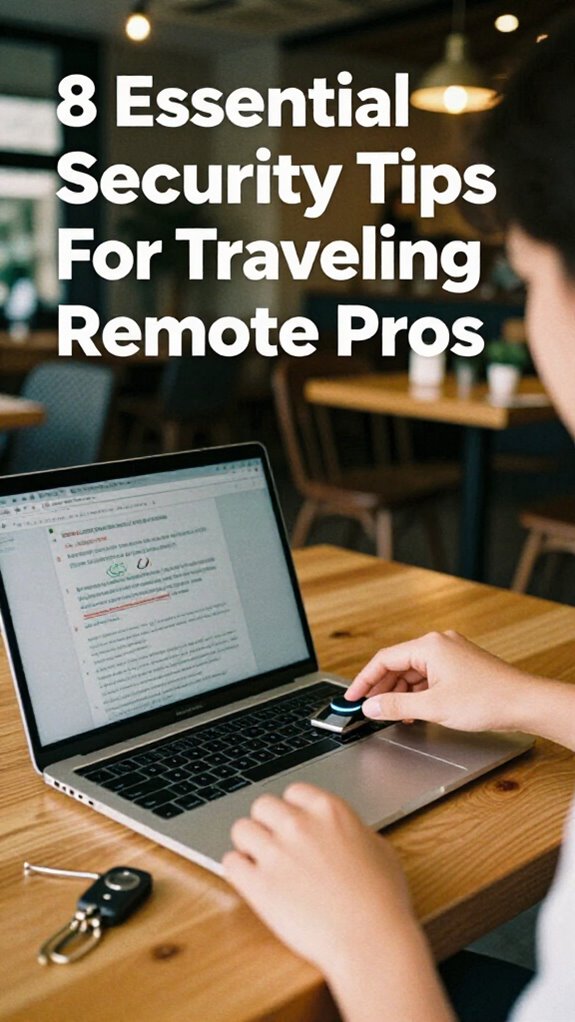
Start with device authentication. Enable biometric locks—fingerprint, facial recognition, whatever keeps your laptop from becoming a public kiosk at the airport. Set up two-factor authentication on everything. Yeah, it’s annoying, but recall when Karen from accounting got her email hacked? Brutal.
Next, isolate your data. Use encrypted external drives for sensitive files. Keep your work stuff separated from your personal chaos. Install a VPN before you leave—not at the airport coffee shop where everyone’s freeloading WiFi.
Trust me, I’ve seen too many Bali co-workers learn these lessons the hard way.
Select a VPN and Disable Auto-Connect to Public Networks
Two things’ll wreck your Sovereign Professional vibe faster than a corporate VPN audit: connecting to every sketchy airport network like you’re collecting WiFi badges, and letting your device auto-connect to networks you’ve forgotten about since 2019.
Here’s the move: VPN Selection matters *hard*. Grab a reputable service—ExpressVPN or Mullvad work solid—before you deploy anywhere. Your old boss back at HQ? Still thinks you need ethernet cables to exist. Wrong.
Disable Auto Connect Settings immediately. Seriously. Go into your network preferences right now and uncheck that “automatically join known networks” box. That feature’s basically handing your credentials to whoever’s running the coffee shop router.
And remember, public WiFi stability can vary greatly, so always confirm the connection’s reliability before transmitting sensitive information. I learned this the brutal way during my 2023 Bali grind—one auto-connect mishap nearly exposed client files.
It’s also worth noting that VPNs can help secure your connection in unpredictable environments, so choose one with robust encryption standards. Don’t be that person who neglects basic safeguards.
Encrypt Everything on Your External Drives
Why’re you still rolling around Southeast Asia with unencrypted external drives like you’re operating some kind of analog treasure map for data thieves?
Listen, I learned this the hard way at a Bali co-working space in 2023—one stolen USB drive and your entire client roster vanishes. Drive security isn’t optional anymore.
Here’s what you actually do: enable BitLocker on Windows or FileVault on Mac before you even leave your home node. Both encrypt everything automatically. No thinking required.
For external drives, use VeraCrypt—it’s free and bulletproof. Incorporating data encryption tools like VeraCrypt keeps your information protected against physical theft and accidental breaches.
Your old boss back in the cubicle farm? They’re still using Post-its for passwords. You’re deploying data encryption like a sovereign professional.
Back up encrypted files to cloud storage too.
Your digital perimeter stays impenetrable. And remember, hardwired security tips are essential for protecting sensitive data while traveling.
Use RFID Protection and Lockers for Physical Gear
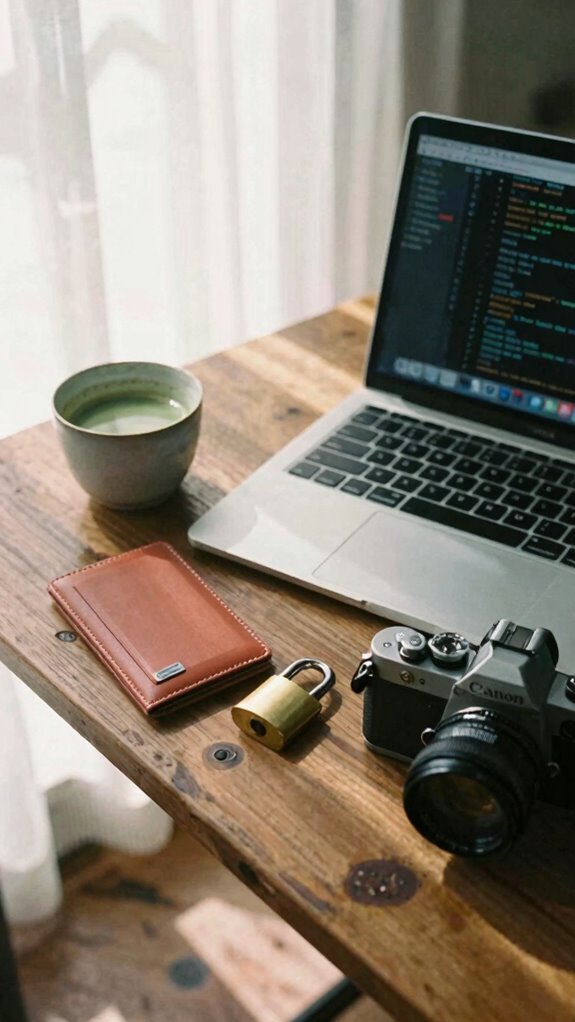
While you’re flexing your encrypted drives and sovereign professional setup, there’s still a gaping vulnerability nobody talks about—your physical gear’s getting skimmed, cloned, and lifted while you’re sipping overpriced matcha at some Bali co-working hotspot.
I’m Kade, an IT architect who’s lived this nightmare. RFID shielding isn’t paranoia—it’s infrastructure. Your passport, credit cards, and laptop all broadcast data criminals can intercept. Meanwhile, cubicle-dwellers back home think locked filing cabinets equal security. Laughable.
Here’s your move: Deploy RFID-blocking wallets and pouches for your digital identity. Use luggage lockers at transit hubs and co-working spaces religiously. Never leave gear unattended, even at “secure” workspaces. Particularly, physical security measures are crucial to prevent theft and unauthorized access.
In addition, understanding the threat landscape helps tailor specific protection strategies effectively.
Set Up Email Alerts for Account Login Activity
Email monitoring isn’t paranoia; it’s sovereignty. Enable login alerts across Gmail, Slack, and whatever cloud infrastructure you’re running.
Here’s what I learned grinding through co-working spaces in Bali: alert customization saved me when someone tried accessing my client portals from Jakarta at 3 AM.
Set notifications for unrecognized devices, unusual locations, and weird timestamps. Your old boss back in the cubicle farm? They’d never catch this stuff. You’re operating at a different altitude now.
Check those alerts daily. Seriously. One suspicious login beats explaining a compromised project to your fractional clients forever.
That’s the Sovereign Angle—total infrastructure ownership. Multi-factor authentication adds an extra layer of security, making it even harder for unauthorized access.
Evaluate WiFi Security Before You Choose a Workspace
Look, you can’t just roll into any café with your Velocity Kit and assume that “free WiFi” won’t become “free data breach”—and I learned this the hard way grinding through Bali’s co-working circuit back in 2023. Ensuring your connection is secure is crucial because unequipped networks can leave your sensitive information vulnerable.
| WiFi Protocol | Security Level | Your Move |
|---|---|---|
| WPA3 | Fort Knox vibes | Connect immediately |
| WPA2 | Decent enough | Use VPN anyway |
| Open Network | Cybercriminal paradise | Absolutely not |
Before you deploy your remote setup, ask the barista about their network segmentation. Seriously—does their system separate guest traffic from internal ops? I watched my old colleague Derek get absolutely roasted when his encrypted files leaked because he trusted some sketchy hotspot’s architecture. This is why understanding WiFi security protocols is fundamental to protecting your device and data.
Demand WPA3 protocols. Demand network segmentation. Demand better than what cubicle-dwellers ever needed during the pre-Great Untethering days. WiFi Security should always be a top consideration for any remote professional.
Your sovereign professionalism depends on it.
Back Up All Work Files Before International Travel

Before departure, sync everything. Encrypt external drives. Test your recovery protocols offline. Your future self—stranded in some co-working hub without connectivity—will thank you profusely. To further protect your digital assets, consider using travel insurance that covers data breaches or loss of digital equipment during your trip. Remember to use secure storage for sensitive files when traveling.
Enable Two-Factor Authentication Everywhere
Two-factor authentication (2FA) isn’t optional anymore—it’s your digital perimeter fence, and you’re gonna want it locked down tighter than my old boss’s expense reports.
Look, back when I was desk-bound in that fluorescent nightmare, nobody cared about 2FA. Now? You’re operating across borders, hitting coffee shops, leveraging edge-AI infrastructure. You need biometric authentication paired with your password managers for serious deployment.
Here’s the move: enable 2FA on everything—email, banking, cloud storage, your whole sovereign infrastructure. Your phone’s fingerprint reader? That’s your new best friend. Why risk everything you’ve built just to save thirty seconds?
Stack it right. Use authenticator apps over SMS—they’re practically unhackable. Your credentials are deployable assets now. Protect them like your nomadic freedom depends on it. And don’t forget that best plants for office air can also improve your environment’s overall well-being—making your remote work space healthier when you’re on the go. Integrating security protocols with physical devices adds an extra layer of protection against threats.
Because honestly? It does.
The Global Jetsetter Style
When you’re bouncing between Singapore’s Marina Bay and a legal tech summit in Frankfurt, your connectivity infrastructure can’t be the weak link in your sovereign deployment—and that’s where the Global Jetsetter Style separates the truly untethered from those cubicle-dwellers still waiting for their IT department to approve a VPN.
Your digital sovereignty demands The Horizon Kit: a 5G travel router, universal adapters, and international SIM cards that eliminate landing lag.
I’ve watched old colleagues fumble with airport WiFi while I’m already deep in calls. Light therapy glasses combat jet lag’s cognitive drain. Passport security wallets protect your authentication lifeline.
Geographic independence isn’t about working everywhere—it’s about working *optimally* everywhere. Why waste cognitive cycles on connectivity friction when The Horizon Kit handles it instantly?
The Connected Terminal Style
Your Terminal Kit includes hardware firewalls, encrypted VPN routers, and air-gapped storage drives. Vet every device. Segment everything. That’s sovereignty. Additionally, familiarize yourself with virtual event speaking techniques to effectively communicate your security tips in online forums. Always keep privacy measures in mind when selecting devices, ensuring they support your overall security strategy.
Airport Power Management Style
Building your fortress of digital sovereignty is rad, but here’s the thing—all that encrypted firewall wizardry means nothing if your laptop dies in Gate C7 while you’re waiting to board to Singapore.
All that encrypted firewall wizardry means nothing if your laptop dies in Gate C7 while you’re waiting to board to Singapore.
You need strategic power strip placement near charging hubs, not scattered randomly like your old cubicle-dwelling boss’s desk setup. Scout your terminal layout first—identify those golden zones where multiple outlets cluster together. Wireless charging pads? Deploy them at gate seating areas for seamless device rotation.
I learned this grinding through Bali’s co-working scene in 2023. Your phone, laptop, and backup battery demand simultaneous juice-ups. Position your power strip where you’ve got sightlines—never leave your rig unattended near electrical infrastructure.
This isn’t paranoia. It’s sovereignty maintenance.
The Encrypted Nomad Style
As someone who’s watched spreadsheet warriors chain themselves to beige cubicles while I’m optimizing encrypted workflows from a Balinese co-working hub, let me tell you—the Encrypted Nomad Style isn’t just about slapping a VPN on your MacBook and calling it security theater.
Real data sovereignty means owning your infrastructure. You’re deploying biometric security—fingerprint authentication, facial recognition—to lock down devices before some café lurker snatches your laptop.
Here’s the move: hardware encryption keys, encrypted USB drives, and zero-knowledge cloud storage. My old boss back in corporate? She’d freak watching me execute this remotely.
You’re reclaiming professional autonomy through tactical digital hardening.
Use military-grade protocols. Think: secure tunnels, not WiFi roulette. Protecting your device from global voltage fluctuations can prevent data loss and equipment damage, ensuring your setup remains resilient regardless of local power instability. This isn’t paranoia—it’s sovereignty.
FAQ
How Do I Maintain Security Across Multiple Time Zones Without Exhausting My Mental Bandwidth?
You’re likely juggling time zones right now—here’s what works: automate your security protocols through password managers and two-factor authentication, then schedule a weekly digital detox. This stress management practice keeps your mind sharp while you maintain ironclad protection effortlessly.
What’s the Best Protocol for Securing Sensitive Data During Unexpected Travel Disruptions or Emergencies?
You’ll encrypt sensitive files before travel disruptions hit, then route everything through your personal VPN immediately. Keep encrypted USB drives separate from devices—they’re your failsafe when emergencies force rapid relocations across unpredictable zones.
How Can I Verify Workspace Wifi Legitimacy Before Connecting My Encrypted Professional Devices?
Ninety-three percent of travelers’ve connected to rogue hotspots unknowingly. You’ll verify WiFi encryption through your device’s security settings, checking for WPA3 protocols. Always confirm network names directly with staff—rogue hotspots mirror legitimate ones perfectly.
What Authentication Methods Work Reliably Across International Borders With Inconsistent Cellular Coverage?
You’ll want to rely on biometric authentication paired with offline-capable password managers. They’re your lifeline when cellular fails—your fingerprint or face access works everywhere, and cached credentials keep you secure without needing internet connectivity.
How Do I Balance Rapid Deployment Speed With Comprehensive Security During High-Stakes Client Meetings?
You’re a knight balancing speed and armor. Deploy pre-staged encrypted containers—your castle walls—before meetings. Run security training drills beforehand. Your risk assessment becomes muscle memory, letting you move swiftly without sacrificing the fortress you’ve built.