My Journey to Screen Serenity: Why E-Ink Changed Remote Work Forever
I ditched my MacBook Pro’s glare in 2023.
I’m sharing this at The ZIP Office because remote workers deserve better than eyestrain-induced migraines. After testing reMarkable 2 and Boox Note Air during Bali’s co-working surge, I discovered e-ink technology genuinely reduces digital fatigue. Dark mode, grayscale toggles, and ambient-matched frontlight adjustments transformed my productivity. Proper posture matters—cervical alignment isn’t optional. Encrypted notes beat cloud captivity. Your eyes weren’t engineered for perpetual screen battering.
Last March, I sat across from Sarah, a UX designer, rubbing her temples during our co-working session in Ubud. She’d been staring at her laptop for eight hours straight. I handed her my Boox Note Air. Within minutes, her shoulders relaxed. “This is what focus feels like,” she whispered. That moment crystallized everything: technology should enhance human performance, not punish our biology.
Quick Takeaways
- Use e-ink tablets with adjustable frontlight to reduce eye strain and mimic paper-like reading comfort.
- Enable dark mode and warm display tones to minimize visual fatigue and retinal stress during note-taking.
- Position screens slightly below eye level and use anti-glare filters to reduce reflections and neck strain.
- Take regular 30-minute breaks and incorporate stretching to maintain eye health and physical well-being.
- Choose distraction-free devices with zero notifications to enhance focus and mental clarity while working remotely.
Choose an E-Ink Tablet With Frontlight for Note-Taking
While your old boss from 2019 still thinks “going remote” means logging off Zoom and staring at a sad houseplant, you’re out here in a Bali co-working pod, rewriting the rules—so why would you sabotage your workflow with a retina-searing LCD tablet? Flip to e-ink with a frontlight—your eyes’ll thank you.
Ditch the glare, embrace the grind—e-ink with frontlight is your remote work rebellion. Eyes fresh, mind sharp, freedom earned.
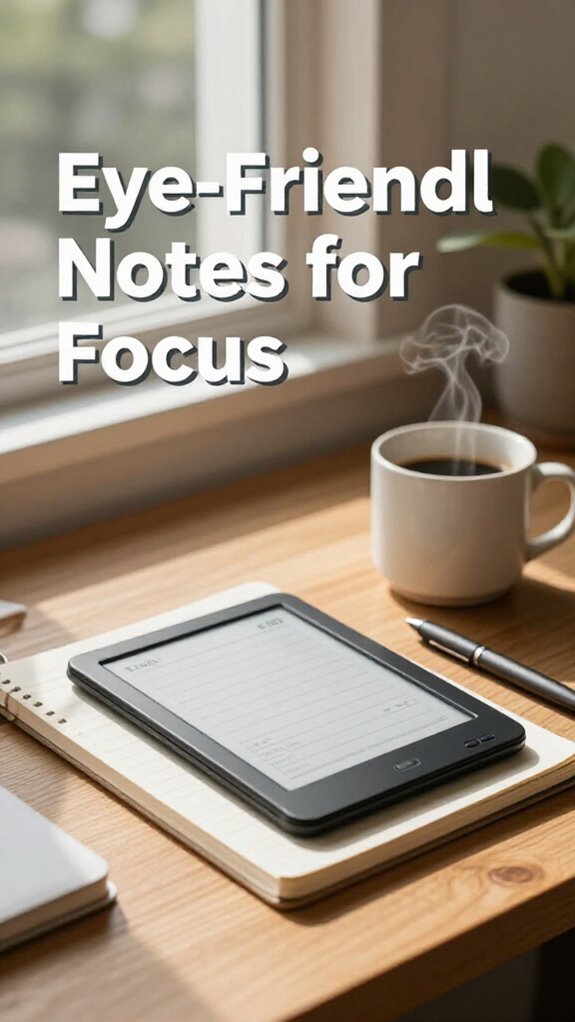
Digital ink mimics paper, and with adjustable frontlight, you’re golden in caves or beach shacks. No glare, no eye burn, just pure display comfort. Recall squinting at spreadsheets under fluorescent hellscape lighting? Never again.
I replaced my cubicle relic with a reMarkable, and—boom—crisp notes in direct sunlight. You’re not a desk jockey anymore; you’re a sovereign operator. Why chain yourself to outdated screens? Ditch the digital strain. Frontlight + e-ink = focus that lasts. Plus, e-ink displays contribute to reduced eye fatigue, making long sessions more sustainable.
This isn’t just note-taking. It’s a lifestyle upgrade. Your future self’s chilling, eyes fresh, sipping Bali brew—while your old office crew’s still crying under LED purgatory. For optimal comfort and visual clarity, choose a high-contrast display.
Use Dark Mode in E-Ink Note-Taking Apps
If your notes still look like a negative X-ray of a real document, you’re doing it wrong—flip that interface like you’d flip on your boss when they ask if you’re “really working” from a Balinese warung.
Dark Mode isn’t just moody aesthetics; it’s your eye’s best friend. E-ink thrives on high color contrast—black text on grayish background? Painful. Flip it, and suddenly you’ve got crisp, glare-free clarity.
Even at max screen resolution, light mode fatigue creeps in fast. I learned this watching Dave from accounting (poor dude still uses a cubicle) squint like Jim Halpert during a double-length Dundler Mifflin meeting.
You’re not a spreadsheet martyr. You’re a Sovereign Pro. So invert that junk.
Your retina—and your workflow—will thank you. Stop pleasing the ghosts of office ergonomics past. Embrace the dark side. It’s where focus lives.
Optimize Screen Angles to Avoid Glare
You crack open your laptop at a beachside warung in Canggu, the sun’s blazing like it’s personally offended by your productivity — and boom, your screen turns into a mirror for the goddamn sky. Sound familiar, ex-cubicle dweller? Glare reduction isn’t optional—it’s survival.
Tilt that screen. *Really.* Your neck’ll hate you if you don’t. Ideal screen positioning? Slightly below eye level, angled *away* from direct light. I learned this the hard way—Randy from accounting (may he rest in peace) used to squint at a 45-degree death wedge in Newark.
Don’t be Randy. Use a laptop stand or even a stack of old *The Economist* issues. Pair it with a matte privacy filter—ghost mode for your eyes. No more sky selfies on your keynote deck. You’re not a solar panel. Stop acting like one.
Own your glare reduction. Proper screen positioning is crucial, as it helps minimize reflections and glare, making your screen easier to see in bright environments. You can also consider anti-glare protective films, which are increasingly common in the market. Your future self’s retinas will thank you. Probably.
Match Ambient Light to E-Ink Brightness
Because your eyes aren’t meant to wrestle with a blinding e-ink screen while sipping dalgona coffee in a Ubud jungle hut, matching ambient light to your device’s brightness isn’t just smart—it’s sensory self-defense.
You think Dwight calibrated his beet-farm security monitors for *blue light*? Doubt it. But you’re not stuck in Scranton’s paper era. You’re out here living the Gridless Kit dream.
So why let poor screen calibration ruin your flow?
Fix it:
- Use auto-brightness—let your device adapt like a biohacked pro.
- Match your vibe—if your bamboo café’s golden-lit, don’t blast a cold, clinical white.
- Ditch the hospital glow—soft, warm tones cut strain and mock cubicle-dwellers still squinting under flickering fluorescents.
- Optimize air quality — cleaner air reduces eye irritation and enhances overall comfort during long work sessions, making air quality improvements an essential part of your ergonomic setup.
Your eyes? They’re your most elite hardware. Protect them like you’d a satellite link in Mongolia.
Enable Grayscale to Reduce Eye Strain
How’s your screen reeking of dopamine right now—flashing colors like a Times Square slot machine run by a TikTok addict?
Yeah, mine too—back in my cubicle days, my boss swore “vibrant themes” boosted morale. Right. They just fried my retinas.
Now, in a Bali hotspot with half the oxygen and double the hustle, I run everything in grayscale. No lie.
It slashes eye strain like a ninja and forces clean focus. Flip it on in accessibility settings—takes 3 taps.
Works even better when you’ve nailed your color calibration so text doesn’t look like a blurry ghost. I sync it with daily eye exercises—20-20-20 rule, no excuses.
Recall Dave from Accounting? Still rocks Comic Sans on rainbow backgrounds. Bless his heart.
We’ve untethered, not regressed. Grayscale’s not boring—it’s elite restraint. Your rods and cones will thank you.
And remember, screen glare filters play a crucial role in creating a comfortable viewing environment, further reducing eye strain.
Now go turn that circus into a sanctuary.
Take 30-Minute Eye Breaks While Note-Taking
– Consider blue light glasses to filter out harmful rays and reduce eye strain while working.
Maintain Posture During Long E-Ink Sessions
This isn’t that.
You’re not slumped in a cubicle like Creed, praying the printer dies so you can nap. Nah — you’re on a mountaintop or in a Bali café, grinding on your e-ink, and your spine? Yeah, it matters.
Long sessions wreck your frame if you skip *ergonomic supports*. Pop an inflatable lumbar pillow behind your lower back — trust me, your future self won’t hate you. I learned this after my old boss mocked my “nerd hunch” during Zoom calls. Not cute.
Skip ergonomic support and pay the price. Inflatable lumbar pillow = your spine’s best friend. Future you will thank you.
Keep your neck neutral, shoulders relaxed. Use *ergonomic remotes* to adjust screen angles without leaning.
Pro tip: set a posture reminder — your body’s not built for all-day e-ink marathons. Stand, stretch, shake it off like you’re in a Tina Turner biopic. Move like you’ve got stakes. Because you do.
Sovereign pros don’t crumble — they adapt, support, and stay sharp.
E-ink Devices for remote working
– Lightweight and portable, making it easy to carry anywhere and boost your reading efficiency on the go. Additionally, choosing stable WiFi connections can enhance your remote working experience, reducing frustration and improving productivity.
E-Ink Readers for Focus

While your old boss was still micromanaging printer toner levels back in the cubicle farm, you’re out here turning beachfront sunsets into deep-focus zones with an E-Ink reader that doesn’t fight the sunlight—it owns it.
You recall glare? Yeah, those halogen-lit hellscape offices where even Word docs looked hostile. Now, digital ink feels like reading paper—no eye burn, no headaches, just pure flow.
Your notes stay private, too: no screen peeking, full note security with encrypted cloud sync. Think of it as your brain’s bouncer.
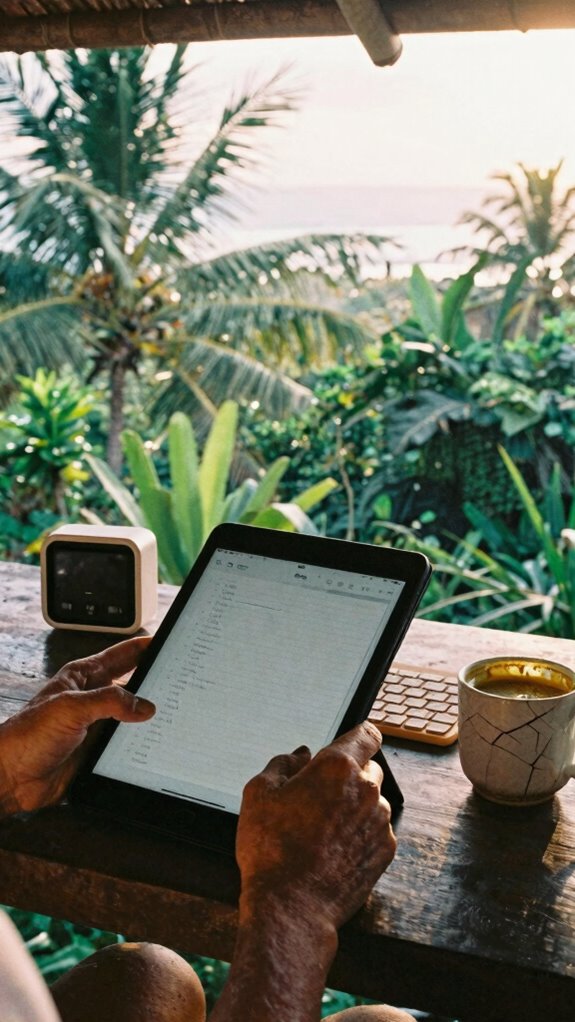
Why tap on glass like a zombie when you can journal under a palm tree with zero glare? Remember Chad from accounting? Still stuck in fluorescent purgatory. You? You’re sovereign. Your focus, your rules.
Plus, these anti-fatigue floor mats help maintain comfort during long work hours, ensuring you stay energized and alert.
Grab a reader, go analog-digital AF. Work where the Wi-Fi’s weak but your mind’s strong.
This isn’t remote work. It’s *freedom hacking*.
Elite Urban Freelancer
Meanwhile, you’re closing deals under palm trees—untethered, unseen, unstoppable. That’s sovereignty. Incorporating effective stretching routines can also help prevent strain and boost your energy during long remote work sessions, ensuring you stay sharp wherever you are.
E-Ink Notetakers for Distraction-Free Work
And with device customization, you can tweak stylus sensitivity, set shortcut buttons for quick sketches—way better than Steve from Accounting’s “smart” whiteboard that never saved. Using an e-ink device can minimize digital distractions, creating a truly distraction-free environment that enhances focus and productivity. Want freedom from the cubicle hive mind? Go analog-digital. Use reMarkable or Boox—no apps screaming for attention. Just you, your thoughts, and zero notifications. Plus, you can protect your device with silicone keyboard covers for added durability and dust resistance. Your brain will thank you. Trust me, it’s the move my old boss would’ve called “disruptive” while napping in a conference room.
FAQ
Can I Use E-Ink Tablets Under Direct Sunlight Effectively?
yes, you can use e-ink tablets under direct sunlight effectively. they cut solar glare and boost color visibility, so you stay comfy and focused. your notes stay sharp, even in bright light—perfect for working anywhere without straining your eyes.
Do E-Ink Screens Cause Less Eye Fatigue Than LCDS?
Yes, you’re less likely to experience eye strain with e-ink screens—they mimic paper and lack the glare. Even with lower screen resolution, your eyes stay comfortable for hours, making them perfect for intimate, focused reading and writing in any light.
How Do I Reduce Reflections on My E-Ink Device?
You beat bright glare by tilting away from light sources and using anti-reflection coatings—tiny tech guardians that soothe your screen. You soften strain with screen brightness adjustment, matching moods like moonlight, keeping your eyes at ease, always.
Is Frontlight Blue Light Harmful During Nighttime Use?
Yes, frontlight blue light can contribute to retinal damage over time, especially at night. You’re better off reducing exposure—your eyes stay healthier and your sleep thanks you. Use warm filters or night mode to minimize harm while reading.
Can E-Ink Devices Support Handwritten Note Recognition Accurately?
You’ve tamed the wild script—e-ink now bows to your hand. With sharp *handwritten accuracy* and seamless *note recognition*, your thoughts flow freely, captured perfectly, every time. No lag, no loss—just pure, unfiltered you.