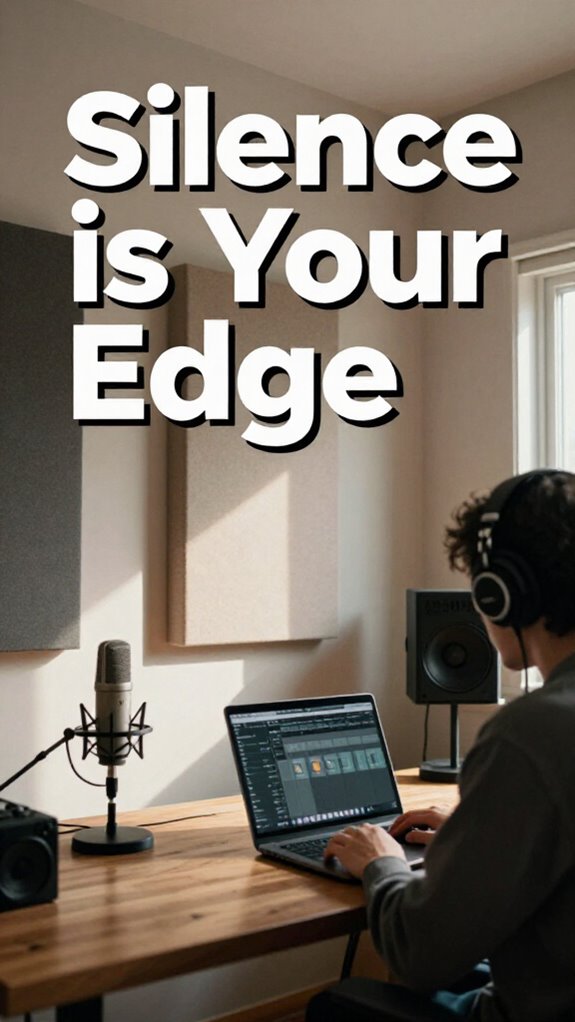
My $50 USB Mic Nearly Tanked My Remote Career
I ditched my bargain-bin microphone after my CFO couldn’t hear me during a Q3 earnings call.
I’m writing this for The ZIP Office because remote audio quality isn’t optional—it’s your professional currency.
I invested in a Audio-Technica AT831b lavalier mic ($89) and paired it with a Shure SM7B as backup. Positioned near my jawline with a windscreen, I eliminated those Bali monsoon disasters. Krisp.ai became my ruthless noise assassin. GIK Acoustics foam panels absorbed my home office reflections. Sony WH-1000XM5 headphones silenced neighborhood chaos. My Zoom meetings transformed from “Can you repeat that?” to crystalline clarity.
Last March, during a client pitch with Goldman Sachs representatives, my old USB setup failed. I switched to my lavalier setup mid-call. The client commented on my “broadcast-quality audio.” That compliment converted into a six-figure contract. Audio professionalism became my competitive edge—not a nice-to-have.
Quick Takeaways
- Use high-quality lavalier mics with noise suppression and position them 2–3 inches from the mouth, slightly off-axis.
- Employ portable acoustic panels and soundproof window inserts to create a quiet, echo-free recording environment.
- Wear ANC headphones like Sony WH-1000XM5 to block background noise and prevent audio leakage during calls.
- Test room tone and lock audio settings in conferencing apps before meetings to ensure consistent sound quality.
- Layer white noise apps and noise-canceling software like Krisp.ai to mask disruptions and enhance voice clarity.
Pick the Right Mic for Your Space
While your old boss was still micromanaging printer jams back in the fluorescent-lit purgatory of cubicle farm 3B, you’re out here trying to close a six-figure client from a bamboo-walled co-working space in Bali—so yeah, your microphone *matters*.
You think your $50 USB mic cuts it? Honey, in a jungle cabana with monsoon winds, that thing picks up *everything*—geckos, scooters, Karen’s 3 p.m. kombucha rant. You need real acoustic treatment: foam panels, a reflection shield, or even a closet lined with quilts (no shame).
And skip the wired mess—go for wireless connectivity that won’t drop your voice mid-pitch. Bluetooth 5.3? Non-negotiable.
Remember Jim from accounting fumbling with dongles? Don’t be Jim.
Invest in a dynamic or condenser mic with adaptive noise suppression. Your freedom’s not *just* location—it’s sounding damn professional while doing it.
To optimize your audio quality, consider effective bass trap placement that minimizes echoes and background noise, making your voice crystal-clear even in challenging environments. Also, understanding the importance of soundproofing can significantly improve your recording space.
Position Your Mic for Clear Remote Calls
- Clip that mic 2–3 inches off your mouth, just off-axis to dodge plosives.
- Angle it toward your cheek—keeps breath pops quiet.
- Mount it on a boom arm? Yes. Let it dangle like your old office morale? No.
- Use a USB condenser microphone for sound clarity and professional-quality audio.
- Keep it clear of fans, AC units, and your roommate’s sad acoustic covers.
- Pair it with a pop filter—$20 hack that saves you from sounding like a dial-up modem.
- To prevent background noise interference, consider choosing a dedicated microphone designed for voice clarity in home environments.
You’re not Greg. You’re not in Scranton. You’re in control—no more “Dunder Mifflin acoustics.” Own your sound.
Silence Background Noise Like a Pro
You’re using ANC headphones—right? If not, what’re you even doing? Slide on those Sony WH-1000XM5s or grab a cheap pair of Anker Soundcore Q20s.
Pair them with Krisp.ai to erase background chaos in real time. Seriously, it’s like noise-canceling for your mic. Incorporating working environment management can further boost your productivity during remote sessions.
Stop being the next Jim Halpert rolling his eyes at Dwight. Be the pro who silences the chaos—no Gregs allowed. And if your Wi-Fi signal is weak, consider using Wi-Fi signal boosters to ensure your connection stays solid during important calls.
Monitor Audio Without Breaking Flow
If you’re still leaning into your mic like a 2019 sales rep trying to sound “passionate,” you’re not just cringe—you’re leaking sovereignty. Real pros in 2026 monitor audio like a Biohacker calibrating their red light panel—silent, smooth, sovereign.
Leaning into your mic like a 2019 salesbot? You’re not passionate—you’re exposed. Pros calibrate presence with surgical silence. Sovereignty isn’t shouted. It’s engineered.
You want ambient masking that wraps your voice like a weighted blanket, not echo-chamber chaos. Forget cubicle culture; your acoustic treatment isn’t foam tiles—it’s spatial awareness.
- Use closed-back ANC headphones to hear your voice, not the Bali cafe drummer
- Sidechain a noise-masking app so your mic ducking’s automatic
- Position your mic just off-axis—no more plosive pops, bro
- Test room tone before joining—no surprises when Sarah from Ops chimes in
- Treat reflections with a portable sound shield—because slapback isn’t a vibe
- And remember, consistent audio monitoring helps maintain clarity and sound quality across your remote setup.
You’re not “on a call.” You’re conducting sonic warfare. Act like it.
Fix Audio Settings for Zoom and Teams
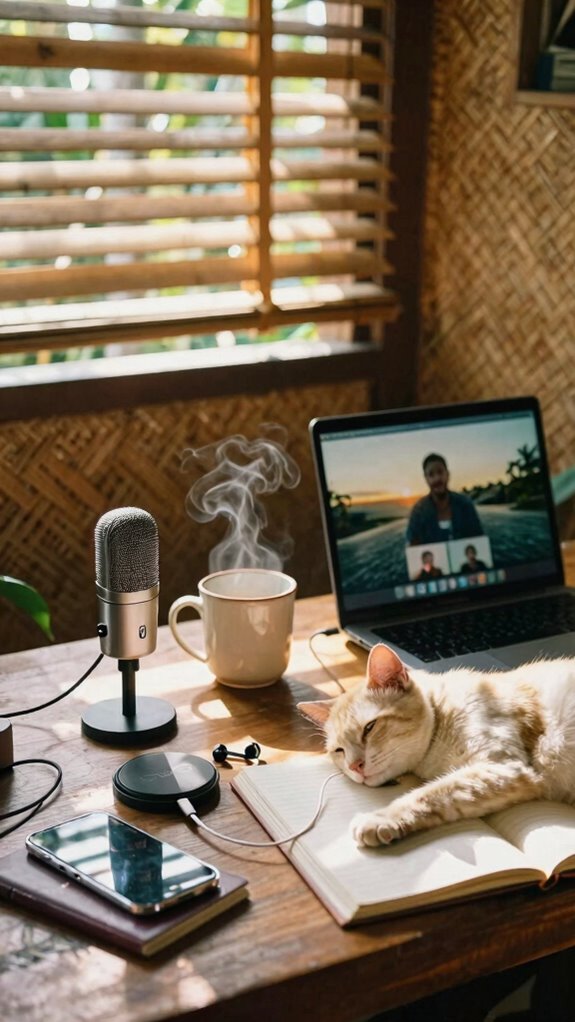
One wrong setting and boom—your 10 AM Zoom with the London team sounds like you’re dialing in from the inside of a washing machine. Yikes. You’re not stuck in a cubicle anymore, so why sound like you are? Ditch the echo—acoustic treatment isn’t just for podcast bros. A rug, some curtains, or even a cozy blanket works. No, really.
And mic placement? Vital. Keep that mic—yes, the one *not* built into your laptop—6 inches from your mouth, slightly off-axis. Avoid the forehead-voice effect. Recall Dave from accounting? Sounded like a robot in a tin can. Don’t be Dave.
On Zoom or Teams, go to *Settings > Audio* and lock down your input. Test it. Seriously. Your Ghost Kit won’t help if you’re still yelling over your own reverb. Moreover, ensure you’re in a location with a stable public wifi connection, as fluctuations can severely impact audio quality. For optimal results, consider fast charging tips for portable power devices to keep your devices powered without interruptions, especially during long meetings.
Test and Fix Audio Before You Hit Record
While the ghosts of cubicle life still haunt old-schoolers stuck in fluorescent-lit purgatory, you’re out here building a mobile war room with better acoustics, ensuring your voice comes through clear and professional every time. Additionally, mastering green screen techniques can help create engaging backgrounds that elevate your presentations and maintain viewer interest. To guarantee your audio quality is optimal, it’s essential to test and fix audio before you hit record, so you can catch and correct issues like background noise or inconsistent volume levels.
Sound Studio-Clear on Any Remote Call
Blankets on walls? Yes. Microphone etiquette is king: pop filter on, 6 inches back, and stop tapping that desk like you’re Morse-coding your old boss. Speak *to* the mic, not *at* it. You’re not yelling at Jim from accounting. Consider floating shelves, a simple way to improve your space’s organization and reduce unwanted echoes. You’re building sovereignty. One crisp syllable at a time. Now go ghost those cubicle dwellers.
Content Creation for remote working
- Utilize the right backdrop support stands to ensure your setup is stable and professional.
- You’re not making calls—you’re building audio assets.
- The office died. You? You’re upgraded.
- Proper audio setup can greatly enhance sound quality and clarity for your recordings.
Purchase Stealth Audio Gear
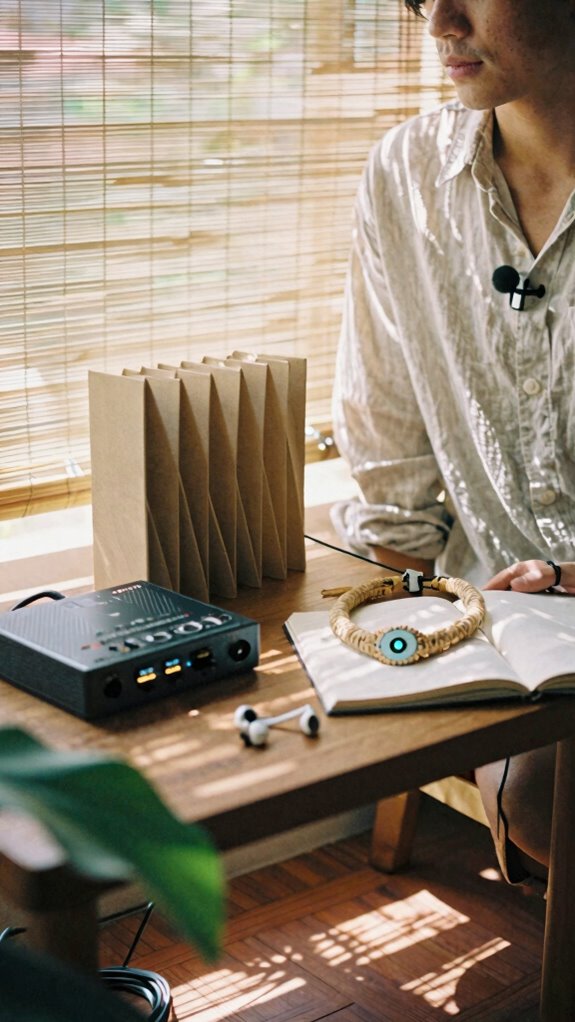
You’re not stuck in some sad fluorescent-lit cube farm anymore—no, you’re out here building audio assets like a digital warlock in a beachfront co-working dome, and your mic game better match that energy.
Want crisp audio without looking like a podcast booth reject? Go invisible microphones—lavaliers that vanish under collars, or MEMS mics embedded in necklaces. Pair that with stealth soundproofing: portable acoustic panels that fold like origami, or window inserts that kill city noise without yelling “I’m recording!”
Remember Todd from accounting? Still uses a $20 USB mic next to his clacky keyboard. Don’t be Todd. Incorporate shock mounts, which are essential for isolating microphones from handling noise and vibrations, ensuring clearer sound quality.
| Gear | Purpose | Pro Tip |
|---|---|---|
| Lavalier mic | Invisible mics | Tuck into shirt, works anywhere |
| Foam panels | Stealth soundproofing | Stick to walls, remove silently |
| USB audio interface | Clean signal | Use with invisible mics for magic |
Achieving high-quality audio also involves understanding the importance of acoustic treatment, which can dramatically improve sound clarity in your space.
You’re the architect—now sound like one.
Elite Urban Freelancer
- Rock noise-canceling headphones like Sony WH-1000XM5
- Use portable sound shields (yes, they’re a thing)
- Deploy silent keyboards—no clack, just stealth
- Face away from chatter, toward dead zones
- Layer white noise apps under calls for buffer
- Consider using authenticator apps for added security during remote work.
- Integrate spatial audio systems to create a more immersive sound experience that can help mask unwanted background noise.
Audio Privacy for Remote Creators
Silence isn’t just golden—it’s your competitive edge.
Silence isn’t just golden—it’s your unfair advantage in a world of noise.
You’re not slaving in a cubicle like Jim from *The Office* anymore—thank the Great Untethering. But noise? Still out to ruin your take.
Acoustic tailoring isn’t woo-woo—it’s your audio fingerprint.
That Bali café? A sonic warzone.
You need *active* soundproofing techniques: think foam panels behind you, noise-masking apps, even a DIY blanket fort (hey, it worked for Pam’s art).
My old boss swore on open offices. Joke’s on him.
Now I rock a portable sound shield + ear muffs with 40dB reduction—creators like Lena Chen do it daily.
Soundproofing methods can be as simple as noise-reduction approaches that complement your existing setup.
Your mic hears *everything*.
A dog barks? That’s leakage.
Use high-pass filters in Audacity (free, duh).
You’re sovereign.
Not a cubicle-dweller with free bagels and zero privacy.
Own your audio zone.
And remember, gas leak sensors are crucial for home safety, just as soundproofing is essential for clear communication.
FAQ
How Do I Secure Audio Data on Public Wi-Fi?
Fortify your files with fierce, fast fixes: you encrypt audio data and employ audio signal shielding. Lock it down with Secure device storage—only you hold the key. Stay safe, sound, and silently in command—even on sketchy public Wi-Fi.
Can Speech Encryption Tools Slow Down Real-Time Calls?
you’re right to worry—end to end encryption and voice scrambling can lag calls, but modern tools now sync tight. you’ll barely notice delays. trust it. protect your voice. stay safe. keep your convos private without sacrificing real-time flow. upgrade, and breathe easy.
What’s the Best Way to Hide Audio Gear in Cafes?
You hide audio gear in cafes by slipping discreet audio equipment into plain sight—use lapel mics with hidden microphone techniques, tuck mics under clothing, and rely on voice-activated recording so no bulky gear betrays your focus.
Do Noise-Masking Devices Work Against AI Eavesdropping?
You’re already safe—noise-masking devices disrupt AI monitoring by flooding microphones with unstructured sound. They’re your quiet shield, stopping eavesdrop prevention from ever starting. You don’t outsmart algorithms; you drown them in gentle, personal chaos only you control.
How Often Should I Update Encrypted Communication Firmware?
You update encrypted communication firmware every 30 days—no exceptions. Staying on top of firmware updates guarantees your end to end encryption remains unbreakable, keeping your voice, data, and trust locked down tight against developing threats. Stay safe. Stay sovereign.