Mastering Remote Work Aesthetics: Comfort Meets Digital Professionalism
How do I stay camera-ready without abandoning comfort during endless Zoom calls? I’ve ditched rigid workwear for breathable cotton blends and strategic neutrals that photograph sharp.
I write to The ZIP Office because remote work demanded my style evolution. I swapped Jim Halpert’s suffocating ties for elevated camera angles, laptop stands positioned above eye level, and intentional lighting rigs. Stretch fabrics replaced those soul-crushing office trousers. Patterns disappeared entirely—sleek minimalism dominates my Slack presence now.
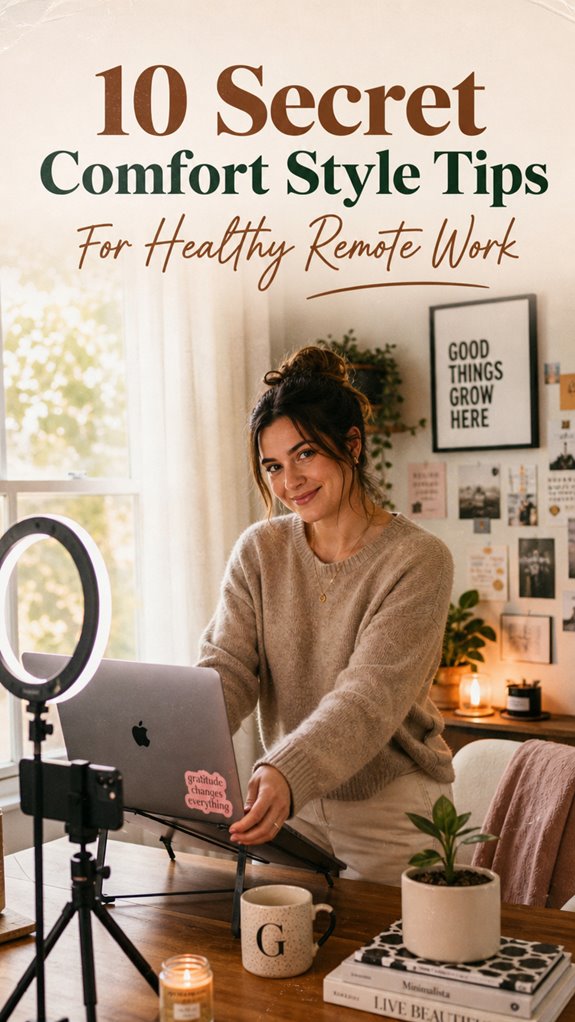
Last Tuesday, my poorly-lit video call became the catalyst. My manager couldn’t see my face clearly, and suddenly I understood: workspace optimization isn’t vanity—it’s practical ergonomics meeting digital communication. I invested in a ring light, repositioned my monitor, and upgraded my wardrobe strategically. That single meeting transformed my entire remote work infrastructure. Now my home office rivals corporate environments without the stiffness.
Quick Takeaways
- Choose breathable, stretch fabrics like cotton blends for all-day comfort without sacrificing professionalism.
- Incorporate soft, stretchy knits and moisture-wicking materials to stay cool and relaxed during long work sessions.
- Opt for neutral, solid colors such as navy or gray to maintain a polished, distraction-free appearance on camera.
- Use comfortable yet stylish clothing like joggers or relaxed-fit blouses to balance ease and professionalism.
- Adjust your camera angle and lighting to project confidence and ensure a flattering, comfortable virtual presence.
How to Dress for Video Calls and Remote Work
So, you wanna crush those video calls without looking like you just fell out of bed—or worse, like you’re auditioning for the next season of “Survivor: Home Edition”? Here’s the real scoop. Pick a top that’s sharp but comfy—think breathable cotton blends or stretch fabrics that move when you do.
Avoid loud patterns that drown out your authority or tight fits that scream “I’m hiding my insecurities.” Keep it simple—solid navy, charcoal, or black works like a charm. Make sure your background’s tidy; nobody wants to see your messy bed or cluttered shelf.
And don’t forget the angle—set your camera slightly above eye level for that power posture. Trust me, your old colleagues from row cubicles would kill for this kind of swag.
Choose Breathable, Stretchable Fabrics for All-Day Comfort
Ever worn those stiff, scratchy office pants that make you wish for sweatpants every minute? Yeah, been there—back in the cubicle trenches—until I ditched that nonsense.
Now, I live in breathable, stretchable fabrics—game-changers. Want to crush your remote work? Focus on:
- Cotton-blend fabrics with elastane—say goodbye to sweat buildup and restrictive movement.
- Moisture-wicking materials—keep your cool when the Bali heat hits or you’re buried in code.
- Soft, stretchy knits—no more pinching or bunching at the waist, even during those intense virtual meetings. Reliable public wifi can be a game-changer when working remotely from coffee shops or coworking spaces.
- Neutral tones—think navy, charcoal—because loud prints scream “not professional,” even in Bali coworking spots.
- Quick-drying fabrics—perfect for spontaneous surf breaks or unexpected rain.
Remember your old boss’s “dress to impress” advice? Toss it. Power now is comfy, flexible, and ready to dominate.
A good stretching routine can also help counteract the effects of long hours seated at your desk, promoting better circulation and reducing stiffness.
Pick Neutral Colors to Look Professional on Camera
Have you ever noticed how some colors just pop on camera, while others vanish or look downright embarrassing? It’s like choosing your battlefield armor—only instead of swords, it’s *tone*. Neutrals are your secret weapon; they scream power without shouting. Stick to navy, black, or gray—these hues contrast sharply with most backgrounds, making you look sharp and professional. Avoid flashy reds or bright yellows unless you want to look like a clown—trust me, no one’s hiring a personality for a Zoom feed. Here’s a quick cheat sheet:
| Color | Perception | Best For |
|---|---|---|
| Navy | Authority, Dependability | Business meetings |
| Black | Power, Seriousness | Interviews, Presentations |
| Charcoal | Sophistication | Informal calls |
Choosing colors that reflect the importance of consistency can help you maintain a professional appearance across different time zones and meeting contexts. Incorporating reliable equipment like the top Kensington lock cables is also key to protecting your workspace. Keep it simple, keep it powerful.
Select Pants That Offer Mobility Without Bunching
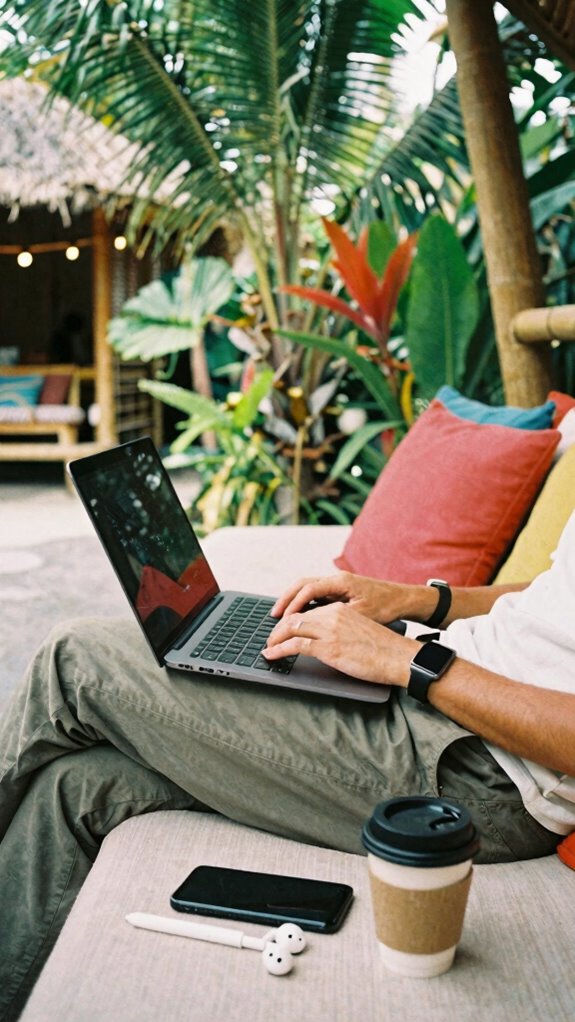
Choosing pants that move with you and don’t turn into a saggy mess—sounds simple, right? Think again. In Bali’s co-working scene, I’ve seen too many folks struggle with trousers that fight them every step.
So, here’s the deal: you want power moves without the fabric fuss.
- Opt for stretch-blend fabrics like cotton-elastane—yes, those sleek chinos that flex as you pivot from coding to networking.
- Go for straight-leg or relaxed-fit styles—by this, I mean pants that parade confidence, not cling tight enough to hide your moves.
- Look for breathable materials to avoid sweating buckets mid-deep work sessions—hello, moisture management! Incorporating fabric technology can significantly enhance comfort and longevity.
- Master the tailored look—no bunched fabric, just clean lines.
- Invest in well-cut pants that stay sharp, even after hours of sitting—because, unlike some desk jockeys, you’re here to dominate.
- Incorporate stretch technology into your wardrobe to ensure maximum mobility without sacrificing style and structure.
Coordinate Your Pants and Tops for a Sleek, Cohesive Look
Now, let’s talk about how to nail that sleek, cohesive look by coordinating your pants and tops — because, honestly, who wants to look like they just rolled out of bed, even if they’re lounging in Bali’s vibe?
As an IT guru from a new era, I’ve seen enough zoom fatigue to know style matters — even when you’re in pajamas.
Choose a tailored, neutral top—think sleek, breathable shirts or blouses—that contrasts with your pants’ color.
Pair navy chinos with a crisp white tee or a soft blazer with black joggers.
Avoid mismatched patterns, unless you aim to look like a confused app icon.
Making deliberate choices shows power, and way more professional than the sweatpants your old boss still secretly wears on Fridays.
And to add a touch of style, consider incorporating structured knit polos, which combine comfort with a polished appearance.
Using the right daylight therapy lamps can also subtly boost your mood and energy levels, helping you feel more confident in your remote wardrobe.
Trust me, your remote game just upgraded.
Get Your Camera and Lighting Set Up for Flattering Video
Getting your camera and lighting dialed in is game-changing, especially when you’re remote working from Bali’s chill scene instead of some gray office. Think of it as your power move—projecting confidence without saying a word.
Master your camera and lighting from Bali—show confidence without saying a word.
First, set your camera slightly above eye level—no one trusts a chin-cam or the “looking up the nose” shot. Use a ring light or daylight-tinted lamp right in front of you—nothing screams amateur like shadows or glare. Ensuring your proper camera positioning can significantly improve your video quality.
To maximize impact:
- Position your camera at eye level for that “boss” aura
- Use natural light or a soft, adjustable lamp—harsh lighting is so 2020
- Pick a clean, uncluttered background—less is more, even in paradise
- Avoid windows behind you—hello, silhouette!
- Test your setup with a quick recording—imagine your boss watching (they are)—and adjust from there.
- Explore how to use your DSLR as a webcam for even higher-quality video calls.
Add Comfortable Accessories That Enhance Your On-Camera Presence
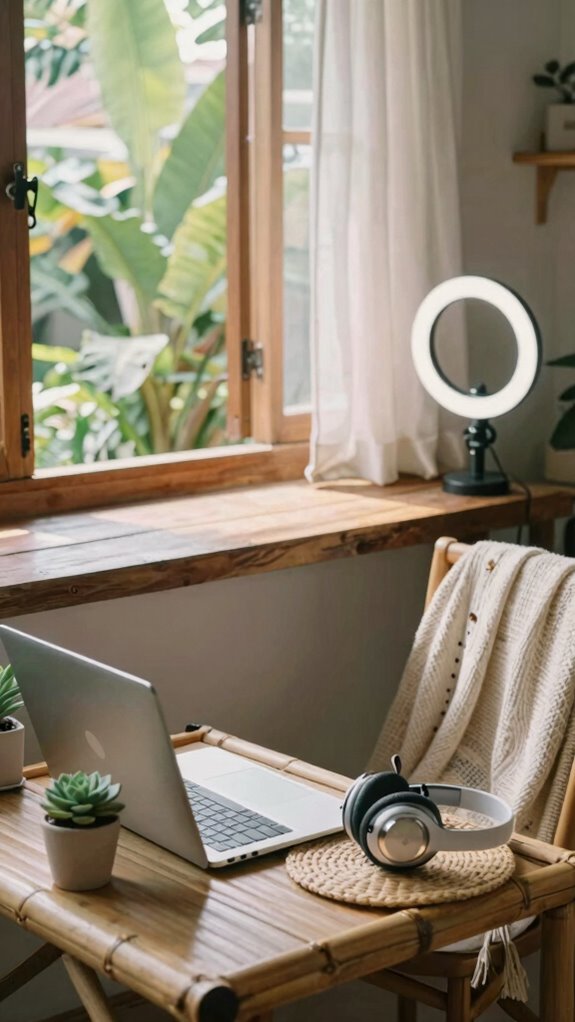
Ever wondered why some remote workers seem effortlessly camera-ready while you’re stuck trying to hide your hoodie or that random clutter behind you? It’s all about adding accessories that boost your on-camera vibe without sacrificing comfort. Think stylish, lightweight, and tech-savvy—like a sleek lapel mic or subtle ring light clipped to your desk.
A good headset not only clears audio but makes you look boss. Toss in a cozy, professional cardigan or a fashionable scarf — you’ll project confidence instantly. Recall Sarah from IT? She upgraded her setup with a plush cushion behind her, instantly transforming her tired Zoom face into “I got this.”
Simple, smart accessories boost your authority, keep you comfy, and silently roast those drab, uninspired home setups.
Build Daily Work-From-Home Routines to Stay Productive
Building a solid daily routine is like laying the groundwork for a high-tech fortress—without it, even the coolest setup can feel chaotic fast. Recall those days in the corporate grind? Deadlines, endless meetings, no control? Well, now’s your chance to flip the script. You need structure that commands respect, not chaos.
- Start your day at the same time—think of it as your personal launch sequence.
- Block key tasks in “power hours”—yes, even you, multitasker.
- Schedule deliberate breaks for brain rewiring—stretch, breathe, conquer.
- Carve out time to disconnect—forget your phone after hours, ninja style.
- End each day with a quick review—what worked, what tanked, and why you’re still a productivity beast.
- Remember, routine consistency is key to turning your work-from-home environment into a seamless and efficient space.
This isn’t just work; it’s your daily power play.
Organize Your Home Office to Maximize Focus and Efficiency
Without a doubt, the key to turning your home office from a chaotic mess into a productivity powerhouse is smart organization—trust me, I’ve seen enough cluttered desks in Bali co-working spaces to know that chaos kills focus faster than a bad Wi-Fi signal.
Do you want to waste time digging through piles of papers or lose focus trying to find your mouse? Nah. Get rid of unnecessary stuff—trash old notes, organize cables with cable clips, and keep essential gear within arm’s reach.
Use sleek storage solutions like minimalist drawers or under-desk shelves. Label everything—yes, even your USB drives—so you don’t spend minutes hunting down files.
Keep in mind, a clean space equals a clear mind, and you’re not here just to get by, right? Stand out with a workspace that screams efficiency.
When selecting your equipment, consider top Satellite Internet Dishes for reliable connectivity, ensuring your work-from-home setup is uninterrupted even in remote areas.
Consider investing in the best blogging theme software to make your workspace visually inspiring and functional, connecting your physical space to your online presence seamlessly.
Set Clear Wardrobe and Work Routines to Transition Seamlessly
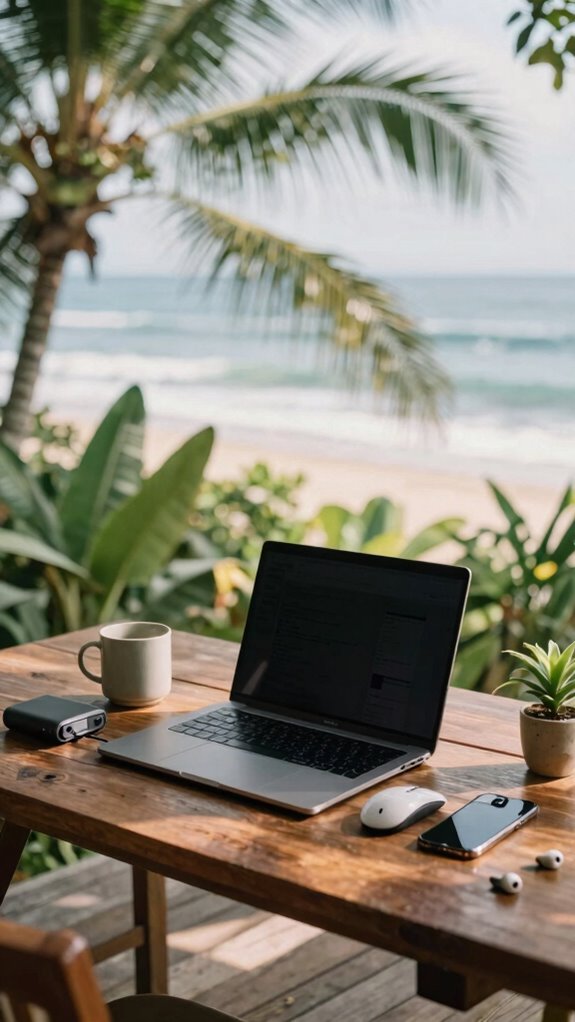
Switching gears from your morning stretch to sitting down at your ‘office’ desk might seem like a no-brainer, but if you’re still in pajamas or sweatpants, you’re accidentally signaling “luxury lounge,” not “power move.” You gotta know when to flip the switch.
Ditch pajamas—dress for success to switch into work mode effortlessly.
Here’s the secret sauce:
- Create a dedicated workspace, not your bed — trust me, that’s not where high-level thinking happens.
- Dress for success—think smart casual, even if no one’s checking.
- Set clear start and finish times, just like a boss from the old days in the office.
- Use a “routine reset”—a quick, intentional change of clothes signals your brain it’s game time.
- Incorporate reliable power backup solutions, like an uninterruptible power supply, to ensure your workday stays uninterrupted even during outages.
- Ensure your devices and internet connection are stable, as technical reliability is key to maintaining productivity.
- Remove distractions—no social media, just like you’d ditch the gossip at the water cooler.
Ready to command your day? Now, go conquer it.
Wearing Comfortable Work Pants
Instead, opt for breathable fabrics like cotton-spandex blends—think sleek joggers with a sharp crease. Relaxed-fit or straight-leg cuts keep your moves agile—crucial for those quick retreats to the snack stash or spontaneous dance-offs. Incorporating ergonomic standing desk setups can further enhance your comfort and productivity throughout the day. Avoid the overly tight stuff that crushes your confidence or restricts your swagger. Recall, it’s not just about comfort; it’s about feeling powerful, ready to crush that next conference call or brainstorm like an absolute boss. Additionally, safeguarding your tech from global voltage fluctuations ensures your setup stays safe and fully operational wherever you work.
Buy Stylish Blouses for Zoom
Ever notice how a simple blouse can instantly upgrade your Zoom game from “meh” to “I’m crushing it”? Trust me, it’s like power armor—without the sweat. Here’s the secret:
A sleek blouse transforms your Zoom look from meh to commanding—powerful style without the effort.
- Pick a fitted, statement blouse—think bold colors or silk fabrics—so you appear confident, even if your Wi-Fi drops mid-sentence.
- Opt for classic styles—like a crisp button-up or a sleek wrap—that scream “professional,” but feel comfy.
- Integrate subtle details—like a chic collar or statement sleeves—that elevate your look on camera.
- Stick to neutral tones—navy, black, gray—so your background doesn’t compete with your outfit.
- Use high-quality fabrics—think stretch cotton or modal—to avoid looking sloppy after an hour of Zoom fatigue.
No more hiding behind your hoodie—time to command that virtual room like a boss.
Dressed for Confidence
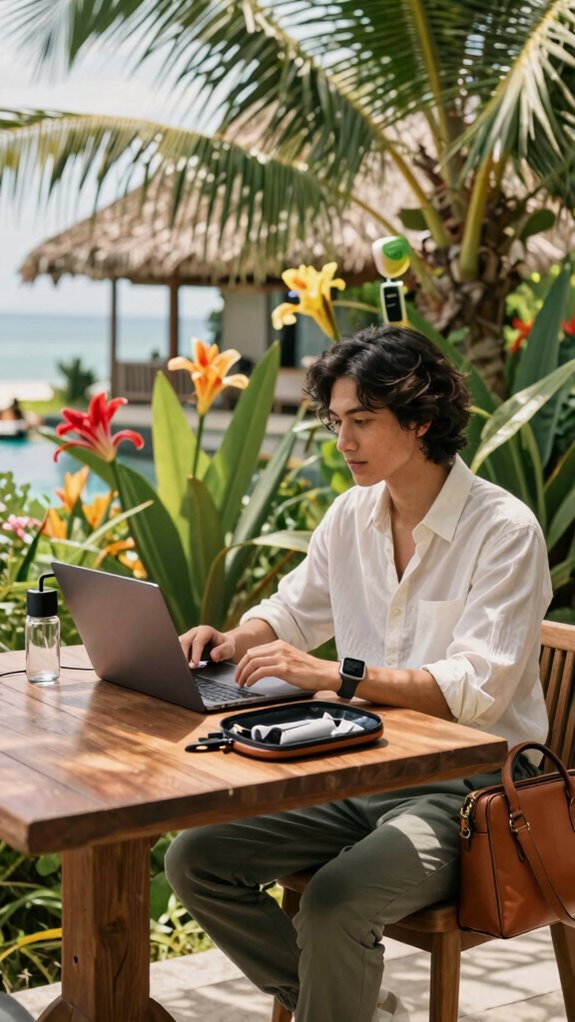
You know what they say—clothes don’t make the person, but they definitely make the *confidence*.
As a Bali-based IT whiz, I’ve learned that dressing sharp fuels your power vibe — even in flip-flops. Think sleek, breathable fabrics that hold you together, but don’t scream “I just rolled out of bed.” Elegant Top Grain Leather Bags are a stylish way to carry your essentials and elevate your professional look without sacrificing comfort.
Keep in mind that one time old boss Mark’s eyes widened when I showed up in smart-casual, and he finally acknowledged I wasn’t just ‘that remote guy’?
Ditch the hoodie of despair, go for tailored joggers and a crisp shirt. Show up for yourself.
Confidence isn’t fake; it’s a signature look. Dressed right, you own your digital domain and prove cubicle zombies *still* work for you—even from paradise.
And if you’re out exploring or on the go, a trusty water-resistant rucksack can keep your essentials safe without sacrificing style.
Adjusting Camera Angles Professionally
Let’s cut to the chase—your camera angle can make or break your vibe on video calls, and nobody wants to look like they’re trapped in a hostage video.
Think about it—old boss from that boring office meeting? Yeah, that’s what you’re avoiding. Stay sharp:
Avoid looking like last week’s meeting—stay sharp and confident in every virtual encounter.
- Elevate your laptop so the camera’s just above eye level—no more “looking down” or “smizing” for the camera.
- Keep your face centered, with a little space above your head—no awkward “selfie shot” or monster shot from below.
- Use an external webcam if you can, for that crisp, professional look; built-in cams? They’re just a fancy clutter blockade.
- Avoid sitting too far back—lean in a bit, project confidence without invading personal space.
- Light your face evenly—natural light is free, but a ring light works wonders without turning you into a disco ball.
- Consider encrypted messaging apps to keep your remote communication secure and private, especially when sharing sensitive information.
- Remember, a properly set camera angle not only enhances your appearance but also boosts your confidence during virtual interactions.
Upgrade your tech game, own your virtual presence, and confuse those cubicle zombies.
FAQ
How Can I Reduce Glare on My Computer Screen During Video Calls?
You wanna crush glare on your screen? Easy. Angle your monitor away from windows and bright lights — no one wants to look like a ghost in their own Zoom.
Dim ambient lighting and toss some blinds or shifting curtains for control.
Use matte screen protectors—talk about underrated wizardry.
Keep in mind, you’re the boss of your setup; don’t let glare mess with your vibe or focus.
What’s the Best Way to Ensure Proper Posture While Standing at My Desk?
Stand tall at your desk—think superhero posture, not slouching sofa potato. Plant your feet flat, knees at 90, hips just higher than knees, and engage your core.
Keep your shoulders back, elbows close, and wrists straight—no prison belts.
Align your screen to eye level—no craning—use risers if needed.
Move every 30 mins; don’t turn into a desk zombie.
Basically, be your own ergonomic boss. Easy? Do it.
How Do I Choose Ergonomic Accessories for Long Hours of Remote Work?
Think of choosing ergonomic accessories like assembling your superhero toolkit. Pick a lumbar support pillow—consider it as your armor for the lower back.
Go for a monitor arm; it’s your command center.
A cushioned footrest? Your secret weapon against fatigue.
Need precision? External keyboard with wrist support.
Recall your past office battles? Well, this time, you’re upgrading — no more “just gotta tough it out” vibe, champ.
What Are Quick Ways to Boost Mental Focus During Work Hours at Home?
Want laser focus? Try a power playlist, not your guilty pleasure. Switch tasks every 25-30 mins—yes, like Pomodoro but with swagger.
Step outside, breathe Bali’s fresh air—no excuses. Use a checklist to drain distractions, like email and social media.
Think like a boss, act like one—limit snacks, boost hydration, and kick that mental fog to the curb.
Your old office’s dull grind? Let’s never go back.
How Can I Prevent Back Pain With Remote Work Furniture Choices?
Ever wonder who needs back pain when you’ve got the power to fix it? Invest in an ergonomic chair with adjustable lumbar support—think of it as your backbone’s BFF.
Pair that with a sit-stand desk and monitor at eye level—no more slouchy “dad posture.” Use a footrest, keep hips and knees at 90 degrees.
Recall, your old cubicle paranoia isn’t worth a spinal tax—own your workspace, boss.
References
- https://www.imperial.ac.uk/media/imperial-college/faculty-of-engineering/public/Healthy-Remote-Working-Tips.pdf
- https://www.deskeo.com/en/blog/advice/comfort-telework/
- https://www.forbes.com/sites/jamiegold/2021/07/30/seven-wellness-design-inspired-pro-tips-for-your-work-from-home-space/
- https://www.zdnet.com/article/work-from-home-64-expert-tips-for-staying-healthy-happy-and-productive/
- https://connectspace.co.za/blog/ergonomic-hacks-and-wellness-tips-for-remote-workers/
- https://activeminds.org/blog/tips-to-stay-mentally-well-while-working-from-home/
- https://nesslabs.com/working-from-home
- https://www.microsoft.com/en-us/microsoft-365/business-insights-ideas/resources/how-to-be-healthier-and-happier-working-from-home
- https://www.nhs.uk/every-mind-matters/mental-wellbeing-tips/simple-tips-to-tackle-working-from-home/
- https://www.bu.edu/hr/lifebu/flexible-work/well-being-tips-for-remote-and-hybrid-work/