Why Your Zoom Setup Screams “I Work From My Bedroom”
I discovered my lighting was worse than a 2004 webcam when my boss squinted through three calls last Tuesday. That’s when I knew I had to fix this.
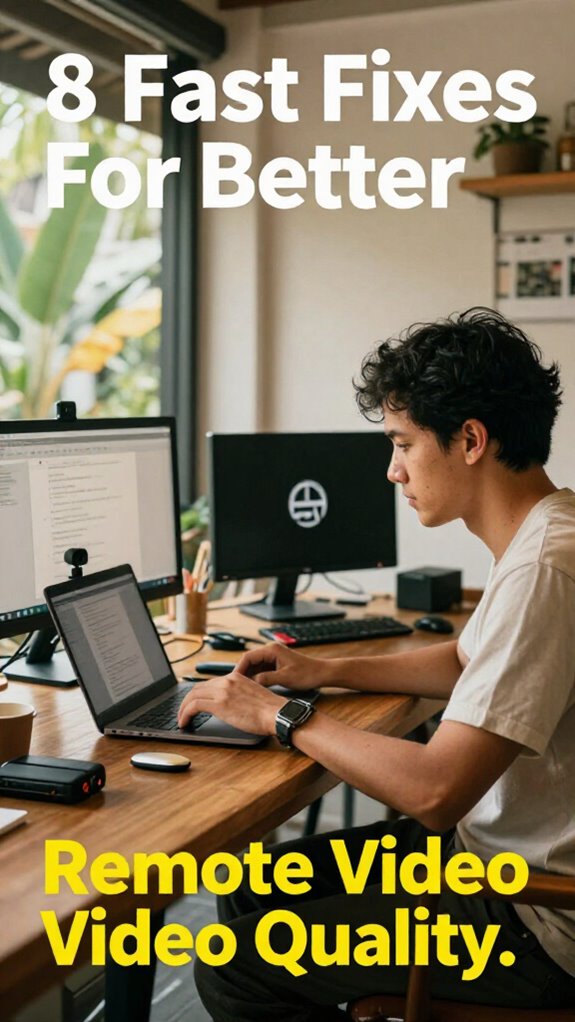
I’m sharing this at The ZIP Office because remote work’s geography arbitrage means nothing if your video quality undermines your credibility. I invested in a Neewer ring light ($45), repositioned my desk by the window, and mounted my laptop on a rain design stand at eye level. Added a Blue Yeti mic. Suddenly, I looked less “startup failure” and more “serious professional.” My colleagues actually engaged better. That shift matters when you’re building healing infrastructure for distributed teams. Ditched the harsh overhead LEDs entirely.
Last month, my 6-year-old walked into my video call mid-presentation, and I watched my carefully arranged background collapse in real-time. He asked why “daddy looks like he’s in a prison.” That moment taught me clean, intentional spaces matter—not just for optics, but for family peace. Now I schedule buffer time between calls, make my setup disappear when I’m off-camera, and my kid knows when I’m “on.” Better video quality means better work boundaries too.
Quick Takeaways
- Improve lighting with soft, diffused sources and eliminate harsh or backlighting to enhance video clarity and reduce shadows.
- Elevate or adjust your camera to eye level for a professional, flattering angle and stable shot.
- Use a high-quality microphone positioned close to your mouth to ensure clear, crisp audio.
- Close unnecessary apps and optimize device settings to prevent lag and frame drops during recording or calls.
- Keep your background clean and clutter-free, or use a digital backdrop to minimize distractions.
Set Up Good Lighting for Clearer Video Quality
Ever wonder why your Zoom calls look more like a mystery film than a polished broadcast? I swear, I’ve been there—remote from Bali’s cool coworking scene, trying to look professional while my old boss’s voice echoes off a wall of shadows.
Ever struggle with shadowy Zoom calls? Perfect soft lighting transforms your look instantly—no haunted house vibes needed.
Here’s the scoop: lighting ambiance and shadow control are your best friends. First, get a soft light in front—not behind—so your face isn’t a silhouette. Think of it like framing a photo of a legendary surf wave.
Use a ring light or a diffused lamp—no harsh LEDs. Tweak your angle to soften shadows on your face—nobody wants to look like a haunted house.
Pro tip: use daylight or adjustable bulbs to match your vibe, just like tuning an instrument for that perfect sound. Simple tweak, instant upgrade. Considering a daylight therapy lamp can also provide a consistent, natural glow that enhances your appearance on camera. Proper lighting techniques rooted in natural light principles can dramatically improve your overall video quality, especially in a remote setting.
Adjust Camera Settings for Better Focus and Exposure
If you want your remote videos to stop looking like cheap spy footage and start resembling a slick streaming studio, adjusting your camera settings is where the magic begins.
Think about camera angles—don’t just plop your camera at eye level like you’re about to be interrogated. Elevate or tilt it to find a more flattering view, framing your face with that *chef’s kiss* perfect focus.
Focus techniques matter too—use autofocus or manually dial in sharp clarity on your eyes, not your ceiling fan or that oddly textured wall behind you. Recall, a crooked shot or soft focus screams amateur hour.
To further enhance your image quality, consider reducing echo in your home office, which can distract viewers and diminish the overall professionalism of your videos. Proper camera positioning also ensures your image looks polished and professional.
Channel your inner Bali co-working buddy from 2023 and make this part of your digital glow-up—your audience deserves the best version of you.
Use a Quality Microphone and Quiet Environment for Clearer Audio
People used to think a decent microphone was just a nice-to-have, like a fancy coffee mug or a Bluetooth speaker. Now? Nah. Voice clarity is everything — it defines whether you sound like you’re speaking from an abyss or actually being heard.
Here’s the deal: get a good-quality mic (sound cards and condenser mics are boss) and focus on microphone placement. Position it about chest height, a few inches from your mouth, but don’t nose-dive into it like a robot on a mission.
Too close? You get “pop” sounds and unwanted breath noise. Too far? Voices get fuzzy, and you sound echo-y—yuck. Think of it like smart microphone ergonomics.
Your old boss would mock your cubicle saga, but hey, with better mic setup, you sound like Bali’s coastal waves — smooth, clear, and on point. Proper office lighting setup can also boost video quality by reducing shadows and providing even illumination. Additionally, understanding how reliable public WiFi connections work can help you avoid interruptions and ensure your audio stays crisp.
Secure Your Camera With a Tripod or Mount for Stability
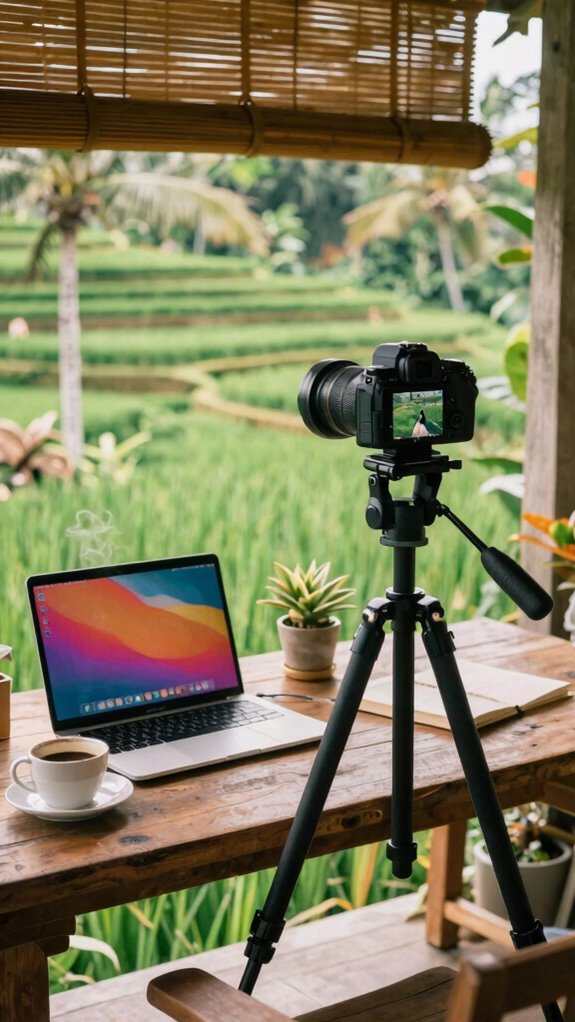
Let’s be real—trying to look professional on camera without a rock-solid mount is like showing up to a Zoom call in pajamas and hoping no one notices. You need stability accessories—tripods or mounts—that bring that perfect tripod positioning. No one wants a shaky shot or the dreaded “bouncing hamster” vibe.
Here’s a quick cheat sheet:
| Fix | Best Use | Tips |
|---|---|---|
| Tripod | Studio setup, portable use | Lock the legs tight, level it |
| Mounting Arm | Overhead shots | Adjust for perfect framing |
| Clamp Mounts | Desk or makeshift setups | Choose sturdy, avoid cheap plastic |
If you’re aiming for durability, choose bags and mounts that are built to withstand frequent use, much like top squeeze water bags that combine convenience with strength. Old boss used to say, “If the shot’s unstable, the message gets lost.” So, find stability accessories that suit your space—no more Bali yoga pose during meetings.
Keep Your Background Clean and Screen Brightness Low to Reduce Distractions
When you’re setting up that perfect remote shot, cluttered backgrounds and blinding screen brightness are like neon distractions flashing on the runway—completely ruining the vibe. Think about it: old colleagues whose walls are plastered with weird posters or shelves of random junk—they pull focus faster than a squirrel on espresso.
Clear that clutter! Use a simple, tidy background—think neutral walls or a digital backdrop. And screen brightness? Dial it down, seriously. Bright screens blind your viewers and make your eyes look like they’ve seen a ghost. Incorporating a clean workspace can also help minimize distractions and project professionalism.
To further enhance your setup, consider using physical privacy screens, which can help block out unwanted backgrounds and keep your environment discreet. Trust me, coordinating your vibes with cleanliness boosts your credibility big time—no more looking like you’re broadcasting from a cave.
Optimize Your Internet Connection for Seamless Streaming
If your internet’s acting like a dodgy Wi-Fi signal in a sitcom episode, you’re dead in the water when it comes to seamless streaming—trust me, I’ve been there.
Recall those slow mornings in the office, waiting for that sluggish Wi-Fi to grind to a halt? Now, envision that in Bali, but with a sunset view.
First, check your Fiber caps—if you’re hitting data limits, your provider might slow you down faster than a boss calling another pointless meeting.
Next, boost that signal with signal boosters—they’re like the secret sauce for faster, more stable streaming on your balcony.
No more buffering or pixel trash; just smooth, professional-grade sync with your fancy rigs.
Optimize, amplify, and own your flow—because your workspace deserves better than the cubicle’s ghost of latency.
Close Unnecessary Apps to Improve Performance
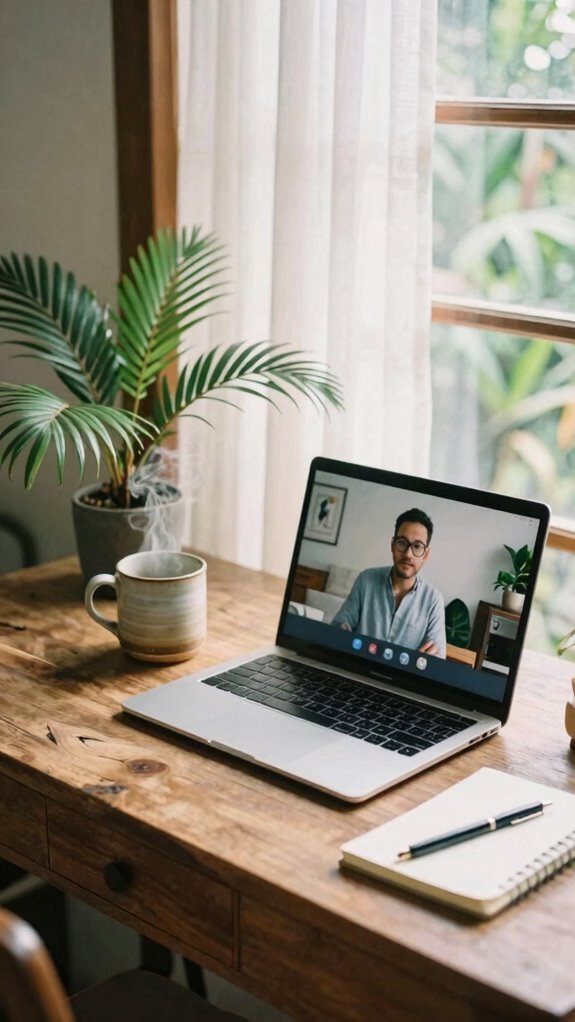
Ever notice how your video calls lag harder than a dial-up modem when you’ve got ten tabs open, a streaming playlist fighting for bandwidth, and that one app from three years ago still hogging memory?
As Bali’s latest remote expert, I’ve learned that app management is key for system optimization.
Seriously, close those unnecessary apps—your old photo editor, the sneaky cloud backup, or that yoga app you never use. These apps eat up CPU and RAM, dragging down your video quality faster than you can say “buffering.”
Just like I ditched the clutter in my minimalist setup, trimming down background processes can significantly boost performance. Recognizing and managing background apps is essential for maintaining a smooth and high-quality video experience.
It’s a simple fix that turns your device into a productivity powerhouse instead of a sluggish mess.
Trust me, your connection will thank you.
Test Your Video Setup Before Important Calls
Getting your video setup locked in before an important call is like making sure your coffee’s not burned before a big meeting — it’s totally essential, yet so many overlook this tiny, yet mighty step.
Think about lighting customization: soft, natural light beats harsh overhead fluorescents every time. Position yourself facing a window or use a ring light for flattering glow—no one wants to see your fifth coffee stain on your shirt.
Then, tweak your camera angle—don’t be the person who looks like they’re hiding behind their monitor. Eye level is king; look confident, not like you’re about to take a nap.
Test everything earlier, not five minutes before, or you’ll be that awkward Zoom ghost. Trust me, your Bali neighbor’s Wi-Fi is faster, but your setup needs to impress too. Seeing your screen clearly in sunlight can make or break your video quality; adjusting brightness and screen angle is key to ensuring your image remains sharp and visible even in bright outdoor conditions. Also, understanding lighting for video calls can dramatically improve how you appear on camera, ensuring you look professional and well-prepared.
The Mobile Creator Style
The Mobile Creator Style is all about turning any place into your personal, portable studio—think Bali co-working spaces, a beachside cafe, or even a bustling airport lounge.
As I learned in 2023 from Bali’s trendsetting remote scene, lighting consistency is essential. Brighten your face evenly with portable ring lights or clip-on LEDs—forget that uneven hotel room glow.
Consistent lighting is key—use portable ring lights or clip-on LEDs for a professional glow anywhere.
Sound clarity? Use compact shotgun mics or noise-canceling earbuds; they cut out chattering tourists better than my old boss’s endless meetings.
Keep in mind those office days wasted on bad video? Yeah, burn them into the past. Travel smart: pack foldable tripods, a tiny back-up battery, and a mic protector.
If you’re still fussing with your laptop’s built-in mic, seriously, just stop. Your audience deserves better.
The Mobile Creator’s Visual Identity
You’re not just a mid-tier pixel pusher or a coffee-fueled Zoom ninja anymore—your visual identity as a mobile creator is your digital fingerprint, and trust me, it’s gotta stand out. Think of frame composition as your baseline style—balance, focal points, and rules-of-thirds are your friends. Color grading? That’s your secret sauce for mood and brand unity—turn dull footage into a cinematic masterpiece, even on your breeze-block balcony. To ensure your audio is as clear as your visuals, the proper use of a boom arm microphone can make a significant difference in capturing professional-quality sound. Incorporating top active stylus pens into your creative toolkit can also help you craft more precise, detailed visuals and annotations when editing or presenting your content.
Accessories to Elevate Workspace
If you think your basic desk setup gets the job done, consider again—adding the right accessories can turn your workspace from meh to madly efficient, even in Bali’s buzzing co-working spots.
Lighting enhancements are a game changer. Those tiny, flickering bulbs? Nope. Invest in adjustable, flicker-free desk lamps with daylight color temperature. They boost focus and keep your eyes happy—no more “Netflix eyes” after hours.
Pair that with equipment ergonomics—think adjustable monitors, a good wrist rest, or a comfy, supportive chair that’s not half-broken like your old office chair from 2010. Recall those days with neck cramps while your laptop haphazardly balanced on your knees? Yeah, avoid that nightmare. Adding anti-fatigue mats can help reduce fatigue when you’re standing for long periods.
And don’t forget about making your workspace adaptable by incorporating portable and adjustable surfaces so you can work comfortably whether seated or standing. These little tweaks reshape your space into a productivity fortress—because, let’s face it, your old setup? So last decade.
The Sovereign Professional: Privacy First
Privacy isn’t just a buzzword anymore; it’s the armor every Sovereign Professional needs to protect their digital and physical space—especially when working from Bali’s buzzing co-working scenes.
You know those old office days, jammed in cubicles, pretending to care about security? Yeah, forget that. Now, it’s all about privacy, security, and data encryption. You need to shield your work from sneaky Wi-Fi hackers, especially in crowded spaces where digital pickpocketing’s just a click away.
Use encrypted drives, VPNs, and secure your video calls with AI-powered privacy screens. Think about what I do—constant surveillance tech, motion alarms, and layered encryption—so my intel stays mine.
Don’t be the guy whose secret project leaks out, like that one boss’s awkward Zoom moment. Keep it tight. Guard your data. Stay sovereign.
FAQ
How Can I Reduce Reflections and Glare on My Camera Lens?
You can reduce reflections and glare by regularly cleaning your camera lens with a microfiber cloth, applying anti-reflective screens, and ensuring your lighting minimizes harsh reflections, creating a clearer, more intimate video experience.
What Are the Best Settings for Low-Light Video Recording?
You should activate Night Mode on your device, which enhances low-light shooting, and use a Low Light Lens to gather more ambient light, creating a warm, intimate video. Adjust exposure and ISO for clearer, cozy footage in darkness.
How Do I Improve Audio Clarity in Noisy Environments?
To improve audio clarity in noisy environments, you should use noise-canceling headphones to block distractions and carefully position your microphone for ideal sound pickup. Focus on minimizing background noise, maintaining a steady distance, and adjusting your gear for intimacy.
What Steps Enhance Internet Stability During Live Streaming?
To boost internet stability during live streaming, prioritize router placement for superior internet speeds—place it centrally and elevated. Use a wired connection when possible, and minimize interference from other devices, ensuring reliable, seamless streaming for your audience.
How Can I Create a Professional-Looking Digital Background Quickly?
You can quickly create a professional-looking digital backdrop by choosing a high-quality virtual environment, adjusting lighting to match, and using a seamless digital backdrop to make your space look polished and intimate. Keep it simple yet effective.